The short answer: there is no single number, because installation cost follows the building, not the software. It depends on how many devices are new rather than connected, whether units are occupied while the work happens, whether the network is ready, how much wiring is involved, and how thoroughly everything is tested and handed over. But the installation quote is the wrong thing to optimize. The question that matters is total cost of ownership over the life of the system: what the building costs to run, service and keep working for the next five years, set against the operating income the technology produces. A cheap install that can't be serviced erases its own savings, and often destroys the original intent.
Software, hardware and installation are three different costs
- Software. Usually a monthly fee per unit that depends on the capabilities you turn on.
- Hardware. A one time cost that depends on how much of your existing equipment can be reused.
- Installation. The labor to install, connect, test and hand over the devices.
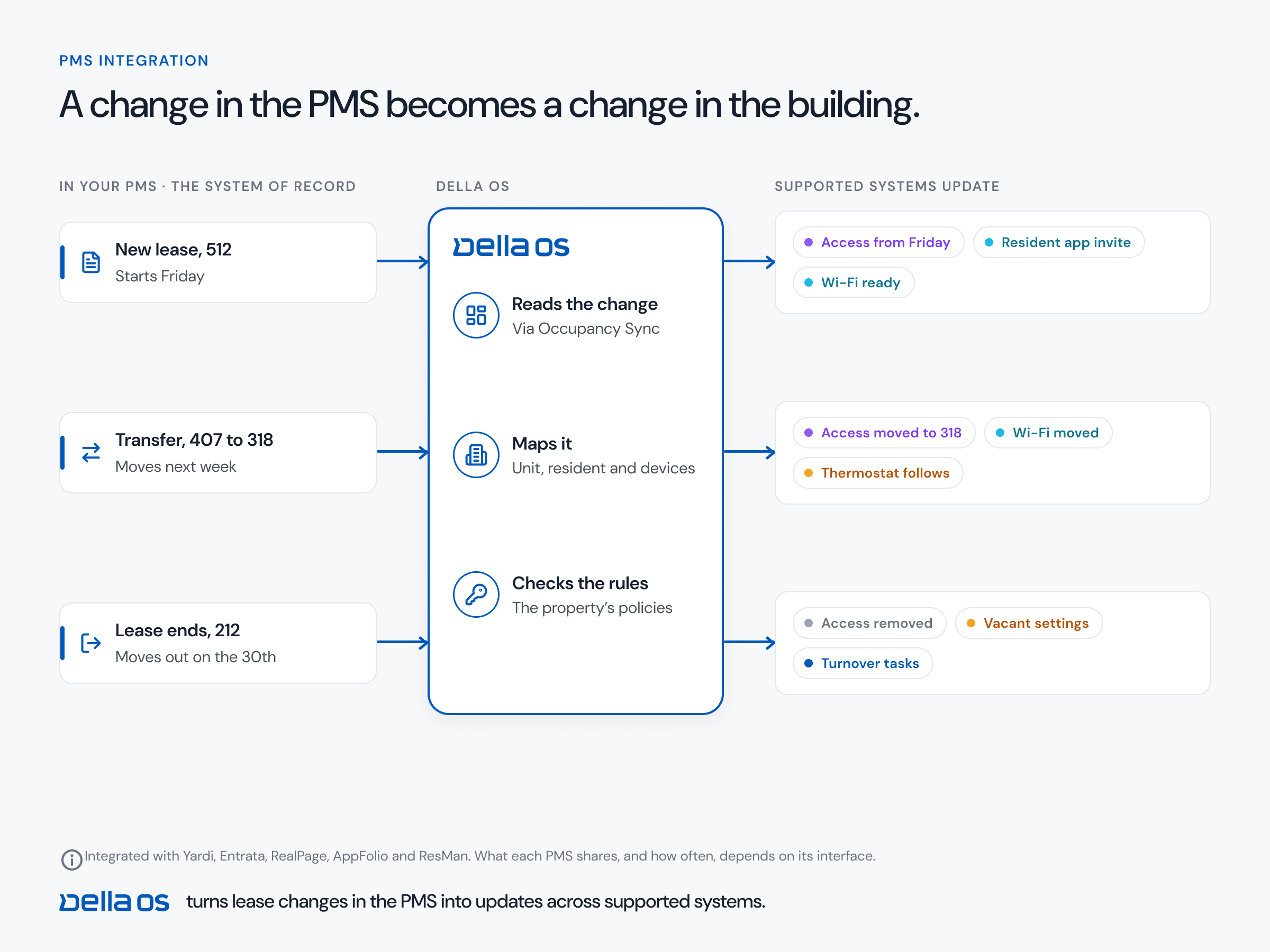
Some of what owners want needs no installation at all. Connecting the property management system (PMS), the resident app, messaging, amenities and maintenance are software, and can start before any device work.
What drives installation cost
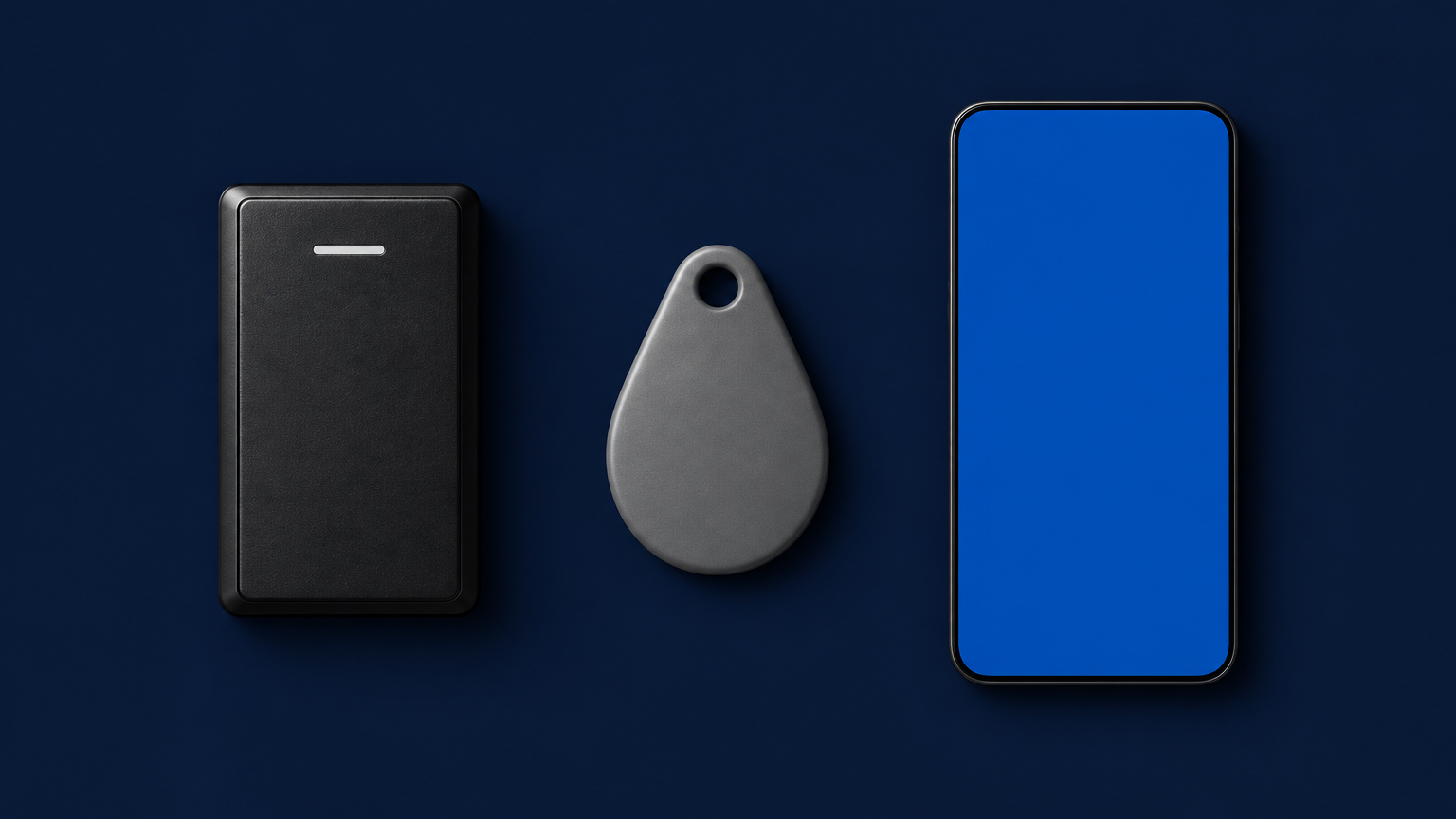
- New devices or connected ones. Connecting a lock, reader or thermostat that already works costs far less than replacing it.
- How many. Units, doors, common areas and amenity spaces.
- Occupied or vacant units. Work in occupied units means entry notices, scheduling around residents and return visits for units that weren't ready.
- The network. Whether devices can use the connectivity the building has, or need a dedicated building network or gateways.
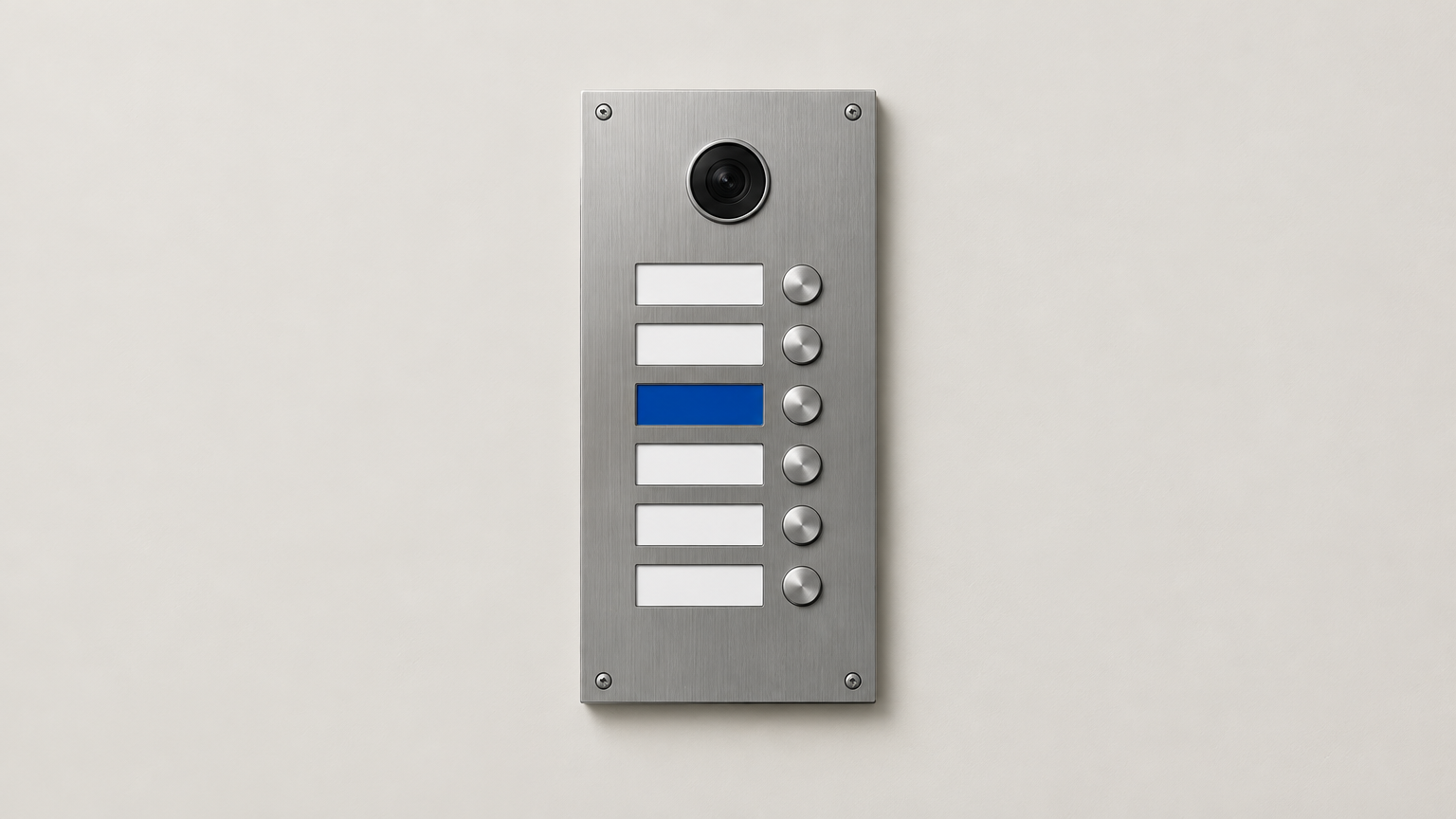
- Wiring and power. Readers, intercoms and some thermostats need cabling; battery locks don't.
- Commissioning. Testing every device against the design before handover.
- Training and handover. For site staff, and for residents on move in day.
New construction or an existing building?
New construction lets cabling, network and devices be planned into the build, which avoids rework later. An existing building avoids buying hardware it already has, because working locks, access control and thermostats can often be connected rather than replaced. Neither is cheaper by rule. What matters is that the plan is made before anyone opens a wall.
The real question: total cost of ownership
Two quotes for the same building can differ by a lot, and the lower one usually wins. Then the five years begin. Total cost of ownership is everything the system costs over its life: the software, the hardware, the install, and then every service call, every return visit, every device replaced early, every hour of staff time spent working around something that doesn't connect, and every capability the building gave up to save money on day one.
Here is how a low quote becomes the expensive option:
- The cheapest device. A thermostat that can't connect saves a little once and gives up vacant unit settings, freeze and humidity protection and comfort alerts for the life of the building.
- Skipped commissioning. Devices that were never tested against the design come back as service calls for years, and each one is paid for by the owner.
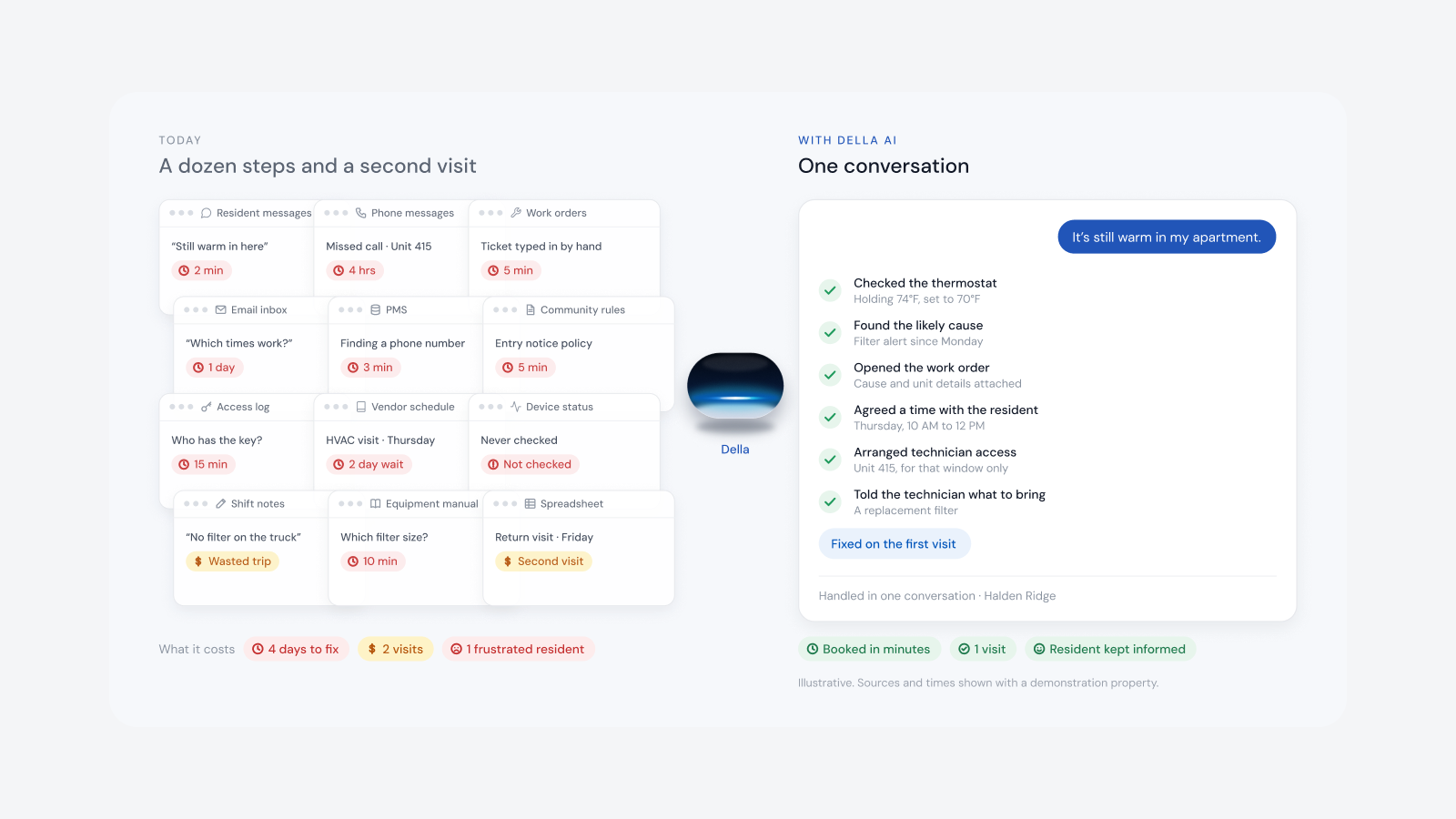
- No way to be serviced. If nobody can see the devices remotely, every fault is a truck. A dead battery that should take a resident two minutes becomes a technician driving across town, twice.
- An installer with no reason to return. When the installer was paid once and has no ongoing stake in the building, the owner is left to find help for every problem after handover.
- Systems that don't connect. Each one adds a login, a resident list and manual steps at every move in. That staff time never appears on any quote, and it never stops.
Add those up over five years and the gap between the quotes disappears. In many buildings the cheap install ends up costing more than the one it beat, and it delivers less.
The other side of the ledger
The spend is only half of total cost of ownership. The other half is what the system produces, and a well installed, well connected building produces a better bottom line:
- Less operational drag. Move ins, move outs and transfers stop being a checklist across separate systems, and staff hours come back.
- Fewer subscriptions. Separate tools for communications, amenities, maintenance and signage are replaced by one platform.
- Lower energy cost. Vacant units go to their own heating, cooling and lighting settings automatically.
- New income. Resident services offered under the property's brand, with the property sharing in the revenue.
- Fewer trucks. Remote diagnostics turn most service calls into scheduled visits or no visit at all.
Judge an installation by the net operating income it produces over its life, not by the lowest quote in front of you.
Where Della OS fits
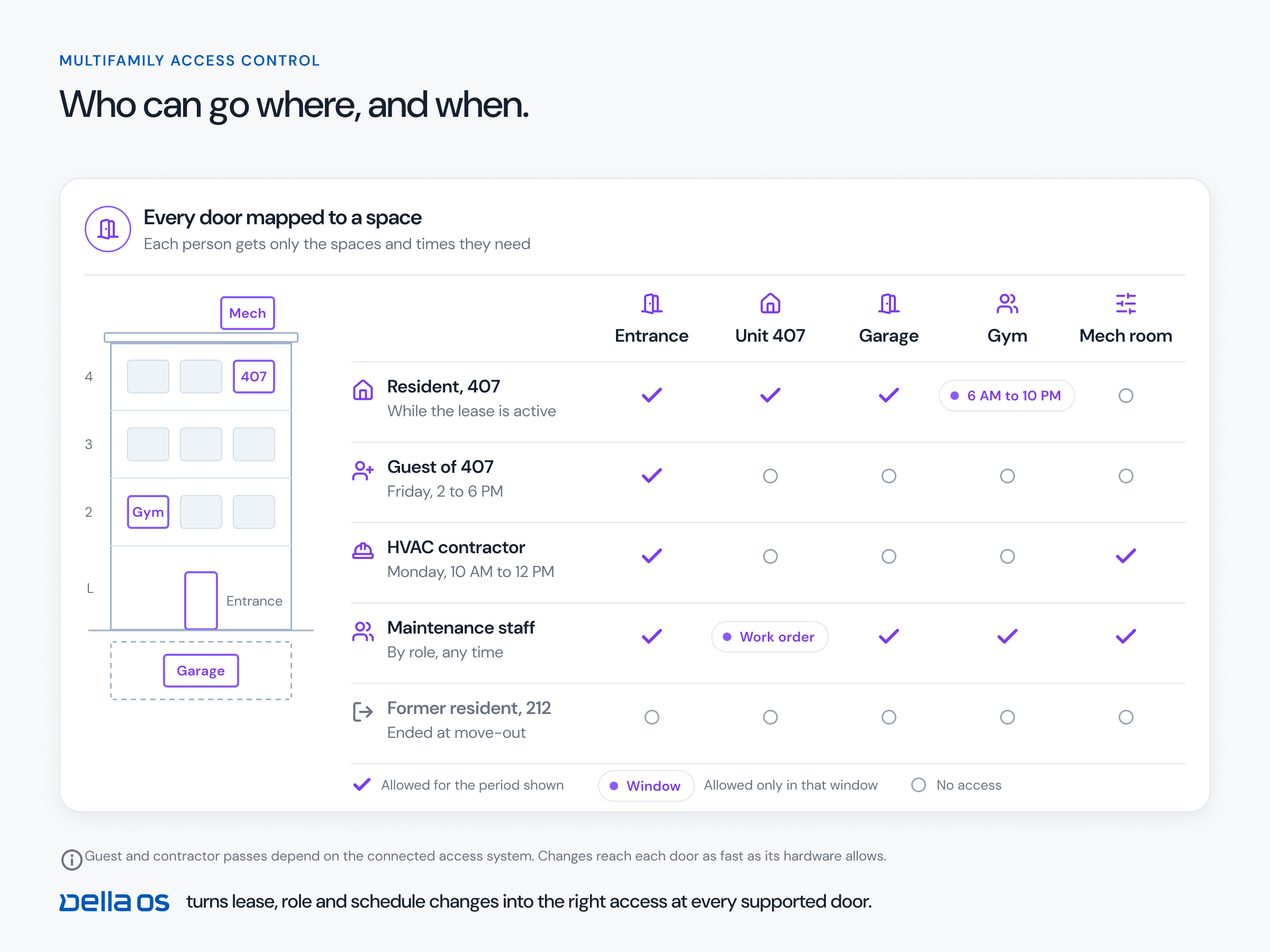
Della OS is the smart building operating system for multifamily and residential properties, from apartments and student housing to senior living and condominiums. Della doesn't install hardware, doesn't sell it and doesn't publish prices: a certified integration partner reviews each property's equipment, prepares the quote and does the installation, and Della takes no margin on the hardware or the labor, so there is no platform markup between the owner and the people doing the work. Because Della OS works with more than 40 building systems and the equipment a property already owns, much of a building can often be connected rather than replaced, and about 60% of capabilities need no new hardware. Once the PMS is connected, the software and the resident app go live with one click. Partners design each building in Mission Control, install with Mission Installer, and InSync checks each installed device against the design, which is what keeps return visits down. After handover, the partner and the owner see the health of every connected device, so service starts with facts rather than a truck, and the partner earns on the software every month, which is why they stay.
Frequently asked questions
What does it cost to install smart building technology in an apartment building?
It depends on how many devices are new rather than connected, whether units are occupied, the state of the network, wiring, and how much commissioning and training the building needs. A local integrator prices it after reviewing the property's equipment.
What is total cost of ownership for smart building technology?
Everything the system costs over its life, including software, hardware, installation, service calls, early replacements and the staff time spent working around systems that don't connect, set against the operating income it produces.
Why can the cheapest installation cost more?
Because skipped commissioning, devices that can't connect and installers with no reason to return turn into service calls, truck rolls and manual work for years. Over five years that usually outweighs the saving on day one.
Is it cheaper to install during construction or in an existing building?
Neither by rule. New construction avoids rework because everything is planned into the build. An existing building avoids buying hardware it already has.
Do we need new hardware to get started?
Not always. Software only capabilities such as PMS sync and the resident app need no installation, and working equipment can often be connected rather than replaced.
Who installs smart building technology?
Usually a local integration partner, who reviews existing equipment, installs and connects devices, commissions them and provides first line support.
Read what smart building software costs per unit, why installers leave and how the Della partner model keeps them, how a rollout works and how to use the hardware you already own, or book a walkthrough.