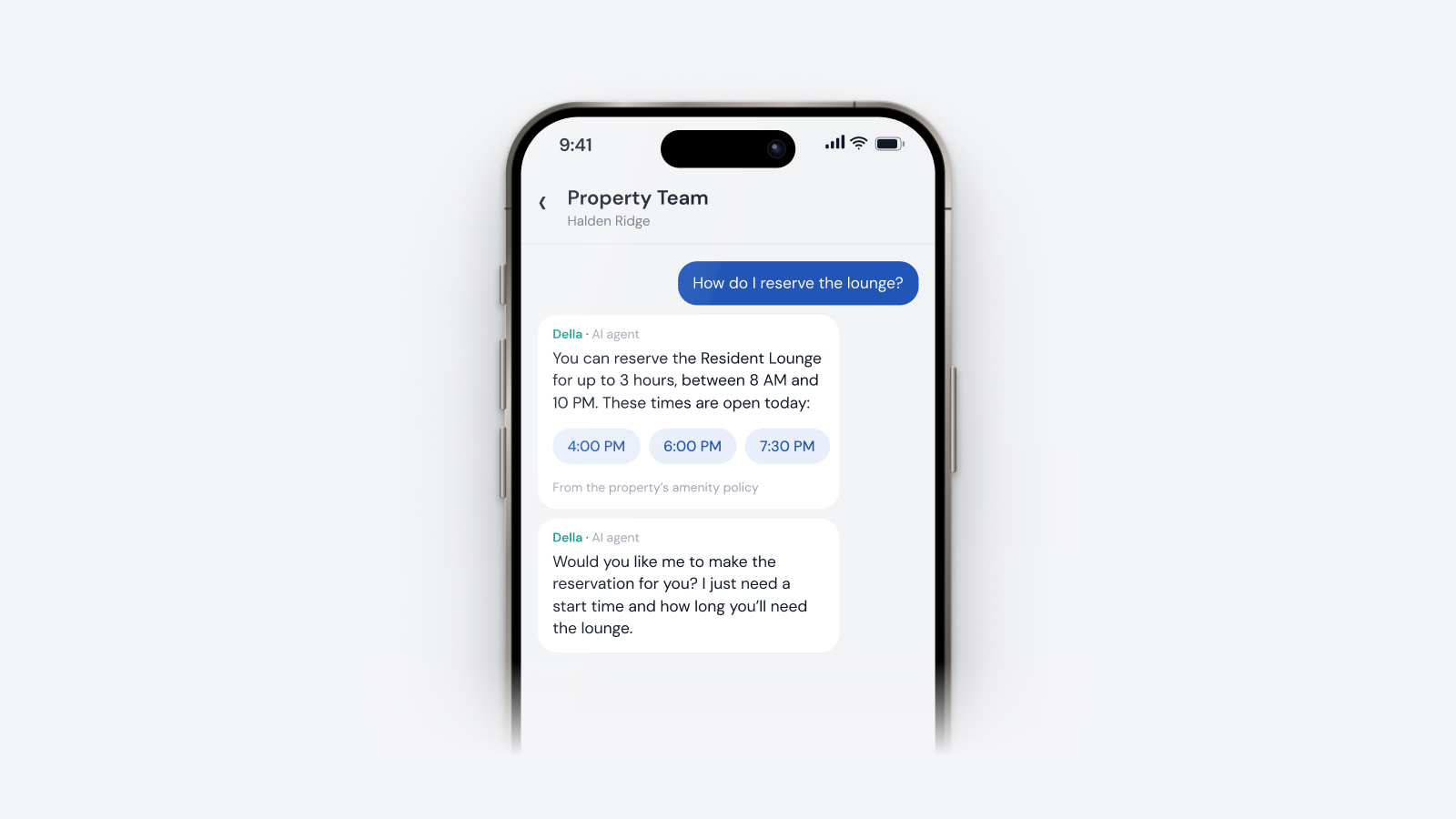
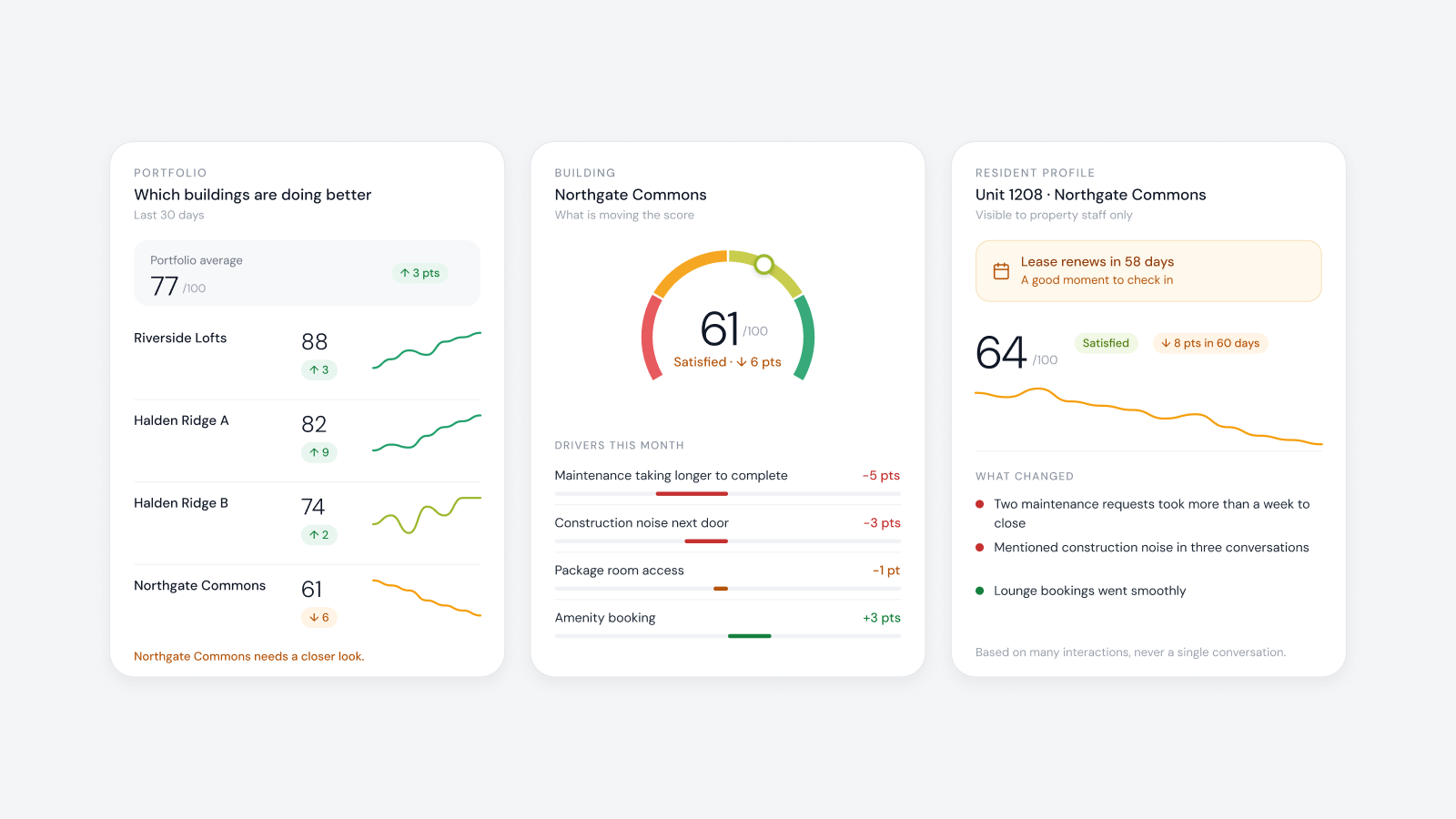
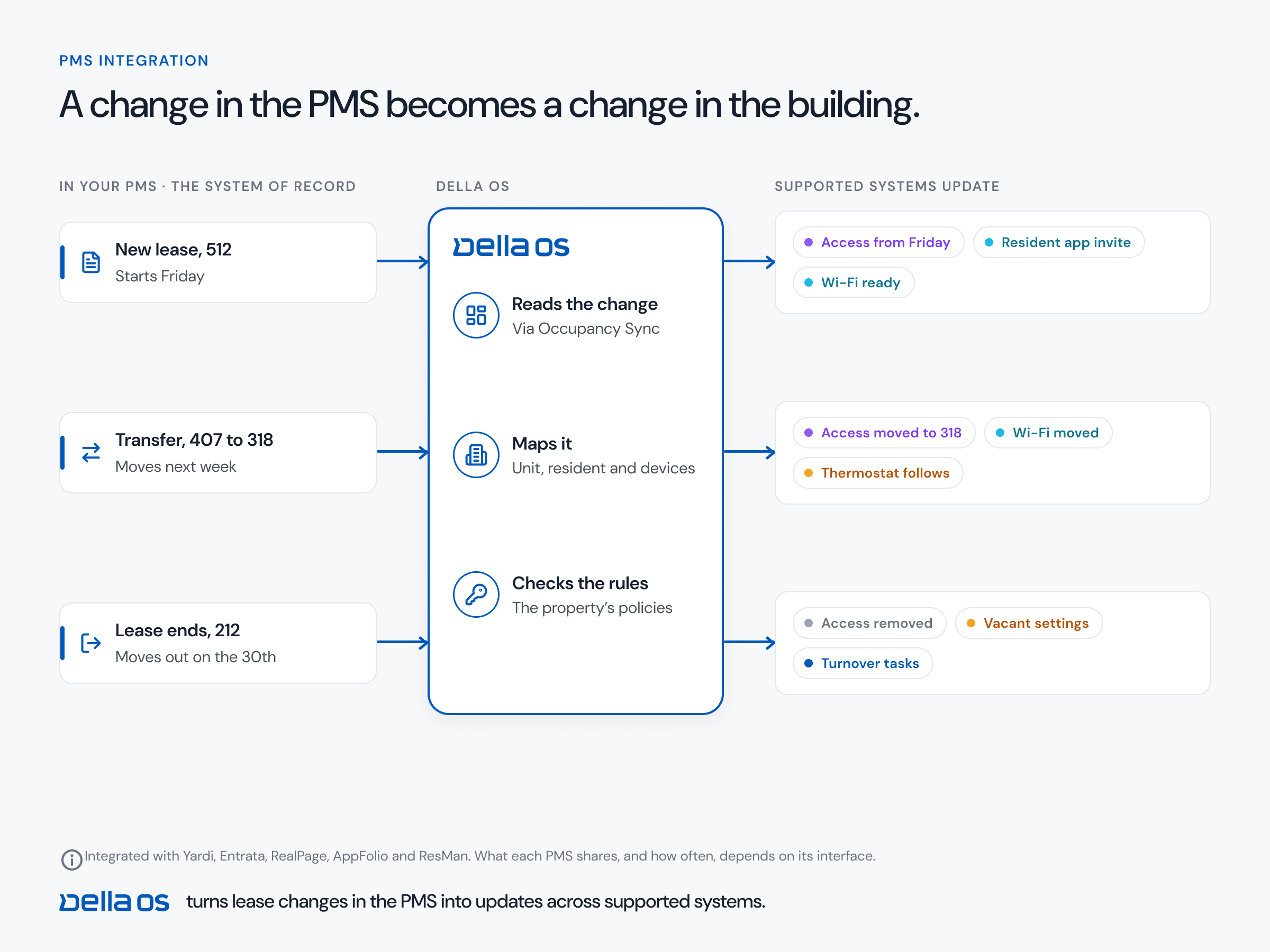
The short answer: digital signage puts announcements, events, amenity hours and urgent notices on screens in the lobby, the elevators and the amenity spaces. The screens are the easy part. The hard part is keeping them current. In most buildings, signage is a separate system with its own login, so the pool closure is in the resident app but not on the lobby screen, and last month's event is still playing in the elevator. Run signage on the same system as the rest of the building, so one change updates the app and every screen that shows it, and signage stops being one more job.
Why building screens go out of date
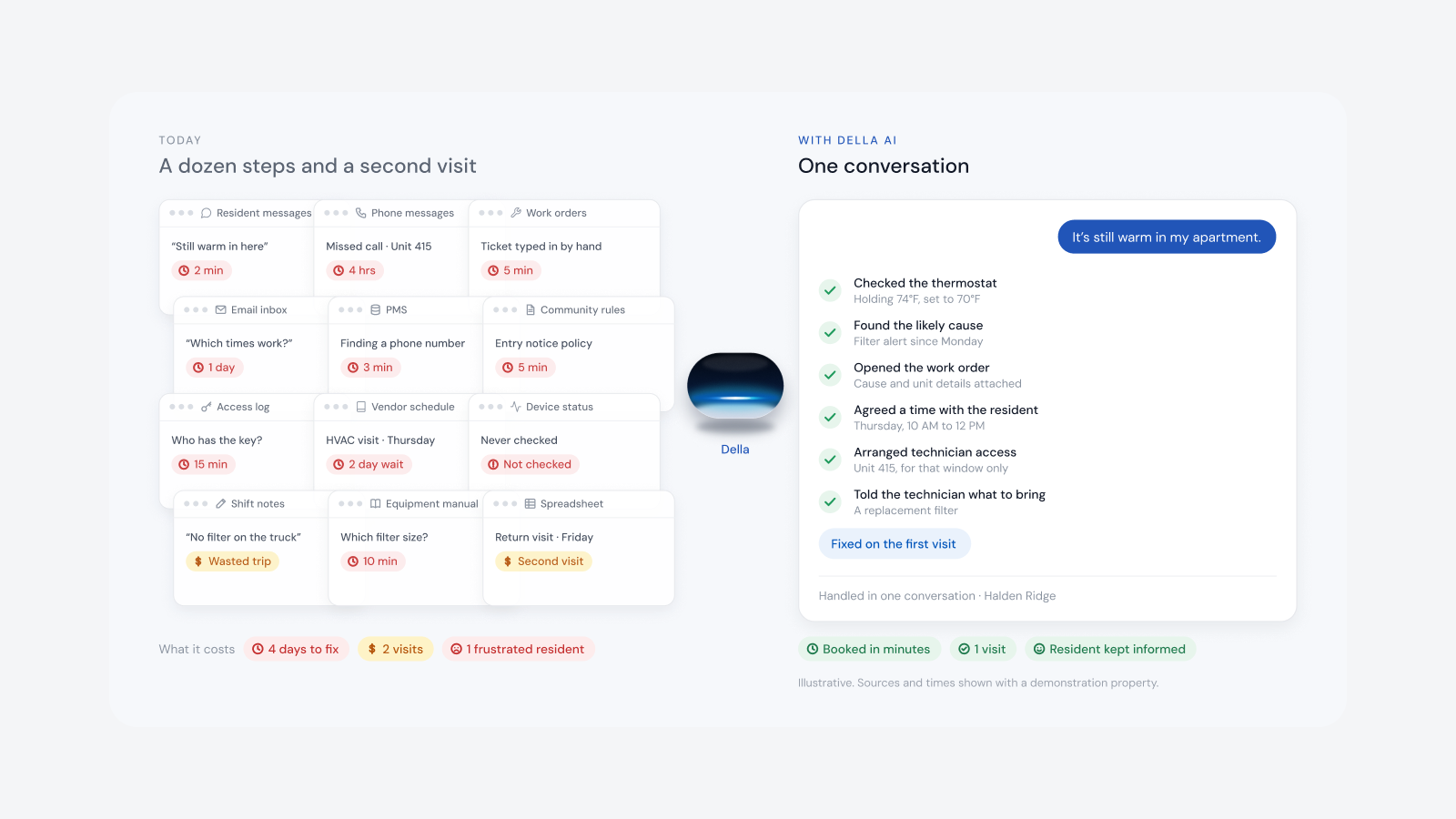
Signage is usually bought on its own: a screen vendor, a content tool and a login that one person on the team knows. Every update means a design request, a file, an upload and a walk to the lobby to check it worked. When that person is busy or away, the screens stop changing.
This is operational drag. Site teams already spend hours every day on notices, amenity updates and templated messages, and signage repeats the same work on another system. Nobody budgets for that time, and residents notice the result: a screen nobody trusts.
What belongs on a building screen
- Announcements and urgent notices. A water shutoff, an elevator out of service, a fire alarm test.
- Events. What's on this week, pulled from the community calendar.
- Amenity hours and closures. The pool, the gym and the lounge, including a change made this morning.
- Maintenance updates. Building wide work and when it will be finished.
- Welcome and leasing messages. In the lobby and the leasing office.
- Sponsored content. Local businesses that pay for space, scheduled beside building notices.
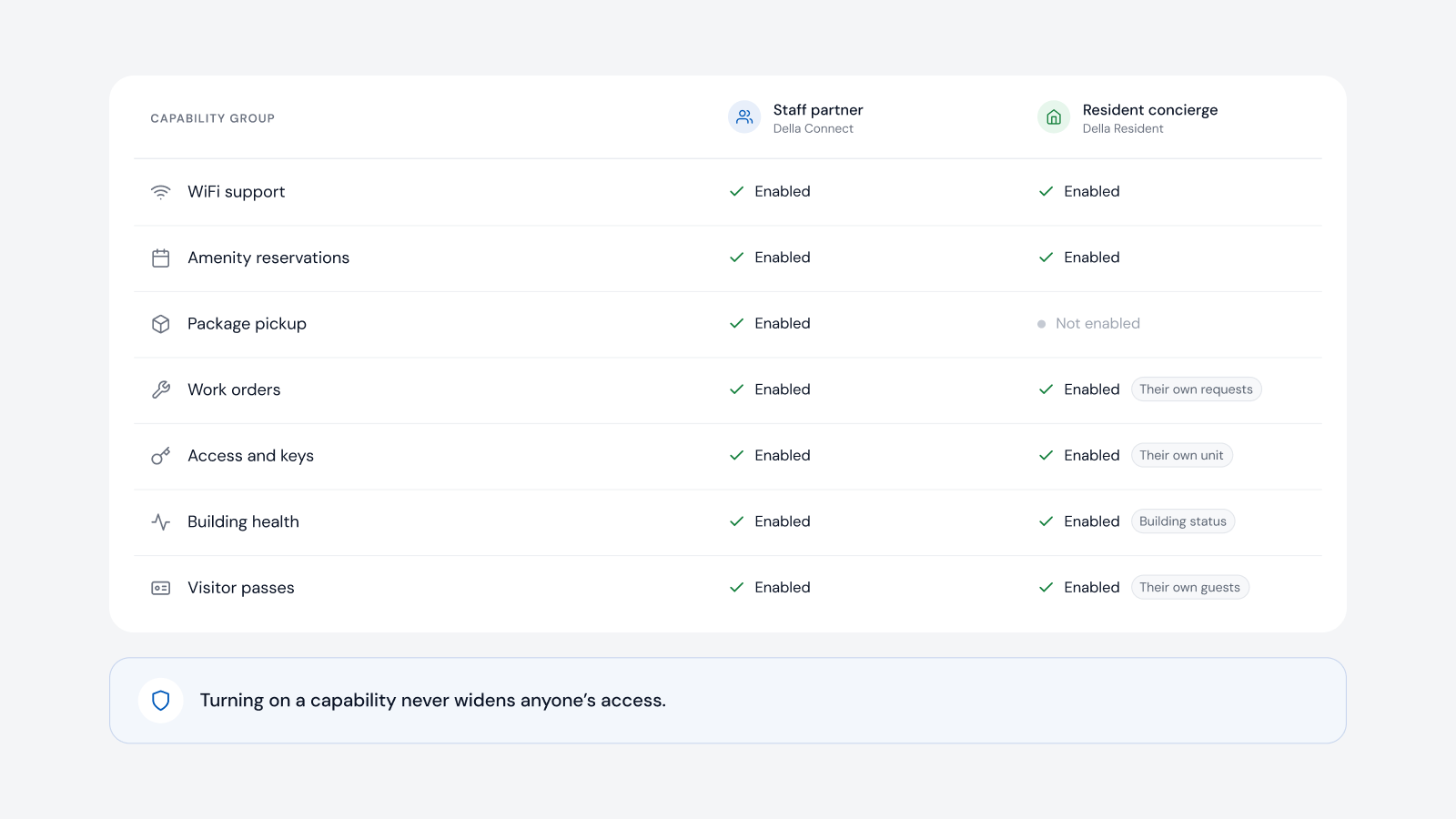
What doesn't belong: anything about an individual resident. A lobby screen is public, so names, unit numbers and package lists stay in the app.
Can the PMS feed digital signage?
Not in the way most people expect. The property management system (PMS) holds the lease, the ledger and the resident record, and almost none of that should appear on a public screen. What a sign needs is the building's own information: events, amenity schedules and notices. That lives in the system that runs the building, not in the PMS.
The useful question is whether signage sits on the same operating layer that is connected to the PMS and the building. When it does, the calendar, the amenity hours and the notices are already there, and the screens update from them. Other sources, such as a dining menu, can feed a sign through an API.
What to look for
- One source. A change to an event or an amenity's hours updates the app and the screens together.
- Works with the TVs you have. Any screen with an HDMI port should do.
- Keeps playing offline. Content stored at the screen, so a network drop doesn't leave it blank.
- A playlist and a schedule for each screen. The elevator and the gym don't need the same content.
- Urgent notices that reach screens quickly. And come down on their own when the time has passed.
- Head office and property content side by side. With permissions for who can publish where.
- A view of every screen. Whether it's online, what it's playing, and whether the TV is off or on the wrong input.
- Designs in your brand without a designer. Templates, and help drafting a first version.
How to set up digital signage, step by step
- List the screens. Lobby, elevators, mail room, package room, amenity spaces and the leasing office.
- Decide who publishes. What head office controls and what each property team controls.
- Connect the sources. Events, amenity hours and announcements, so they're entered once.
- Set up templates. In the building's brand, approved for everyone who publishes.
- Build a playlist for each screen. With rotation times and start and end dates.
- Plan for urgent notices. Who can publish one, to which screens and for how long.
- Check the screens remotely. So a TV that was switched off is found the same day.
Where Della OS fits
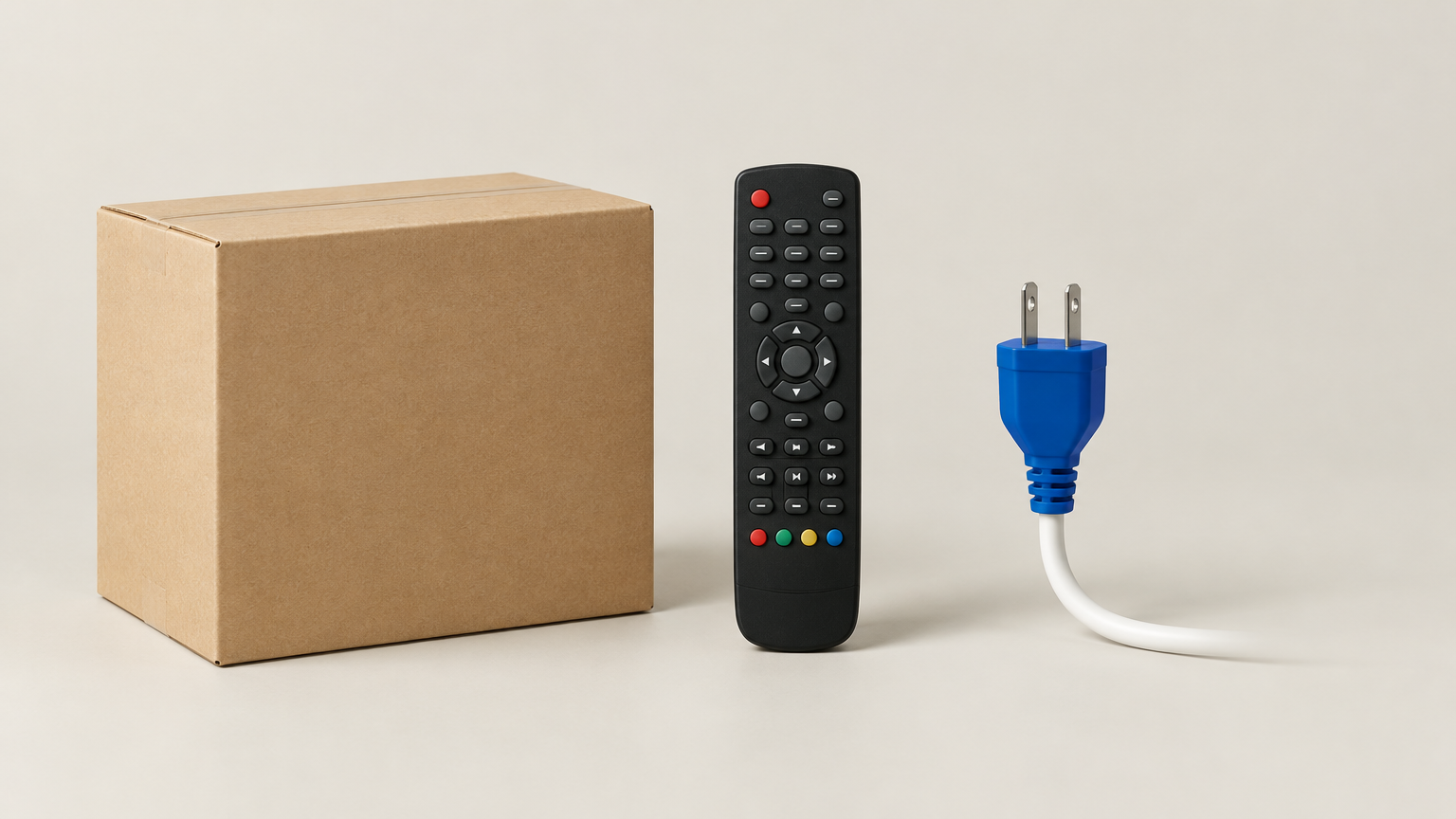
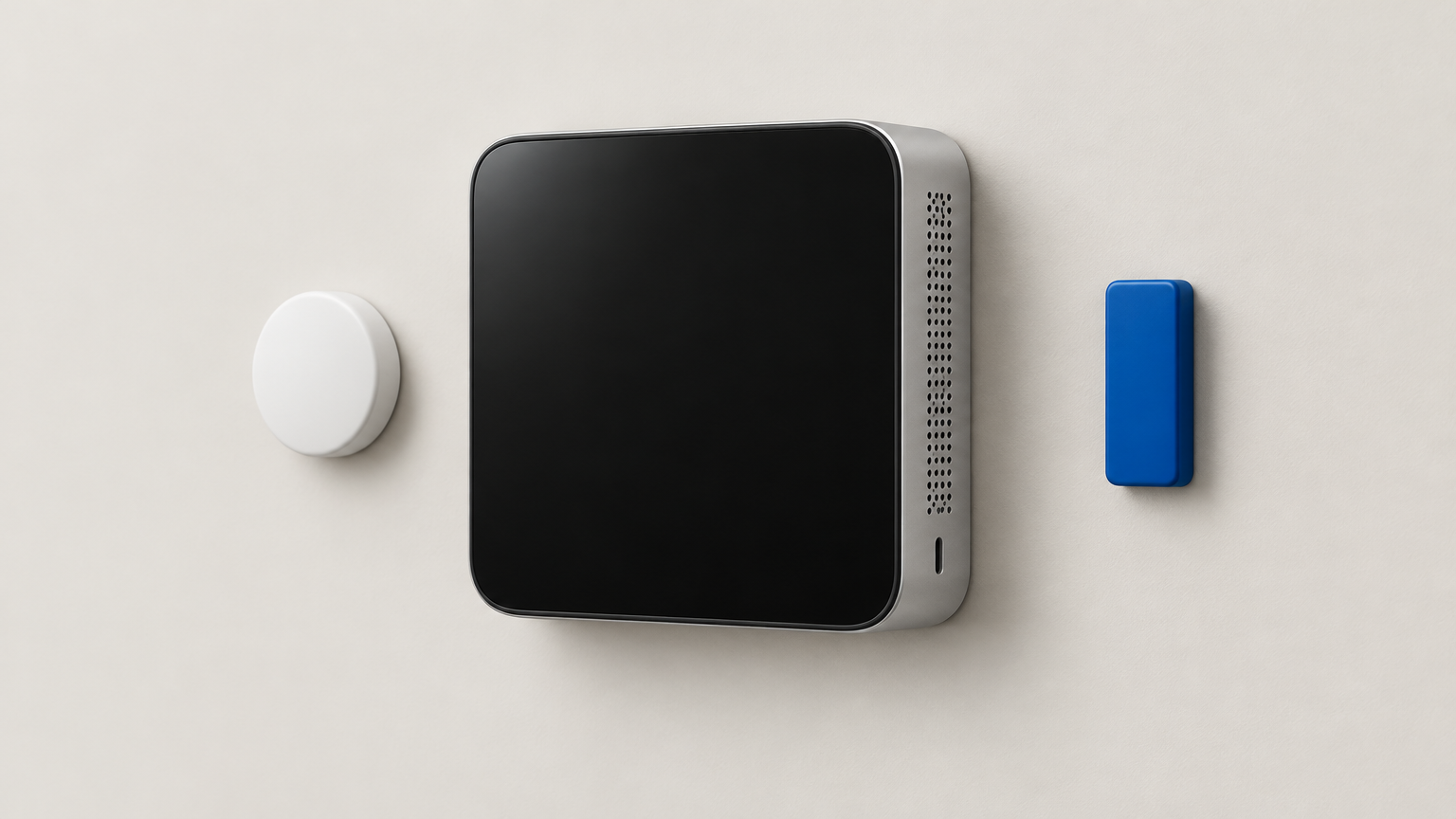
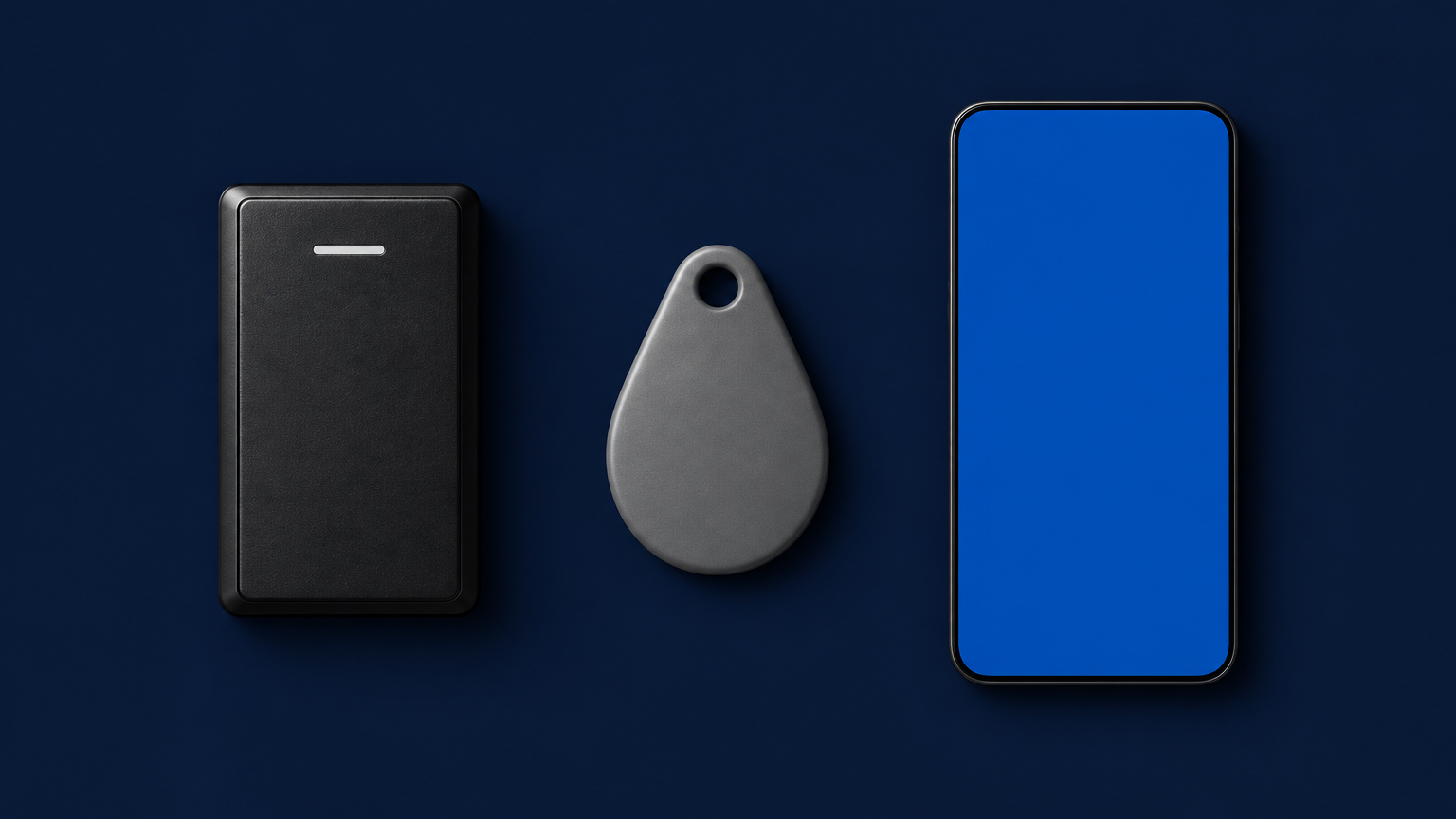
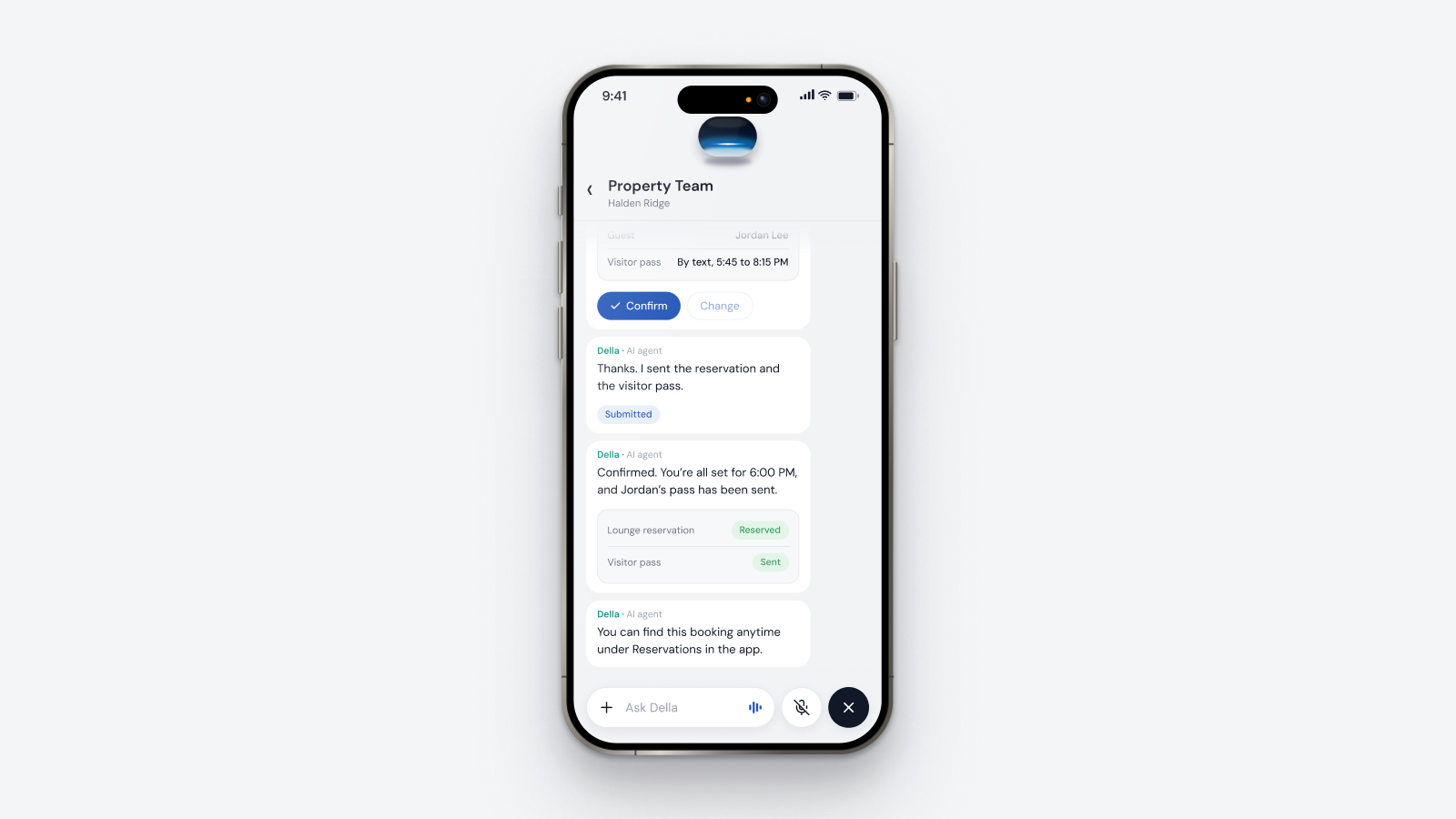
Della OS is the smart building operating system for multifamily and residential properties, from apartments and student housing to senior living and condominiums. Digital Signage is part of Della OS, with no separate vendor or login. Events, amenity hours and announcements created in Della OS update every sign that shows them, and they are the same ones residents see in Della Resident. Della AI drafts a design in the building's brand from a short description, and there are templates for the rest. Each screen uses a Della Content Player, a small HDMI stick that works with existing TVs and stores its content, so screens keep playing if the internet drops. Teams publish to one screen, one property or a whole portfolio, with head office content running beside each property's own, and can see whether each screen is online, what it's playing and whether the TV is off or on the wrong input. Properties can also sell screen space to local businesses.
Frequently asked questions
Can the PMS feed digital signage?
Mostly it shouldn't. Lease and resident data doesn't belong on a public screen. Signs need events, amenity hours and notices, which come from the system that runs the building. With Della OS, those update every sign that shows them.
Can we use the TVs we already have?
Yes, if the screen has an HDMI port. With Della OS, each screen needs its own Della Content Player.
What happens if the internet goes down?
With Della OS, content is stored on the player, so screens keep playing what they last downloaded and catch up when the connection returns.
Can head office publish to every property?
Yes. Content can go to one screen, one property or the whole portfolio, and head office content can run beside each property's own.
Can a screen show an urgent notice right away?
Yes. A notice can be published to the screens that need it and scheduled to come down after a set time.
Who installs the screens?
Usually the property's own staff: plug in the player and join the building's Wi-Fi. An integration partner can also install them.
Read what digital signage for apartments is and what a resident app should do, see Della OS Digital Signage, or book a walkthrough.