The short answer: most people think of a smart thermostat as a comfort control residents adjust from their phone. It's much more than that. It's one of the few devices permanently powered in every unit, so it can act as the hub that brings sensors online. It can protect the unit from mold and frozen pipes when nobody is there. And it can tell the team when something is wrong before a resident calls. That's why choosing the cheapest thermostat is one of the most expensive decisions in a building: it closes off the resident experience, the risk protection and the operating data that a connected thermostat provides.
The thermostat as the unit's hub
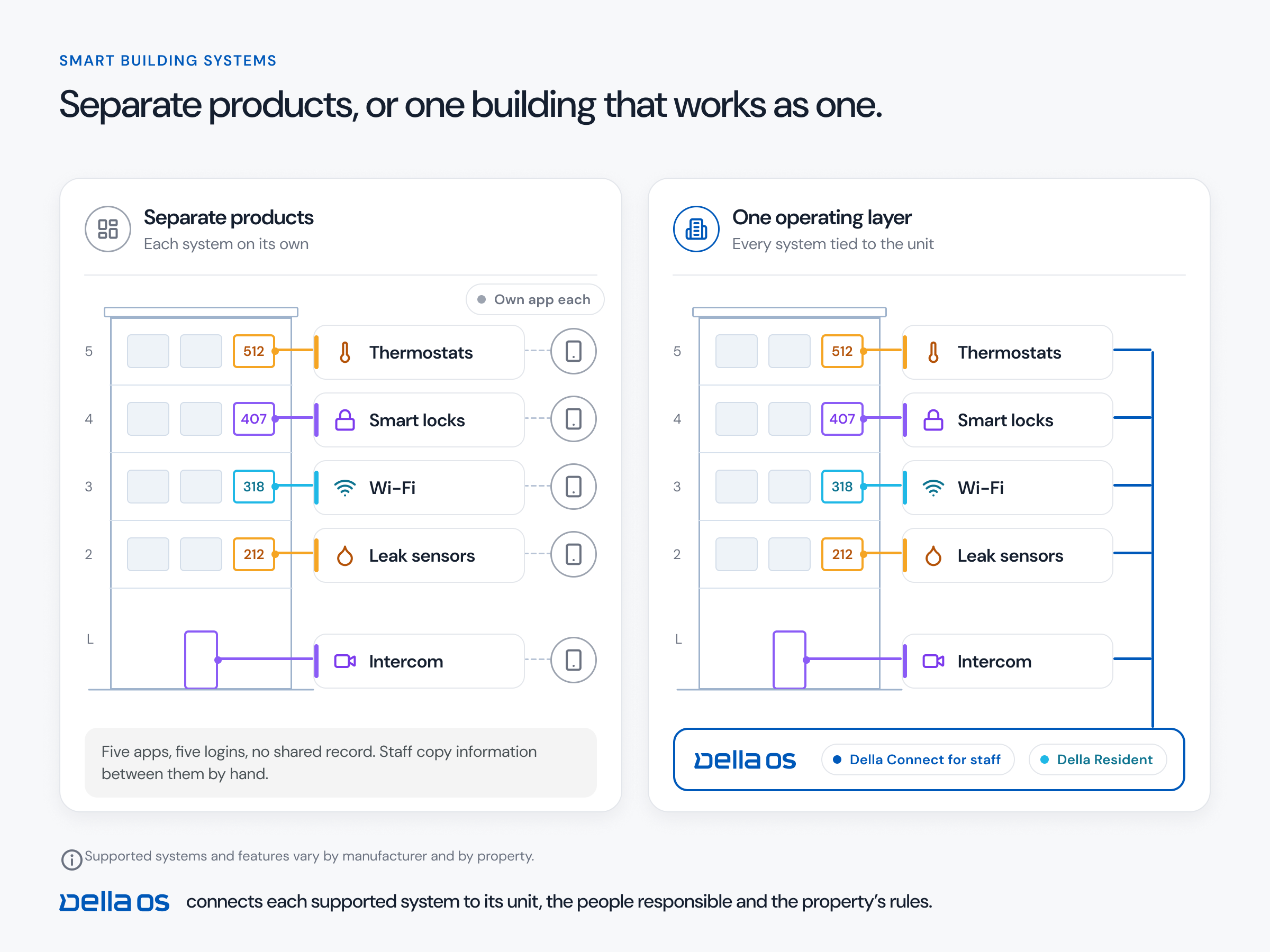
The thermostat is one of the very few devices in a unit that is permanently powered. That makes it a natural hub: it can talk to the leak sensors, door and window contacts and other devices in the unit and bring them online, without adding separate infrastructure to support each sensor. That makes sensors far more cost effective to deploy, and it's a different path from the traditional approach.
A standalone plug in hub can be the right choice in some buildings, but hubs get unplugged, by residents, cleaners and during turnovers, and every unplugged hub takes its sensors offline with it. Look at both options: a thermostat that doubles as the hub, and a separate hub where it makes sense, and choose per building.
The thermostat as a risk tool
Everyone pays attention to leak detectors. Fewer people realize the thermostat can be one of the biggest risk reducers in a building, especially in vacant units, where nobody is there to notice a problem.
- Humidity and mold. When humidity climbs in a vacant unit, the air conditioning can run to bring it down, which helps prevent mold.
- Frozen pipes. In cold climates, when a unit's temperature drops toward the point where pipes can freeze, the thermostat can raise an alert, and keep the heat on, before water damage sets in.
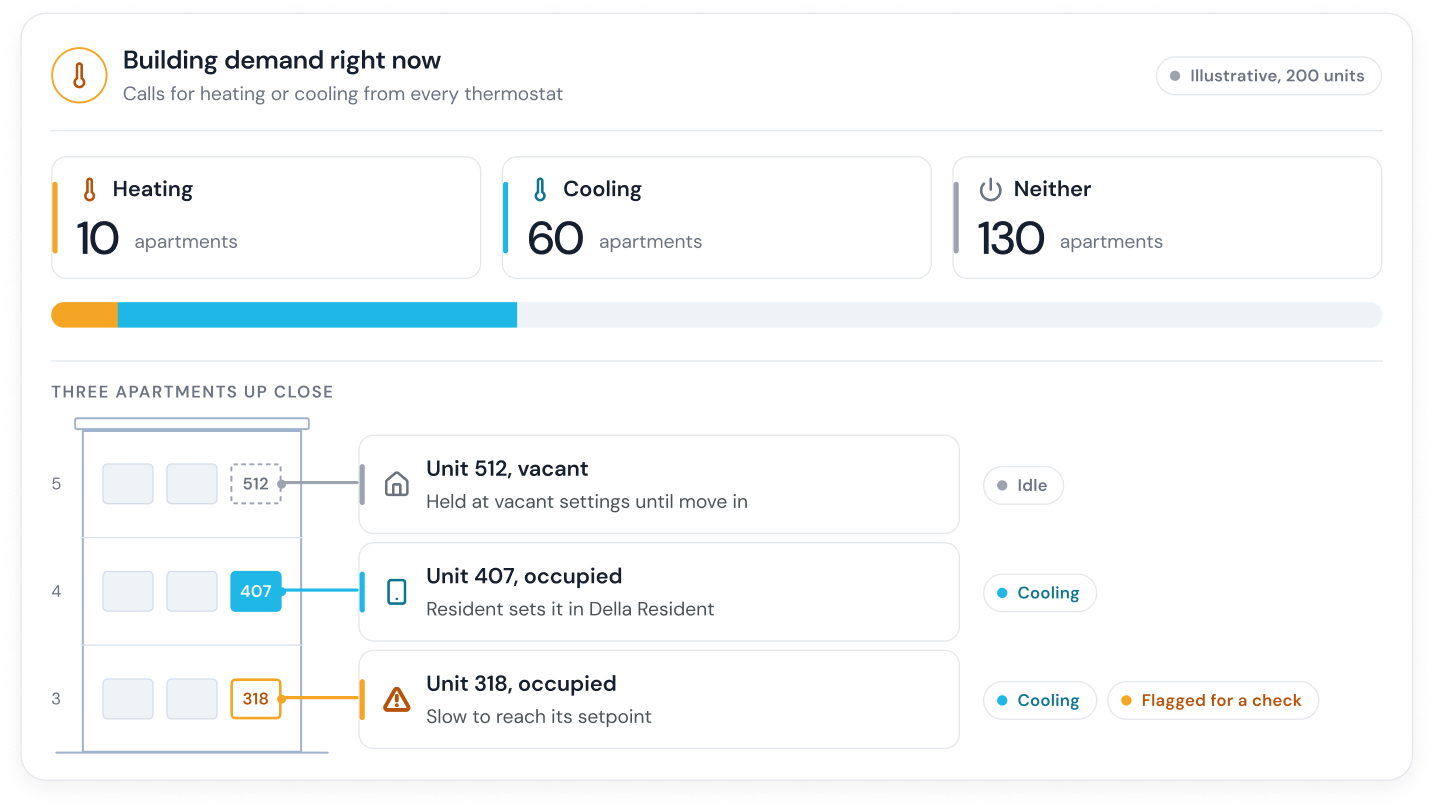
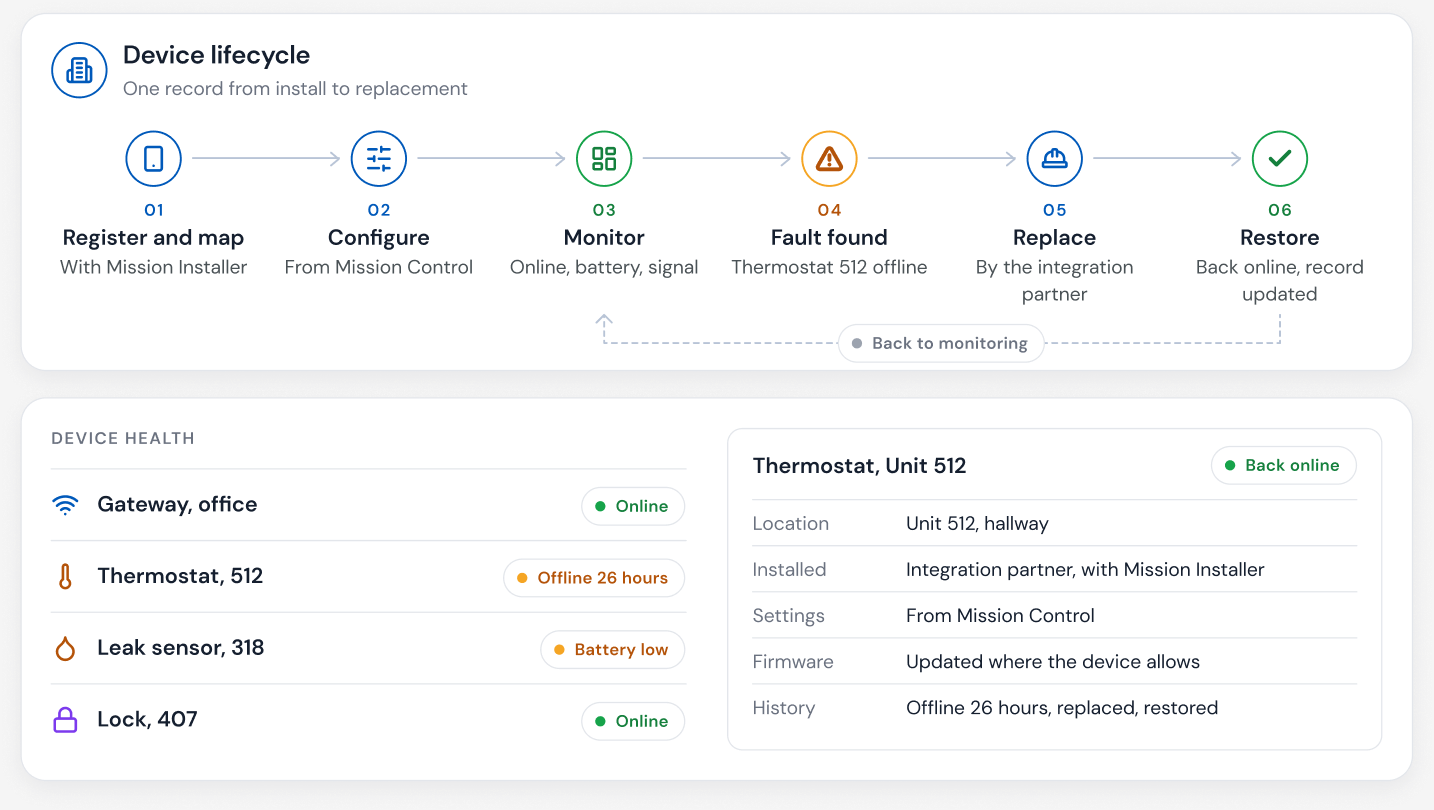
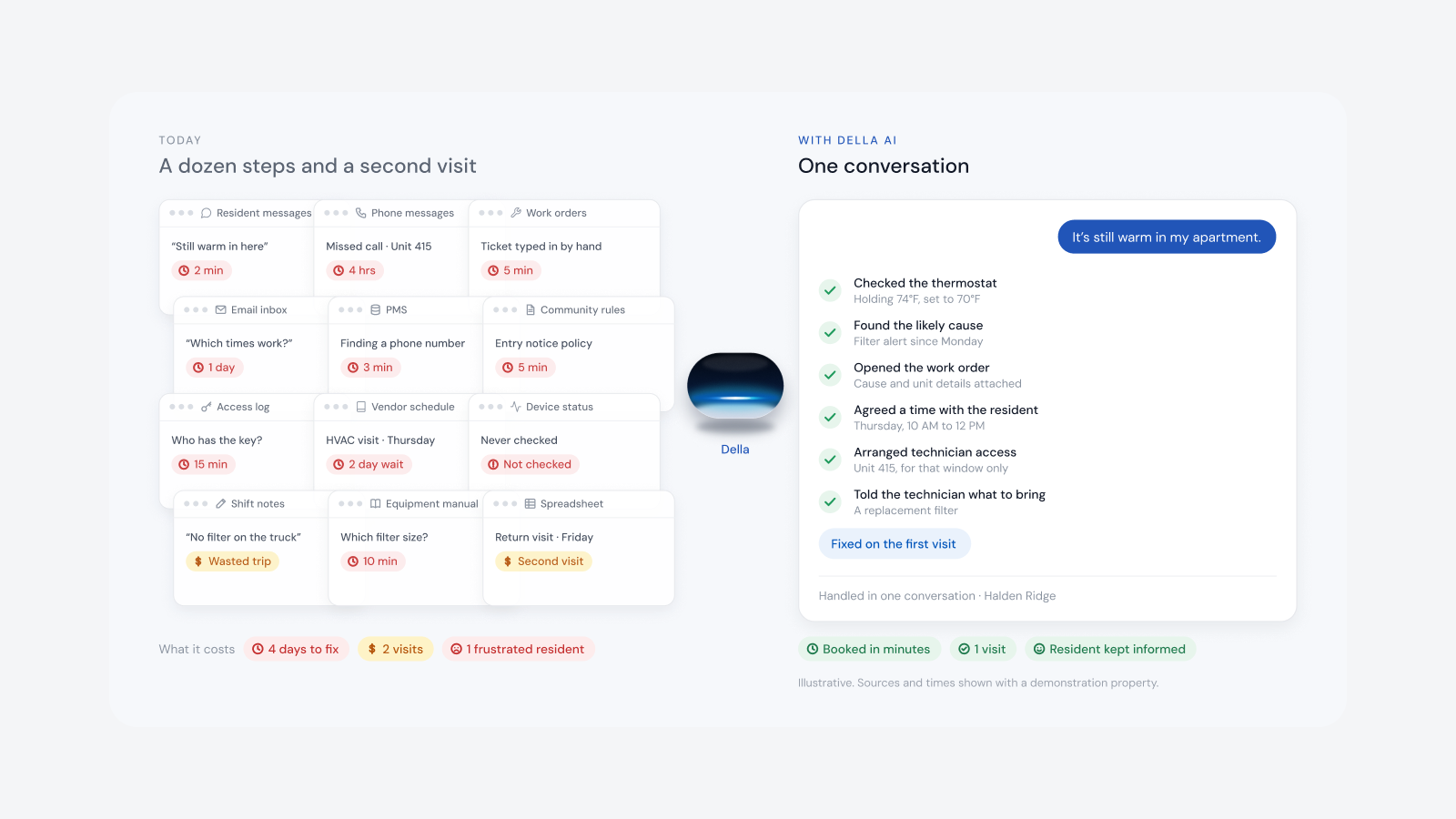
- Equipment problems. A unit that can't reach its set temperature is flagged for the team before it becomes a complaint or a bigger repair.
Why the cheapest thermostat is the most expensive
When a building is being built or renovated, it's tempting to save money with the least expensive thermostat. That saving is small. What it costs is large: no hub for sensors, no humidity or freeze protection, no comfort alerts, no vacant unit settings and no real time view of each unit. A connected thermostat is a better resident experience and a far better business and building tool.
What to look for in an apartment thermostat
- Fits your equipment. Works with the HVAC in your units, from split systems and fan coils to VRV and VRF.
- Can act as a hub. Talks to sensors in the unit over Zigbee or Z-Wave, so they don't need their own infrastructure.
- Measures humidity as well as temperature. So it can protect vacant units.
- Supported by your platform. So staff and residents use it from the same tools as everything else.
- Limits you can set. Comfort ranges residents can adjust within.
- Keeps working on its own. If the network or platform is unavailable, it holds its schedule.
How to roll out smart thermostats, step by step
- Inventory the HVAC. Equipment type in each unit, existing thermostats and wiring.
- Decide the hub strategy. Thermostat as hub, separate hubs or both, building by building.
- Choose supported models. Confirm compatibility model by model before you buy.
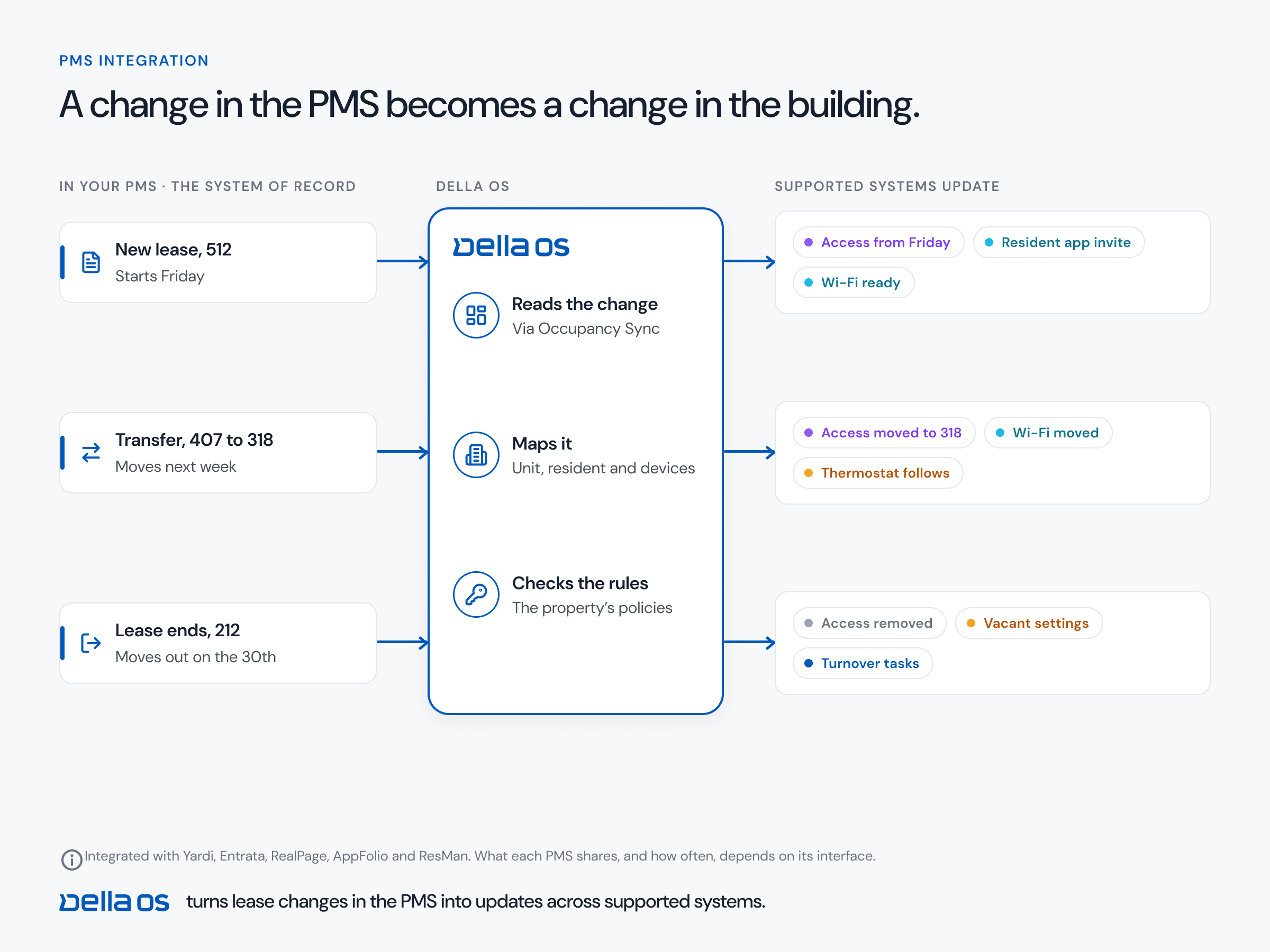
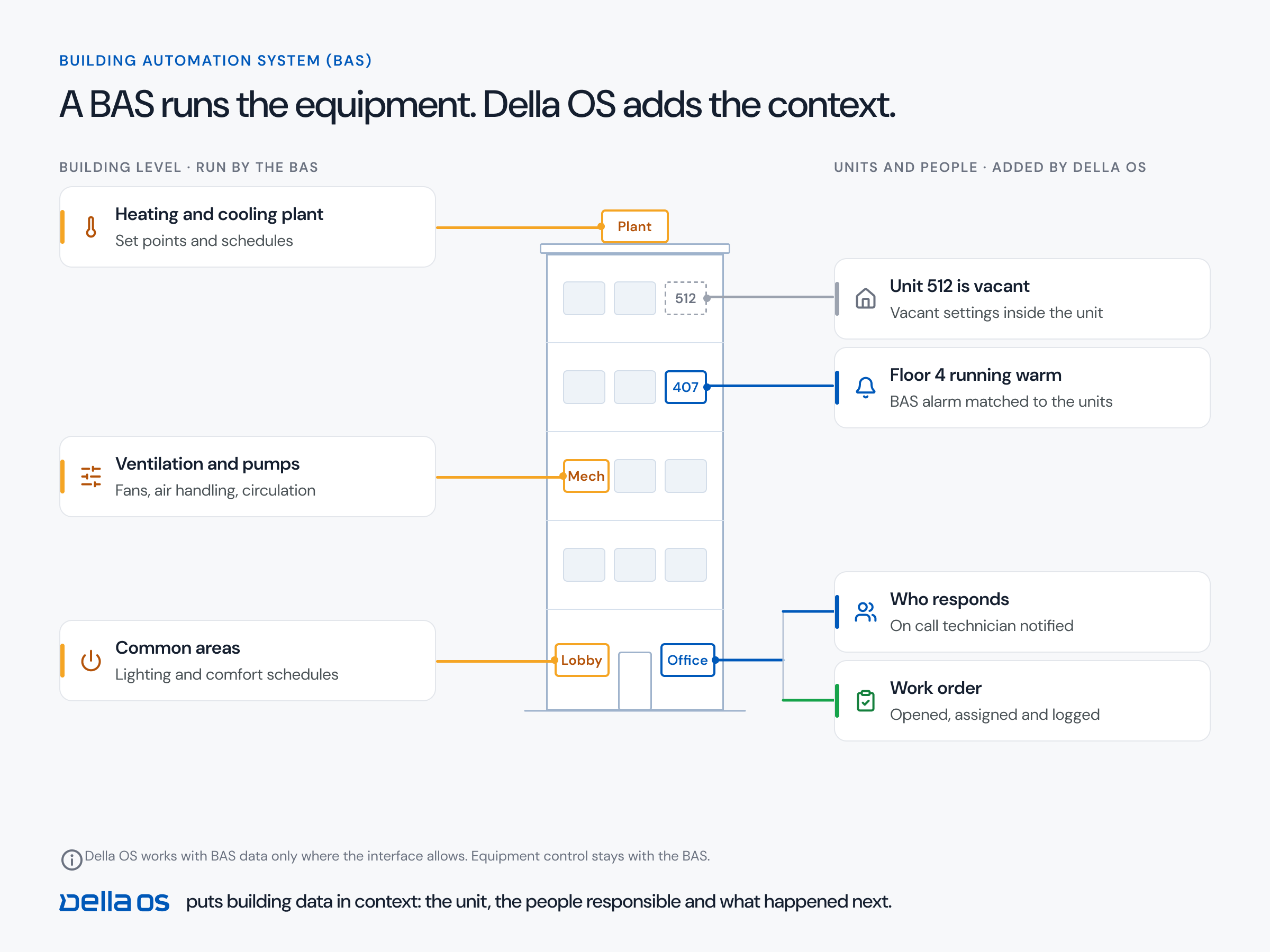
- Connect occupancy. So vacant, occupied and move in settings follow the lease.
- Set comfort ranges and protection rules. Humidity limits, freeze alerts and what counts as a problem.
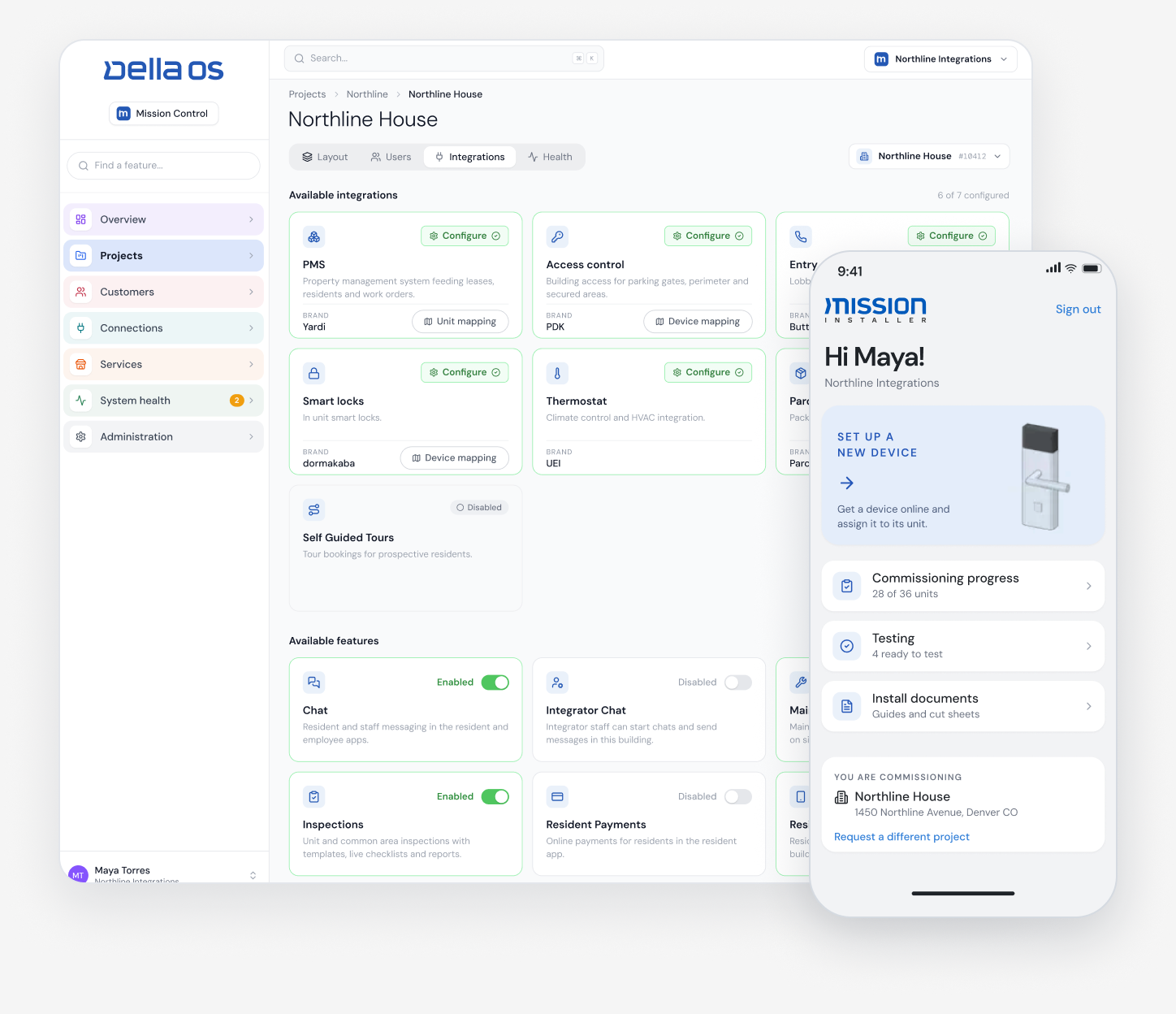
- Install and commission. Test every unit against the plan before handover.
Where Della OS fits
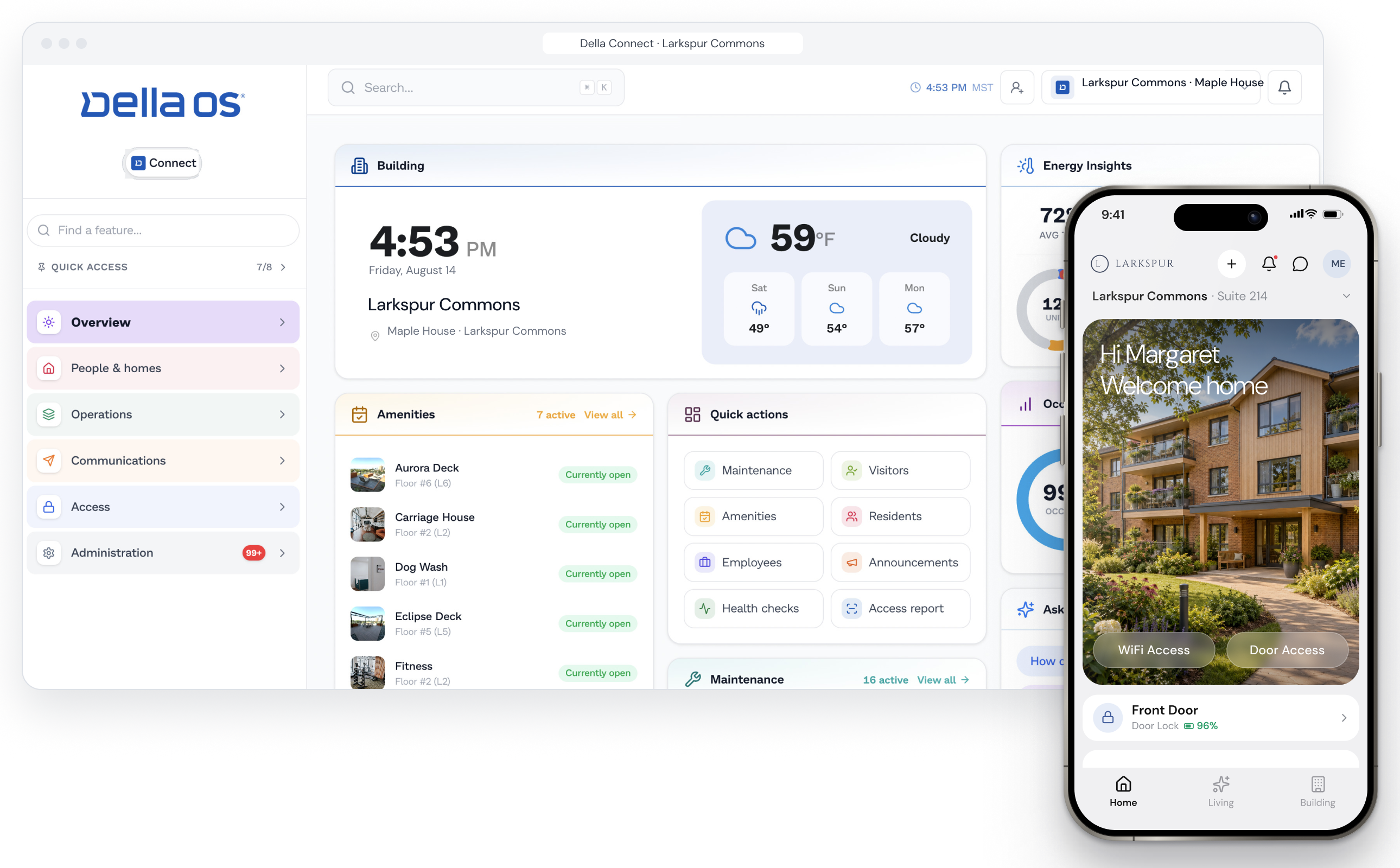
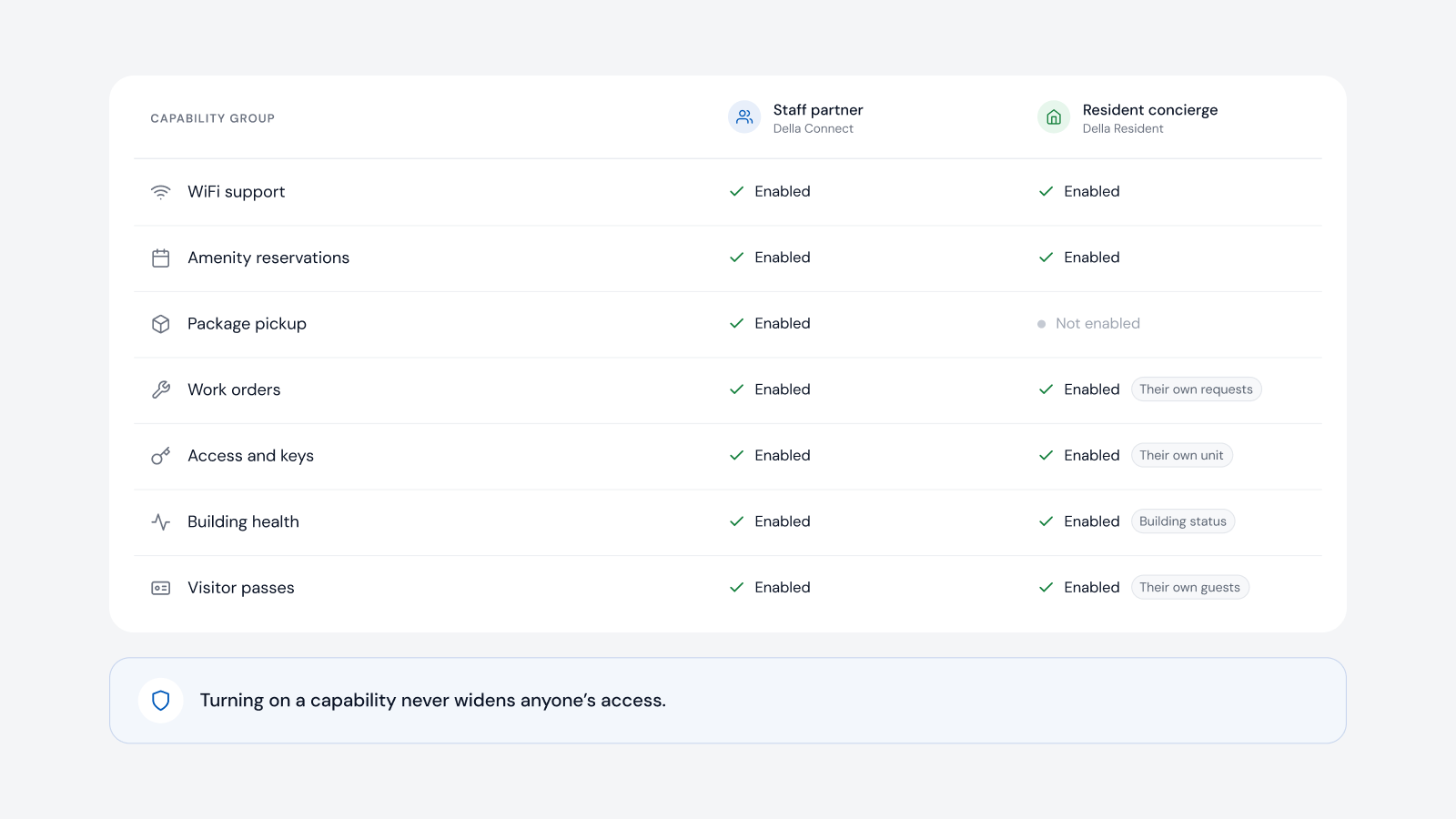
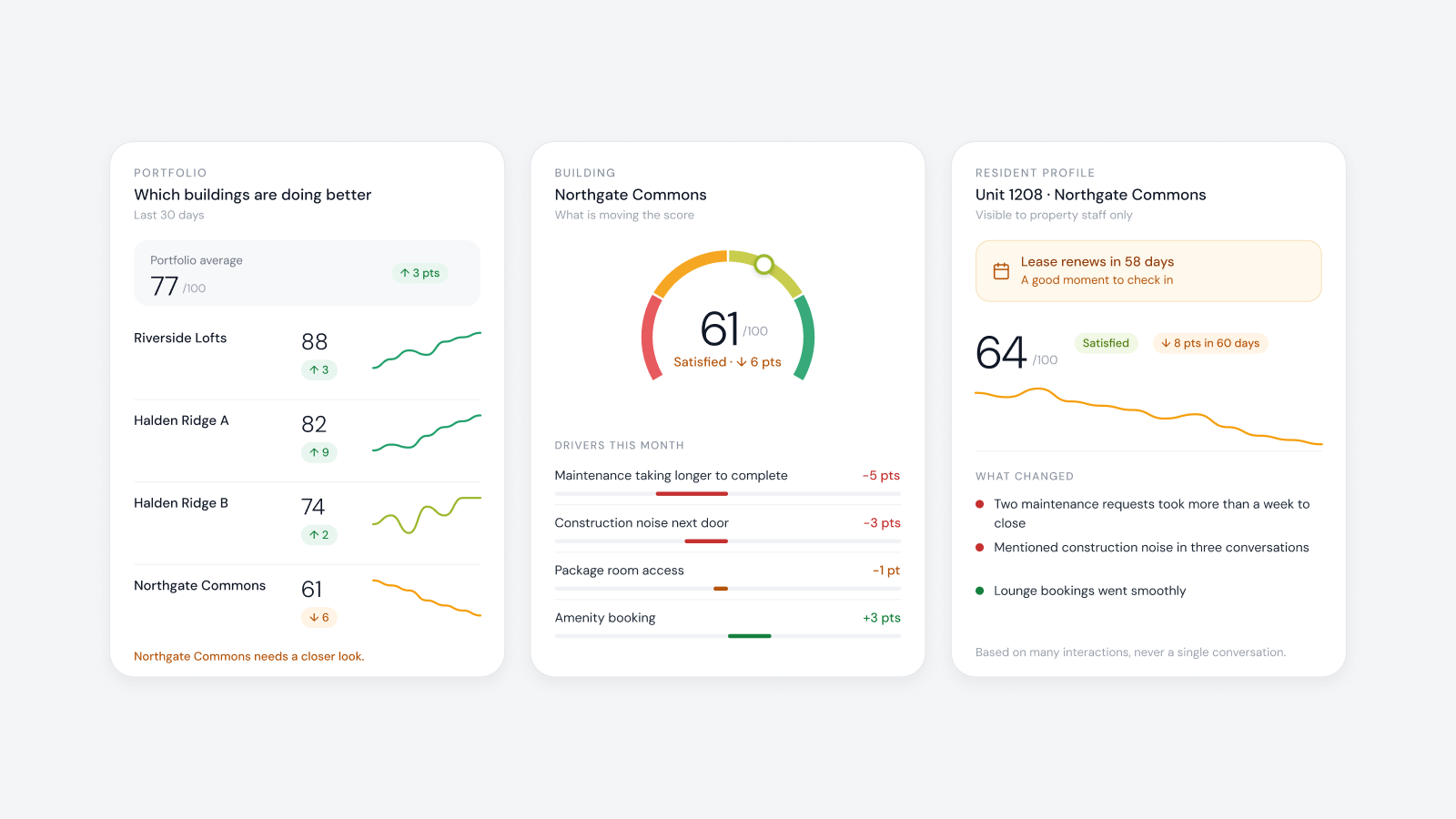
Della OS is the smart building operating system for multifamily and residential properties. It connects supported thermostats and controllers in each unit to occupancy from Yardi, Entrata, RealPage, AppFolio or ResMan, so vacant unit settings switch on and off with the lease. Many supported thermostats double as a Zigbee hub, bringing leak sensors, contacts and switches online without separate infrastructure, and Della OS also works with dedicated hubs where a building needs them. Della Connect shows temperature and humidity alerts, flags units that can't reach their set temperature and can raise alerts when a unit is at risk of freezing, while residents control their thermostat in Della Resident within the ranges the property sets. Supported brands include Universal Electronics (UEI), with its TIDE Touch thermostat, Interel and Honeywell, and Della OS works with supported VRV and VRF systems.
Frequently asked questions
Can a smart thermostat act as a hub for other devices?
Yes. Many supported thermostats are permanently powered and can bring Zigbee sensors and switches in the unit online, without a separate hub.
Should we use a thermostat as the hub or a separate hub?
Look at both. Separate hubs can make sense, but they get unplugged; a thermostat hub is permanently powered. Choose per building.
Can a thermostat help prevent mold and frozen pipes?
Yes. In vacant units, air conditioning can bring rising humidity down, and in cold climates the thermostat can alert the team when a unit is at risk of freezing.
Can residents still control their own temperature?
Yes, within the comfort range the property sets.
Do we need to replace our thermostats?
Not necessarily. Della OS connects supported models, and compatibility is confirmed model by model.
Read about smart thermostats for apartments, how to cut HVAC costs in vacant units and water leak detection, or book a walkthrough.