The short answer: choose multifamily access control around how access changes, not just the door hardware. Residents move in and out, guests and deliveries arrive, vendors need a time window and staff change roles, and every one of those is a security decision. The right setup keeps hardware you trust, lets residents use their phone as a key, gives guests and vendors limited access, and ties every permission to the lease in your property management system (PMS), so nothing drifts. The layer that runs the locks matters as much as the locks themselves.
What a multifamily access control system includes
- Controllers, readers and locks on building entrances, amenity doors, garages, elevators and unit doors.
- Credentials: fobs, cards, PIN codes and phones.
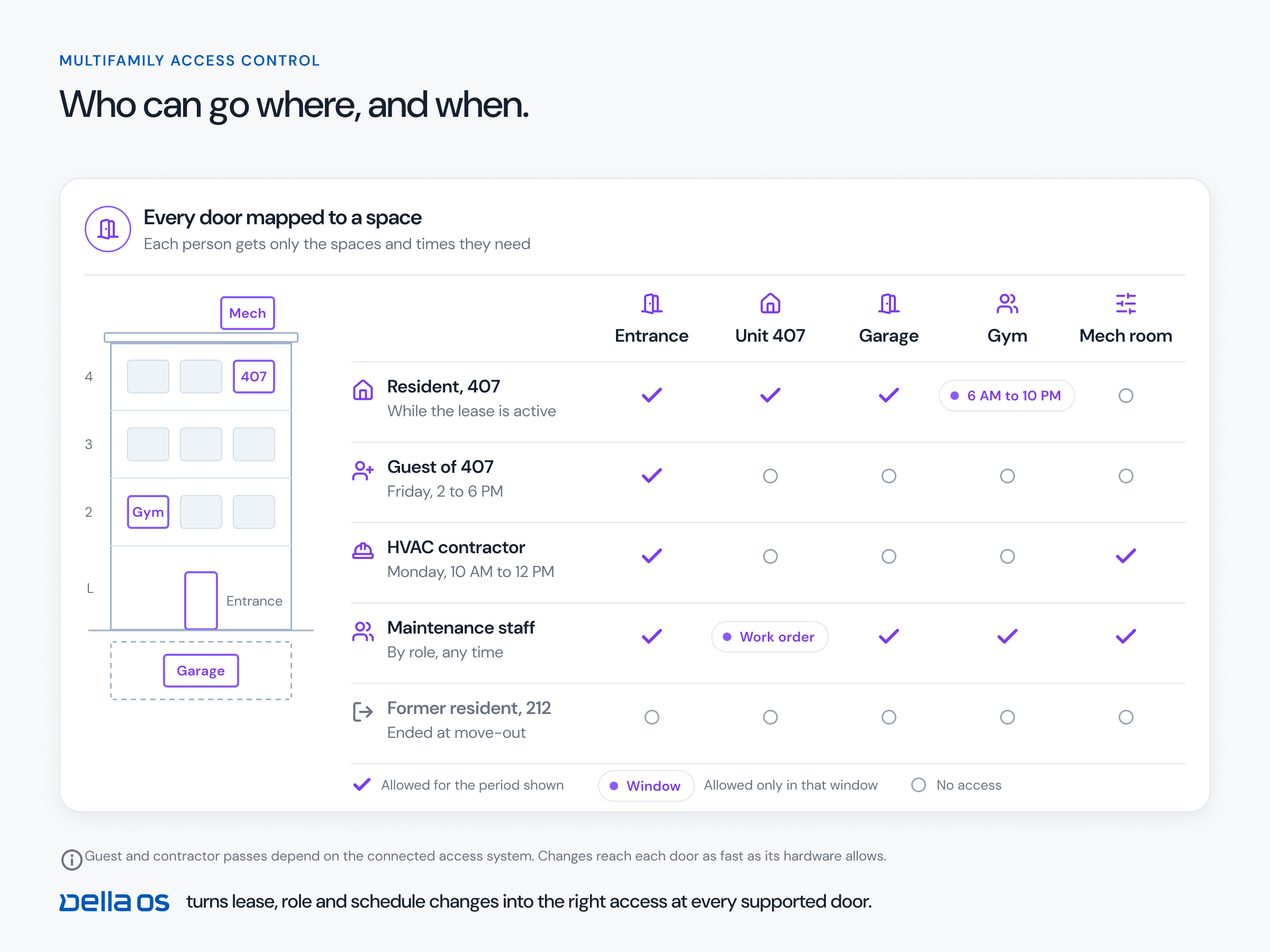
- Rules that decide which credential opens which door, and when.
- An audit trail of every change and every entry.
Locks come in two broad types. Offline locks store credentials on the lock and keep working without a network. Online locks stay connected, so changes reach them right away. Many buildings have both.
The layer matters as much as the lock
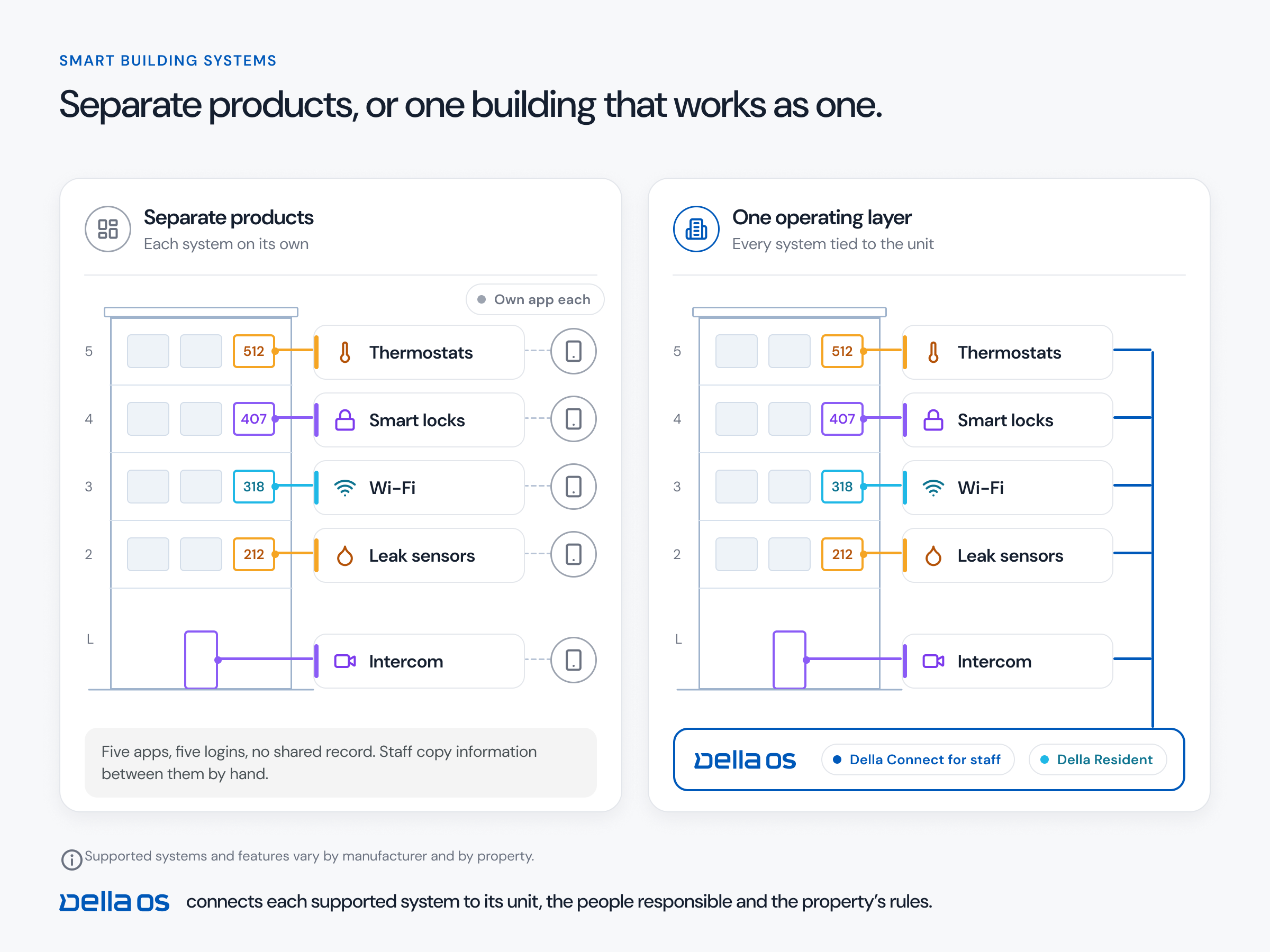
A lock only opens a door. The work around it is what staff live with every day: tour codes for prospects, time limited access for vendors, a phone, fob or code for each resident, and changes at every move in, transfer and move out. Look for one layer that handles all of that the same way, whether a door has an online lock or an offline one, so staff don't have to remember which door works which way.
What to look for
- Works with the hardware you have. Replacing working readers and locks is the most expensive part of most projects.
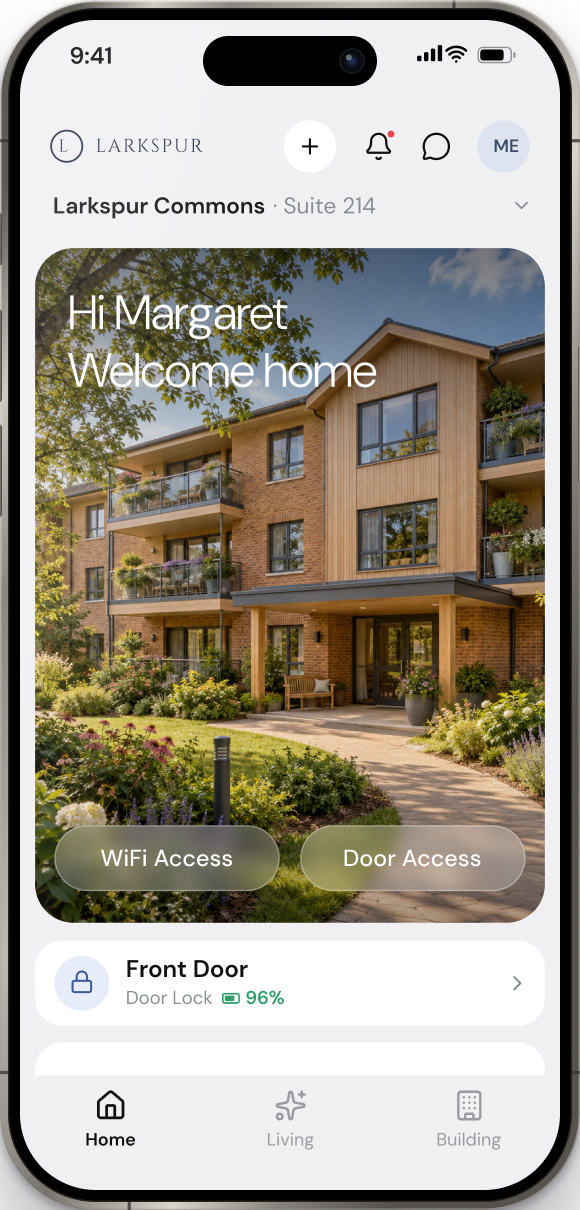
- Phones as keys. Mobile credentials, including Apple Wallet and Google Wallet where the hardware supports it.
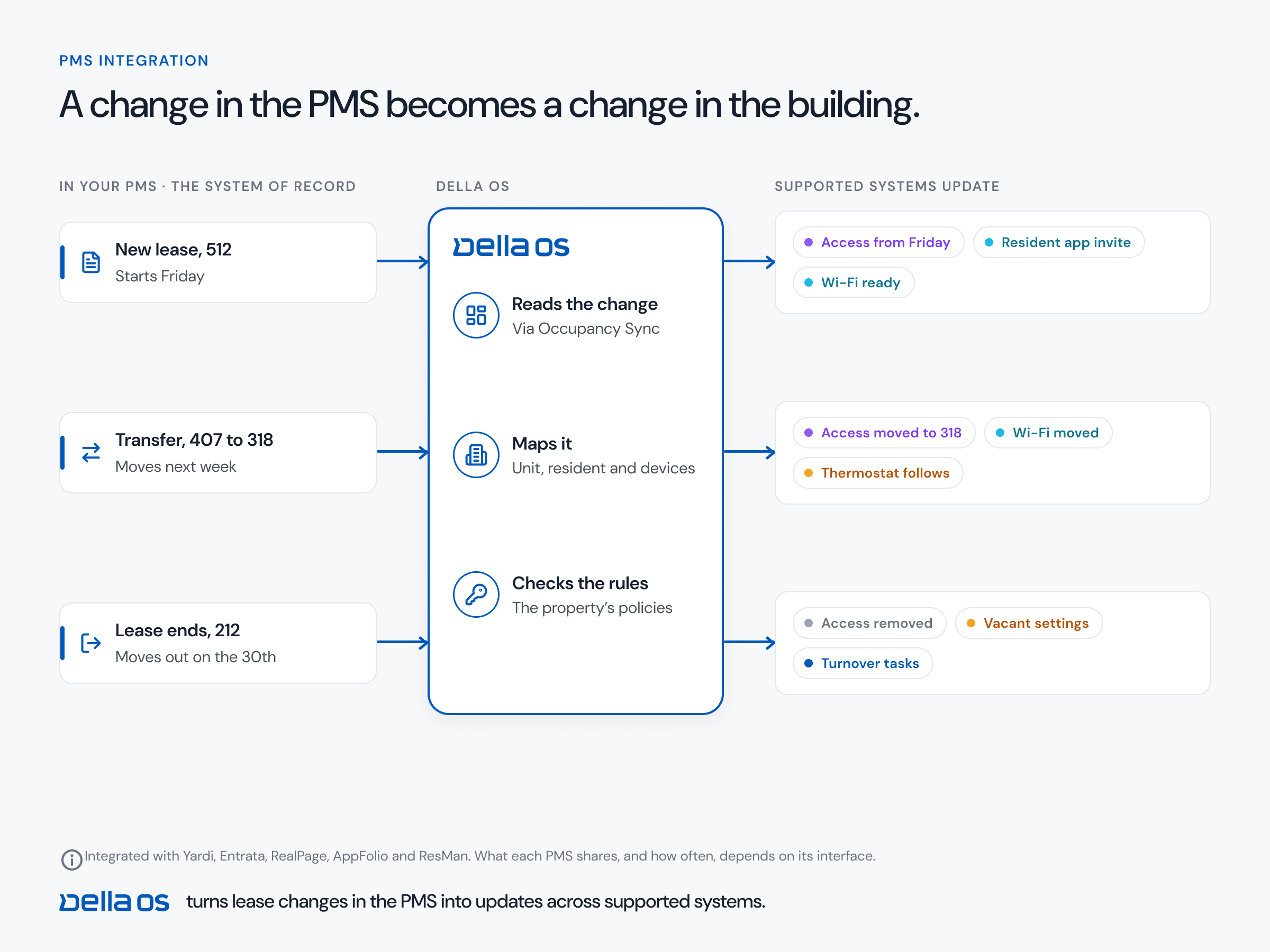
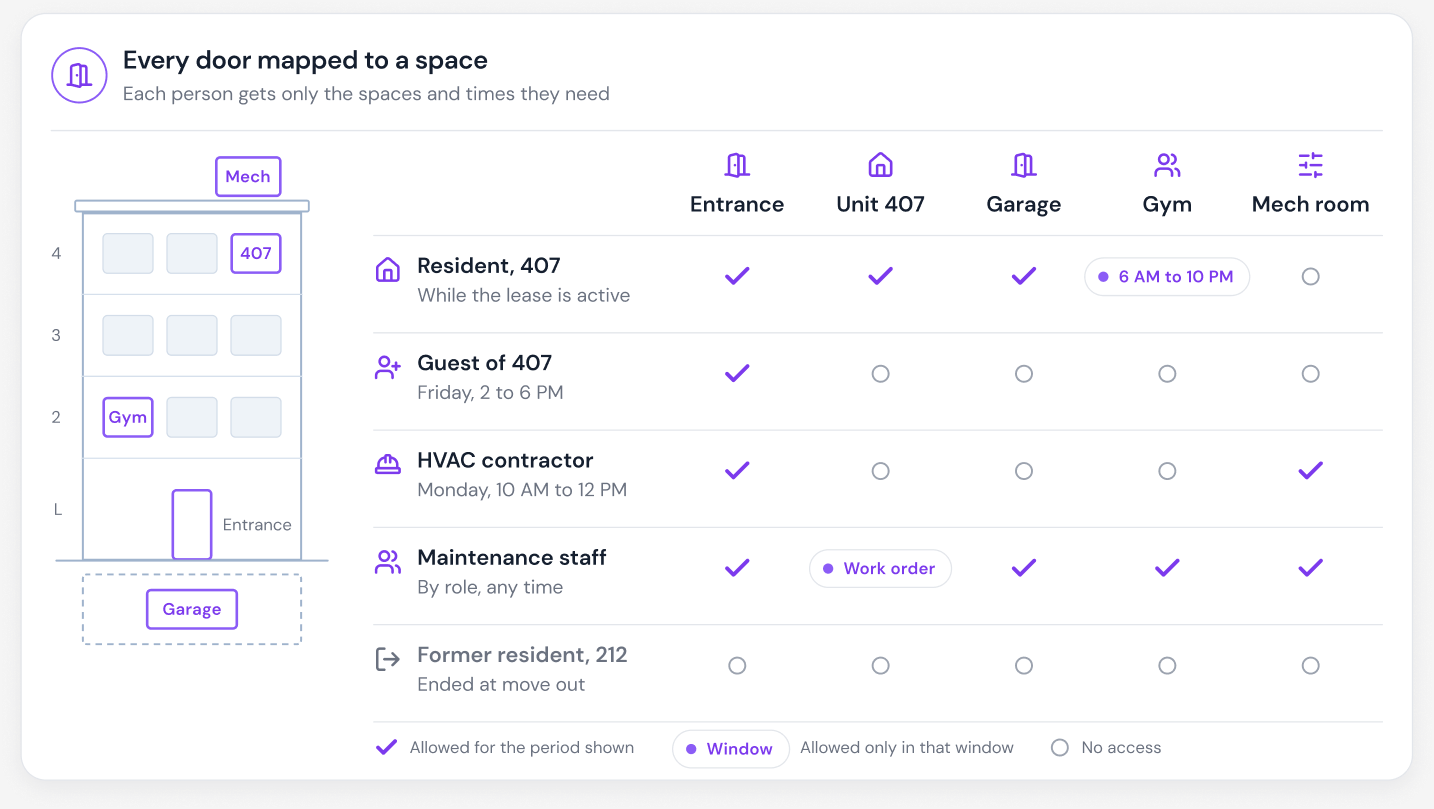
- Access that follows the lease. Residents get access when a lease starts, keep it through a transfer and lose it at move out, automatically.
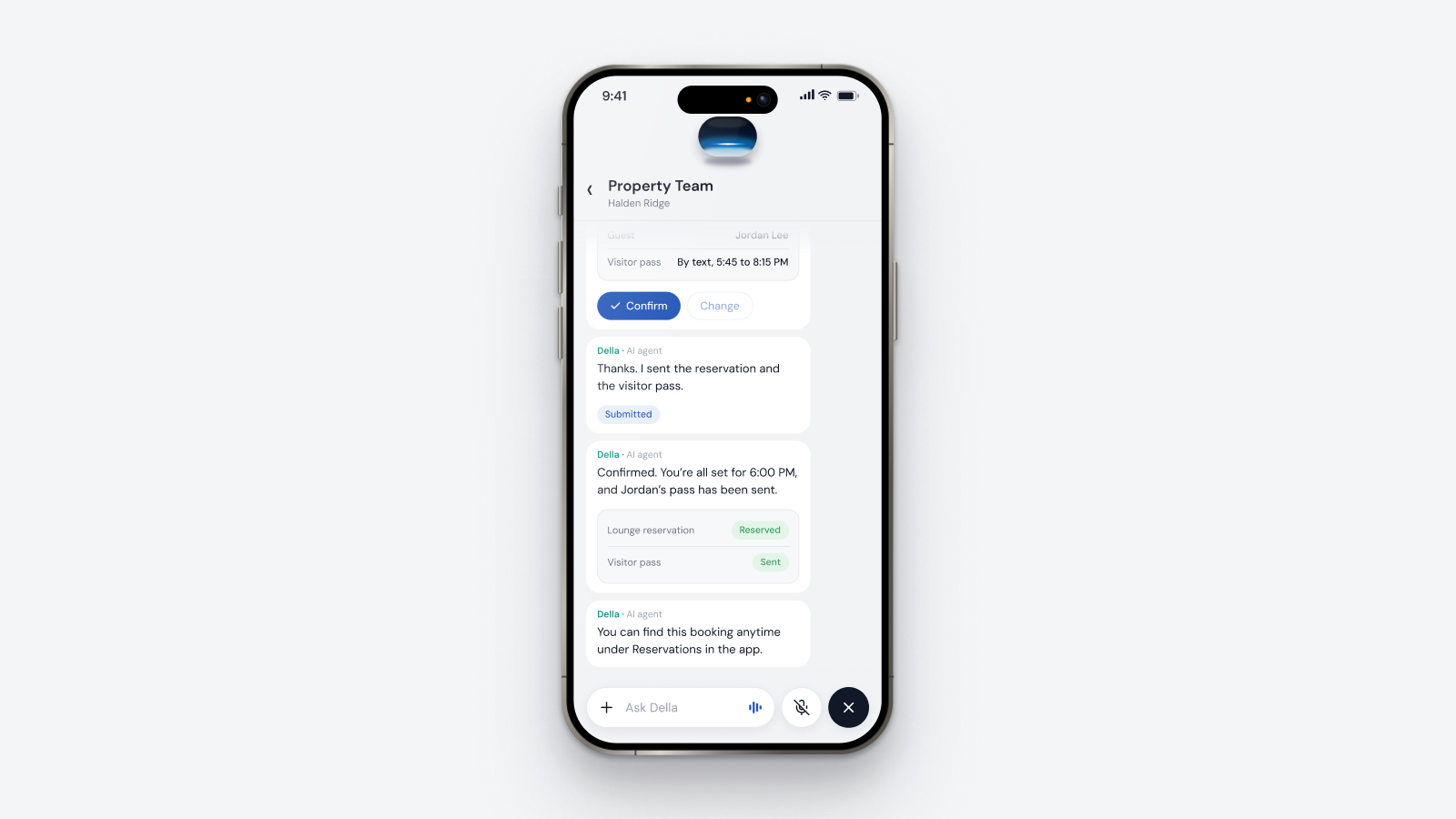
- Guest and delivery passes that residents create themselves, within the property's rules.
- Vendor time windows. Contractors get the doors and the hours their job needs, and nothing more.
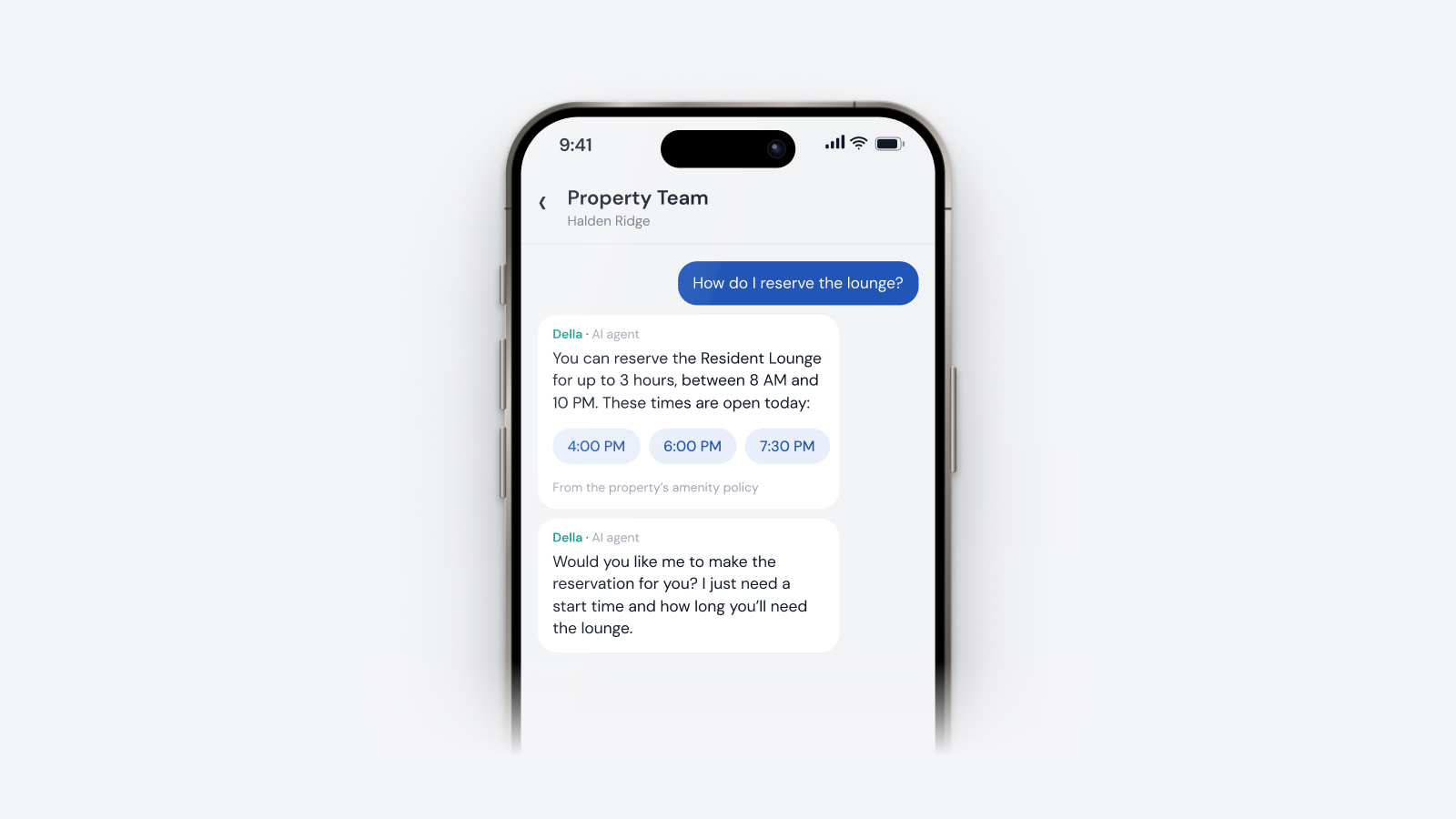
- Amenity bookings that open the door only during the booking.
- Elevator floor limits where elevators are connected.
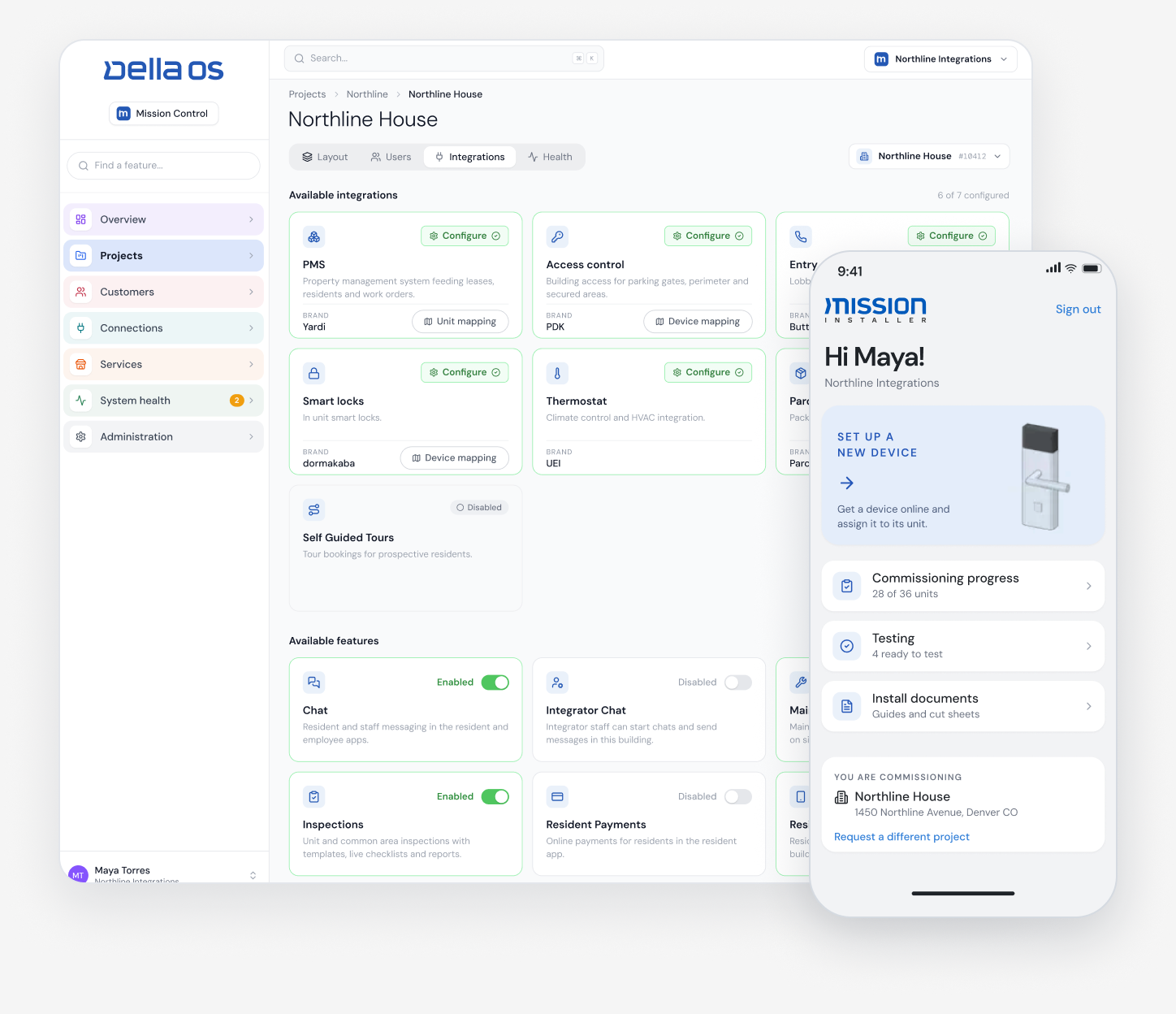
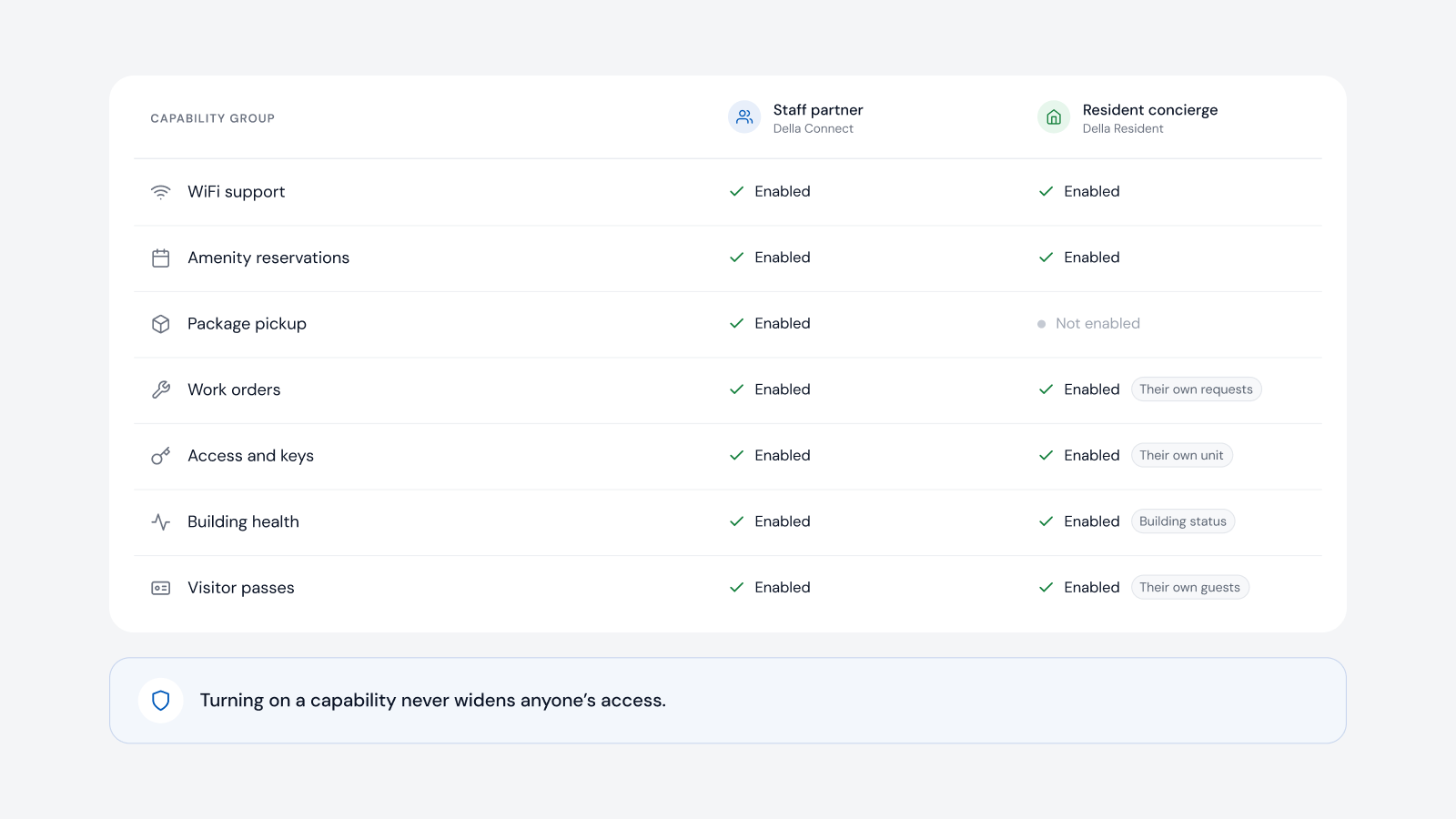
- One place for staff to manage permissions across different vendors and buildings.
- Diagnostics for when something fails, not just a list of doors.
- A clear audit trail for every change.
- Keeps working if the internet drops. Locks and controllers should hold their own logic.
When a resident says their lock didn't work
"My lock didn't work" can mean many things: a low battery, a credential that never reached the lock, an expired or replaced credential, a door on a different system, or the lock maker's own server or cloud being down. Without the right tools, staff guess, and a technician gets sent to a door that only needed a new credential. A good access layer lets staff see the battery status of each lock, check the credential history for that resident and door, reissue or change a credential, and tell whether the problem is the lock, its vendor's cloud or something else, with a set workflow for each case. If one system's cloud is down, the rest of the building and the staff tools should keep running.
Can you keep your existing access control hardware?
Often, yes. Many properties keep their current access control system and connect it to a platform that sits above it. A certified integration partner checks each controller, reader and lock model before deployment and recommends changes only where a system can't be supported. See smart building software that works with existing hardware.
How to modernize access control, step by step
- Inventory every door and system. Entrances, amenities, garages, elevators and units, with the brand and model of each.
- Write the rules by role. Residents, guests, deliveries, vendors and staff, and what each should open, and when.
- Confirm compatibility. Decide what connects, what needs a bridge and what really has to be replaced.
- Connect the PMS. Let lease events grant, move and remove access.
- Move residents to mobile credentials. Keep fobs as a backup for those who want them.
- Set guest and vendor policies. Time windows, limits and who approves what.
- Plan for failures. Decide how staff check battery, credential and connection status, and what they do in each case.
- Review the audit trail regularly. Look for credentials that outlived their purpose.
Where Della OS fits
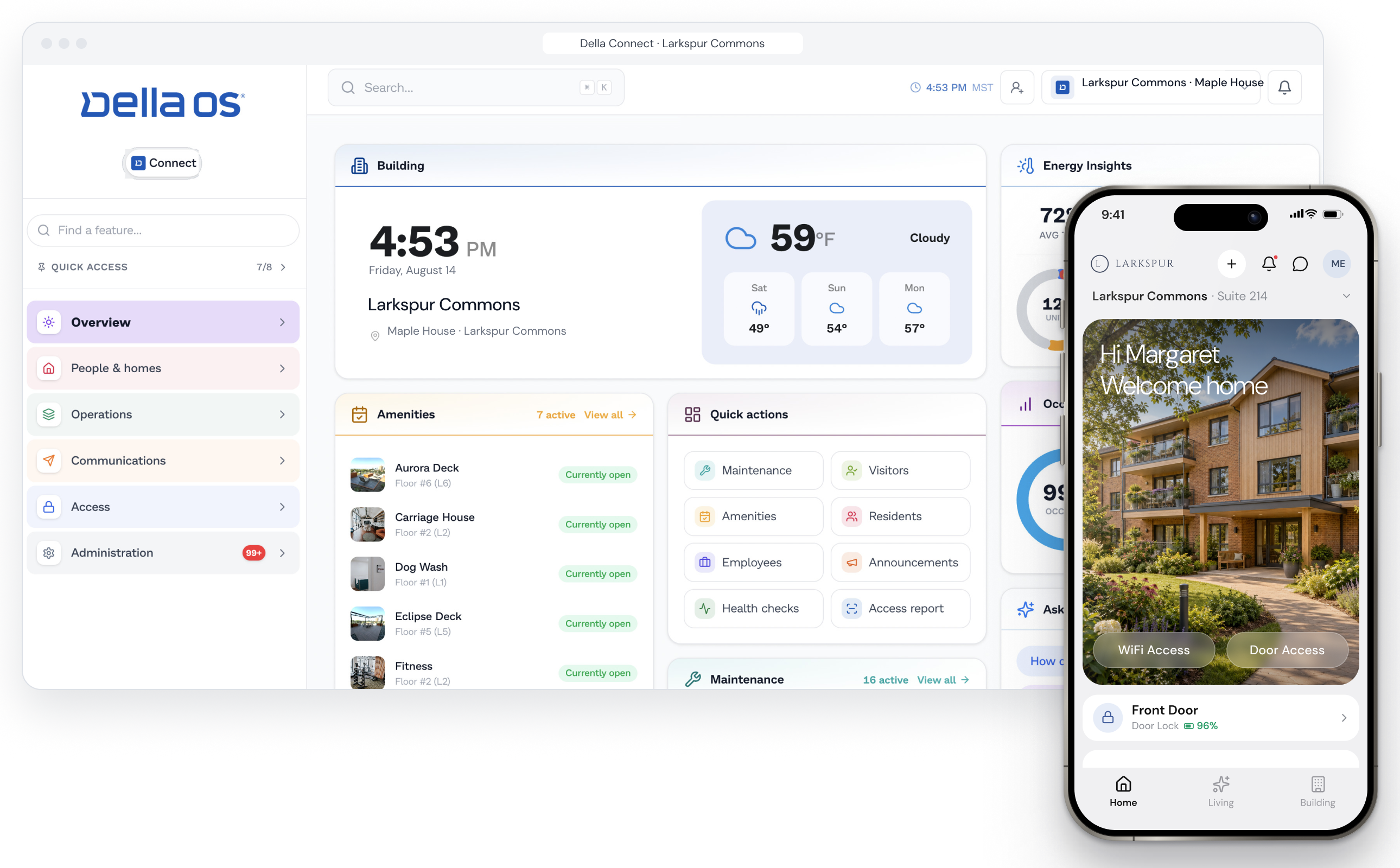
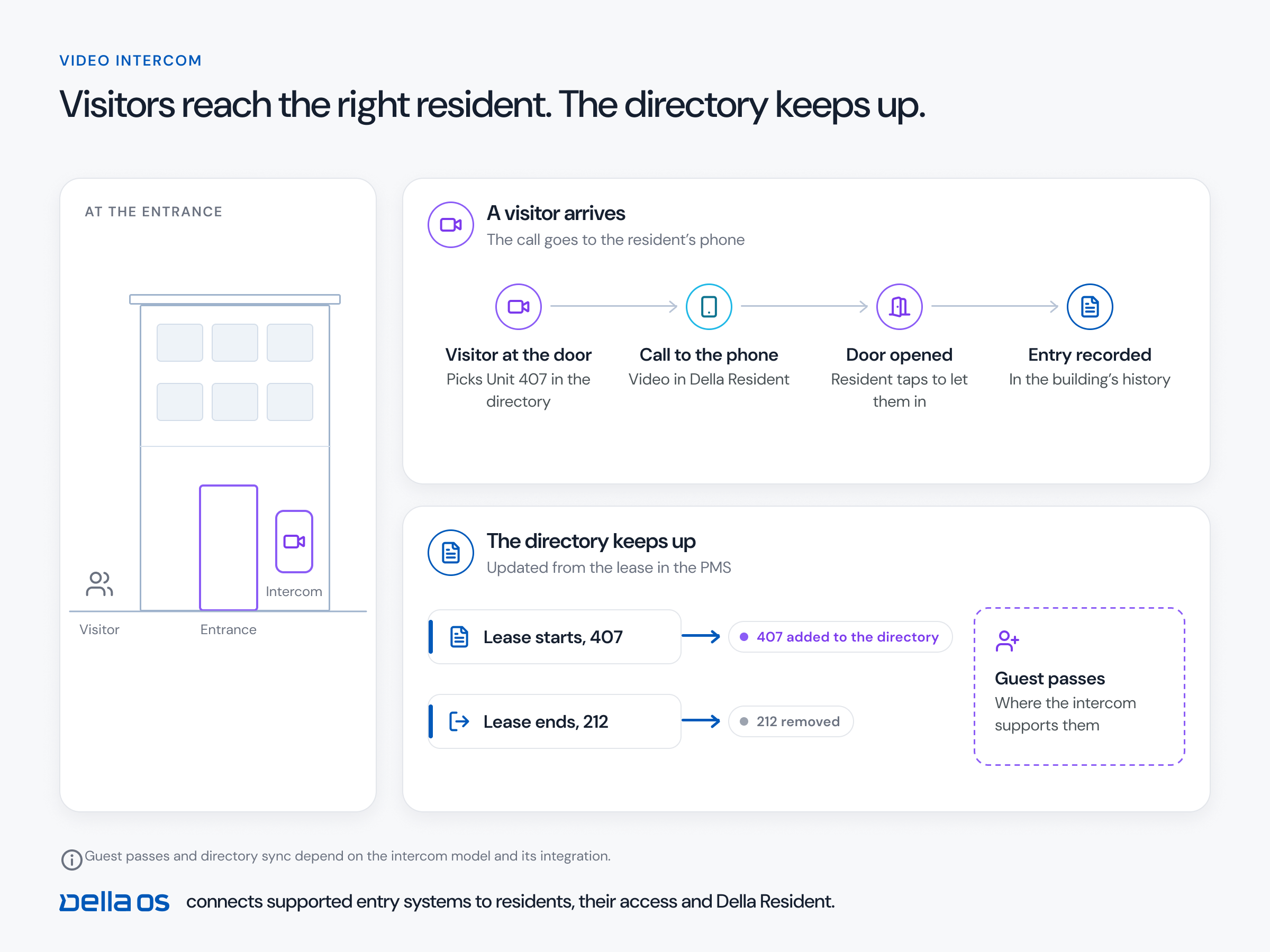
Della OS is the smart building operating system for multifamily and residential properties, from apartments and student housing to senior living and condominiums. It connects supported access systems, including PDK, Salto, Brivo, ICT, Mircom, AccessGrid and myQ, to the lease and to the rest of the property. Resident access follows occupancy automatically, guest passes come from Della Resident, amenity bookings open the right door only during the booking, contractors get access limited to their job, and where elevators are connected, residents can be limited to their own floors. Tour codes, vendor access and each resident's phone, fob or code run the same way on online and offline locks. Della OS also coordinates access paths across different systems, so a resident's access to the entrance, garage, amenities and their unit works as one, even when those doors run on different brands.
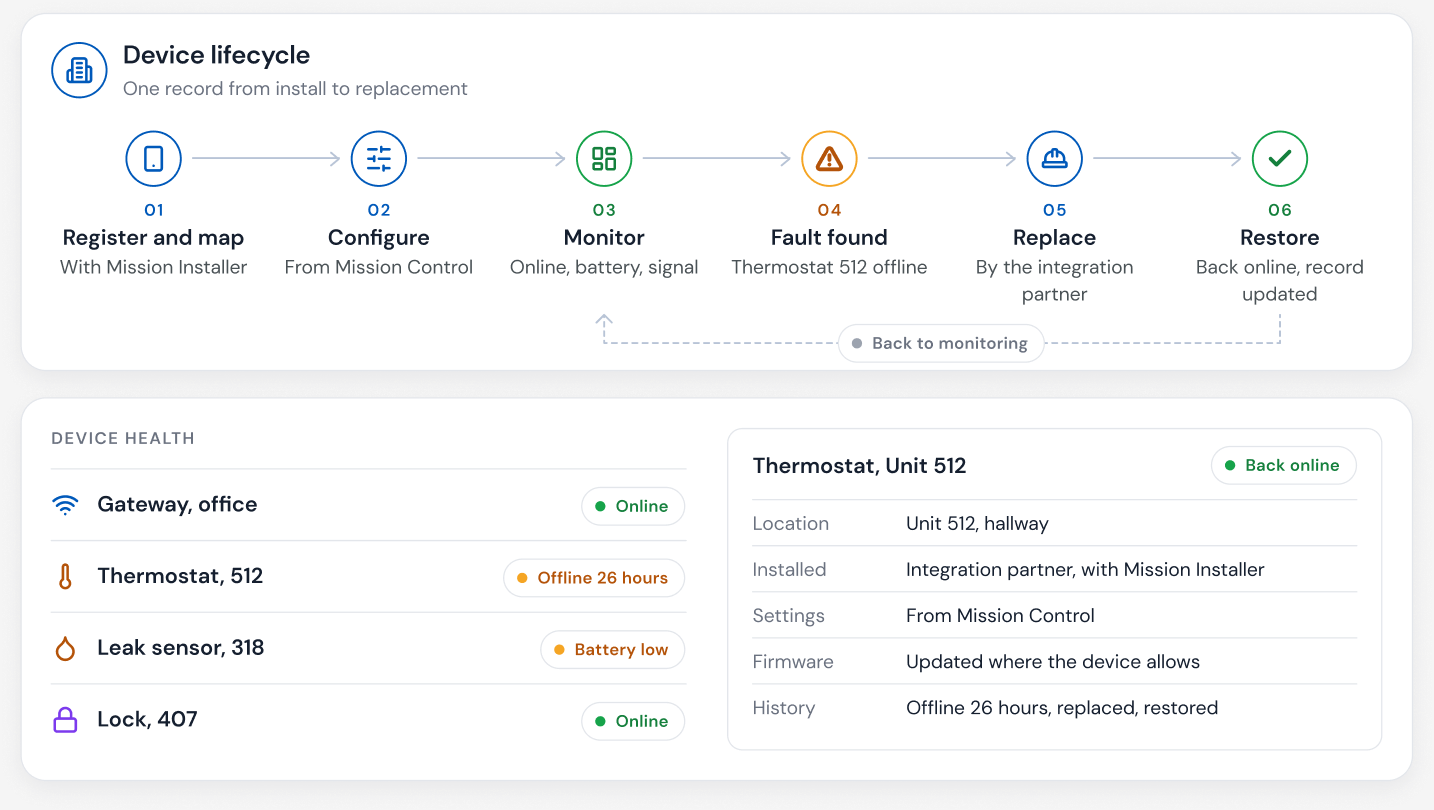
Della OS does much more with locks than open them. It monitors battery status, keeps the credential history for every resident and door, and gives staff workflows to change or reissue credentials and diagnose a problem. If a lock maker's server or cloud is down, Della OS is not, so staff can see where the problem is and act. Della OS also automatically monitors every connected device, so a lock or reader that goes offline shows up on the dashboard, often before a resident calls. Staff manage permissions across different vendors in one place in Della Connect. Locks and access control keep their own logic, so if a connection is ever unavailable, the building keeps running and Della catches up when it's back (built to keep running). The full brand list is in the compatibility guide.
Frequently asked questions
Which access control systems work with Della OS?
Access control brands include PDK, Salto, Brivo, ICT, Mircom, AccessGrid and myQ, and smart lock brands include Salto, dormakaba, Yale, ASSA ABLOY, Kwikset and Master Lock. Compatibility is confirmed model by model before installation.
Can we keep our existing access control hardware?
Often, yes. Your integration partner checks each controller, reader and lock and recommends changes only where a system can't be supported.
Do residents still need a fob?
Not if they don't want one. Residents can use their phone as a key, including Apple Wallet and Google Wallet where the hardware supports it, and fobs can remain as a backup.
What happens when a resident says their lock didn't work?
Staff can check the lock's battery status, the resident's credential history and the connection to the lock in Della, reissue or change the credential, and see whether the lock maker's cloud is down, instead of sending a technician to guess.
What happens to access at move out?
When the lease ends in the PMS, Della OS removes the resident's access automatically, along with their other building services.
Can vendors get temporary access?
Yes. Contractors can be given access to specific doors for a set time window, with every entry recorded.
What happens if the internet goes down?
Locks and access control keep the logic they already have, so residents still get in. Changes wait and are confirmed when the connection is back.
Read about multifamily access control, mobile credentials and PDK access control on Della OS, or book a walkthrough.