The short answer: A smart building device can be online and still be wrong. A lock can answer on the network while assigned to the wrong unit, and a camera can stay connected while running settings nobody approved. The fix is to check every device against the building's design, on install day and every day after. In Della OS, that is the job of InSync.
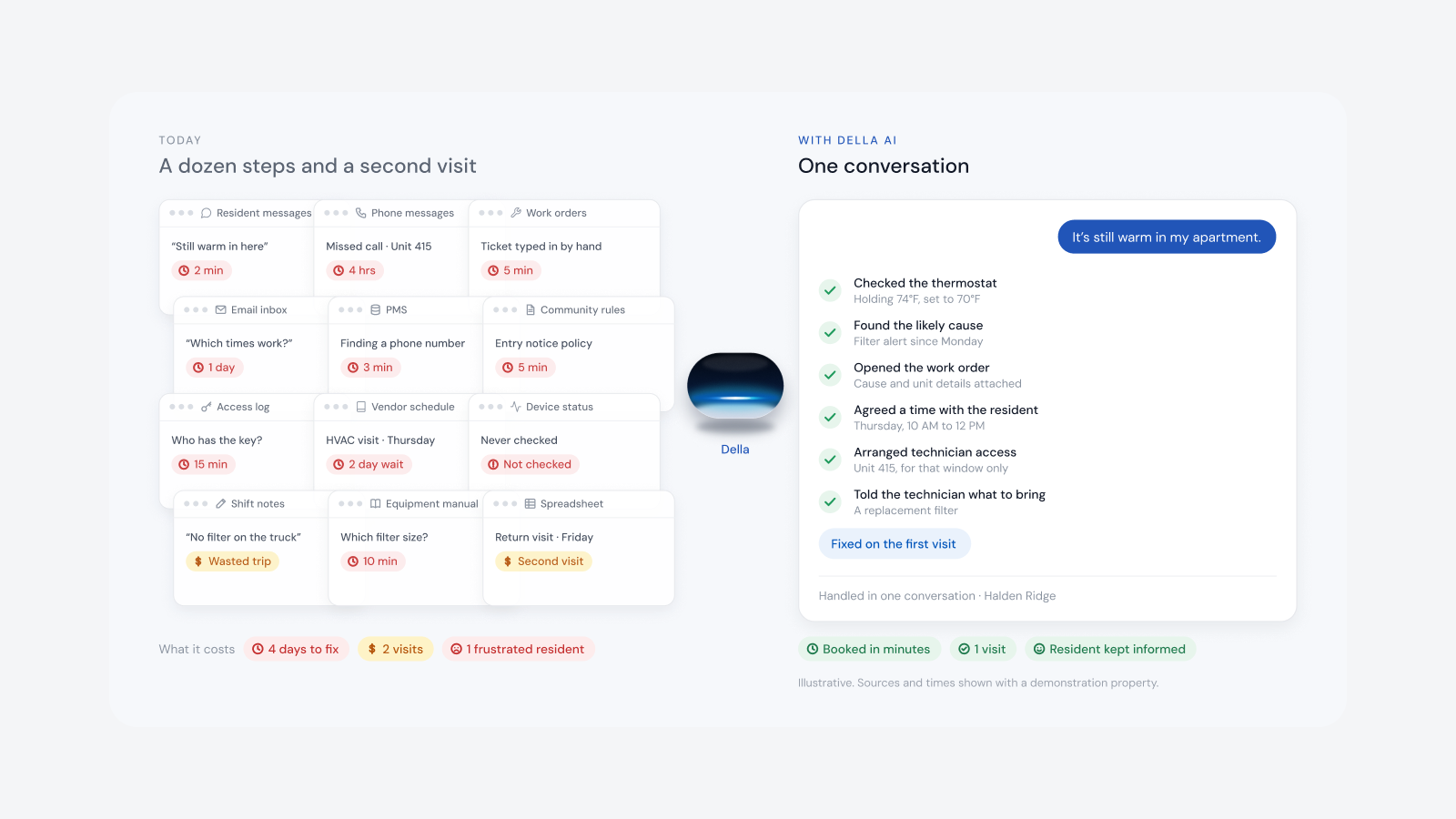
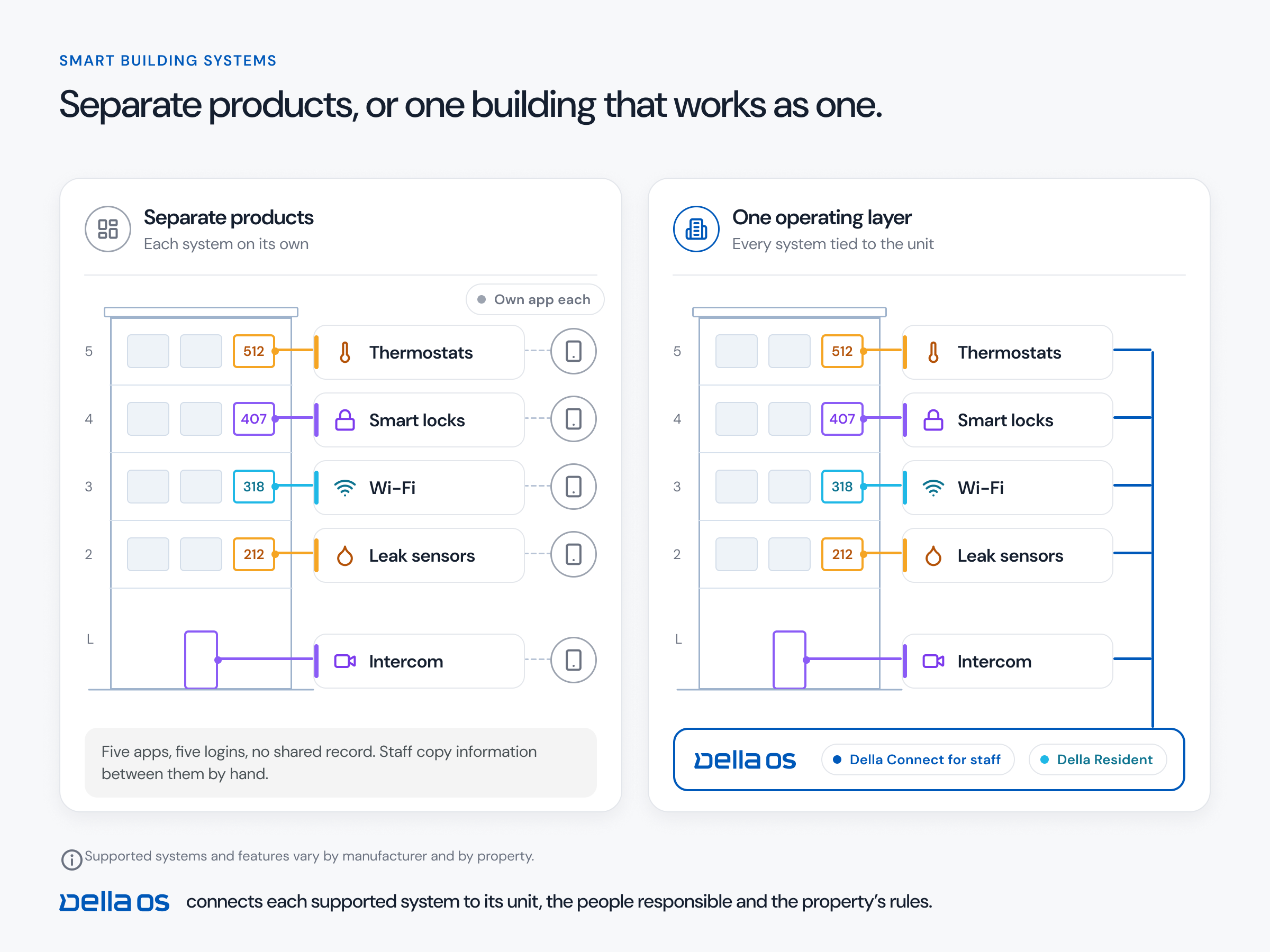
Multifamily has no shortage of technology. It has a shortage of continuity. Each setup makes sense on the day, but together they get harder to run every year.
That is how technical debt builds up in a building: one reasonable, one off setup at a time.
Most dashboards show whether a device is connected. Connected proves a device can talk. It doesn't prove the device is in the right place, doing the right job.
Take a parking camera that stays online after its settings drift from what was approved. Nothing looks wrong until someone needs footage and finds a gap in coverage. A lock assigned to the wrong unit is online too.
A device is InSync when all four are true:
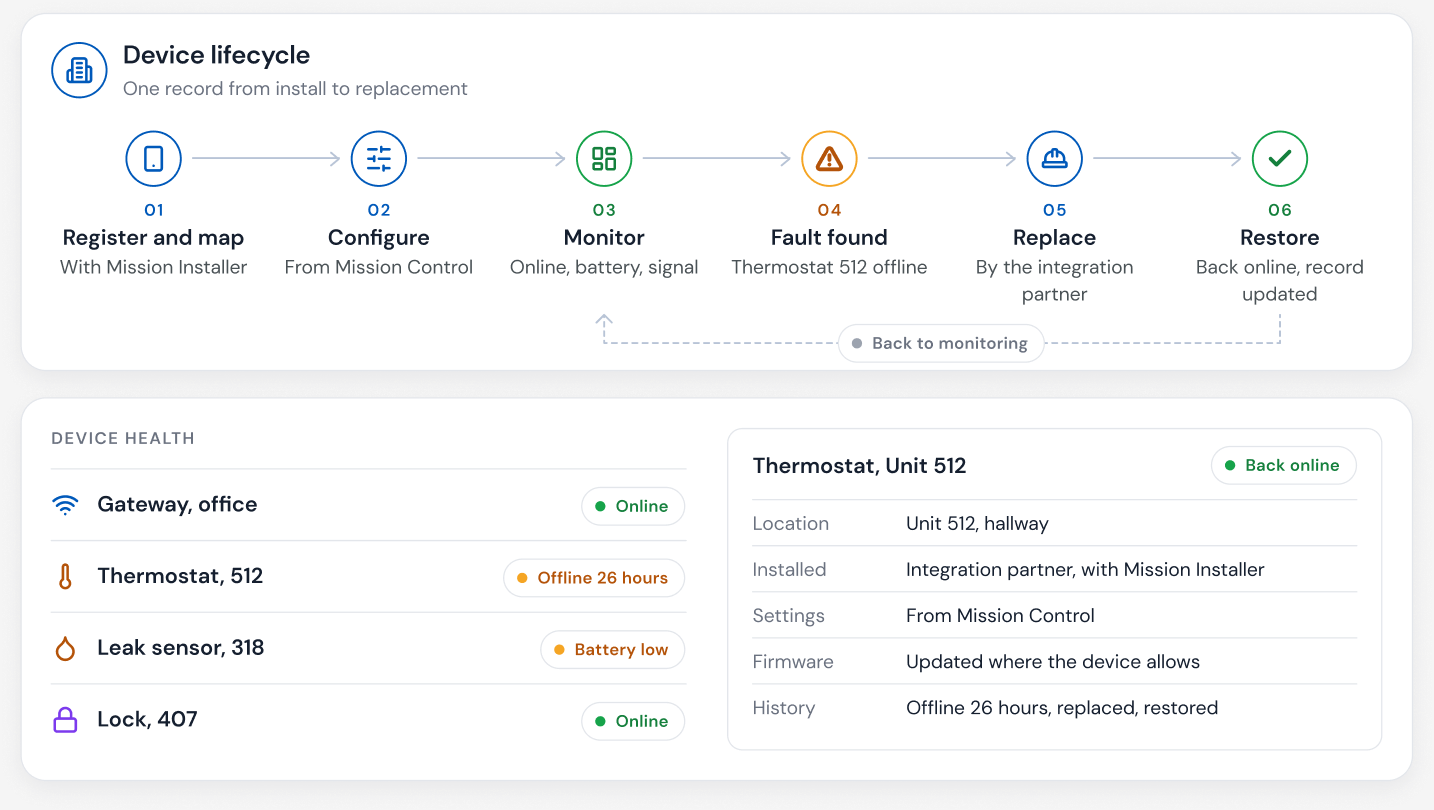
In Della, Mission Control designs the building and Mission Installer carries that design to every door. The installer enters the unit, brings each device online, commissions it and tests it. InSync checks each device against the design before it is marked commissioned.
Each device receives what its job needs. A smart lock receives its unit, its door and the resident access it should honor. A thermostat receives its unit assignment and operating policies. A leak detector receives its unit, its exact location and the response it should trigger.
Getting connected is the beginning. Staying InSync is what matters. Once a device is commissioned, the same relationship carries it through health checks, diagnostics, alerts, supported updates and replacement.
When something drifts, the property team sees it on the Della Connect dashboard. The integrator sees the full picture in Mission Control, including the device's health, event log and install record, so whoever responds arrives informed.
Reliable building AI needs trustworthy device information. An AI that reads a wrong assignment gives a wrong answer with confidence. InSync strengthens the foundation Della AI works from.
A device can be connected to the network and still be assigned to the wrong unit or running the wrong settings. Online proves it can talk, not that it is right.
InSync keeps every Della building in sync with its design. A device is InSync when it is registered, correctly assigned, running its approved configuration and reporting as expected.
No. It carries every device through health checks, diagnostics, alerts, supported updates and replacement, for the life of the device.
See InSync on the Mission Control page, read the Della InSync and Commissioning glossary entries, or book a walkthrough.
Questions
Keep reading
Della OS walkthrough
Book a walkthrough and we'll show you how Della OS would run one of your properties, with your PMS and the hardware you already have.

Your PMS runs the business.Della runs the building.
Across every system and every property.

Solutions
Digital SignageOccupancy SyncDella MarketplaceSmart ApartmentsStudent HousingCondominiumsSenior LivingIntegrationsResident app