The short answer: managed Wi-Fi is one professionally designed and operated wireless network across the whole property, instead of every resident buying their own service and router. Residents get a private network that works in their apartment and the common areas from move in day, the building's own devices run on a separate secure network, and a provider handles security, monitoring and support. The network is rarely the hard part. The accounts are: tie each resident's access to the lease in your property management system (PMS), so it starts at move in and ends at move out without anyone touching a portal.
How managed Wi-Fi works in an apartment building
- One network designed for the building. Access points in units, corridors and amenity spaces, wired back to a core and planned around the building's construction, so coverage doesn't depend on where a resident puts a router.
- A private network for each household. Residents connect once and stay connected in their unit, the gym and the lounge, without seeing their neighbors' devices.
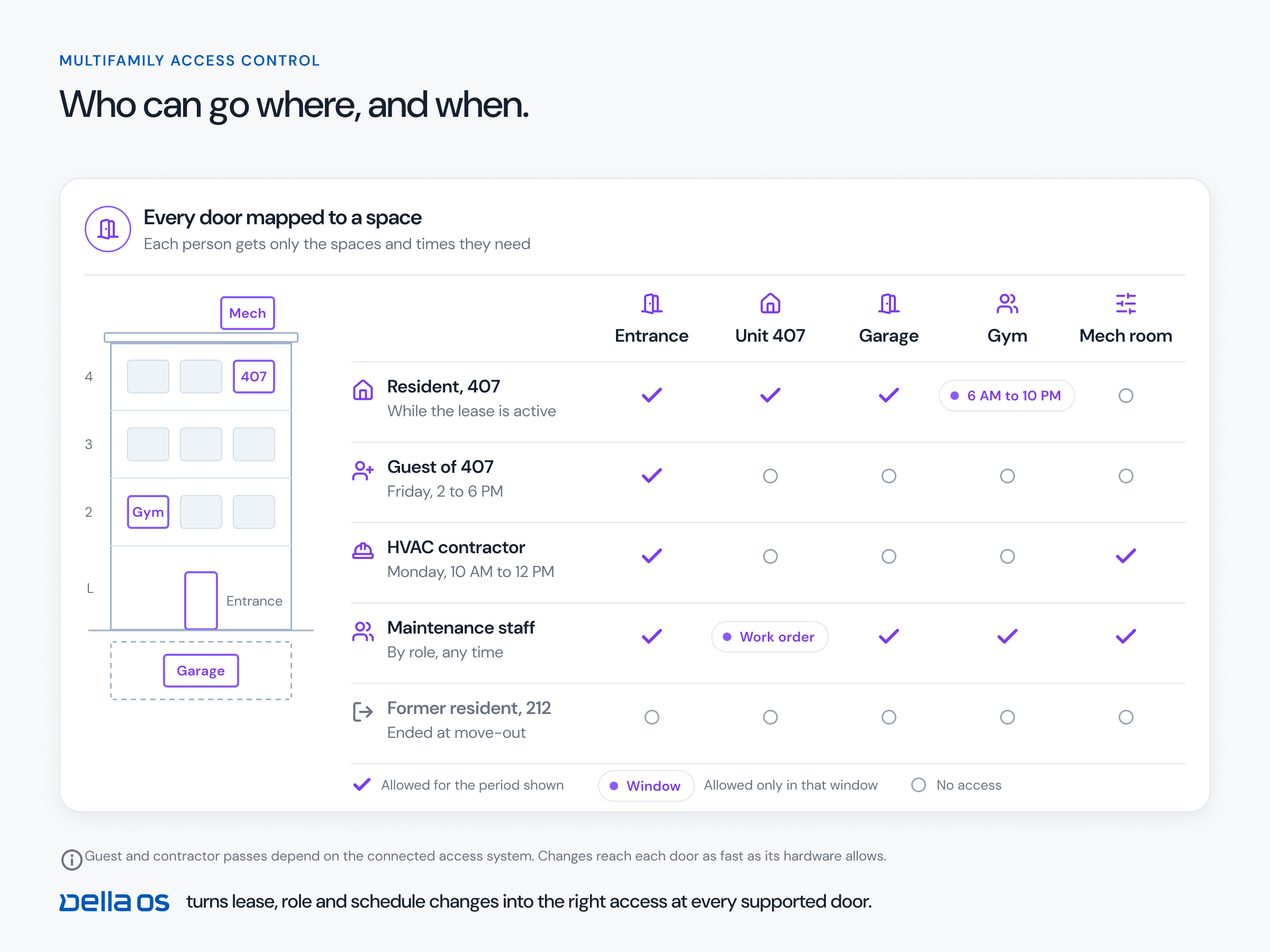
- Separate networks for the building and the staff. Smart locks, thermostats, sensors and staff devices run on their own protected networks, apart from resident traffic.
- Professional operation. The provider monitors the network, applies security updates and gives residents one place to call.
- Service tiers. Many properties include a standard plan and let residents upgrade to faster service.
Managed Wi-Fi, bulk internet and unmanaged Wi-Fi
- Bulk internet is a commercial agreement to provide internet service to every unit. It describes the contract, not the network inside the building.
- Managed Wi-Fi is the network itself: the access points, security, private resident access and the support that keeps it running. A property can have one without the other, and many have both.
- Unmanaged Wi-Fi means every resident sets up their own router. Dozens of networks compete for the same airspace, and the building's own devices have no dependable network to rely on.
How managed Wi-Fi works commercially
The property usually contracts with a network provider to design, install and operate the network, often over several years. The cost is then recovered in one of a few ways: included in rent or a technology fee, offered to residents as optional plans, or a mix, such as a standard plan for everyone with paid upgrades. The right model depends on your market, your residents and your provider's terms, so compare total cost, support commitments and who owns the equipment at the end of the contract.
How to roll out managed Wi-Fi, step by step
- Start with the outcome. Resident service from day one, a network for building devices, staff connectivity, a new amenity or new income. The goal decides the design.
- Survey the building. Construction, existing cabling, riser space and where residents and devices need coverage.
- Choose the platform and provider. Ask how resident accounts are created, moved and removed, not just how fast the network is.
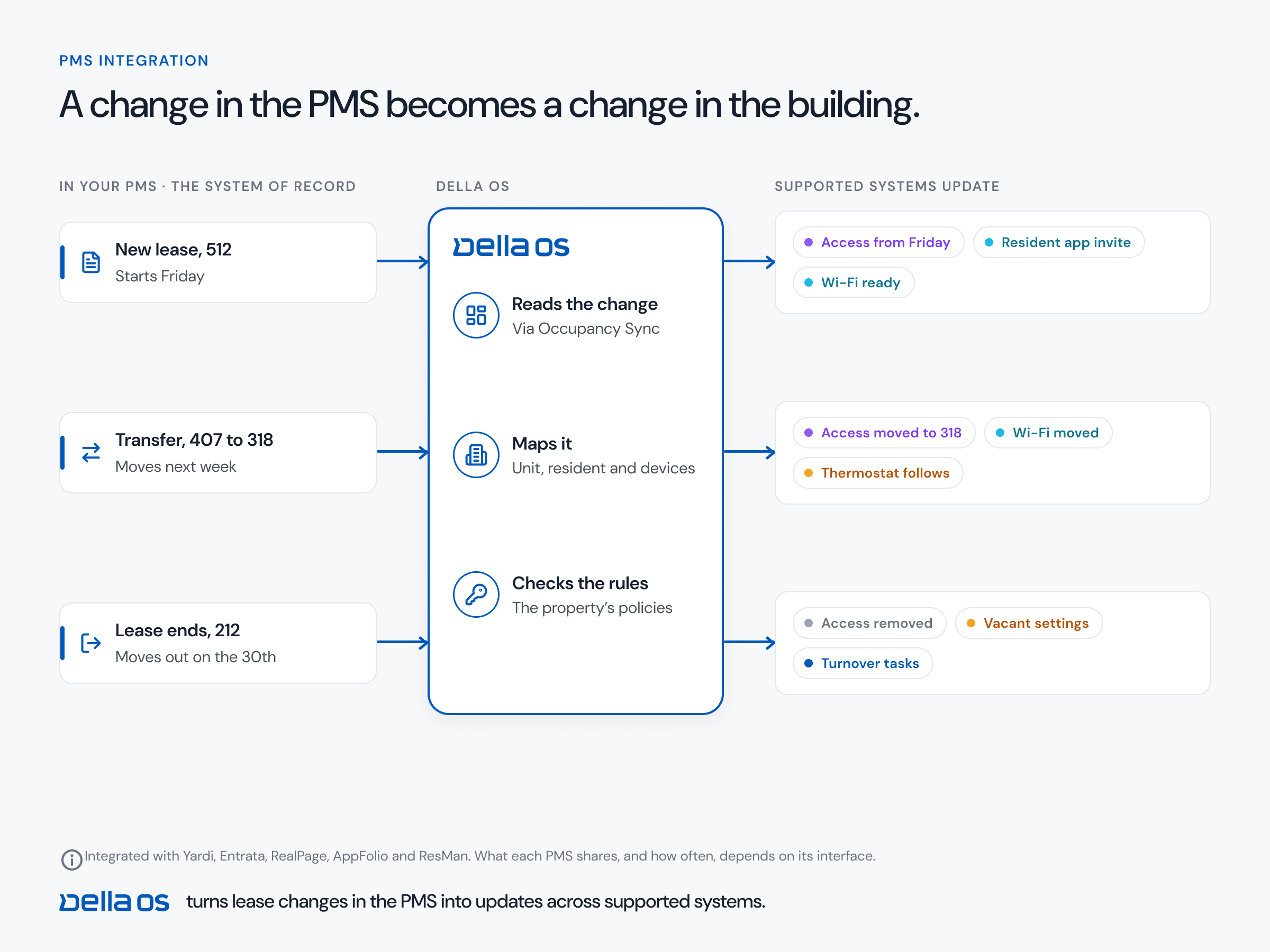
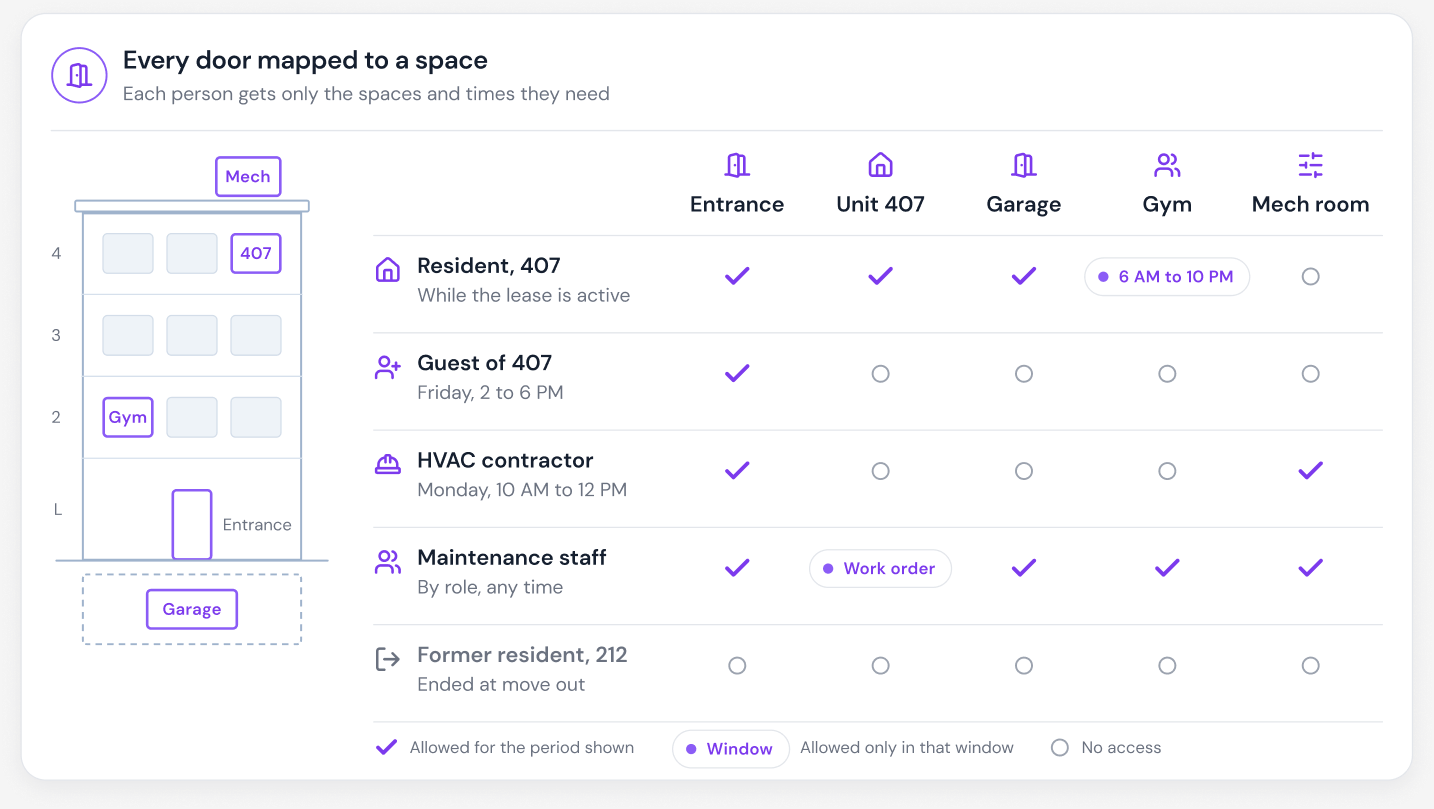
- Connect onboarding to the PMS. Credentials should be created when a lease becomes active, follow a transfer and end at move out.
- Separate the traffic. Residents, building devices, staff and guests each get their own network.
- Plan support. Who residents call, how fast problems are fixed and how the network is monitored.
- Measure. Track support tickets, outages and what residents say at renewal.
The part that usually breaks: accounts
In many communities, Wi-Fi accounts live in a separate vendor portal. Someone creates them at move in, forgets to remove them at move out, and handles every guest, contractor and staff device by hand. Former residents stay on the network, new residents wait for access, and the site team becomes the link between the lease and the network. Connecting the network to the lease removes that job entirely.
The one app test
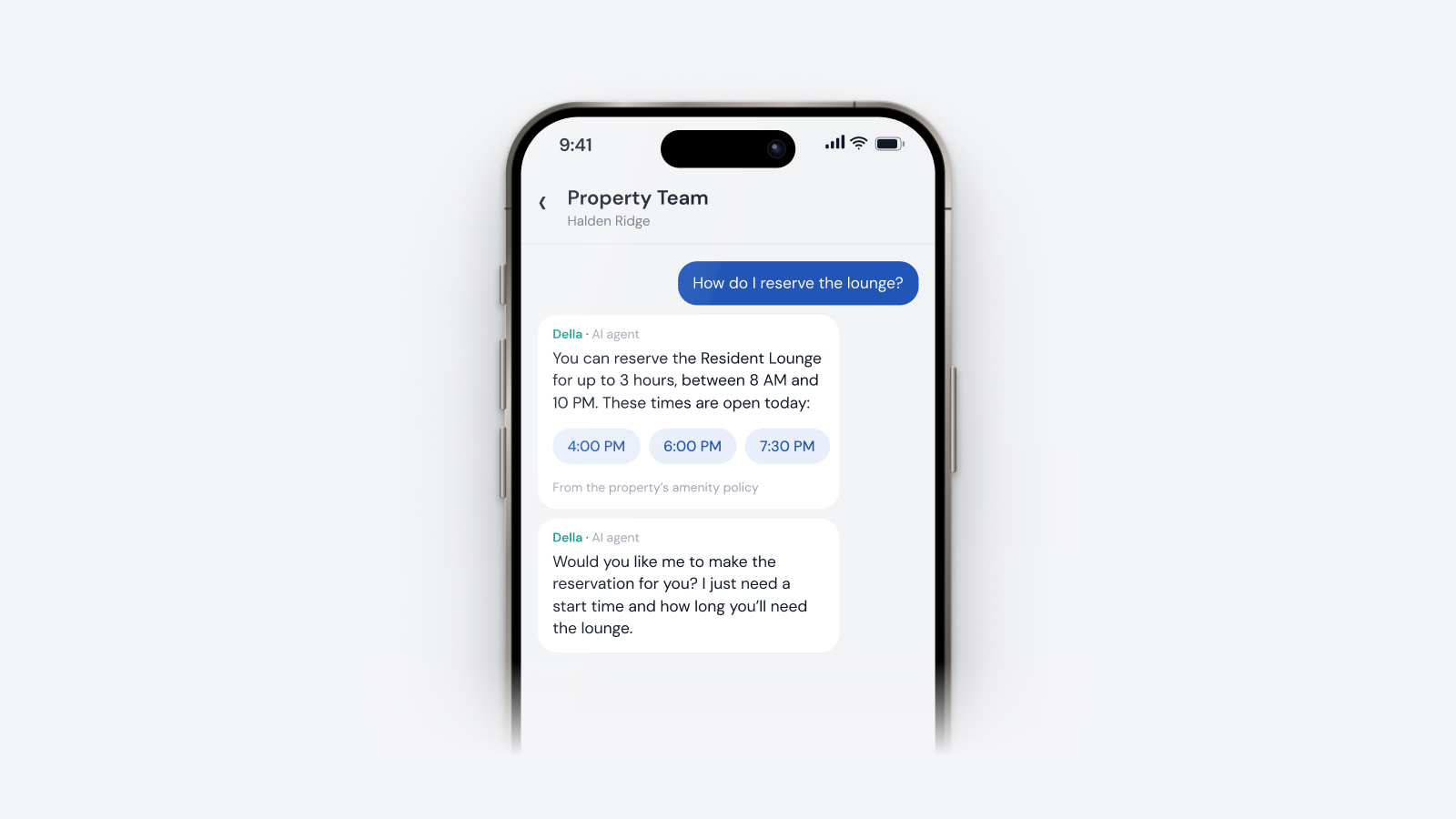
A simple way to tell whether Wi-Fi is really connected to the building: can a resident see their network details, add a guest and upgrade or pay for a faster plan without leaving the resident app? If any of those sends them to a separate portal or a third-party screen, the building isn't connected yet, and the site team will end up fielding the questions.
Spotting outages before anyone calls
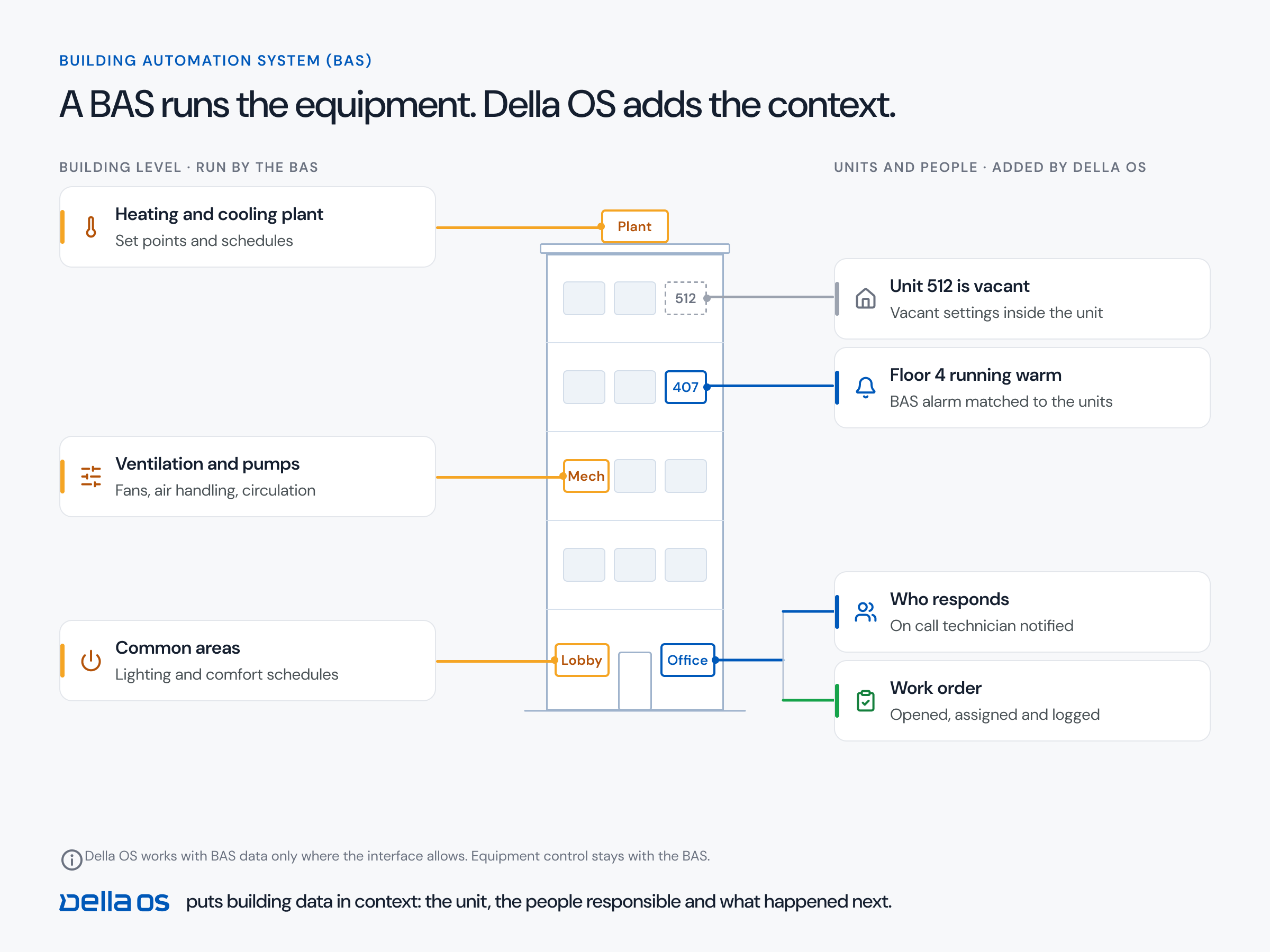
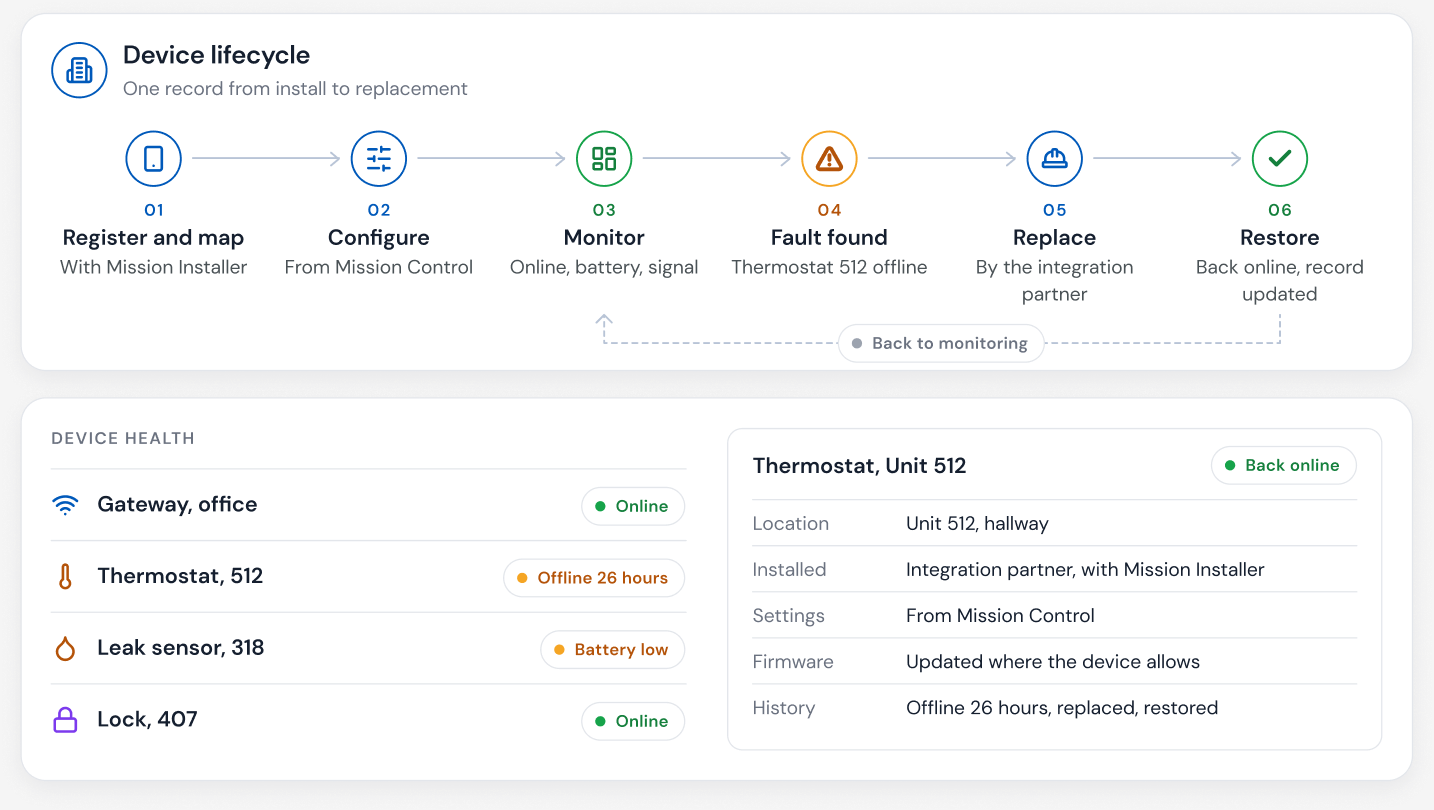
Every connected device in a building, from thermostats and locks to leak detectors and access control, depends on the network. When devices start dropping offline together, that pattern says more than any single complaint. A whole floor going quiet points to a network problem, often before a resident notices or calls.
Where Della OS fits
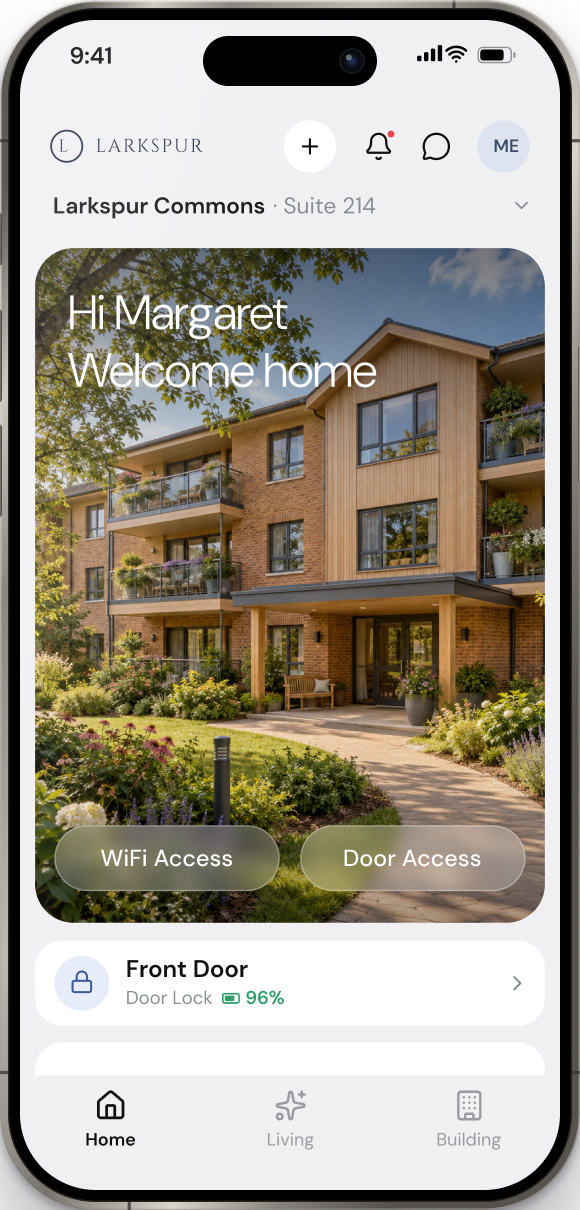
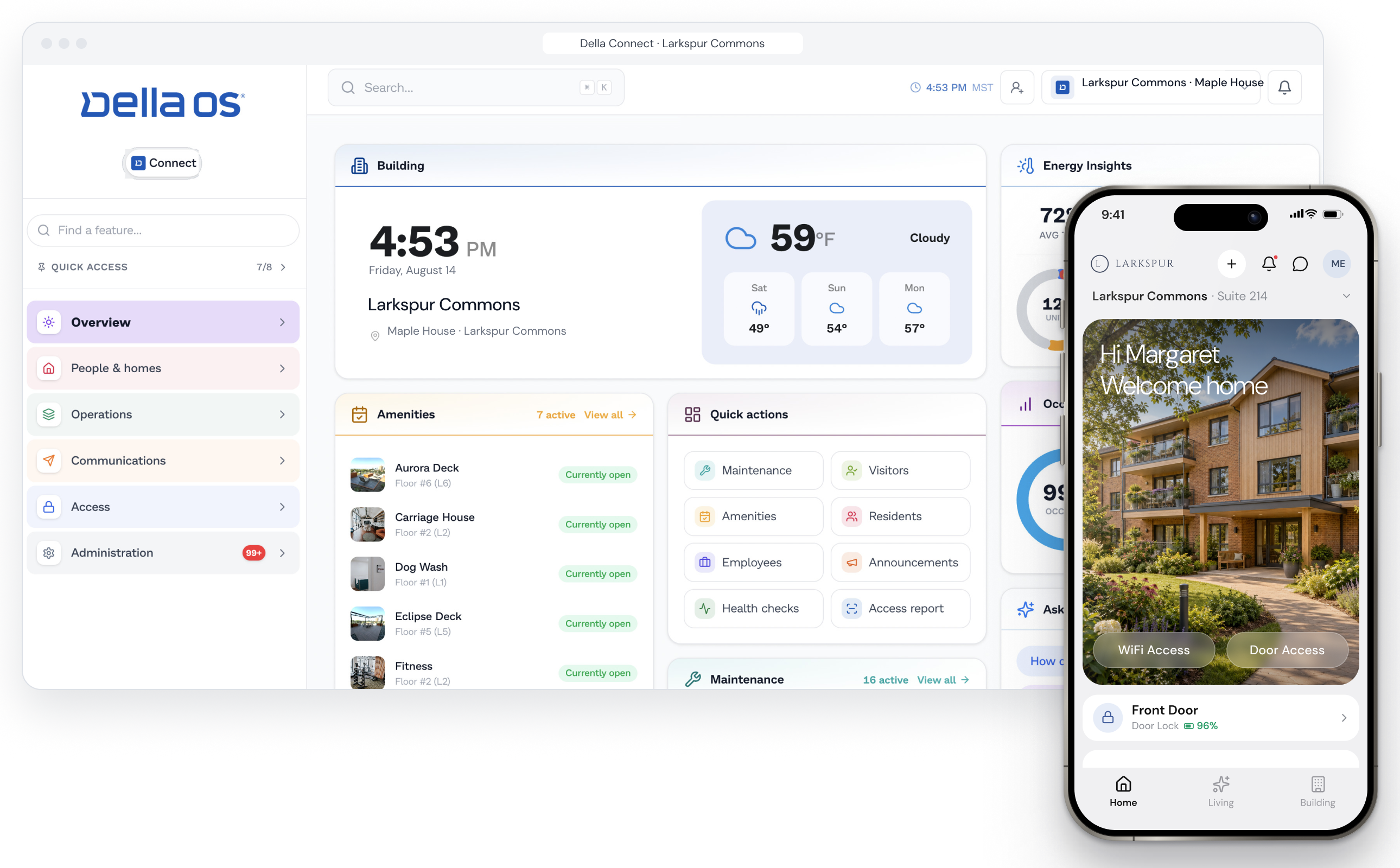
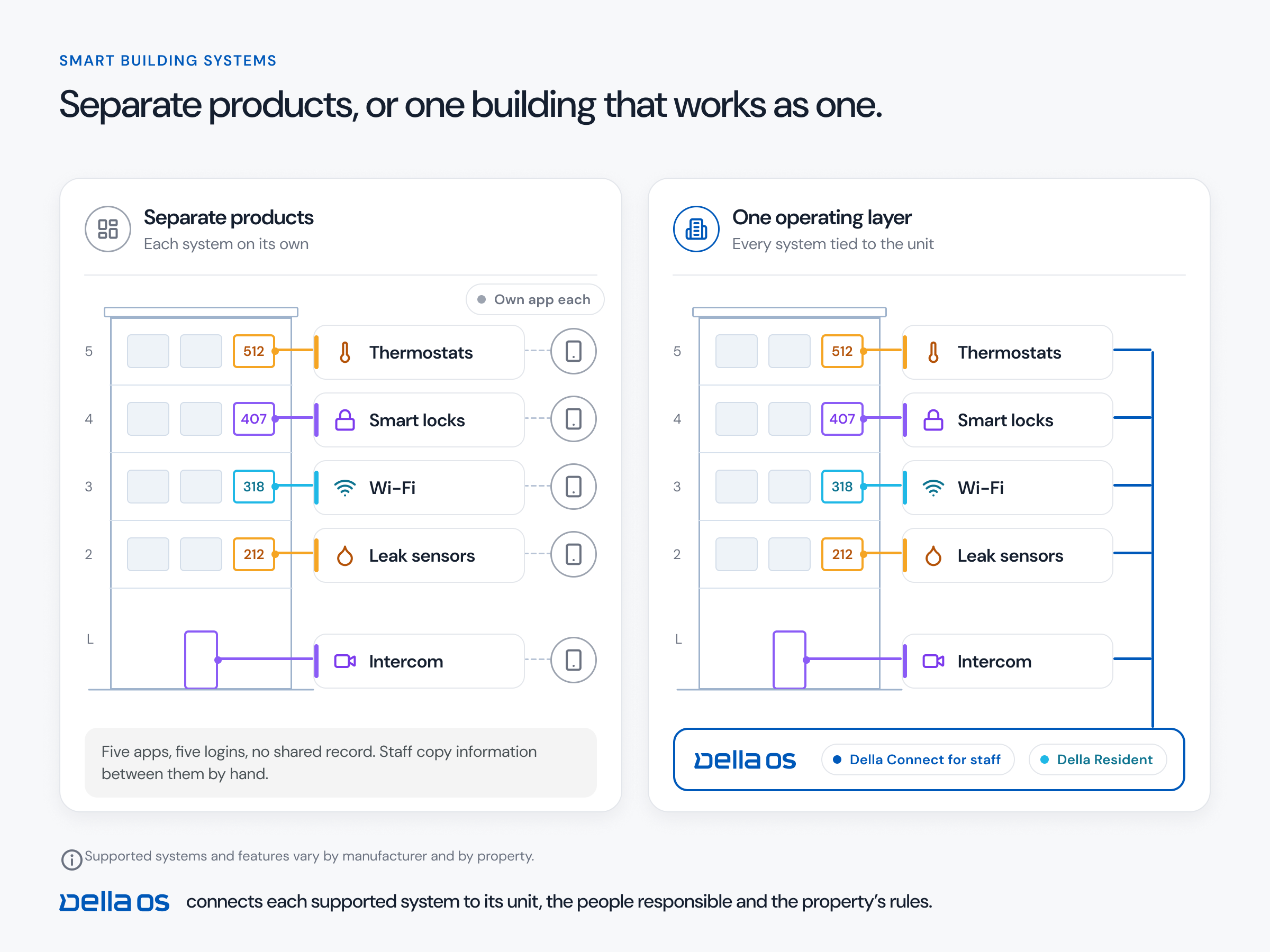
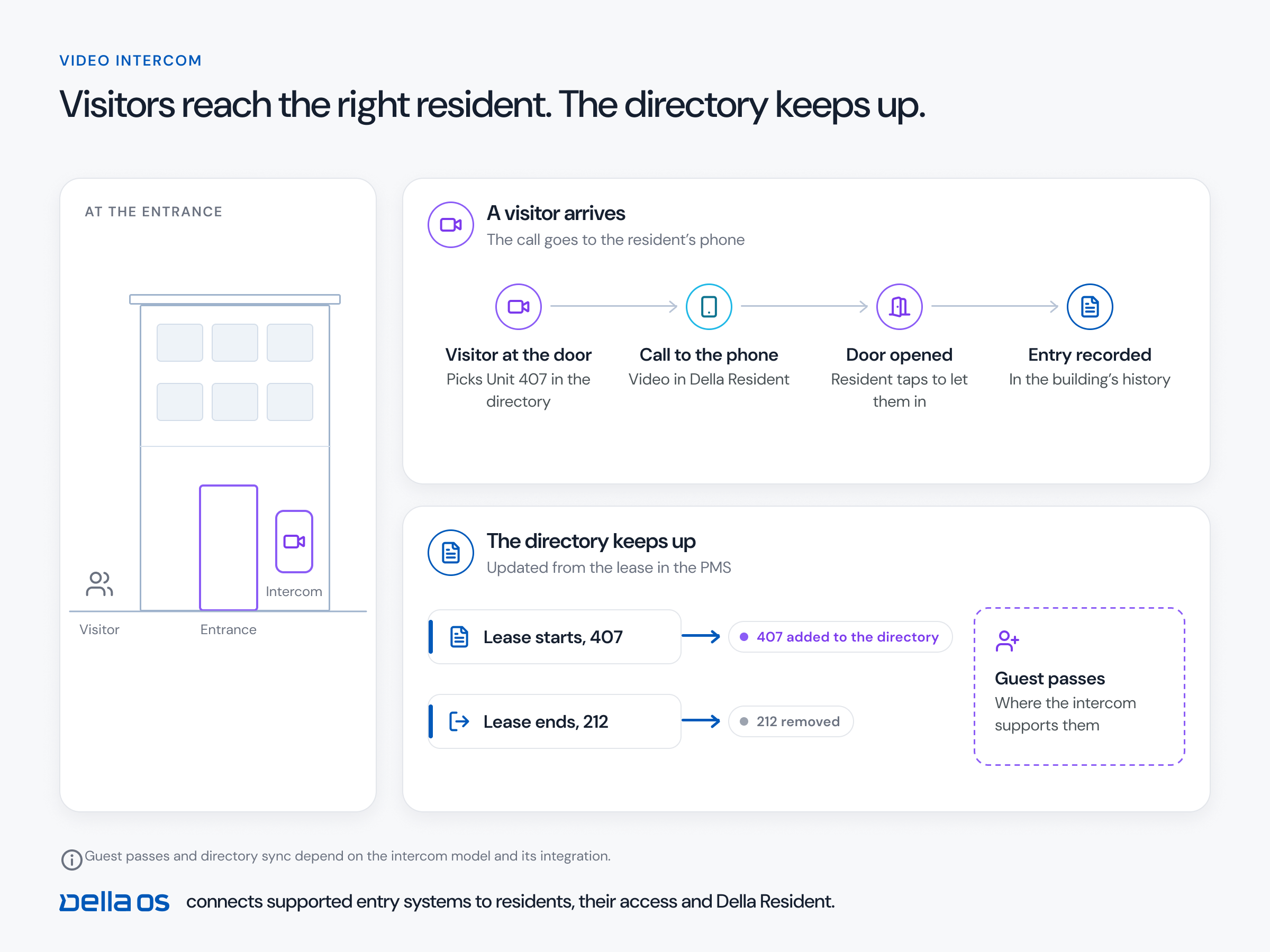
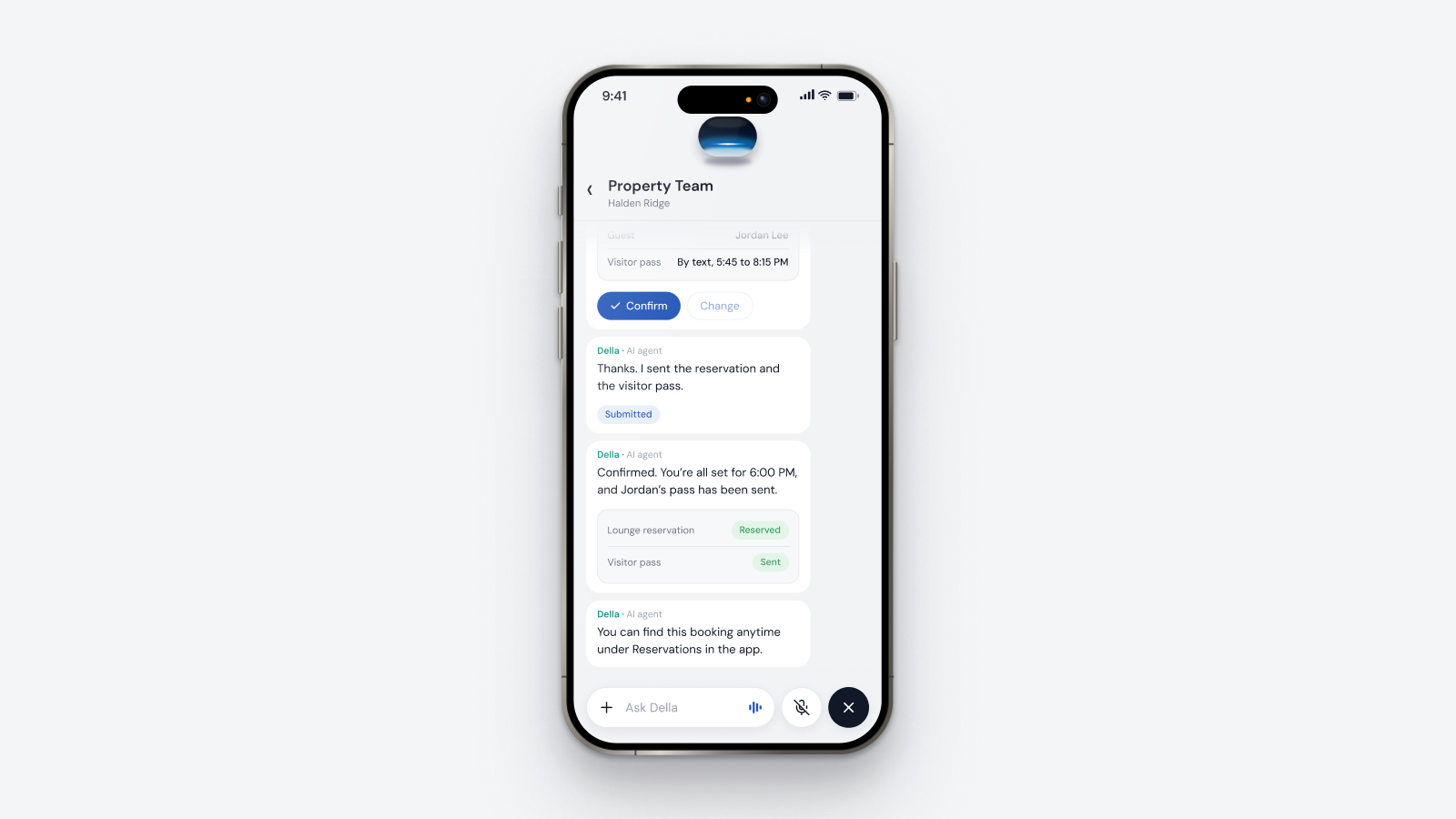
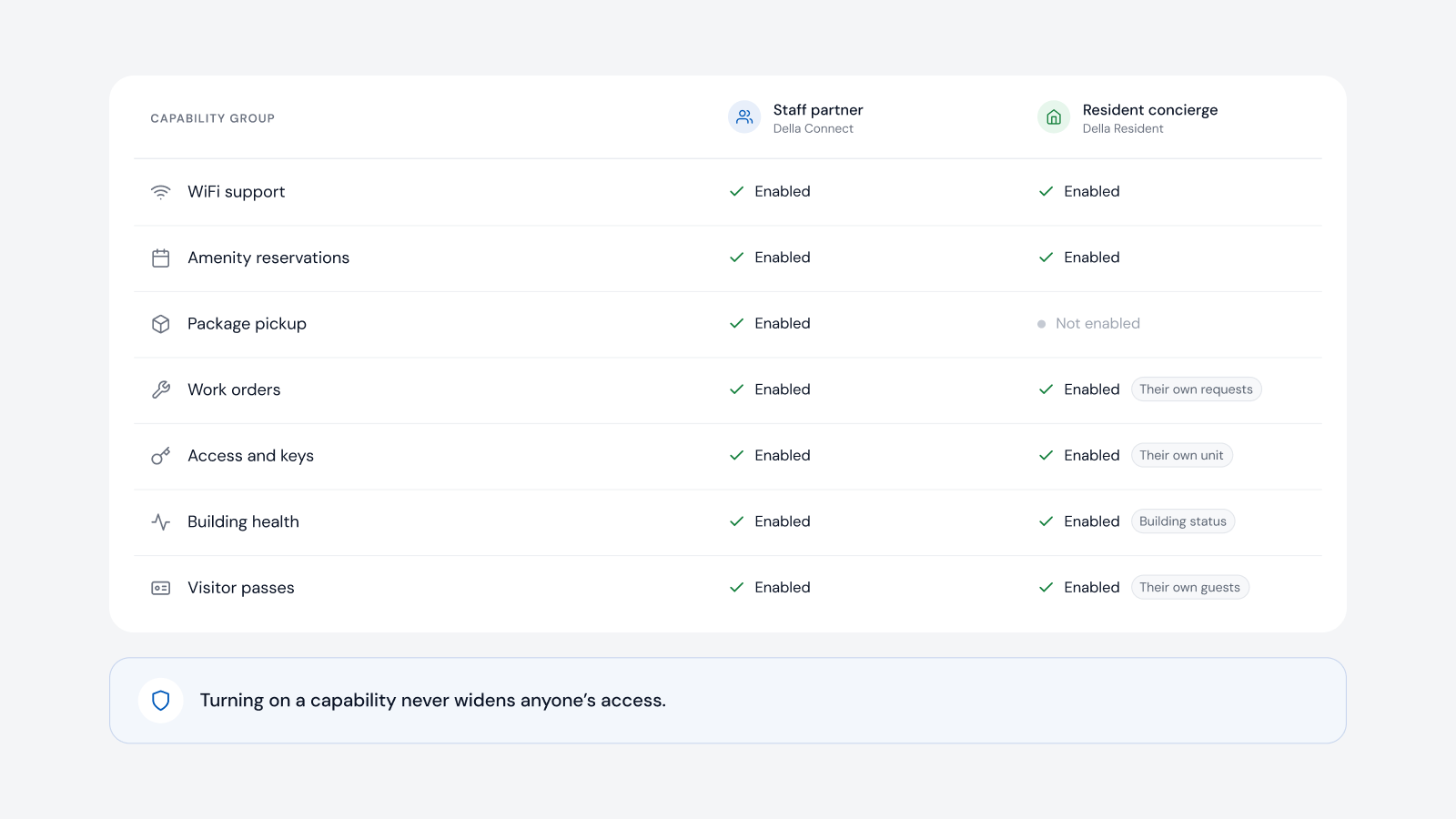
Della OS is the smart building operating system for multifamily and residential properties, from apartments and student housing to senior living and condominiums. It connects supported network platforms, including RUCKUS, MikroTik and TP-Link, to resident onboarding and offboarding, driven by lease events in Yardi, Entrata, RealPage, AppFolio or ResMan. Resident credentials are created from the lease and removed at move out. Residents see their Wi-Fi details in Della Resident, can share access with a guest and, where the property offers it, upgrade to a faster plan in the app, so Wi-Fi passes the one app test. Staff get a network view of the property in Della Connect, and two buildings running different network systems look and work the same for residents and staff.
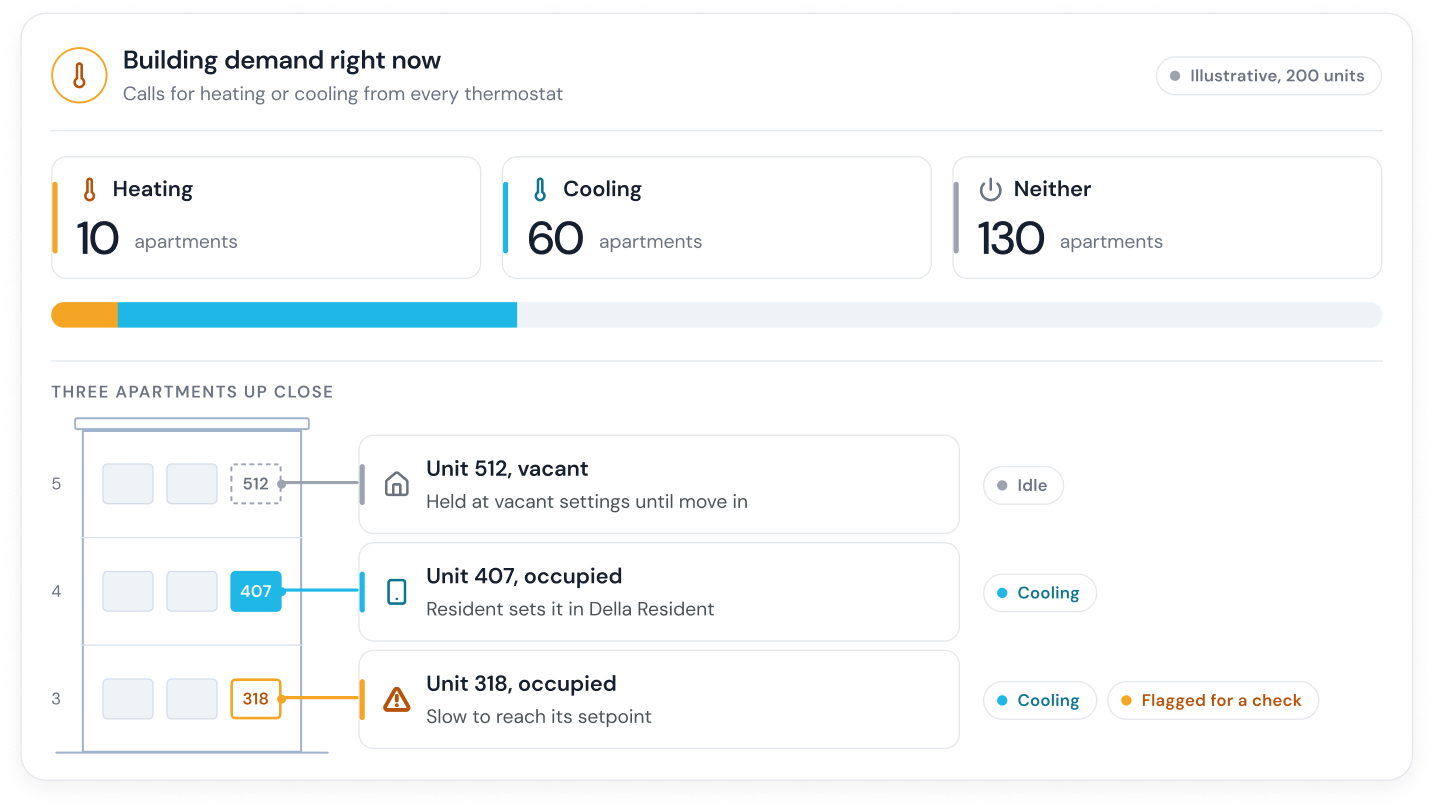
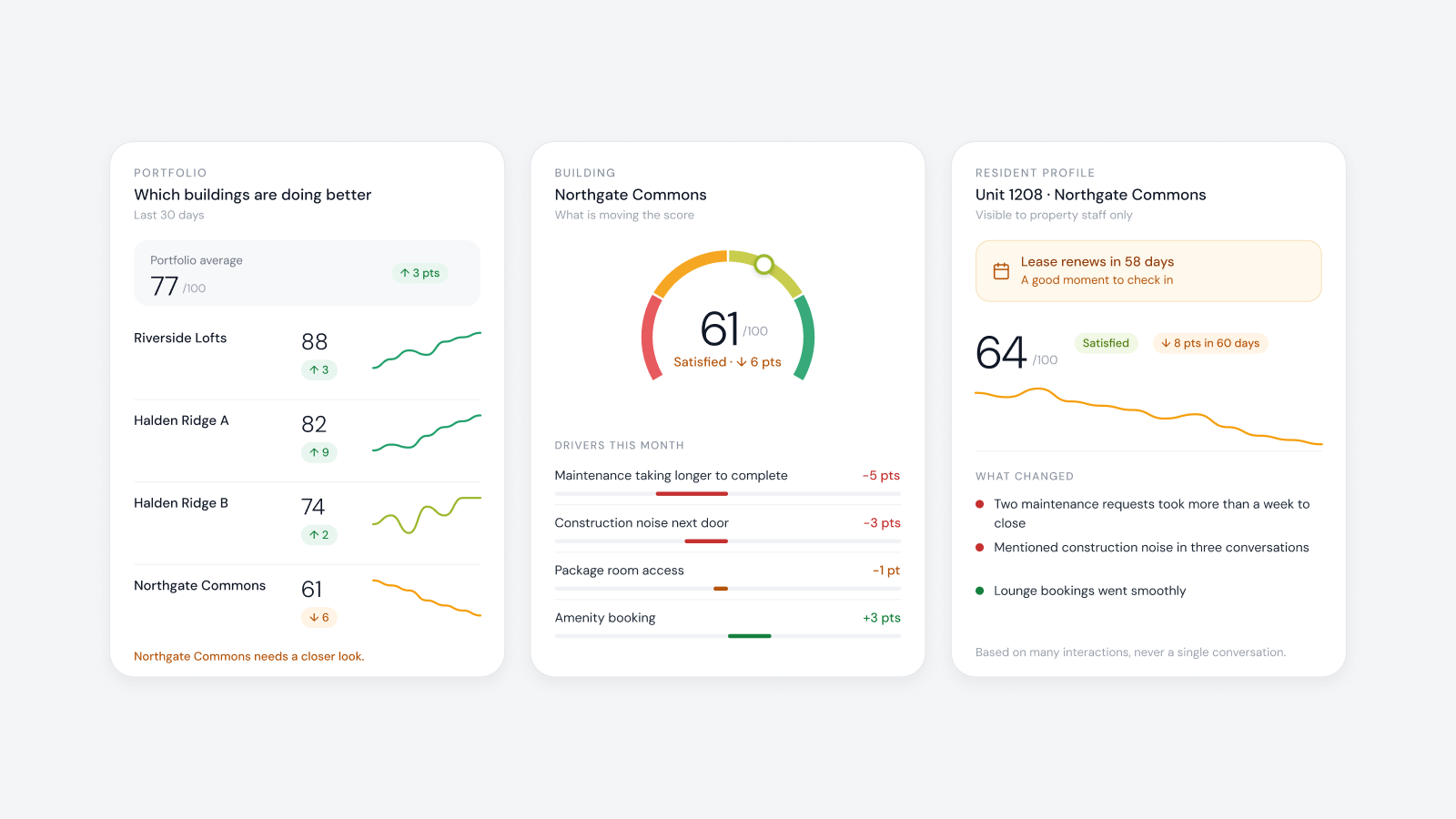
Della OS automatically monitors every connected device, such as thermostats, locks, leak detectors and access control. When devices start dropping offline, for example across a whole floor, staff see it on the dashboard, often before anyone calls. When one resident then books a maintenance request, the team can see it's part of a bigger outage rather than a problem in one unit. Where network monitoring is turned on, Della OS also flags problems on the network itself.
Della OS is the operating layer that stays put. The PMS or the network provider can change, and residents keep the same Wi-Fi details in the same app. Della is listed in the RUCKUS Networks Technical Alliance; read how the RUCKUS joint solution works.
Managed Wi-Fi isn't required to use Della OS. Many features run on a property's existing internet connection, and a dedicated network for building devices is strongly recommended once connected hardware is added.
Frequently asked questions
What is managed Wi-Fi for apartments?
A professionally designed and operated wireless network across the whole property, with a private network for each household, separate networks for building devices and staff, and one provider responsible for security and support.
Is managed Wi-Fi the same as bulk internet?
No. Bulk internet is a service agreement for every unit. Managed Wi-Fi is the network inside the building. A property can have either one, or both.
How does managed Wi-Fi for apartment buildings work commercially?
The property contracts with a provider for the network and its operation, then recovers the cost through rent, a technology fee, optional resident plans or a mix. Terms vary by provider and market.
Can apartment Wi-Fi be set up automatically at move in?
Yes, when the network platform is connected to the PMS. With Della OS, a resident's Wi-Fi access is created when the lease becomes active and removed when it ends.
Can a network outage be spotted before residents report it?
Often, yes. Della OS monitors every connected device, so when devices across a floor or building drop offline together, staff see it on the dashboard, usually before the first call.
Do smart locks and thermostats need managed Wi-Fi?
Not always. Many devices connect through their own hub, and Della OS works with Zigbee and Z-Wave devices through a hub. A dependable network for building devices still matters, and managed Wi-Fi is the most common way to provide one.
Does Della OS require managed Wi-Fi?
No. Della OS can run on a property's existing internet connection. When managed Wi-Fi is present, Della ties it to the lease automatically.
Read what managed Wi-Fi means, the move in, transfer and move out checklist or how to connect your PMS to building devices, or book a walkthrough.