The short answer: in most apartment buildings, changing the property management system (PMS) or the owner throws everything out of balance, because every building system was wired, by hand or by integration, to the way the last team worked. Put an operating layer between the business and the building, and those changes stop reaching the building. The PMS can change, the management company can change, even the owner can change, and the doors, the Wi-Fi, the resident app, the devices and the workflows keep working exactly as they did.
Why changes break buildings today
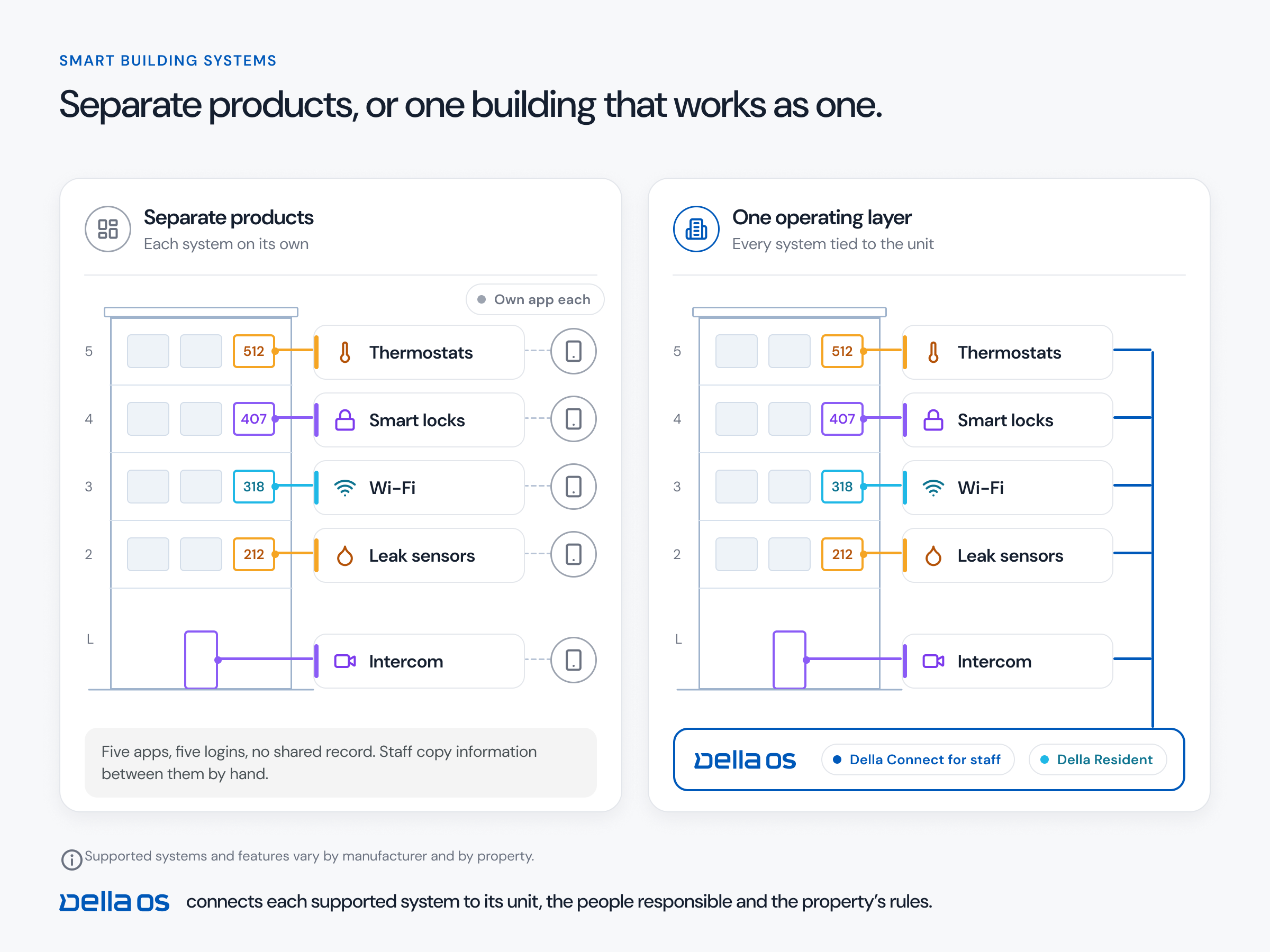
Most buildings have no single layer holding the technology together. The access system, the intercom, the Wi-Fi accounts, the resident app and the thermostats are each tied separately to the PMS, to a vendor portal or to the people who set them up. Change one piece and everything downstream falls out of balance: resident accounts have to be rebuilt, access lists go stale, integrations have to be redone and the site team spends months working around it.
A table with a fifth leg
Think of the building as a table. Today it stands on four legs, the PMS, the owner, the management team and the building's systems, and if you take one away, it falls over. An operating layer is a fifth leg. Take one leg away, or even two, and the table still stands, because the connections, processes and workflows live in the layer rather than in any one of the legs.
Scenario one: changing the PMS
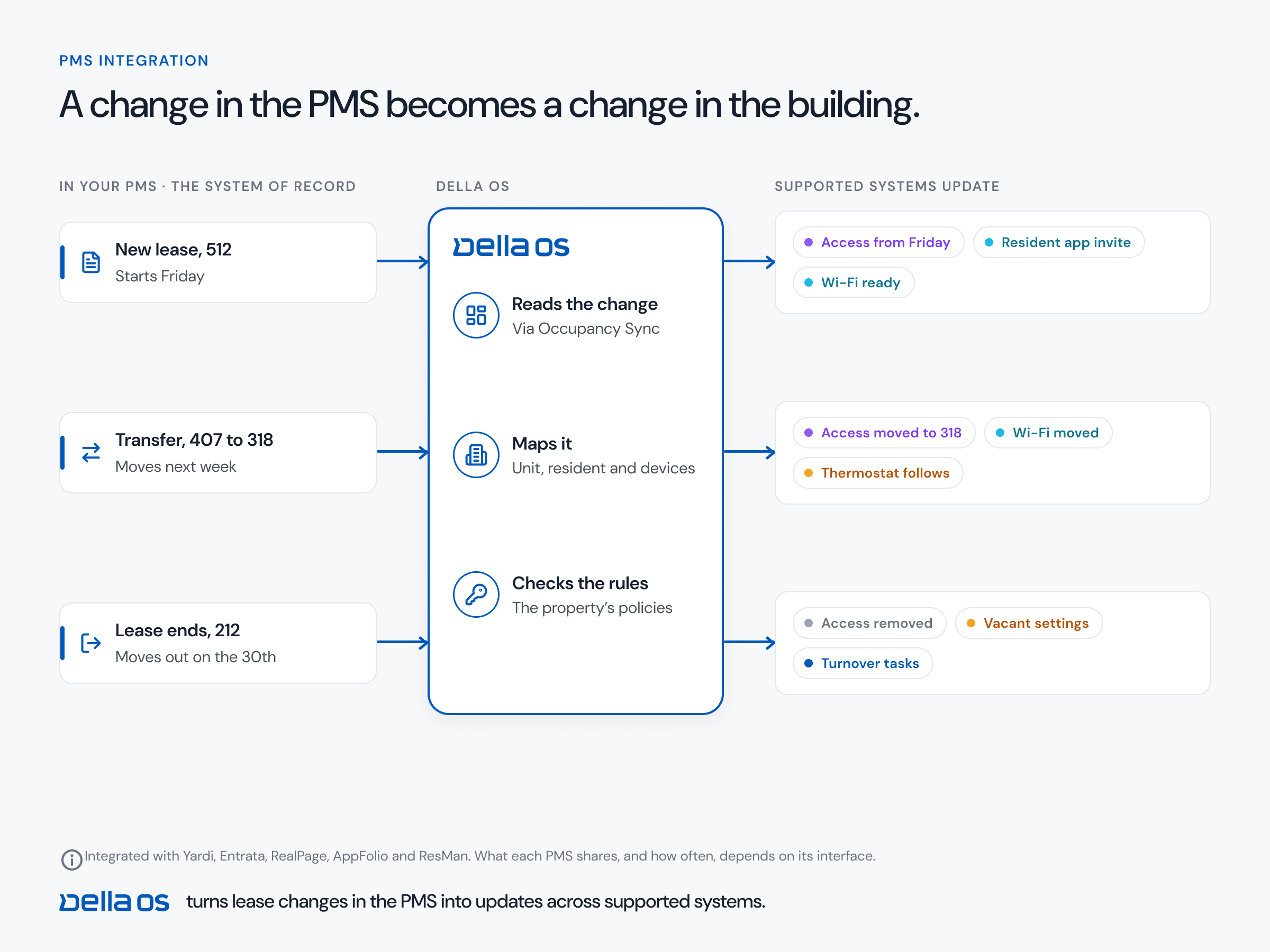
A portfolio moves from one PMS to another. With an operating layer in place, the building never knows. The new PMS is connected to the layer, lease events start flowing from it, and everything the building does carries on: residents keep the same app and the same keys, devices keep the same settings, and workflows run the same way. The only people who notice are the ones entering data at head office. Even the site team works the way it did the day before.
Scenario two: a new owner
A community is sold. The new owner brings its own PMS and its own operating team. Without a layer, that usually means months of rebuilding: new accounts, new access lists, new integrations and a new resident app. With a layer, the new PMS and team plug into it, and every connection point to the building's systems, every process and every workflow stays intact. Residents may meet a new property manager, but their home works exactly the same. For the buyer, the acquisition becomes a standardization project instead of a cleanup.
What to do on day one of a takeover
- Collect every admin login. Access control, intercom, Wi-Fi, cameras, thermostats, parcel lockers and the resident app.
- Remove old access. Former staff, departed vendors and credentials nobody can account for.
- Keep residents moving. Confirm current residents' keys and codes still work before changing anything.
- Find the contracts. Wi-Fi, intercom and software agreements, with their terms and renewal dates.
How to put the layer in place, step by step
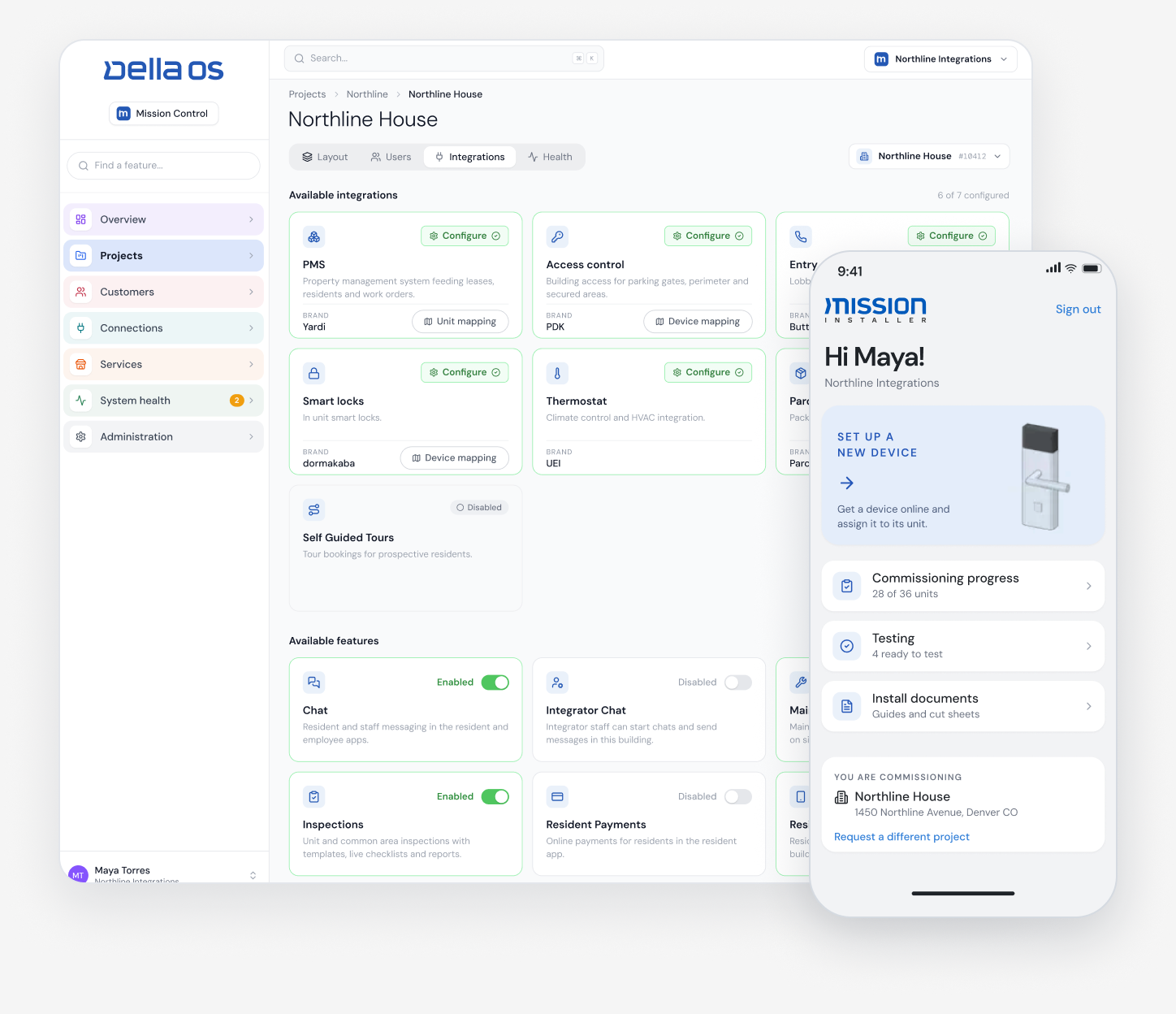
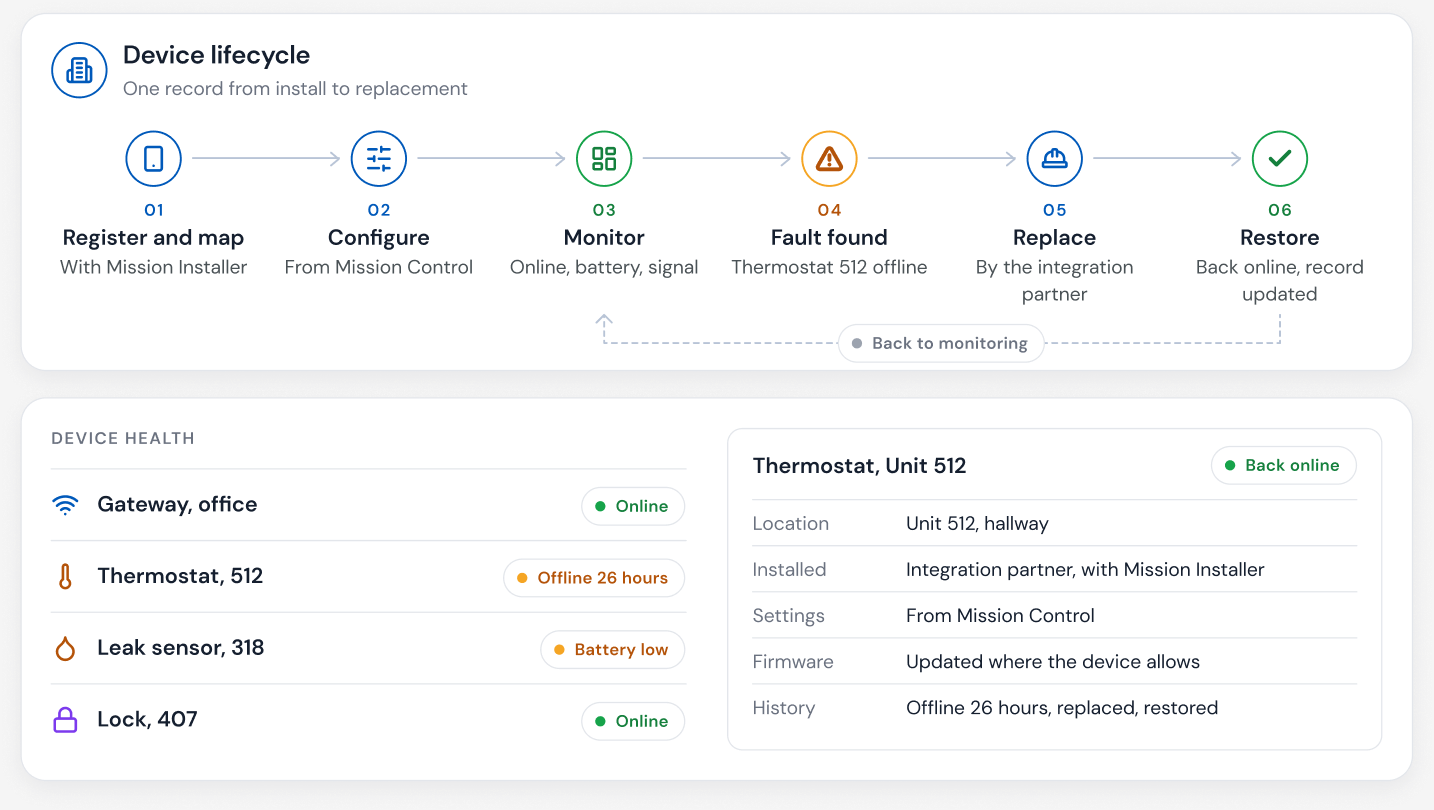
- Inventory every system. Brand, model and who supports it, door by door and unit by unit.
- Connect the PMS to the layer. Let lease events drive access, Wi-Fi and services, instead of spreadsheets and vendor portals.
- Keep, connect or replace. Keep what works, connect it to the layer, and replace only what can't be supported.
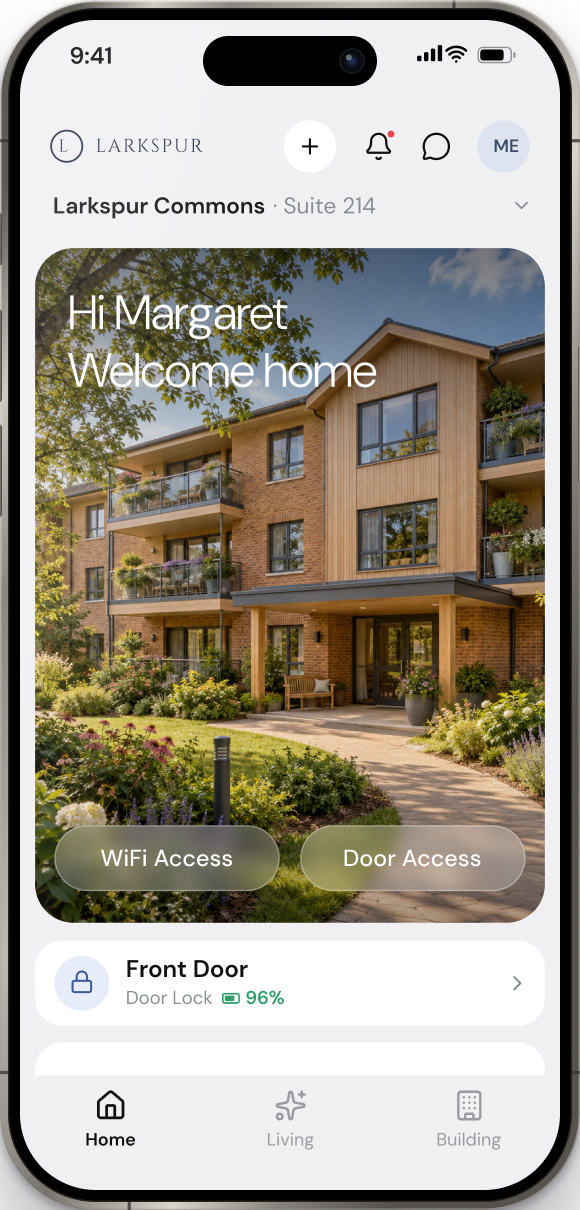
- Move residents to one app. One invitation and one login, ready from the day they activate it.
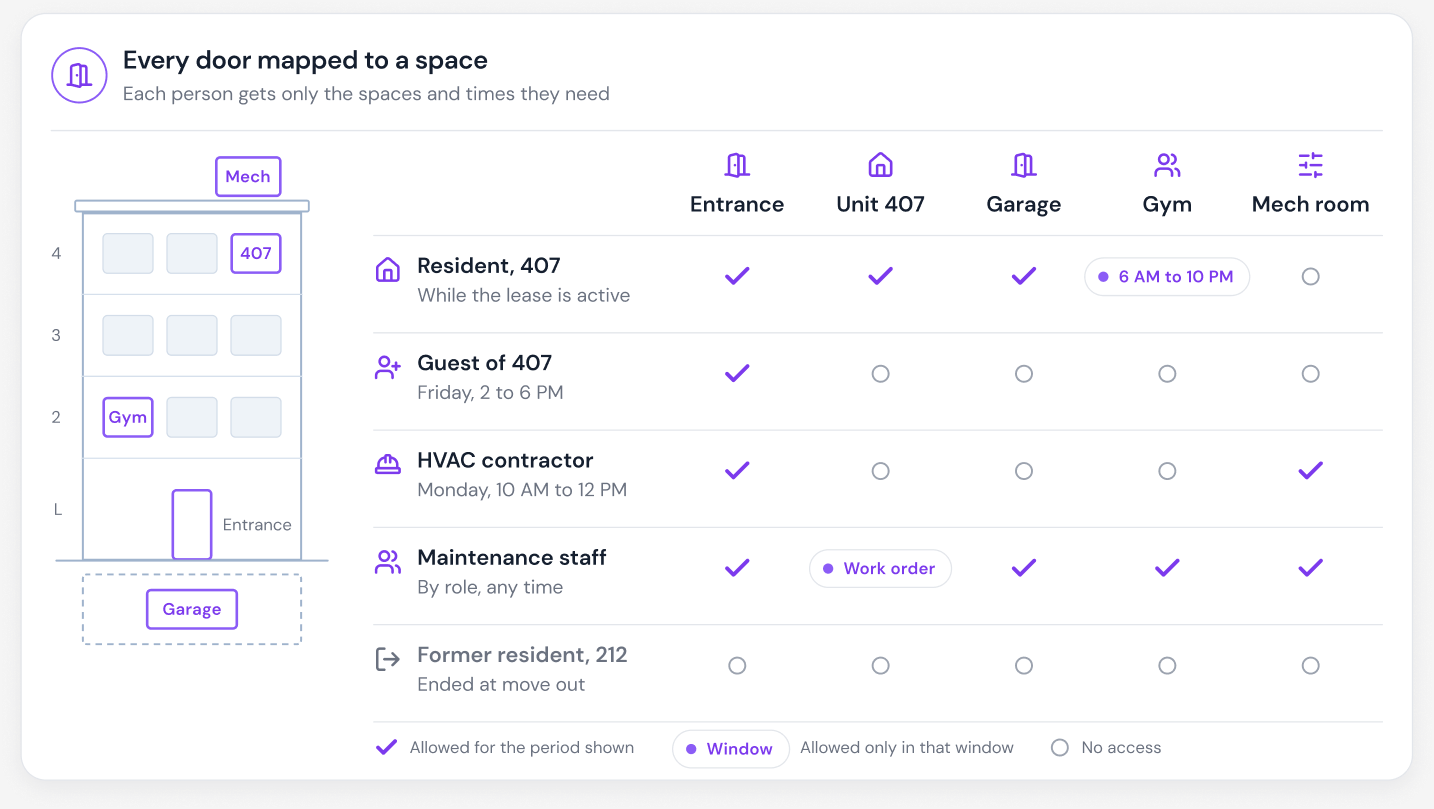
- Write your rules once. Staff roles, vendor windows, amenity rules and vacant unit settings, the same at every property.
- Do it before the next change. The best time to add the layer is before a PMS migration or a sale, so the change itself never reaches the building.
Where Della OS fits
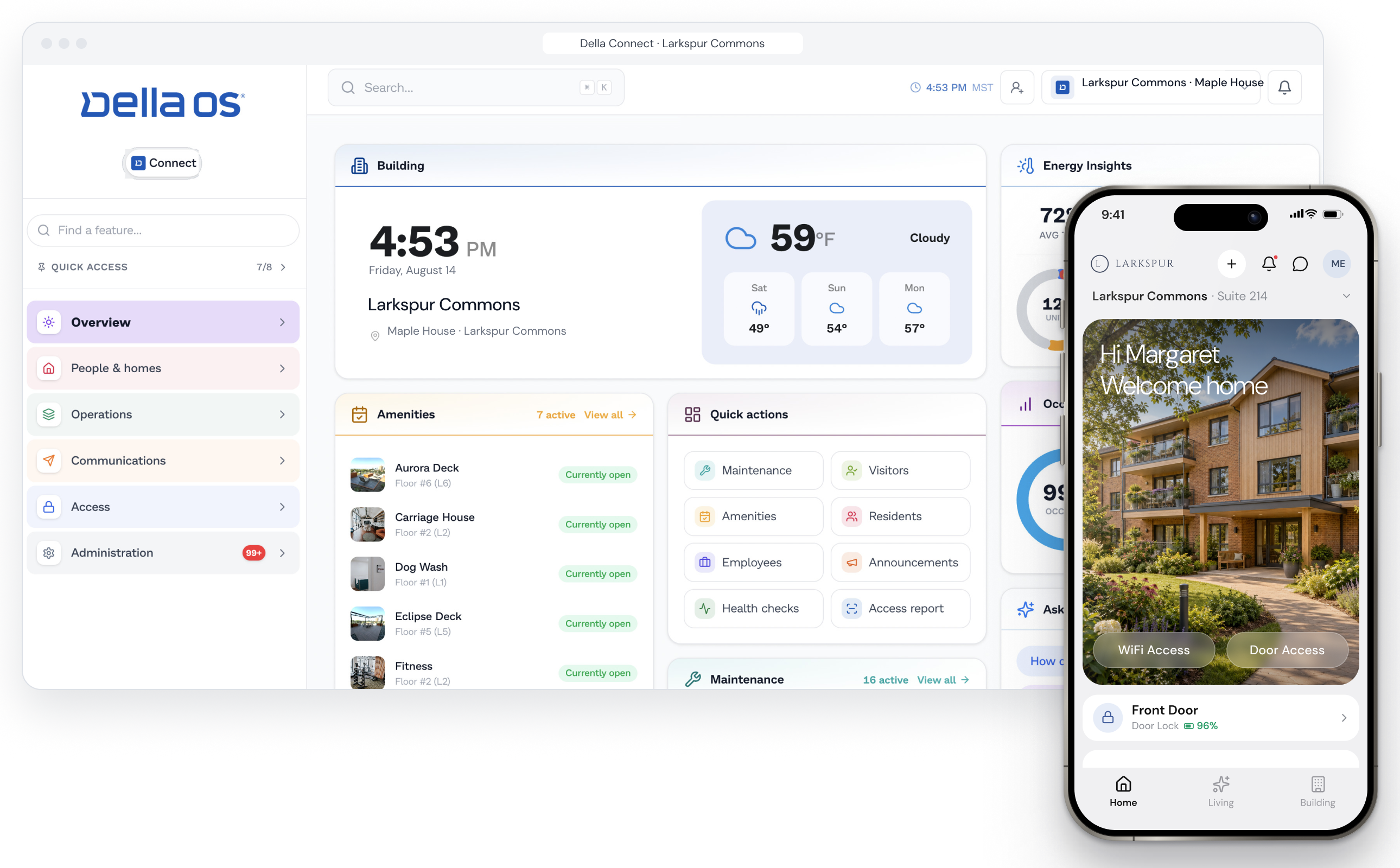
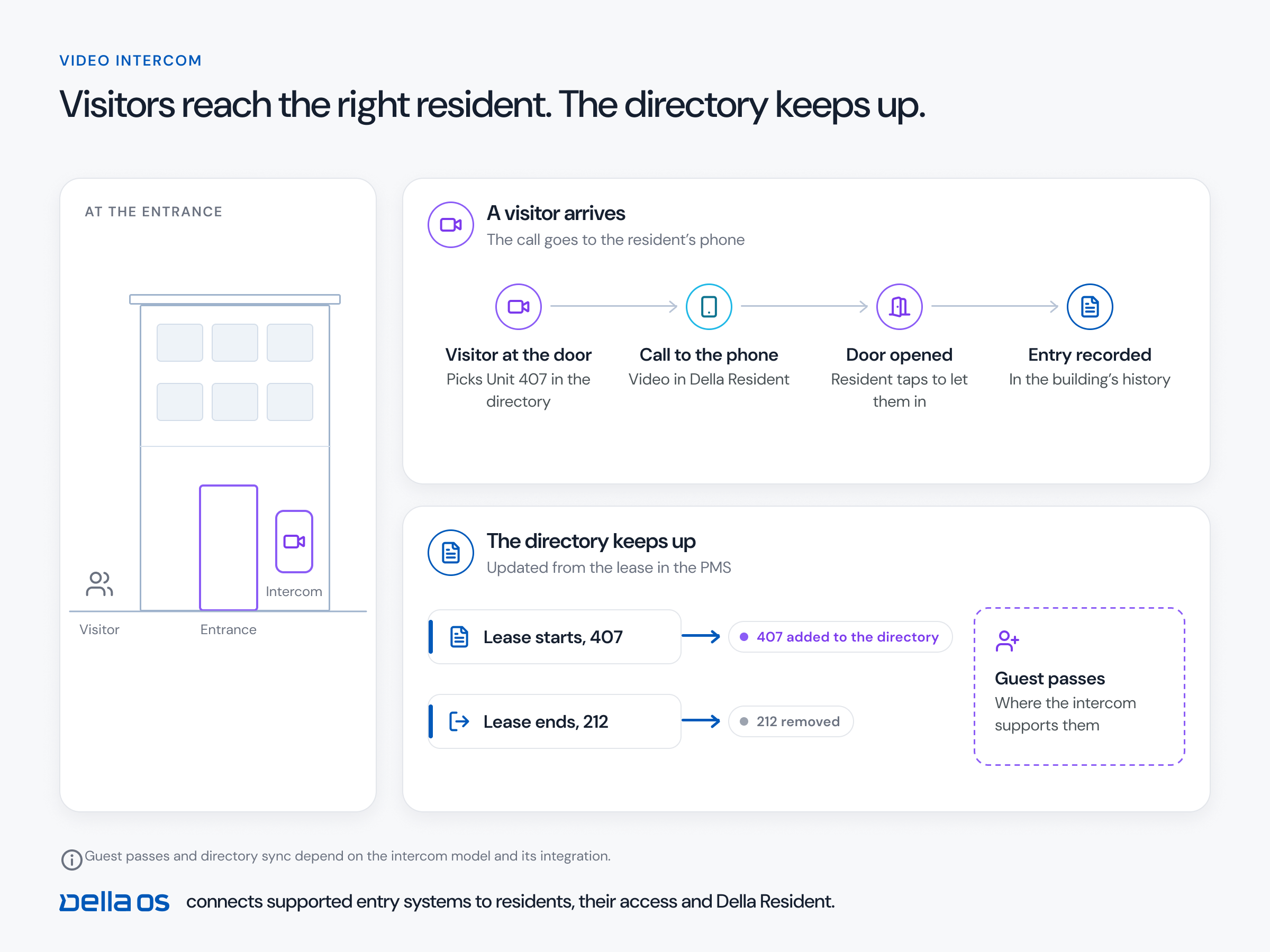
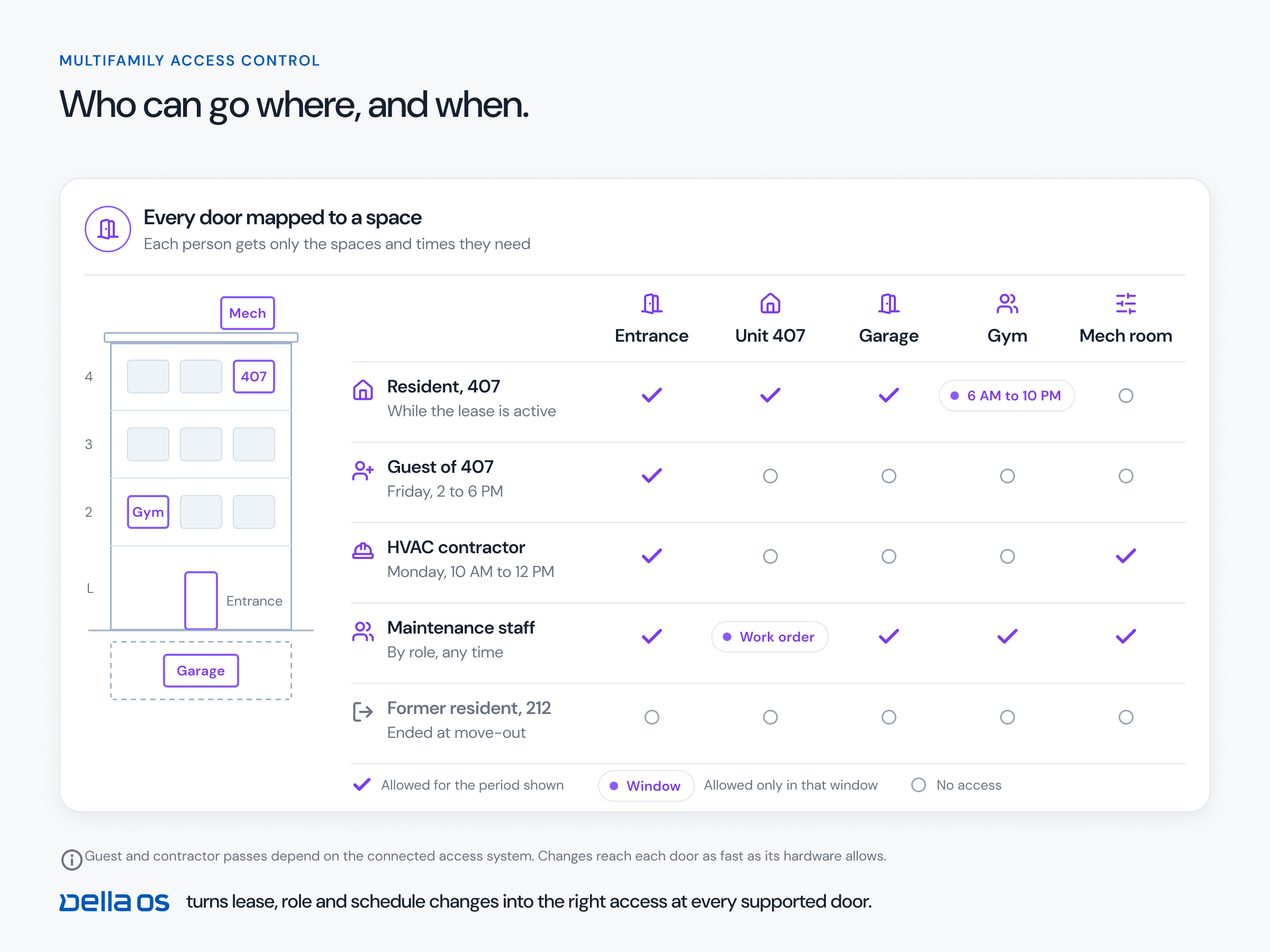
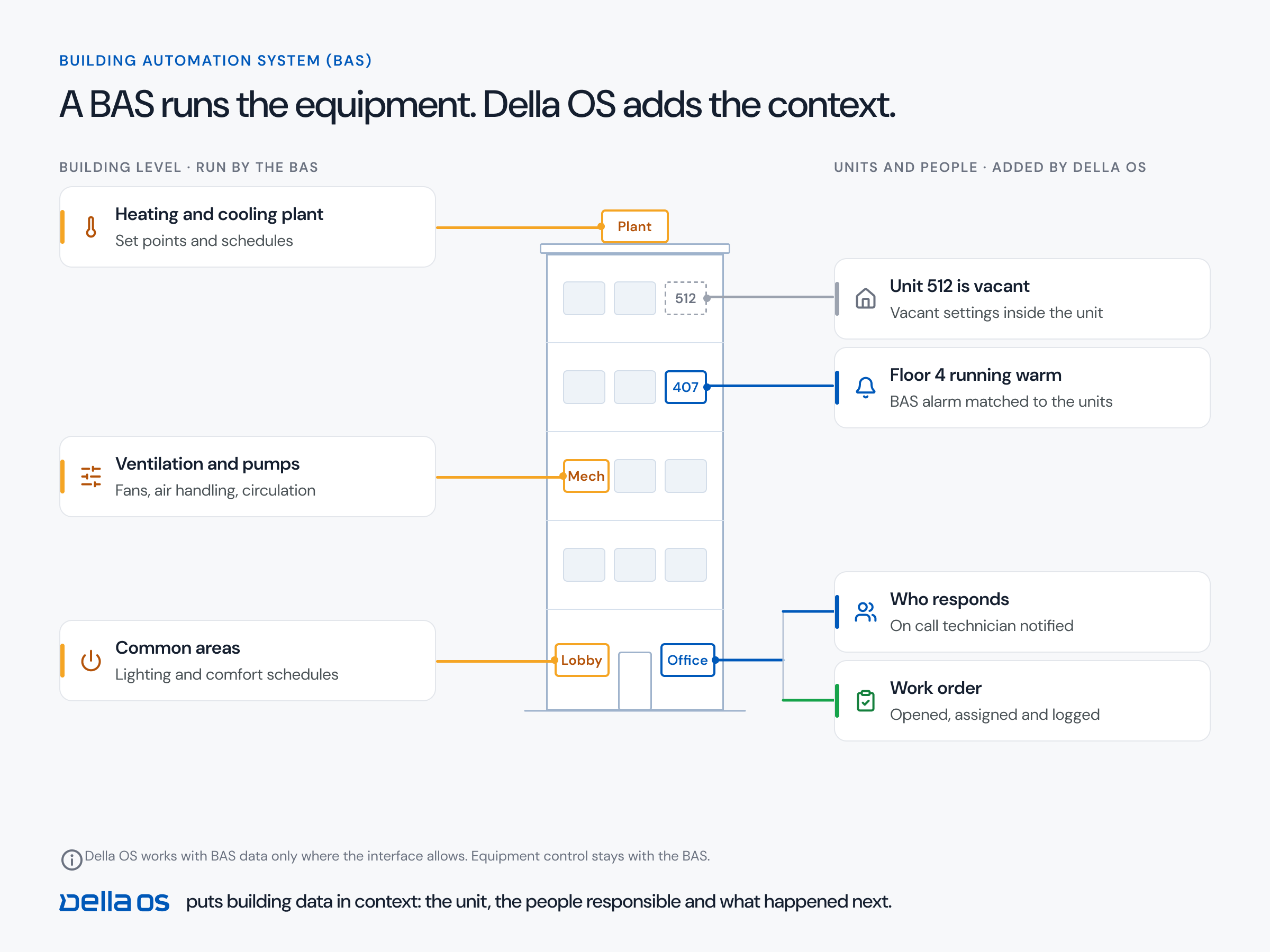
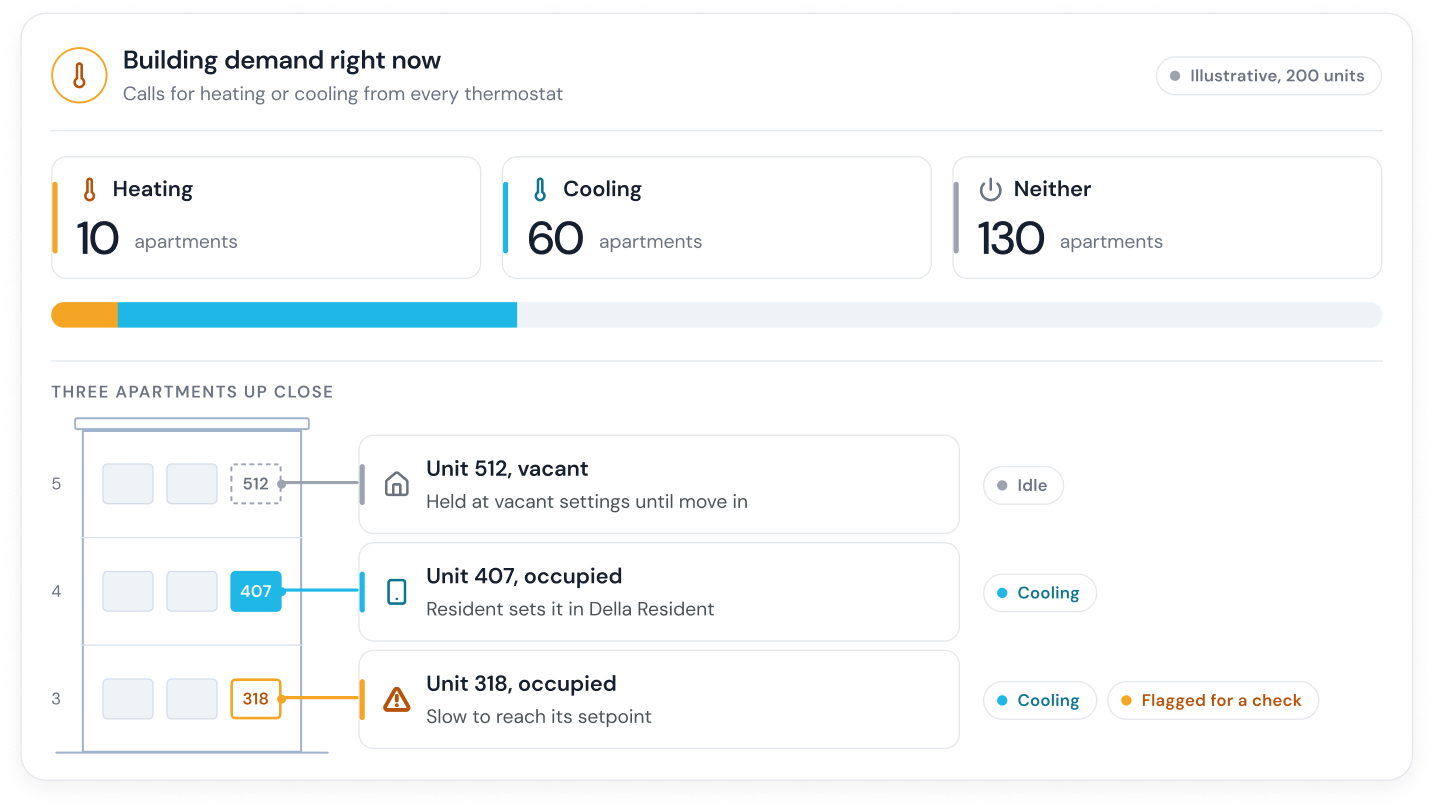
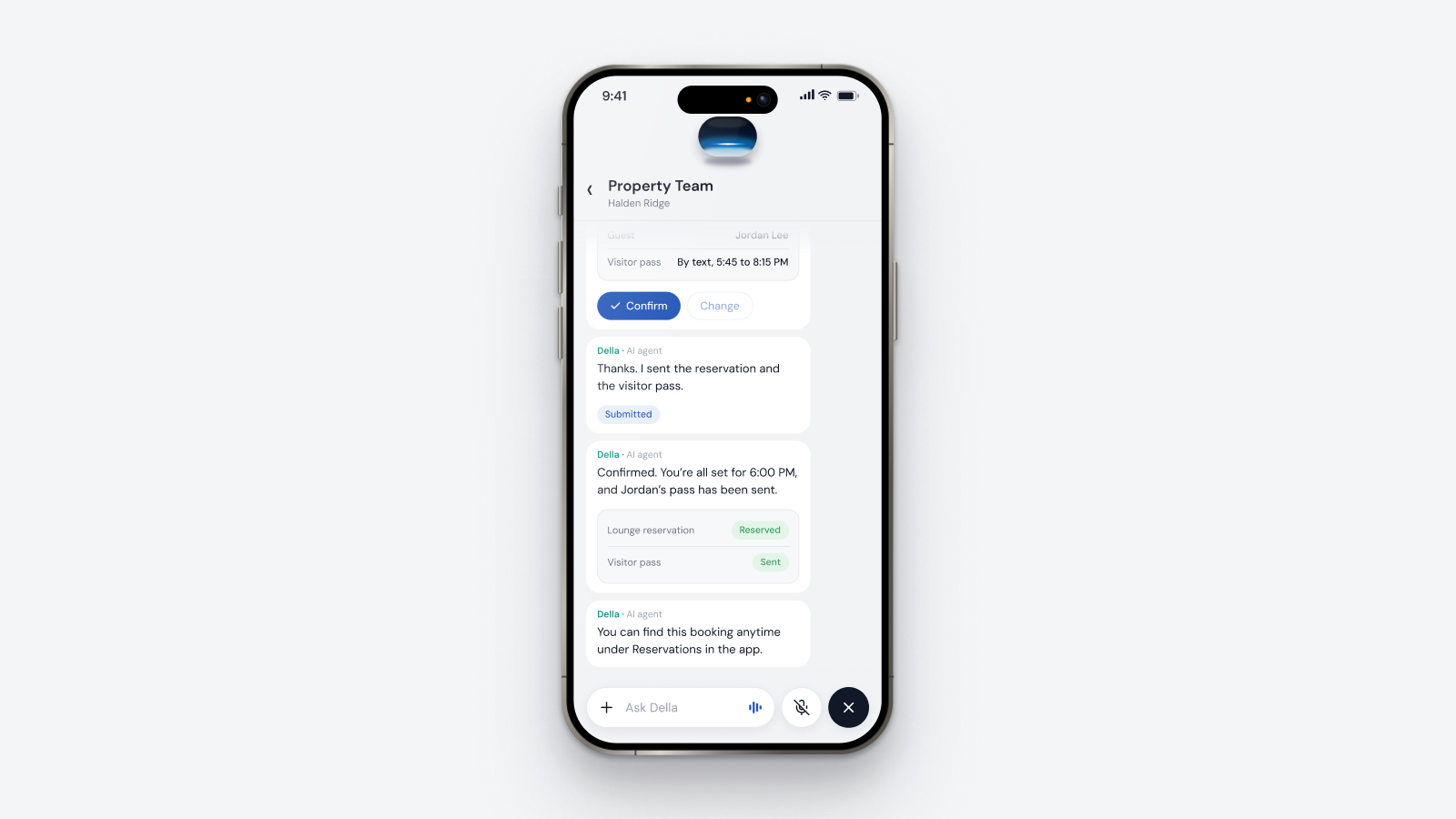
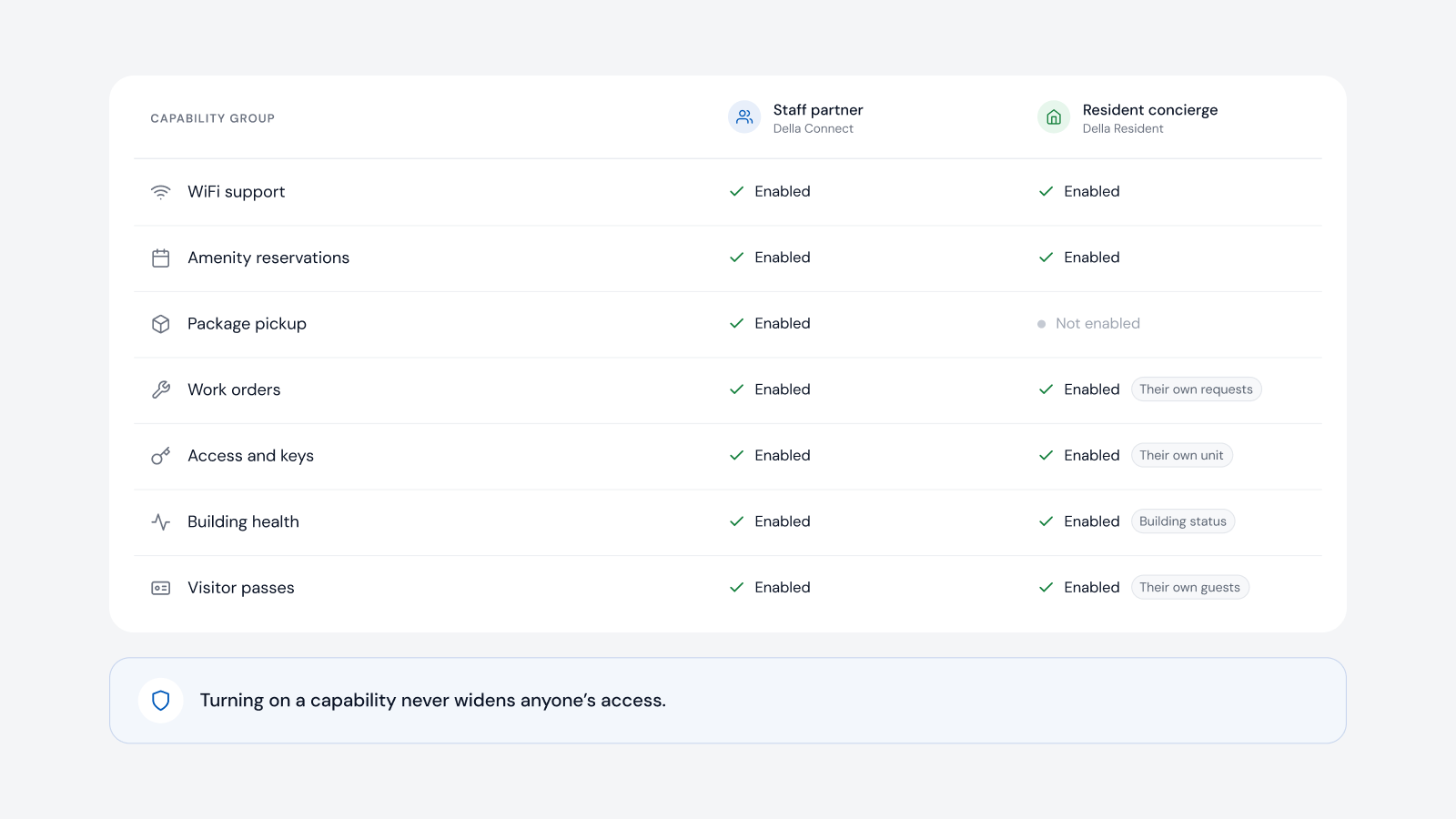
Della OS is the smart building operating system for multifamily and residential properties, from apartments and student housing to senior living and condominiums. Your PMS runs the business. Della runs the building. Because Della OS sits between the PMS and the building's systems, the PMS can be changed, from Yardi to Entrata or any of the supported systems, and the building carries on: Della keeps the connections to access control, locks, intercoms, Wi-Fi, thermostats and services, and residents keep using Della Resident while staff keep using Della Connect. When a property is sold, the new owner connects its own PMS and team to the same layer, and the processes and workflows already built for the building stay in place. Della OS works with a wide range of hardware brands, listed in the compatibility guide, and a certified integration partner confirms what connects, model by model, before anything is replaced.
Frequently asked questions
Can we change our PMS without disrupting residents?
Yes, with an operating layer in place. With Della OS, the new PMS is connected to Della and the building carries on as before. The people entering data at head office see the change; residents and site staff carry on as normal.
What happens to the building's technology when a property is sold?
With Della OS in place, the new owner connects its PMS and team to the same layer, and the connections, processes and workflows stay intact.
Do we have to replace the previous owner's hardware?
Usually not. Supported systems are connected as they are, and replacement is decided model by model.
When is the best time to add an operating layer?
Before the next change, whether that's a PMS migration, a new management company or a sale, so the change never reaches the building.
Which PMS platforms does Della OS work with?
Yardi, Entrata, RealPage, AppFolio and ResMan.
Read how to standardize operations across a portfolio, how to switch platforms without replacing hardware and what an operating standard is, or book a walkthrough.