The short answer: managed Wi-Fi becomes an asset when it does more than deliver internet to each unit. The same network can help lease apartments, give residents control of their own guests and devices, earn income from speed upgrades and carry the building's connected equipment. None of that needs the property team to act like an internet provider. It needs the network to be connected to the resident experience and the lease, so access is granted, changed and removed automatically.
The network you already paid for
Many communities have fast, reliable Wi-Fi throughout the building, and it is treated as a cost: a line in the budget, another vendor and another portal. Owners ask a fair question. We paid for this network, so shouldn't it be working harder for us? Expanding it across a portfolio sounds like more for site teams to manage, and when a resident wants more speed, the income usually goes to the internet provider.
A lease that walks out the door
A prospect arrives for a self guided tour and loses cellular signal inside the building. She can't send photos to family or reach the leasing team with a question. She is surrounded by Wi-Fi she can't use, so she leaves, and a possible lease leaves with her. The Wi-Fi wasn't broken. It just wasn't connected to anything except residents' units.
Four ways the network can work harder
- Leasing. A tour invitation can include temporary Wi-Fi for the visit, so a prospect stays connected, reaches leasing and finds the apartment.
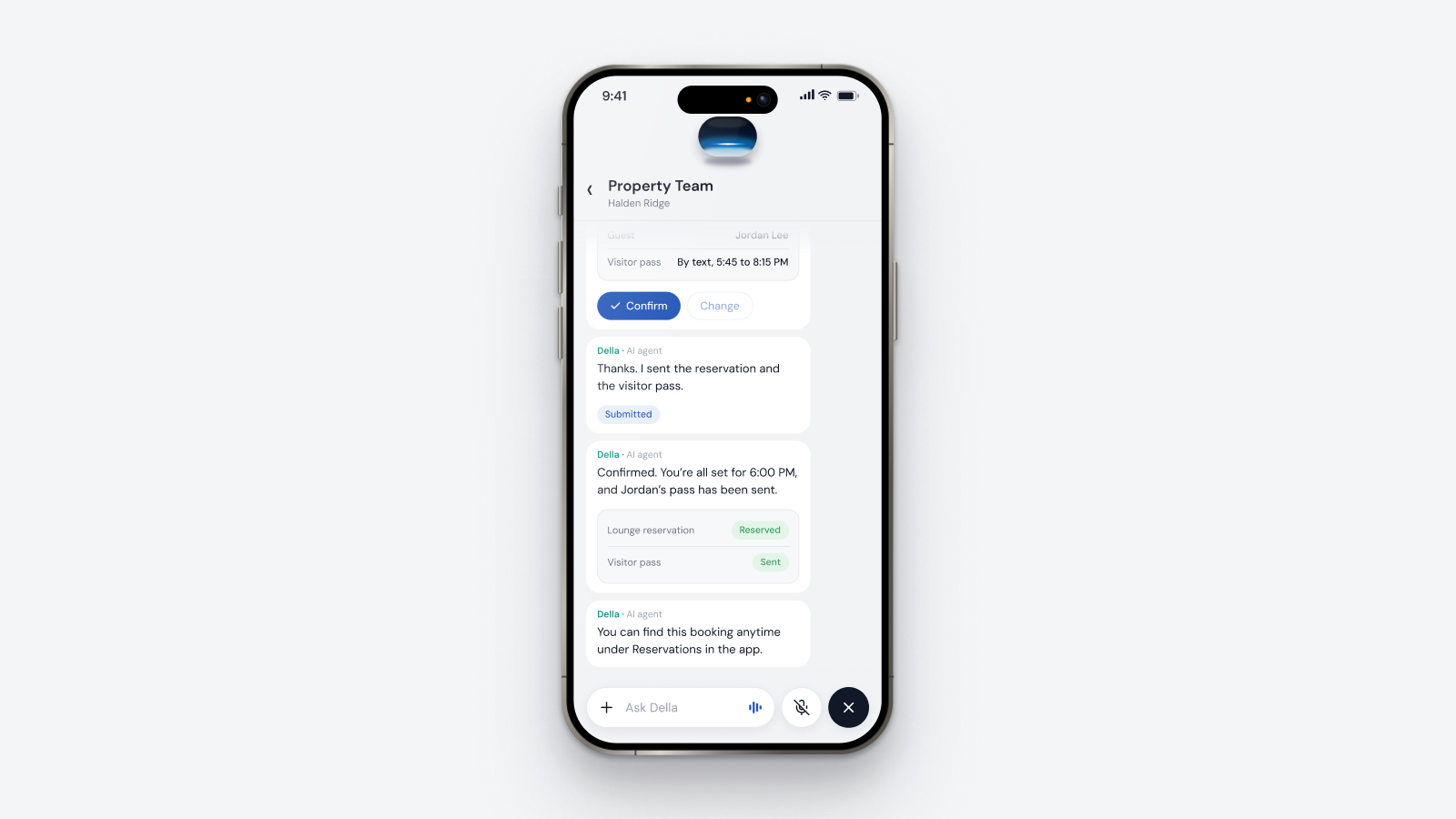
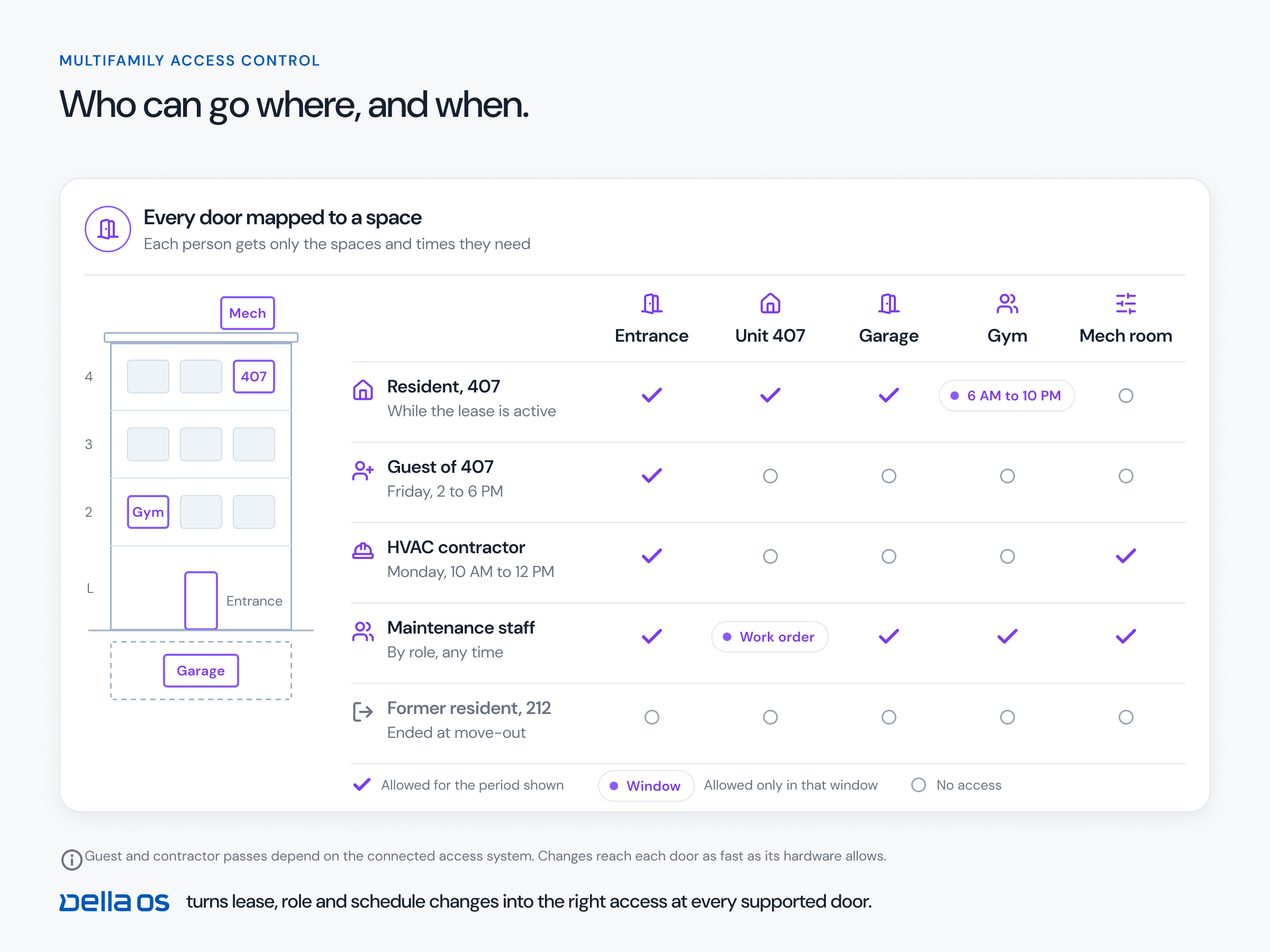
- Resident independence. One login gives a resident their private Wi-Fi and their building services before move in. For a weekend guest, one invitation can cover the building entrance, guest parking, an amenity and guest Wi-Fi from Friday to Sunday, without the apartment door, and it all expires on Sunday. The office isn't involved.
- Income. Every resident gets a standard connection. Those who want more speed for work, streaming or gaming upgrade in the resident app, the change happens automatically on compatible networks, and with the right commercial arrangement the owner earns recurring income.
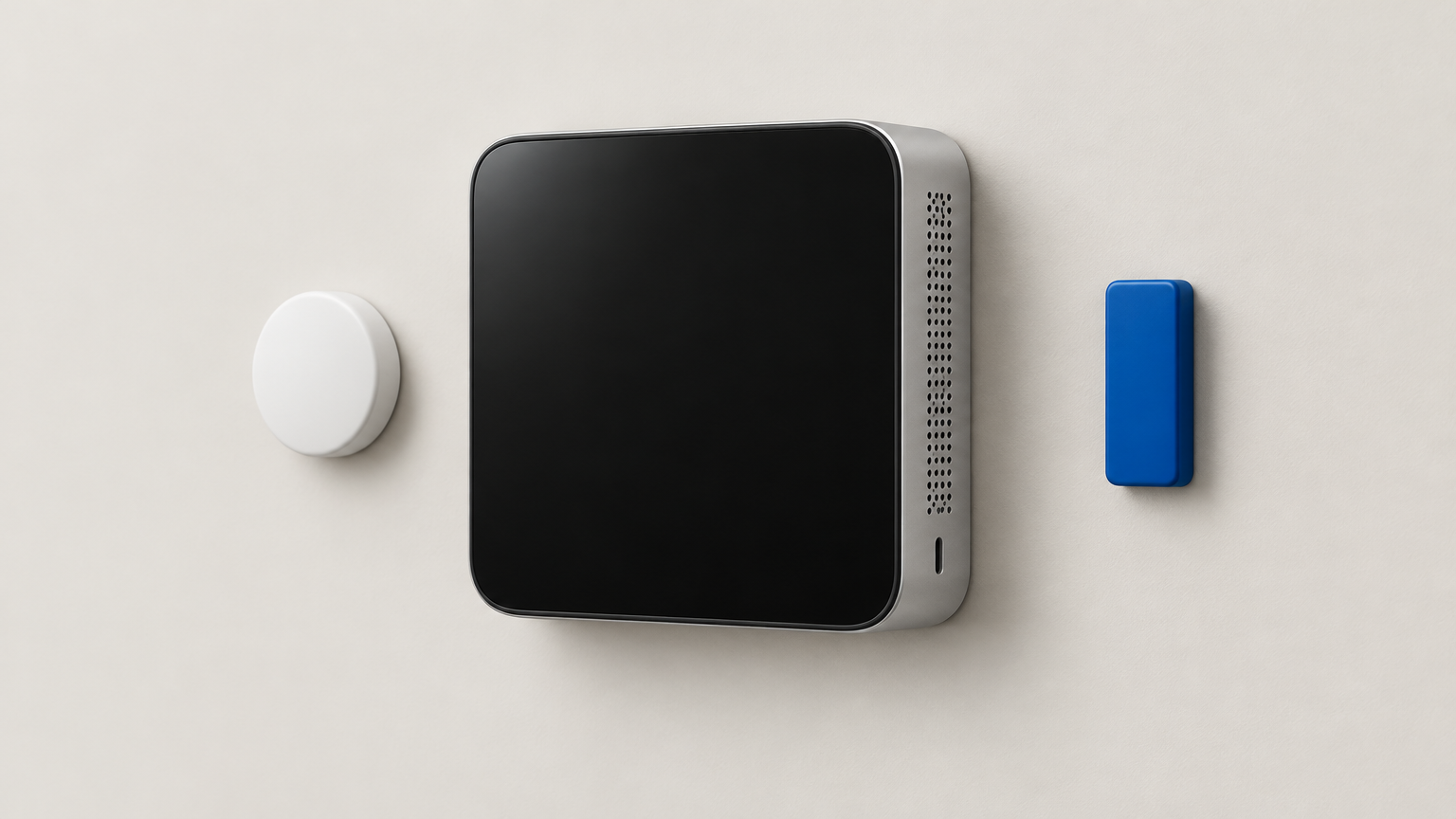
- A foundation for devices. A network that keeps residents' private connections separate from building equipment can carry smart locks, thermostats and sensors later, so today's investment prepares the building for what comes next.
You don't have to become an internet provider
The fear behind most Wi-Fi decisions is workload: accounts to create, passwords to reset and guests to add. When the network is tied to the lease, a resident's access starts at move in, follows a transfer and ends at move out. Residents manage their own guests within the property's rules. The owner sets the policies, the residents run their own experience and the property manager doesn't have to get involved.
How to make your Wi-Fi an asset, step by step
- Find out what you have. List the network equipment at each property and who manages it.
- Check whether it can be connected. Compatible managed Wi-Fi can often be connected without replacing what is installed.
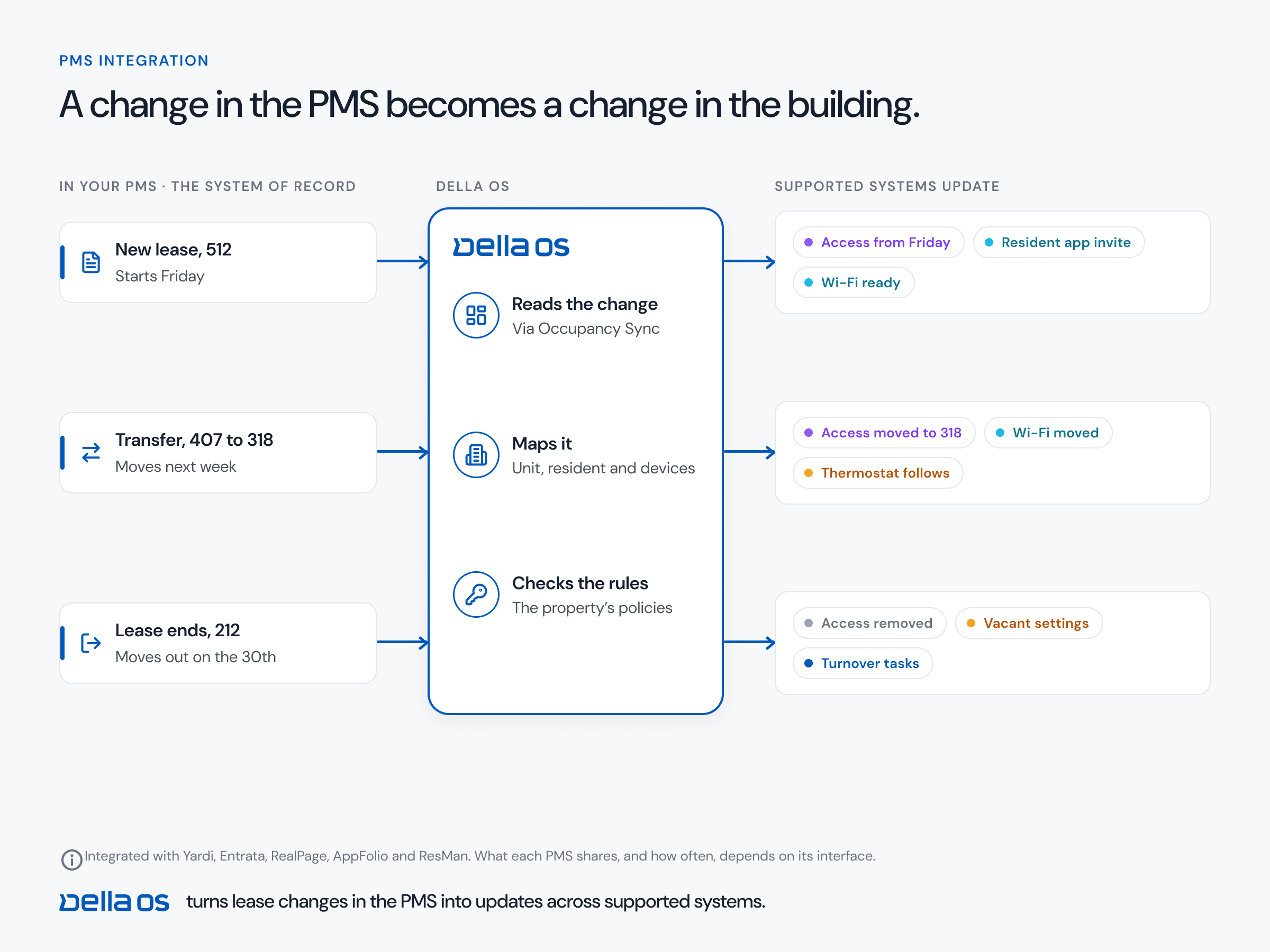
- Tie access to the lease. Wi-Fi should start, move and end with the resident, driven by your property management system (PMS).
- Add tour and guest Wi-Fi. Make temporary access part of the tour invitation and the guest invitation.
- Decide your speed tiers. Set a standard connection and the upgrades residents can choose, and agree the commercial terms with your provider.
- Separate building devices. Keep equipment on its own part of the network, apart from residents' private connections.
- Plan upgrades and new buildings around outcomes. If you are replacing a network or designing a new one, start with what you want it to do.
Where Della OS fits
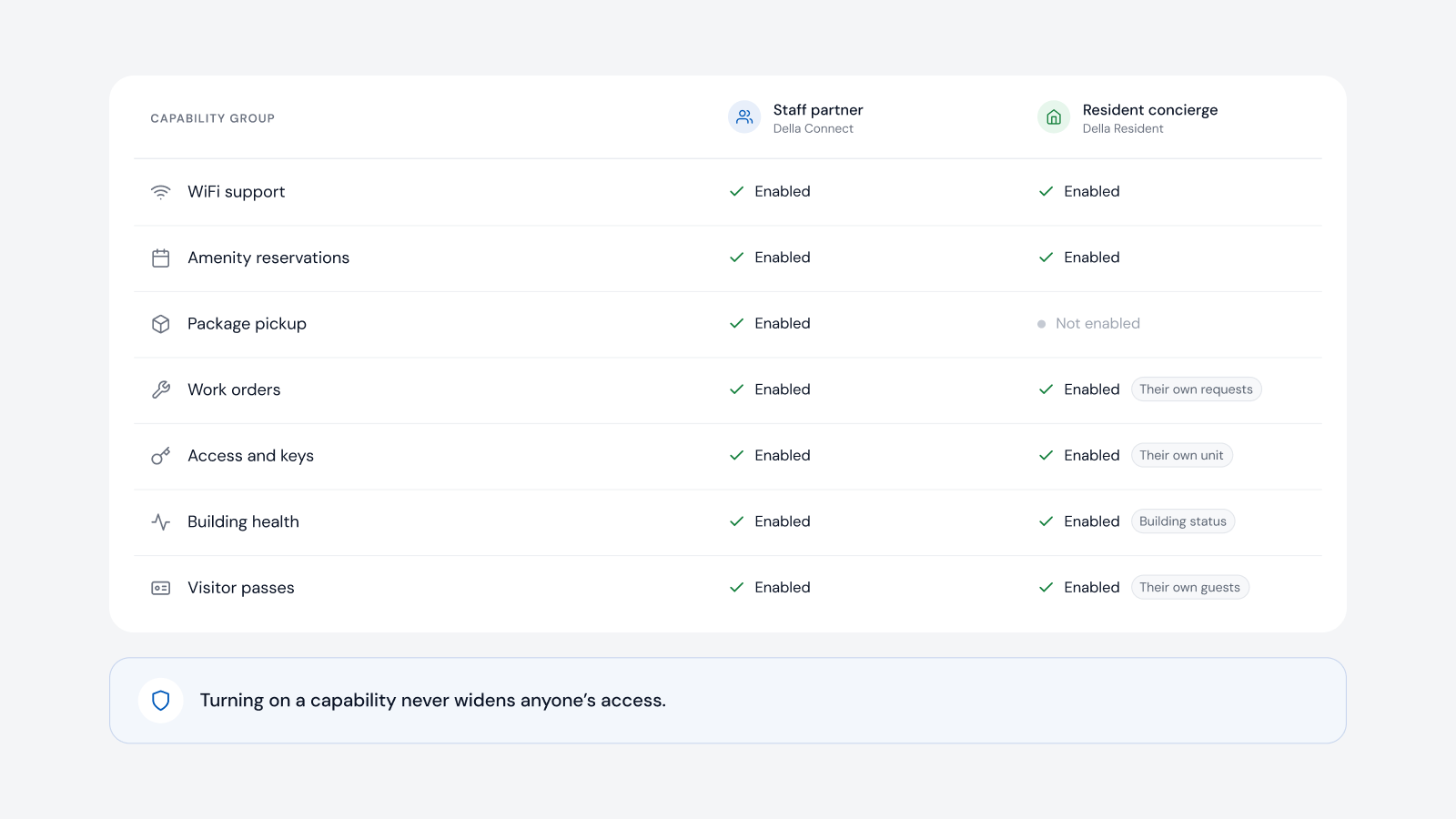
Della OS is the smart building operating system for multifamily and residential properties, from apartments and student housing to senior living and condominiums. It connects compatible networks to the resident experience, without turning property managers into internet providers. When a lease becomes active in Yardi, Entrata, RealPage, AppFolio or ResMan, the resident's Wi-Fi is set up and appears in Della Resident, and it is removed at move out. Residents create guest invitations that combine doors, parking, amenities and guest Wi-Fi for a set time, and where the network supports it they can upgrade their speed in the app. Property teams see it all in Della Connect alongside access, devices and maintenance.
Frequently asked questions
Can managed Wi-Fi generate income for an apartment owner?
Yes, where residents can choose a faster connection and the owner has the right commercial arrangement with its provider. The amount depends on the property and the agreement.
Do we need to replace our network?
Often not. Compatible managed Wi-Fi can usually be connected as it is. Compatibility is confirmed for each property.
Can a prospect get Wi-Fi during a tour?
Yes, where the network supports it. Temporary access can be included with the tour invitation and ends after the visit.
Can residents give guests Wi-Fi without calling the office?
Yes. A resident can create a guest invitation with Wi-Fi for a set period, within the property's rules.
Does the property team have to manage Wi-Fi accounts?
No. Resident access follows the lease, and residents manage their own guests.
Read how managed Wi-Fi works in apartment buildings and managed Wi-Fi in the glossary, or book a walkthrough.