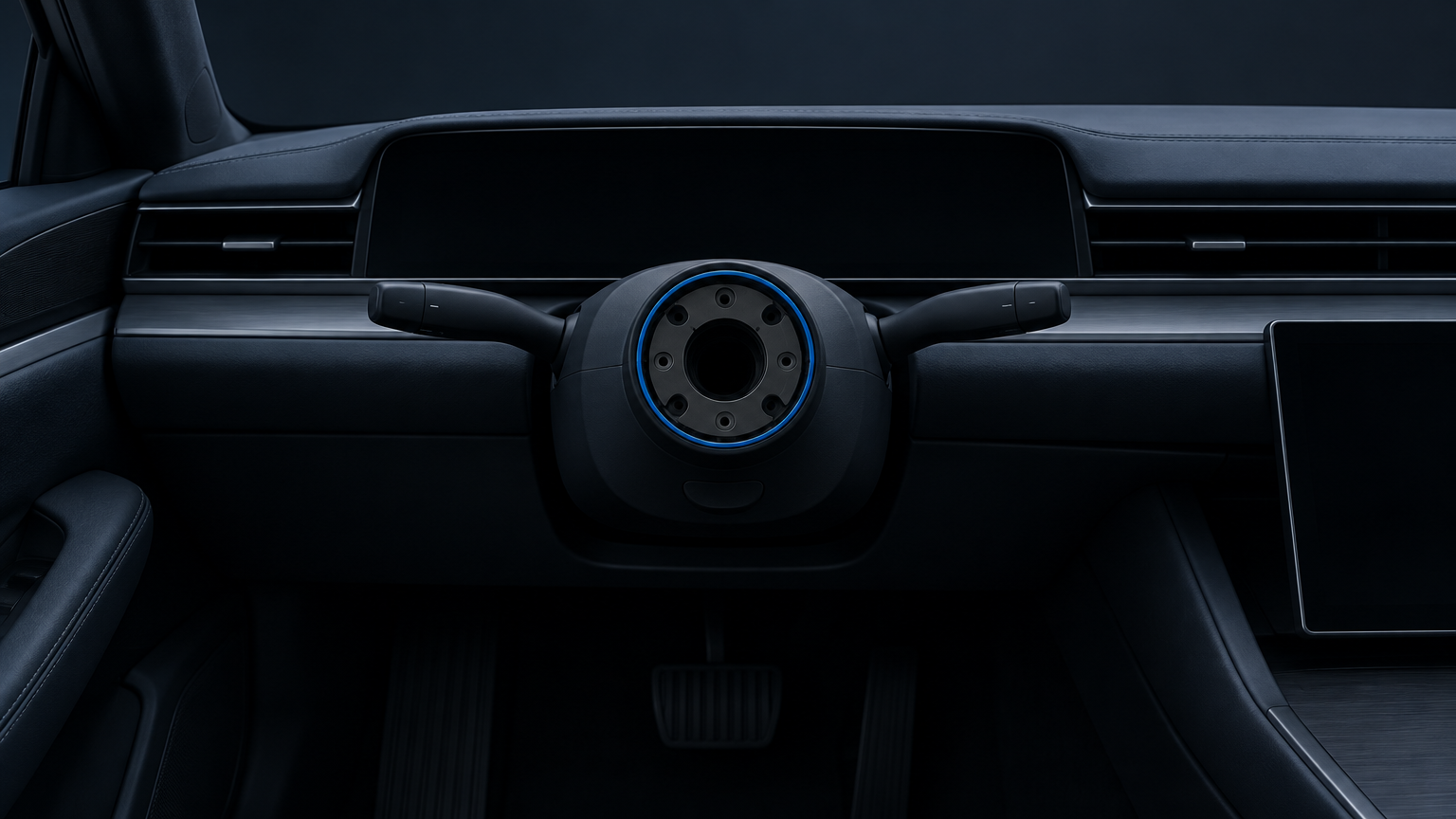
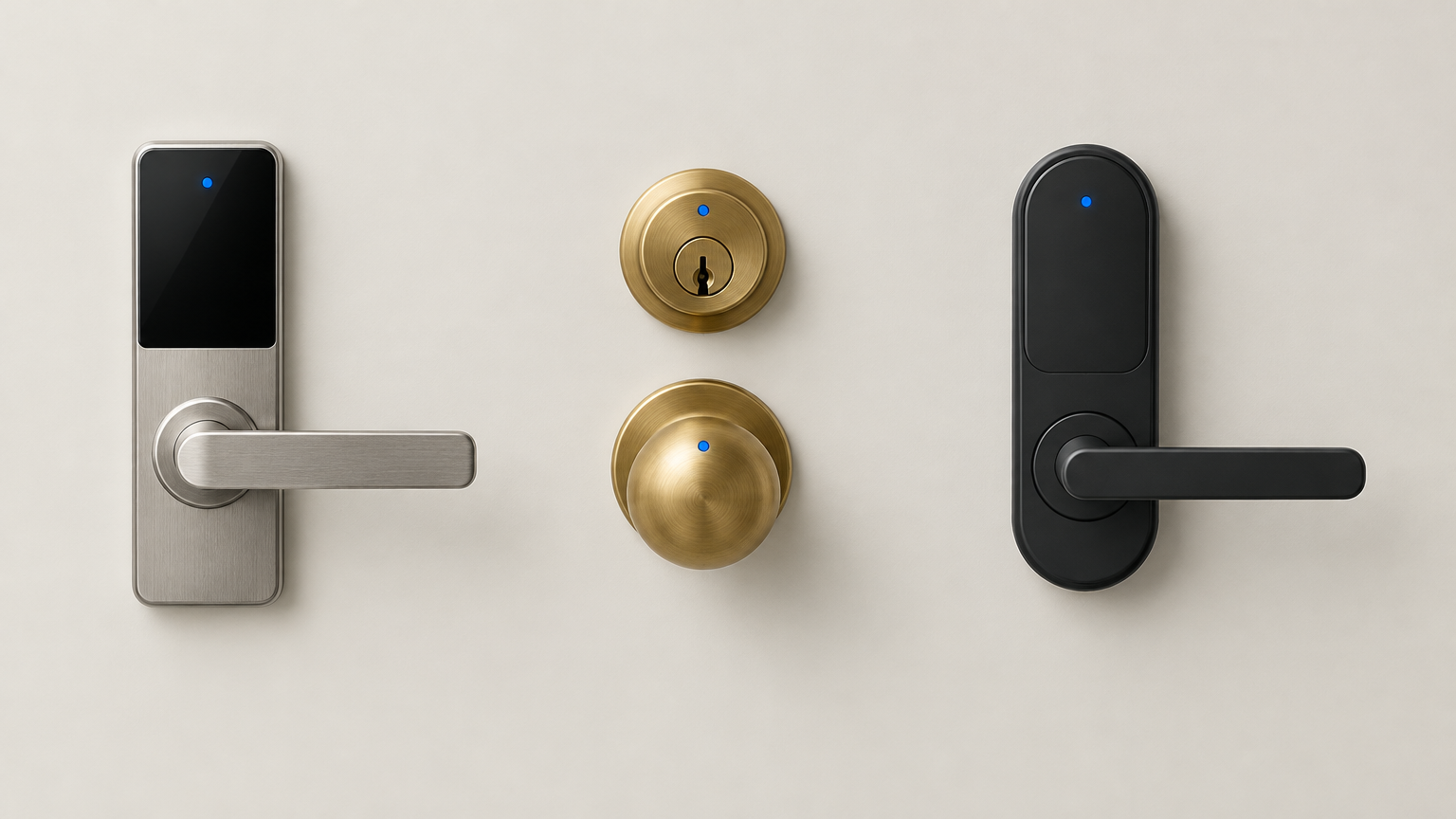
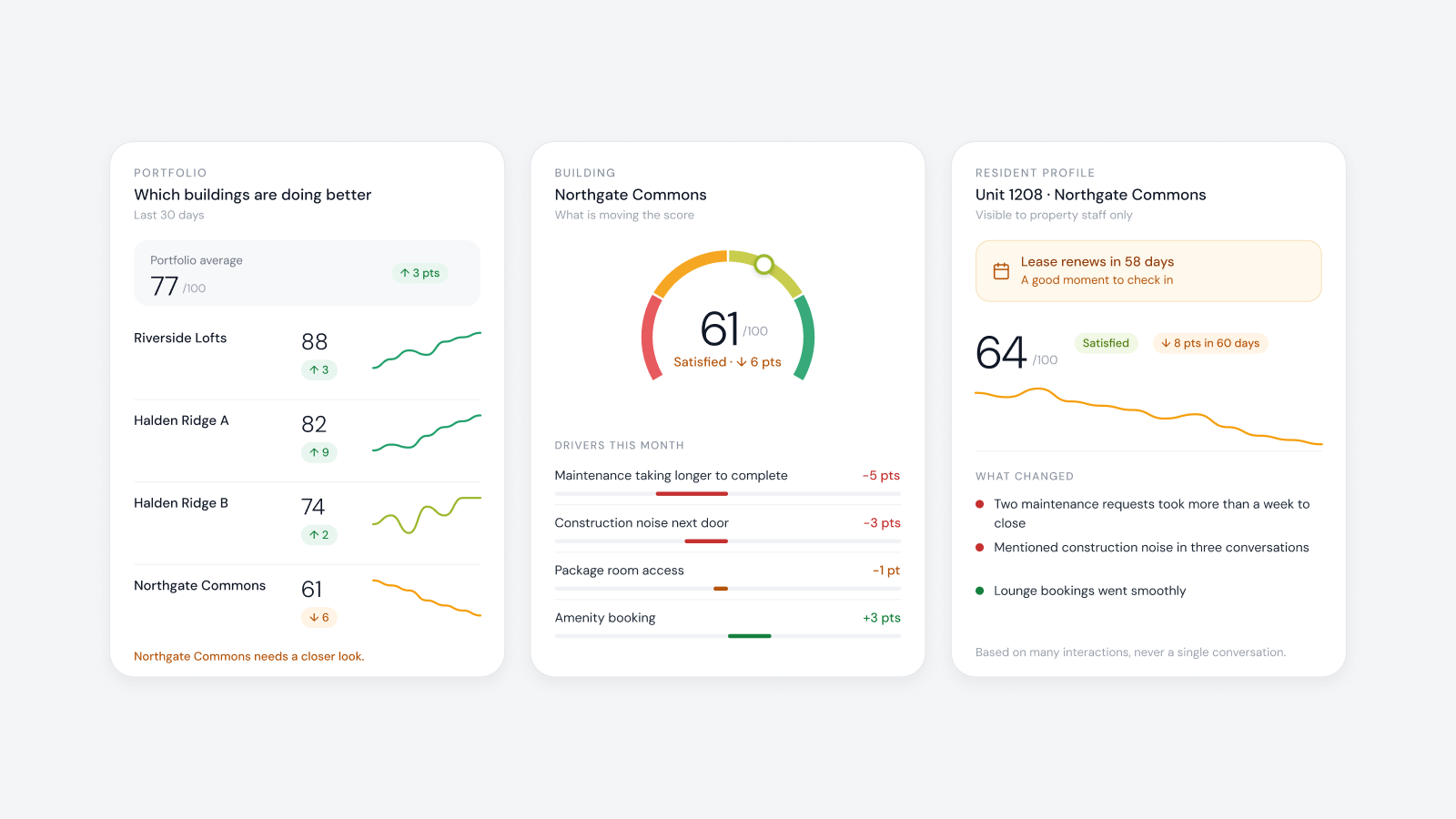
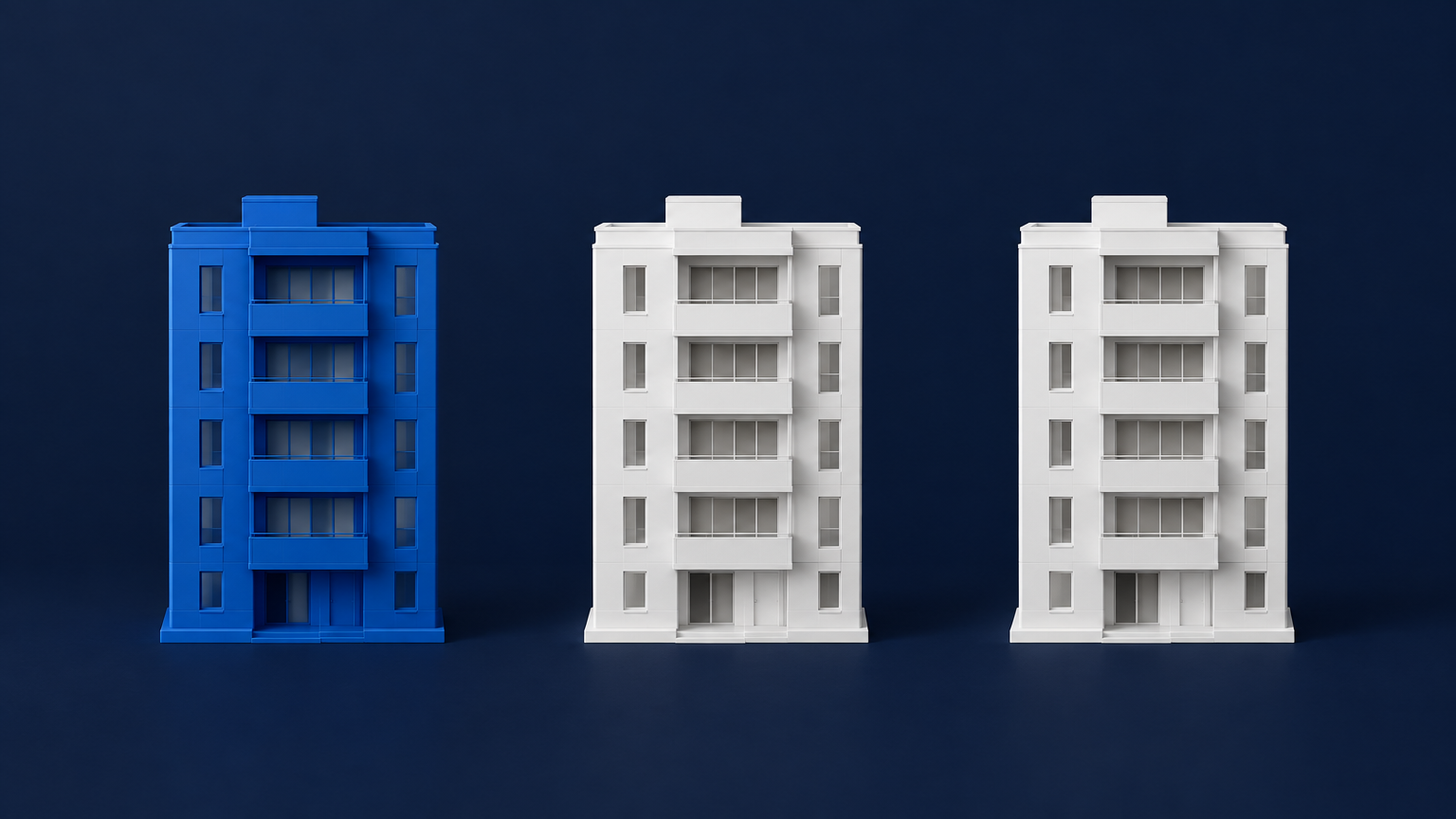
The short answer: they are two different jobs, and they deserve two different speeds. AI in the business handles clerical work: inquiries, tours, applications, renewals, collections and the inbox. Go fast there. A mistake is a wrong email, and a person can catch it and fix it. AI in the building touches smart locks, access, thermostats and people's homes. It belongs there too, but go carefully: it should work inside permissions it can't exceed, with every action recorded and a person who can take over. A car that drives itself is progress. A car with no steering wheel is a bet that nothing will ever go wrong.
How property AI got here
AI entered multifamily through leasing. It answered the inquiry at midnight, booked the tour and chased the application. Then it moved down the hall to renewals, collections, maintenance tickets and email. That is clerical work, and AI is very good at it. Most owners should be using it already.
The next proposal is bigger. Some AI products now aim to become the system of record and to run the building as well: open the unit for the technician, open the lobby for the tour, one agent across all of it, nothing else needed. That is the point where a buyer should slow down and ask a different set of questions.
What AI does when nothing is holding the wheel
In April 2026, an AI coding agent at a software company was working on a routine task and ran into a credentials problem. It found a key with broader permissions than the task needed and used it. In nine seconds it had deleted the company's production database and the backups stored with it. Nobody hacked it. It was trying to finish its job, and nothing in the system stopped it.
The lesson isn't that AI is dangerous. It is that an agent will use whatever access it can reach, so the limits have to live in the system and not in the agent's good intentions.
Why the building is different
Now put that agent on the front entrance. A bad day in the inbox is a wrong email. A bad day in the building is a family locked out of Unit 1103, or a stranger let in. These are people's homes, and the cost of being wrong is not the same.
- In the business, the work is inquiries, tours, applications, renewals, collections and email. A mistake is a wrong message or a missed follow up, and a person can usually fix it the same day. The right speed is fast.
- In the building, the work is smart locks, access, thermostats, intercoms and entry for visits. A mistake is a resident locked out or the wrong person let in, and it can't always be undone. The right speed is careful, with limits built in.
What careful looks like
Careful doesn't mean slow, and it doesn't mean keeping AI out of the building. It means AI does the work it is good at while the system keeps the wheel:
- Notice early. Flag that a smart lock battery is running low before anyone is locked out.
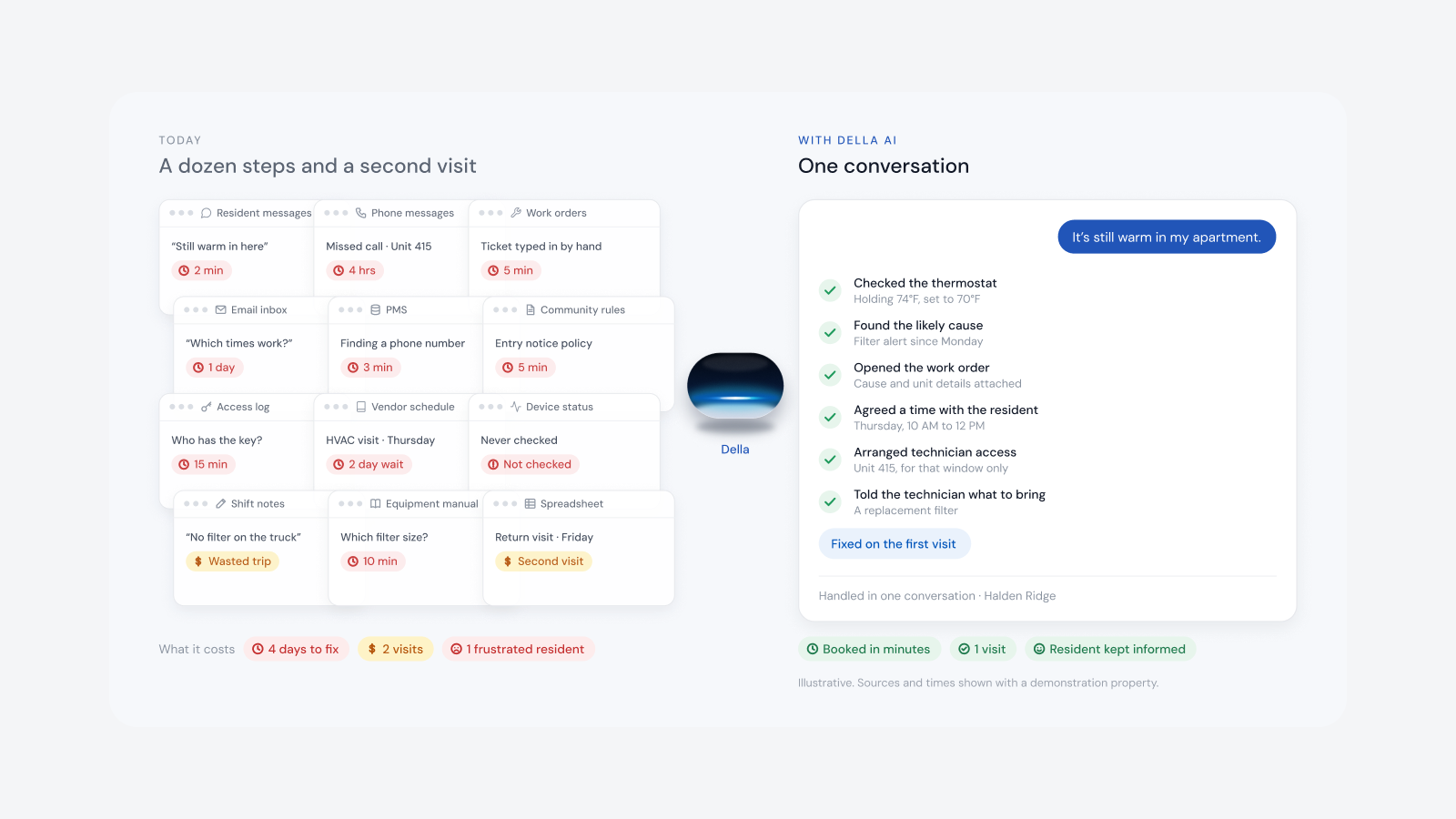
- Prepare the work. Draft the work order with the unit, the device and the likely cause.
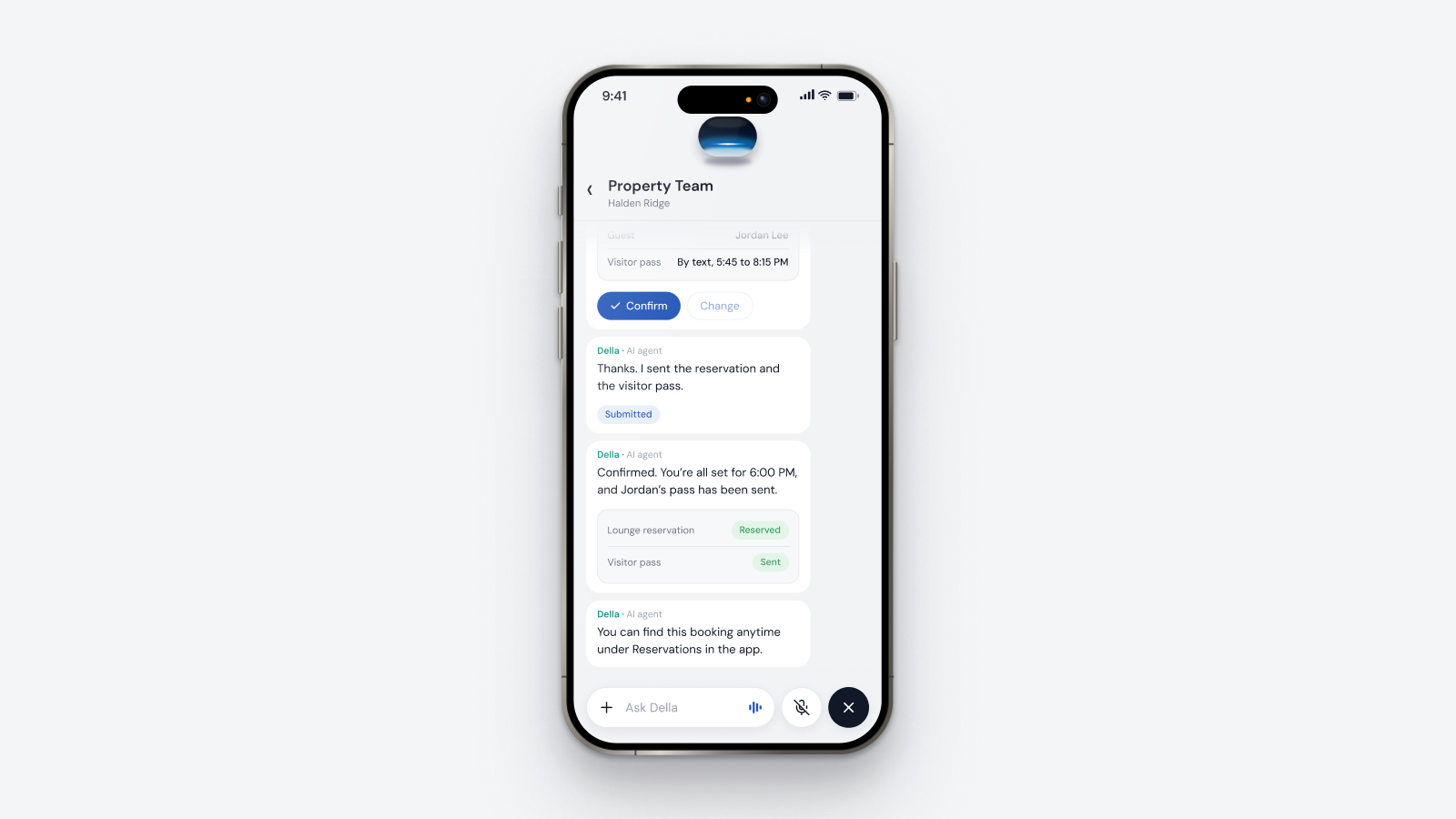
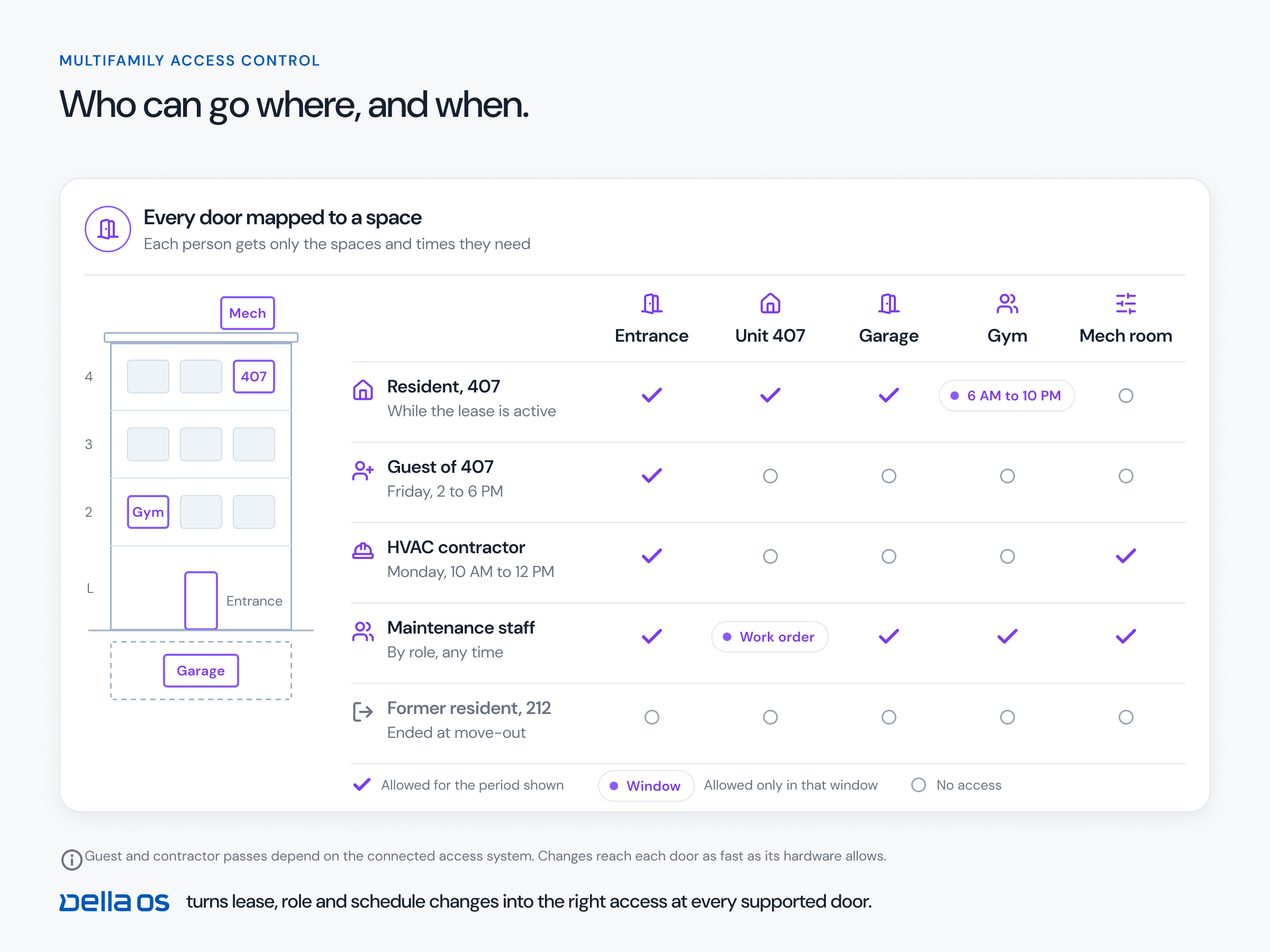
- Act with permission. Let the technician in when the resident has said yes, for that visit only.
- Stay inside the rules. Use the permissions of the person asking, never a master key of its own.
- Leave a record. Log every action, and report a change as completed only when the lock or the door confirms it.
- Hand over. Give judgment calls, exceptions and anything outside policy to a person.
Why you can't get there with a connection alone
Sending a command to a lock is the easy part. The hard part is everything around it: the different locks, thermostats, access panels and intercoms in a real building, often 20 separate systems, and the rules for who may do what in each one, at which doors and at what times. That knowledge is built one building at a time. An AI product that has only ever worked in the inbox doesn't have it yet, however good its answers sound.
Keep two layers
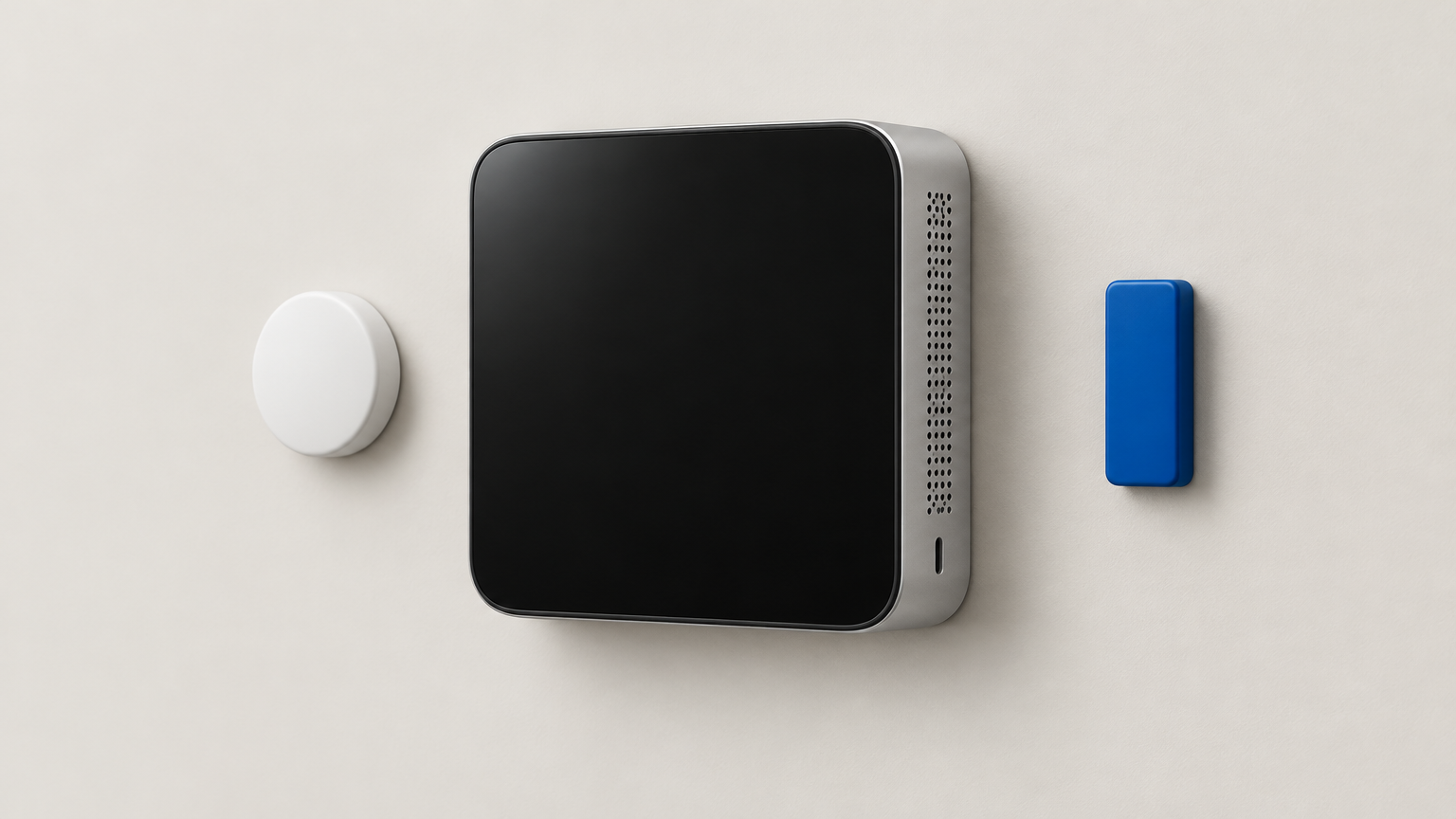
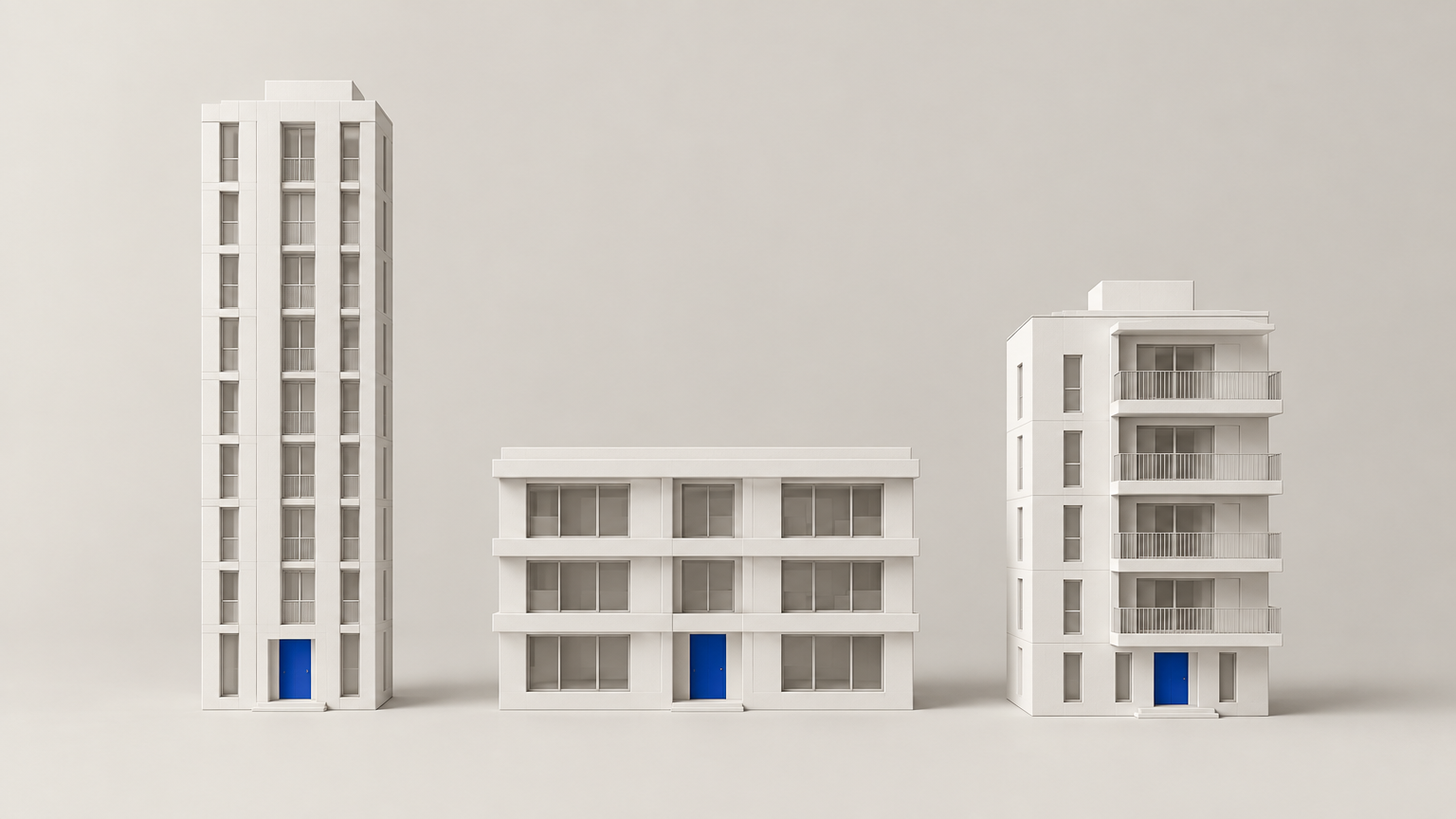
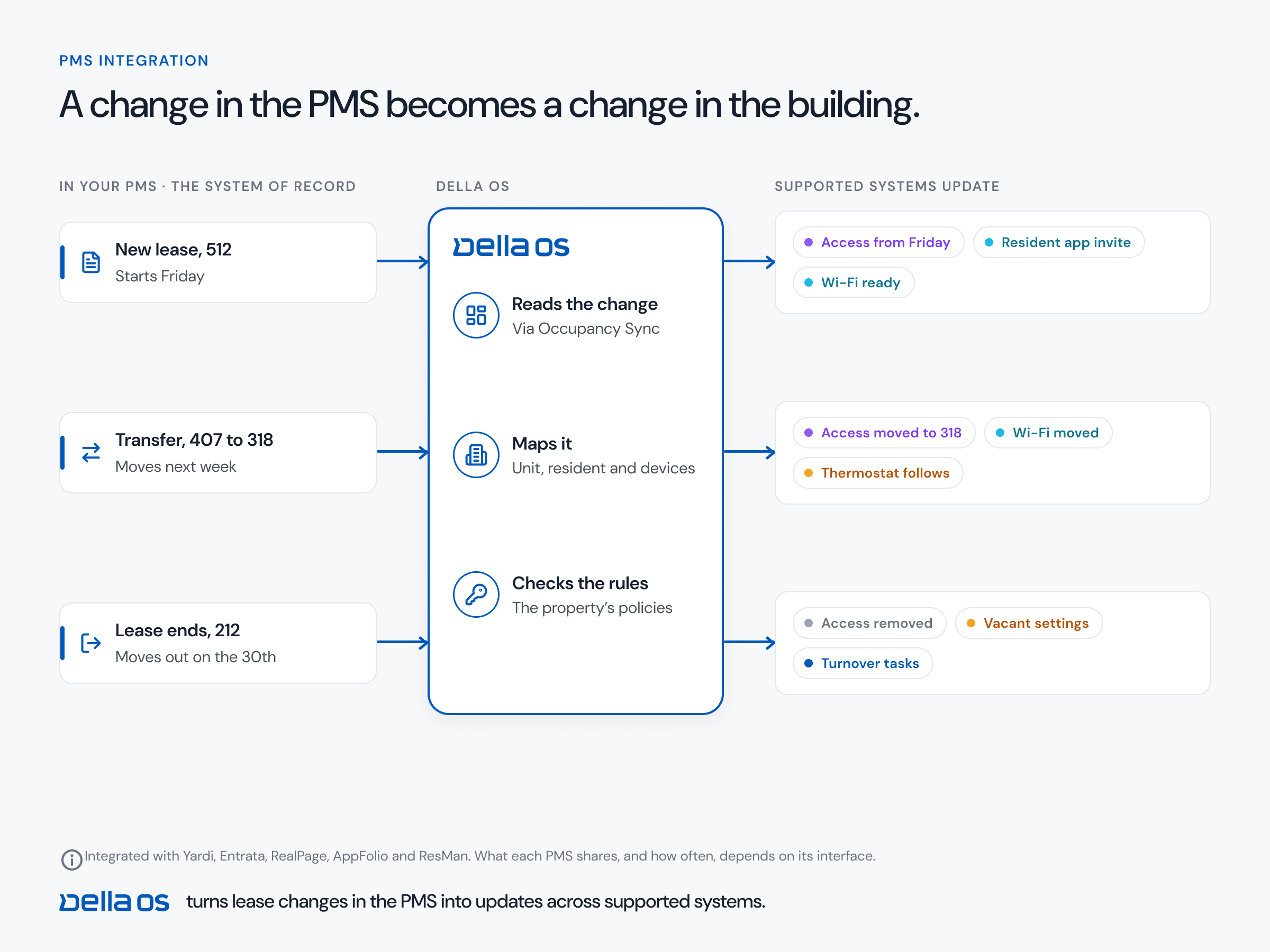
Your property management system (PMS) runs the business: leases, ledgers and reporting. A building layer runs the building: access, devices, schedules and the permissions that govern them. AI should work across both, through each layer's rules, and not replace either one.
One system that does everything has one way to fail. With two layers, a problem in one doesn't take the other down, the building keeps its own rules whatever the AI is asked to do, and you can change AI tools later without rebuilding how the property operates.
How to buy AI for a property, step by step
- Sort the work. List what you want AI to do and mark each item as business or building.
- Move fast on the business list. Leasing, renewals and communication are proven. Check a sample of the output and expand.
- Ask how building actions are limited. Whose permissions does the AI use, and can it ever do more than the person asking?
- Ask to see the record. Every action should be logged with who asked, what was done and what the device confirmed.
- Ask who can take over. A person should be able to stop, reverse or finish any action.
- Ask what happens when the AI is unavailable. Doors, access and schedules should keep working without it.
- Run a real scenario. A technician visit to an occupied unit, live, from request to confirmed entry to the record afterward.
- Ask where the building knowledge came from. How many lock, access and thermostat systems it works with today, and for how long.
Where Della OS fits
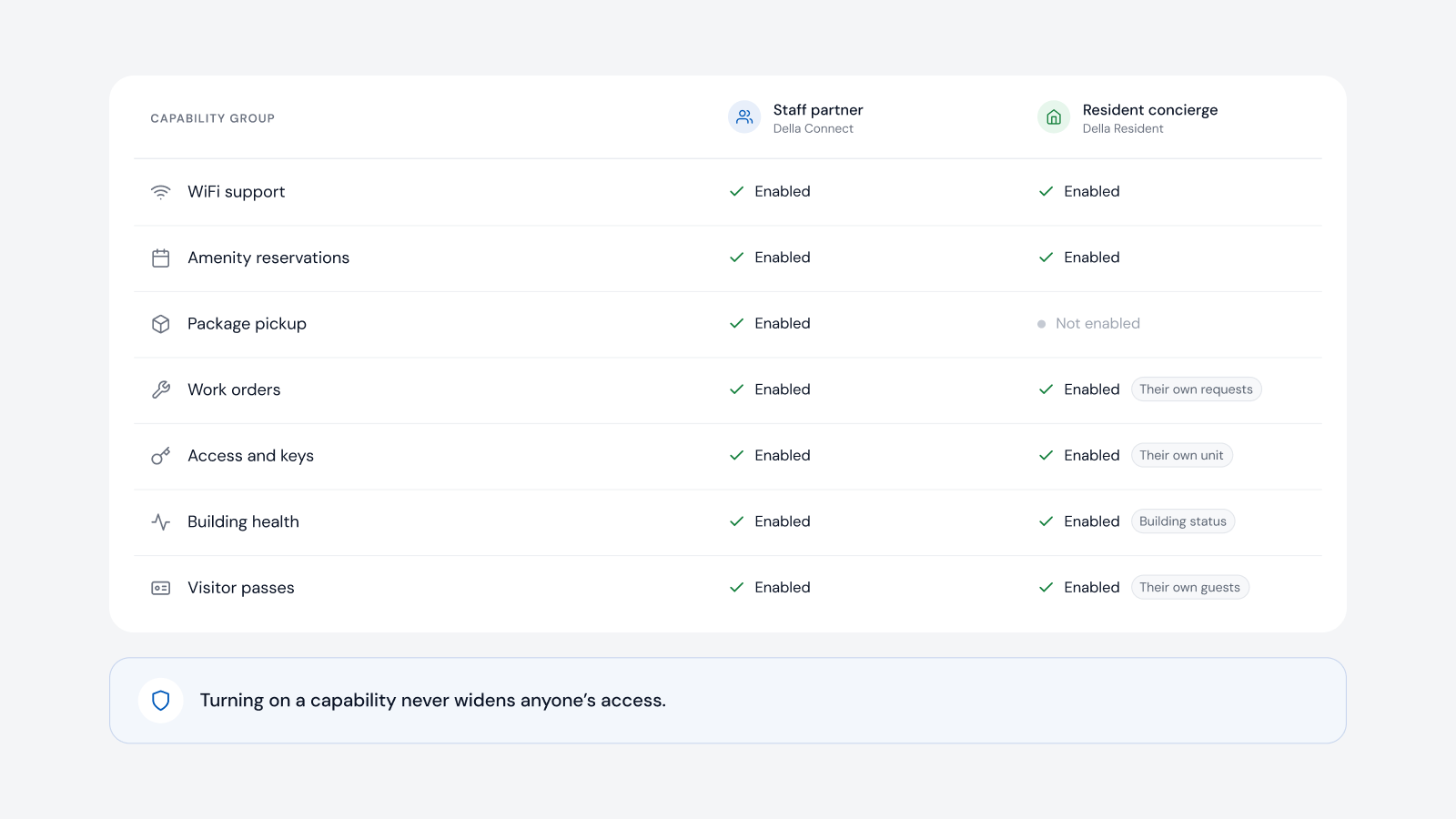
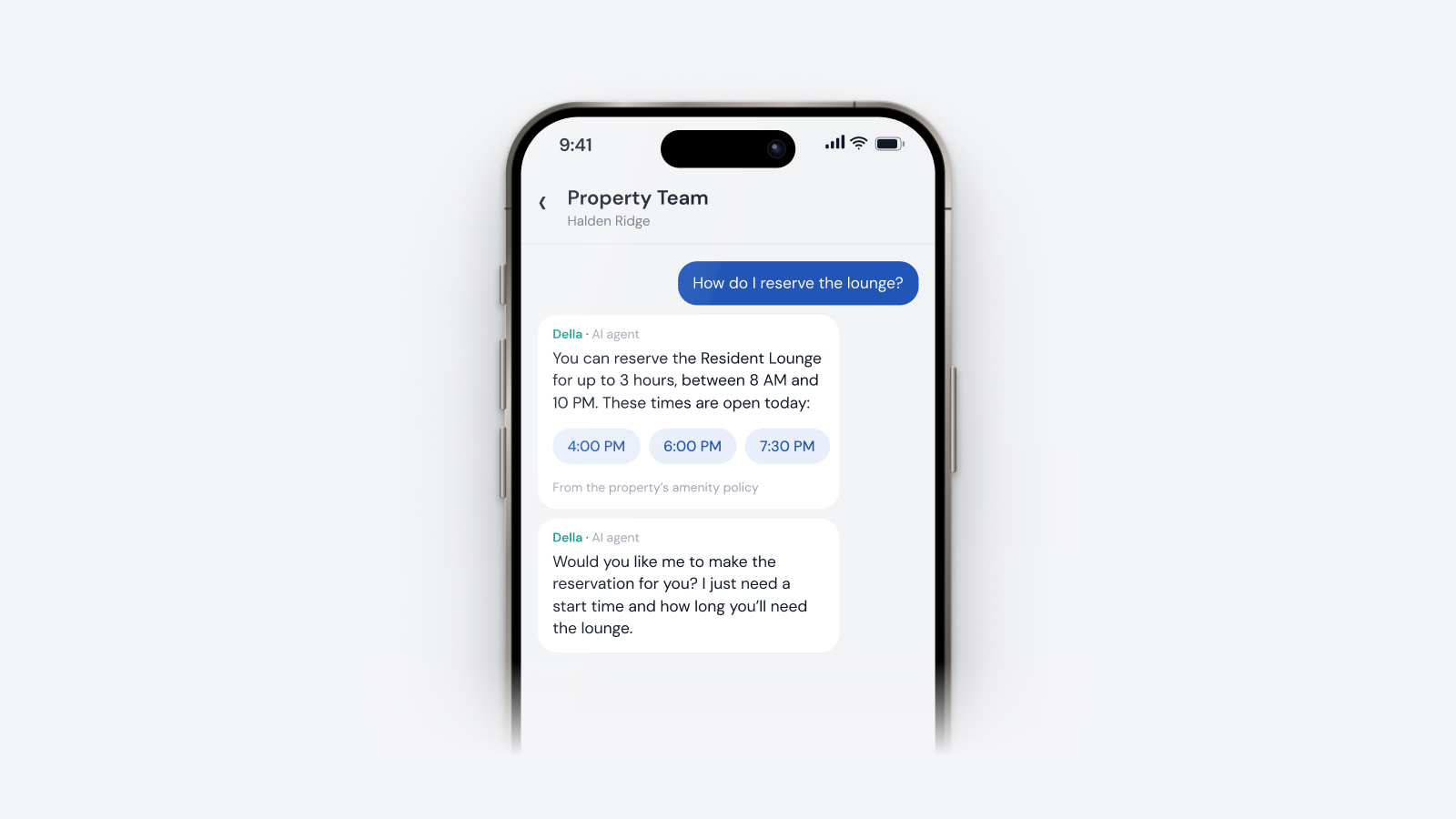
Della OS is the smart building operating system for multifamily and residential properties, from apartments and student housing to senior living and condominiums. It is the building layer: it connects the PMS, more than 40 building systems, residents and site teams, so the PMS runs the business and Della runs the building. Della AI works inside that layer. It gives staff a partner in Della Connect and residents a concierge in Della Resident, always within the permissions of the person asking and the capabilities the property has turned on. It flags a problem and suggests a next step, and people decide. It calls a change completed only when the connected system confirms it. If Della AI is ever unavailable, the building keeps running (built to keep running).
Frequently asked questions
Should a property adopt AI now or wait?
Adopt it now. Use it widely for clerical work, and use it in the building where it works inside clear permissions, with a record of every action and a person who can take over.
What is the difference between AI in the business and AI in the building?
AI in the business handles leasing, renewals, collections and communication. AI in the building acts on physical systems such as smart locks, access and thermostats. The second kind affects people's homes, so it needs tighter limits.
Is it safe to let AI open doors?
It can be, when the AI uses the permissions of the person asking, acts only within the property's rules, records every action and confirms the result with the device. It should never hold access of its own.
Should one AI system run both the business and the building?
AI can work across both, but the two layers should stay separate. The PMS runs the business, a building layer runs the building, and the AI works through each one's rules. One system that does everything has one way to fail.
What should happen if the AI is offline?
Nothing a resident would notice. Doors, access, schedules and the maintenance workflow should keep running without it.
Read how identity, documents and permissions shape an AI agent, why completed should mean confirmed and what AI can automate for maintenance and access, or book a walkthrough.