The short answer: In a building, sending a change is not the same as making it. A useful AI reports each change in an honest state: completed only when the connected system confirms it, and submitted, scheduled, pending or not completed when it isn't. That small discipline prevents missed visits, vendors stuck at the door and residents who were told something was done when it wasn't.
Picture a manager asking to change the fitness center's Monday hours so it closes at 11:30 PM. Three things have to change: the amenity hours, the reservation times and the door's access schedule. If the AI says done after the first two save and the access system never responds, residents get locked out at 10 PM and the office hears about it the next morning.
For changes that need review, the AI should first show what it checked, such as current hours and reservation rules, then the proposed updates, and wait for the user to confirm. The property decides where review applies.
Real changes often touch several systems. Reporting each part on its own line, for example amenity hours completed, reservation times completed and access schedule pending, tells the team exactly where to look.
When something can't be completed, the honest answer includes the next step: the access schedule could not be updated because the access system did not respond, so a task was created for the property manager. Nothing falls through the gap between systems.
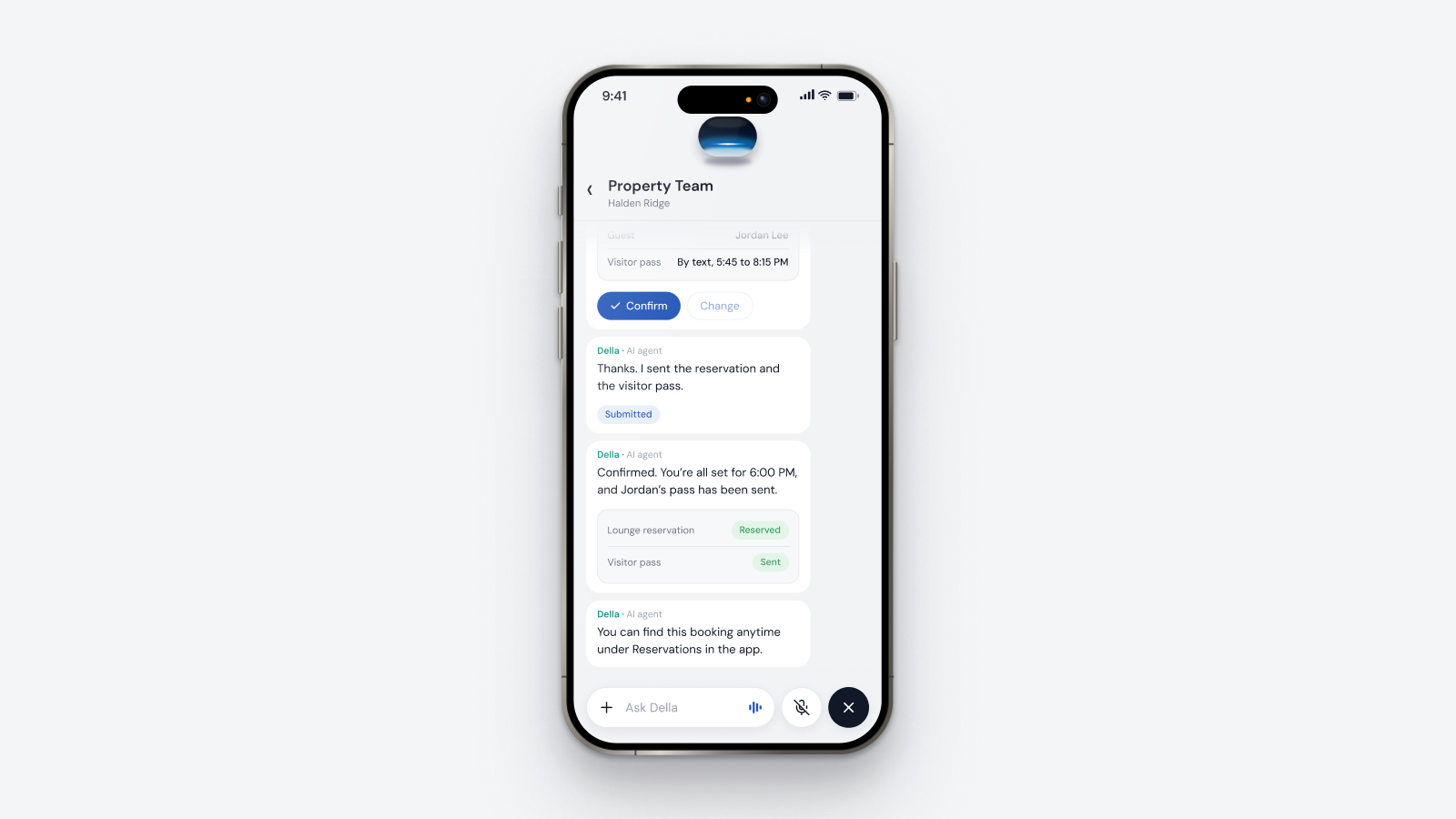
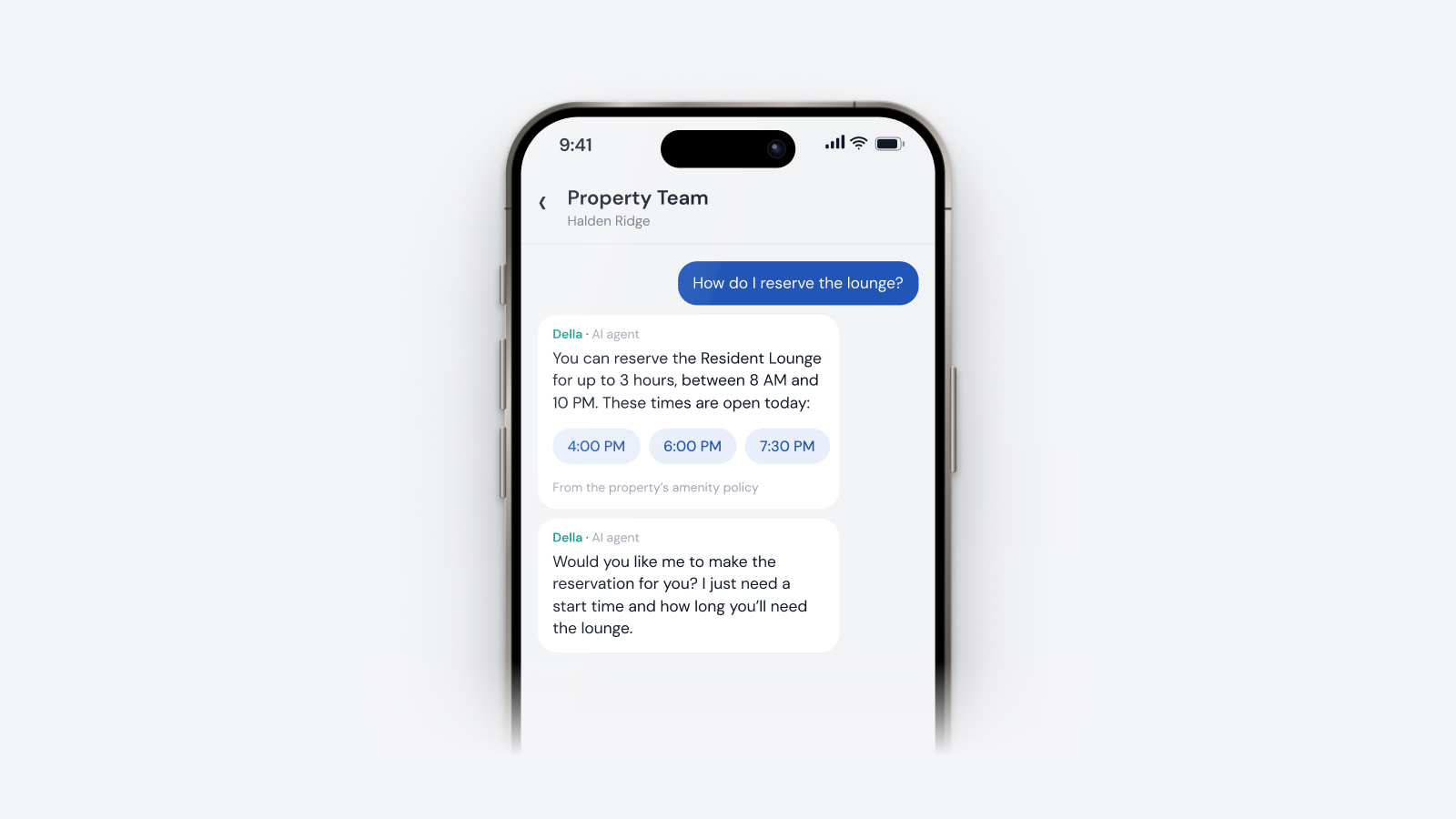
When a resident books the lounge, the concierge should summarize the booking first and call the lounge reserved only once the reservation system confirms it. The resident then finds the booking under Reservations in the app.
Della AI reports the real result from each connected system and calls something completed only when that system confirms it. Where confirmation is required, you review the change first.
Because physical systems can fail silently. Clear states make the difference between sent and done visible before it affects residents.
No. Where a change needs review, the user confirms it first. The property's configuration sets where that applies.
Della reports that part as not completed, explains why and creates the follow up the team needs.
See the AI action states glossary entry or book a Della AI walkthrough.
Questions
Keep reading
Della OS walkthrough
Book a walkthrough and we'll show you how Della OS would run one of your properties, with your PMS and the hardware you already have.

Your PMS runs the business.Della runs the building.
Across every system and every property.

Solutions
Digital SignageOccupancy SyncPerks and ServicesSmart ApartmentsStudent HousingCondominiumsIntegrationsResident app