The short answer: a smart building rollout moves through the same steps at every property: agree the outcome, review the existing equipment, map the building, connect the PMS, configure roles and workflows, install or connect hardware, commission and test, train staff and residents, then copy the standard to the next property. How long it takes depends mostly on how much hardware is being installed. Software-only features can go live well before any device work is finished.
The steps
- Agree the outcome. Automated move-ins, one resident app, energy setbacks, or all three. Write down how success will be measured.
- Review the existing equipment. A local integration partner inventories access control, locks, intercoms, thermostats and the network, and confirms what is supported.
- Map the building. Units, doors, devices and the people who use them are mapped once in a digital model of the property, used to design, commission and support it later.
- Connect the PMS. Lease and occupancy data starts flowing from Yardi, Entrata, RealPage, AppFolio or ResMan.
- Configure roles and workflows. Who can do what, and what happens at move-in, transfer and move-out.
- Install or connect hardware. Existing systems are connected; new devices are installed only where needed.
- Commission and test. Every device is checked against the plan before handover.
- Train and launch. Staff learn the operations view; residents are invited to the app.
- Operate and expand. The integrator provides first-line support, and the same standard is copied to the next property.
What affects the timeline?
- How much new hardware is installed versus existing hardware connected.
- Whether the property is occupied, which sets the pace of in-unit work.
- Network readiness.
- Whether the workflows were agreed before installation started.
What should a smart building demo include?
- A live move-in and move-out driven by a PMS event, not a slide.
- How access, Wi-Fi and services change, and where it is logged.
- The same workflow at a property with different hardware.
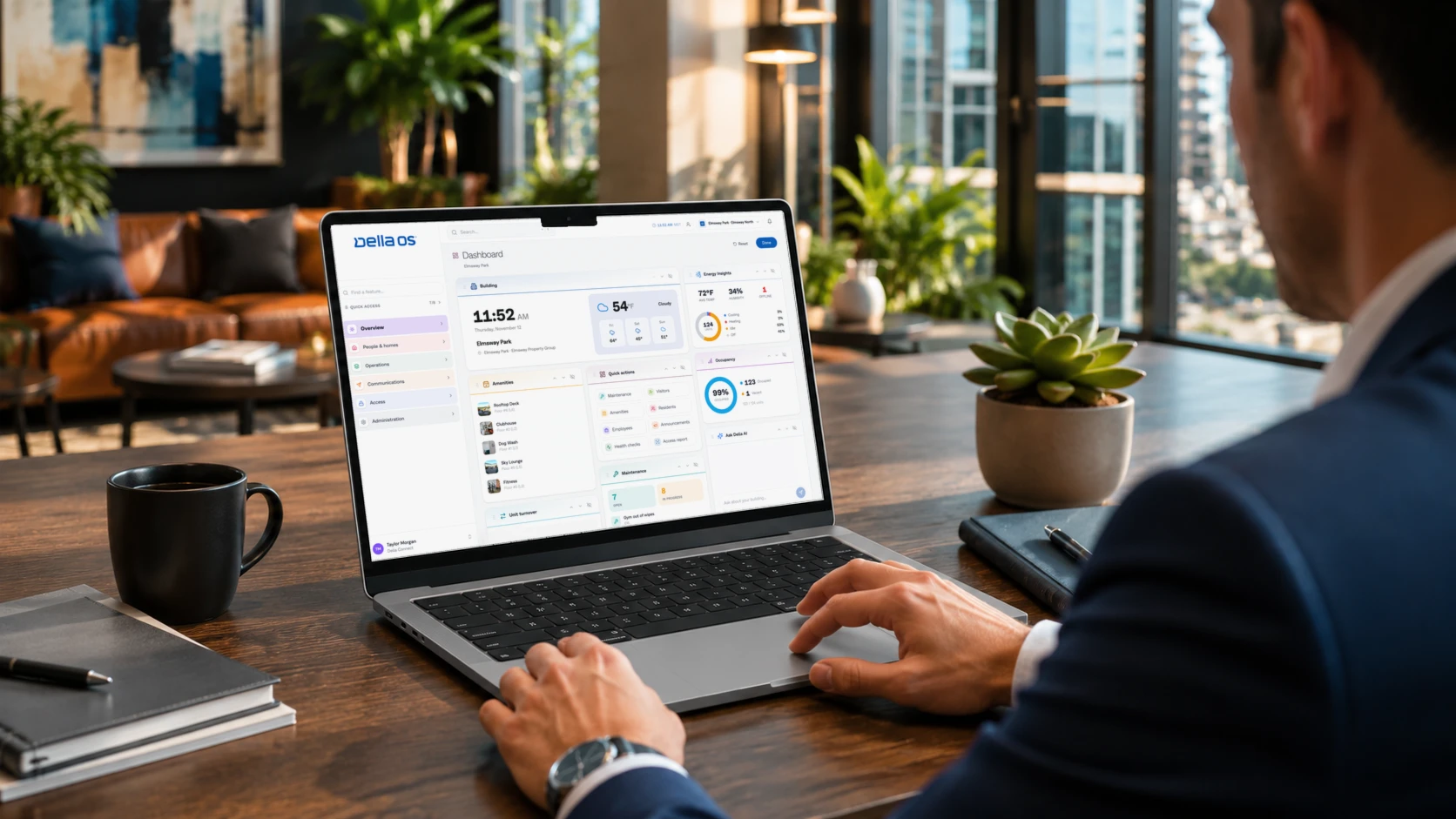
- The resident app and the staff view side by side.
- How a local integrator designs, commissions and supports the building.
Where Della OS fits
Della OS is deployed by certified integrator partners using Mission Control, Design Center and Mission Installer, so every building is designed, commissioned and handed over the same way. Book a walkthrough to see a live move-in and move-out.
Frequently asked questions
How long does it take to roll out smart building software?
It depends mostly on how much hardware is installed. Software features such as PMS sync and the resident app can go live before device work is finished.
What should a multifamily smart building software demo include?
A live PMS-driven move-in and move-out, the resident app and staff view, the same workflow on different hardware, and how deployment and support work.
Who installs smart building technology in apartments?
Usually a local integration partner who reviews existing equipment, installs and connects devices, commissions them and provides first-line support.
Can we start with one property?
Yes. Prove the outcome at one property, then copy the same standard to the rest of the portfolio.
Book a walkthrough to see Della OS on one of your own properties, or browse the systems Della OS works with.