The short answer: An AI agent in a building is only as safe as the rules around it. It should know who is asking, use that person's permissions, share each document only with the right audience and act only within the capabilities the property has turned on. Get those right and AI becomes something owners can trust across a portfolio.
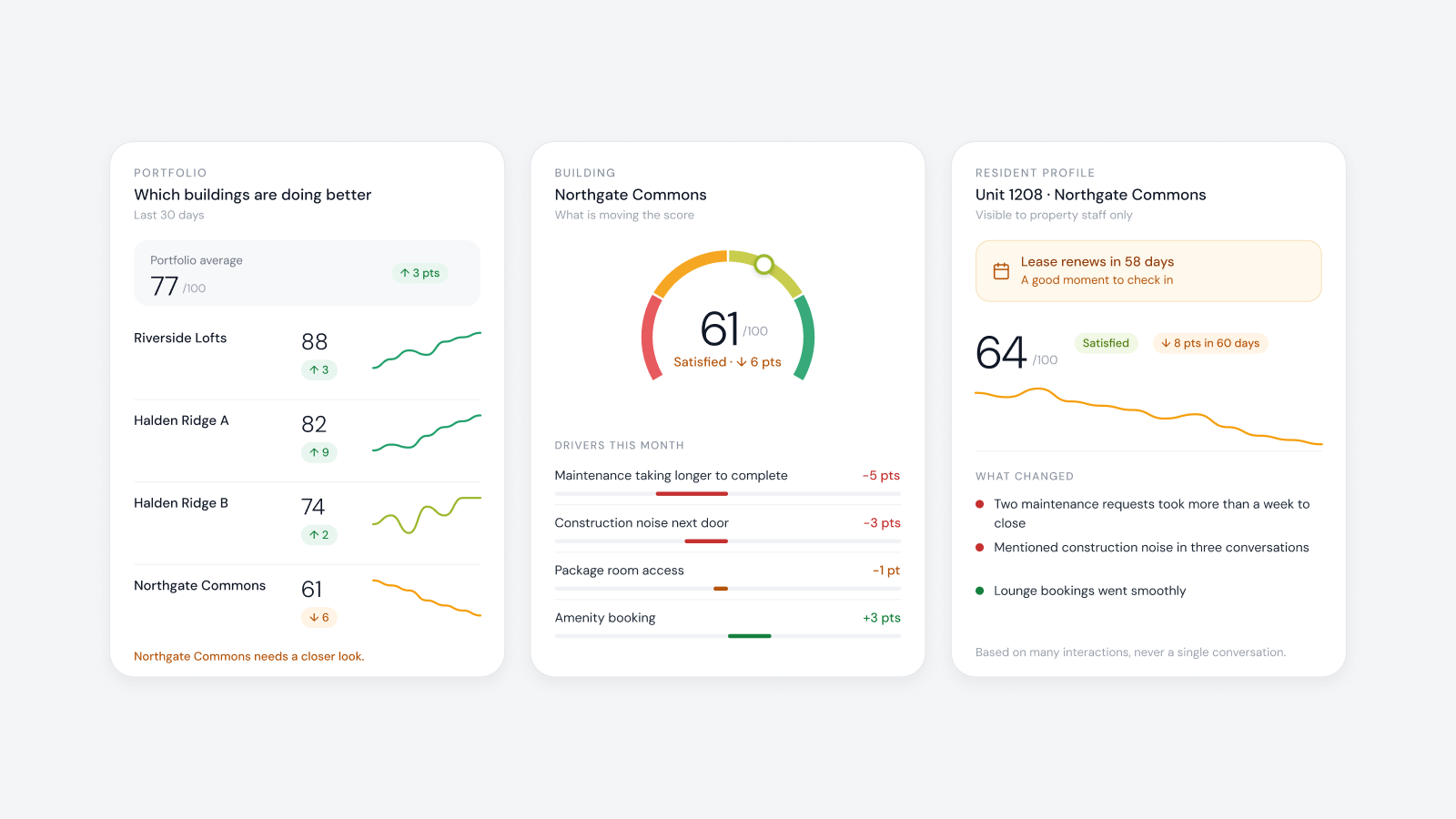
The same question deserves different answers depending on who asks. When a resident asks about WiFi, they should hear whether a request is open for their area and when a technician is coming. When staff ask, they should see the affected access point, the linked residents and what the records don't yet establish. An operational agent starts by knowing who is asking.
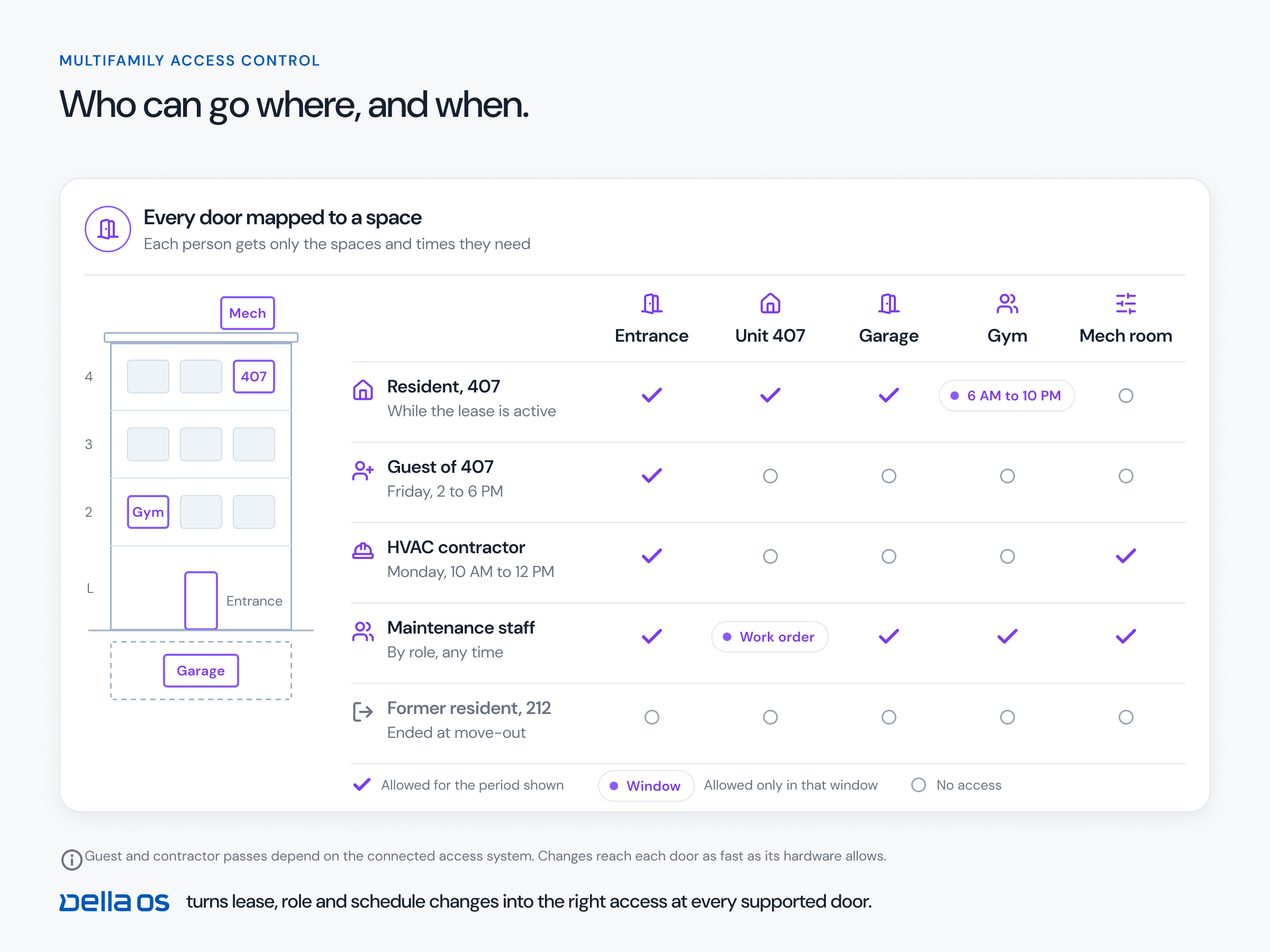
The agent should inherit permissions from the person, not hold its own master key. A resident's permissions cover their own unit and building. A staff member's cover their role and assigned properties. The agent can never see or do more than the person in front of it.
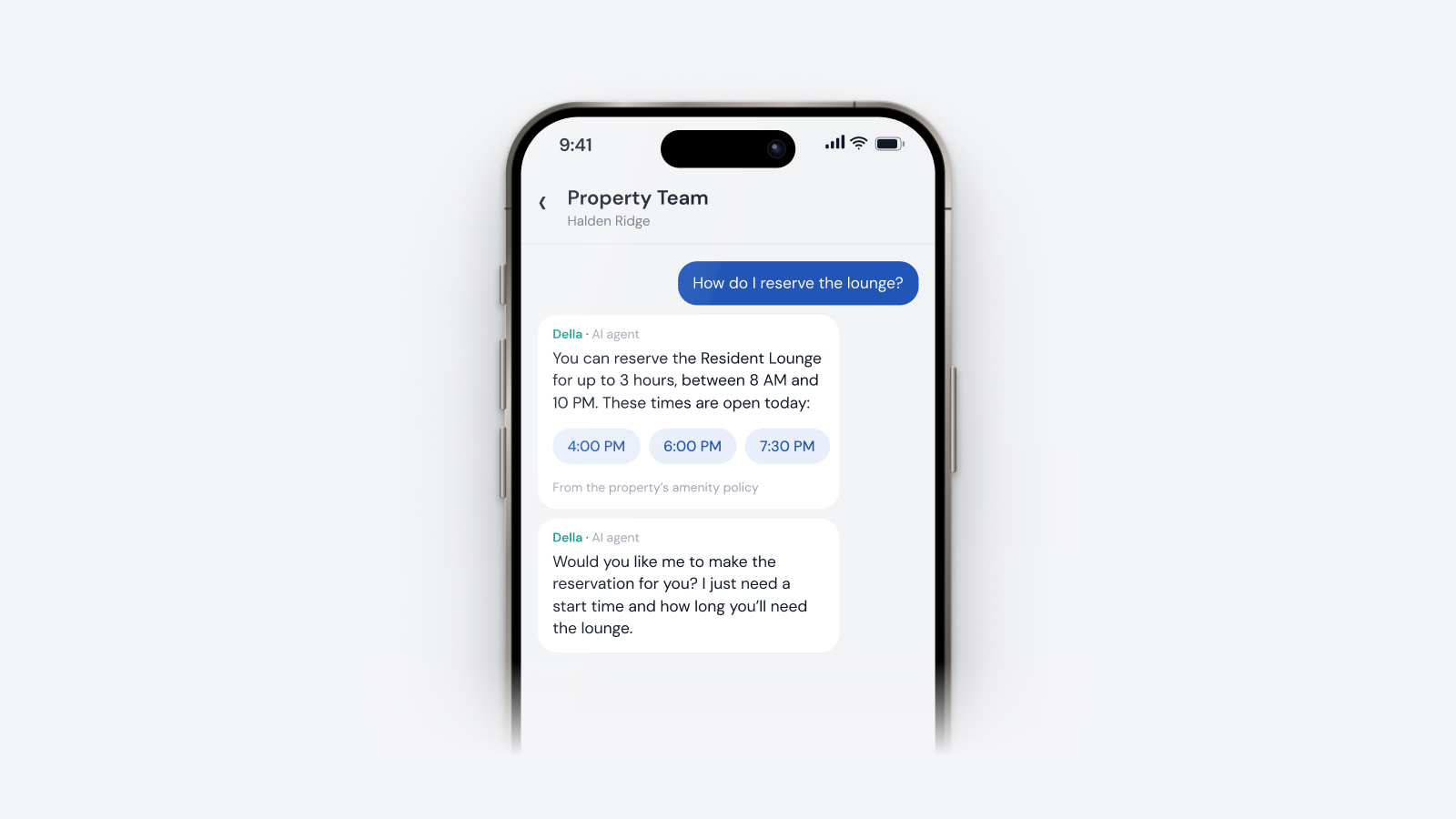
Property knowledge makes answers specific: move in guidance, community rules, amenity policies, resident resources and staff operating procedures. Each document should be shared with the audience you choose, so a staff procedure never appears in a resident's answer.
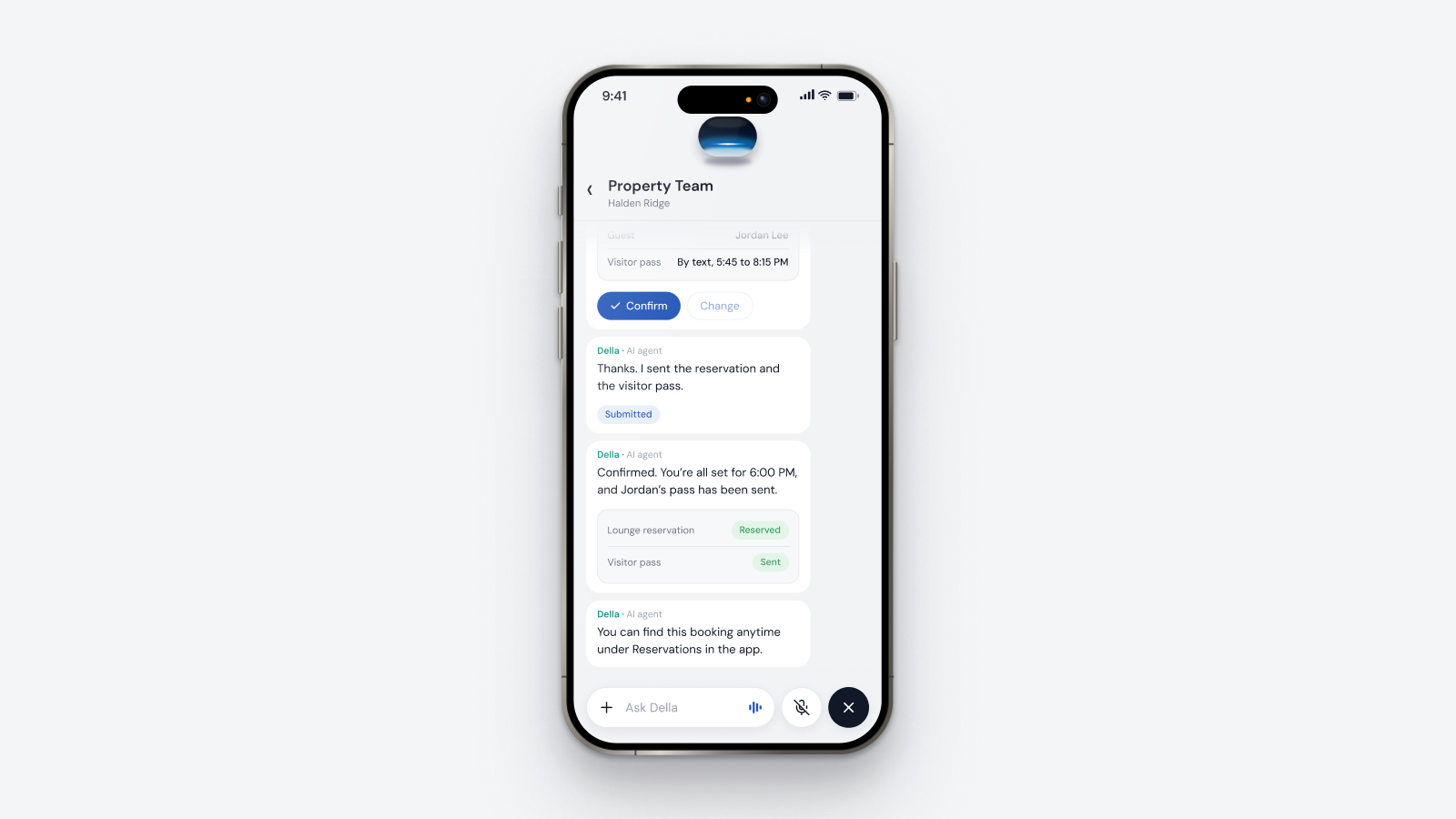
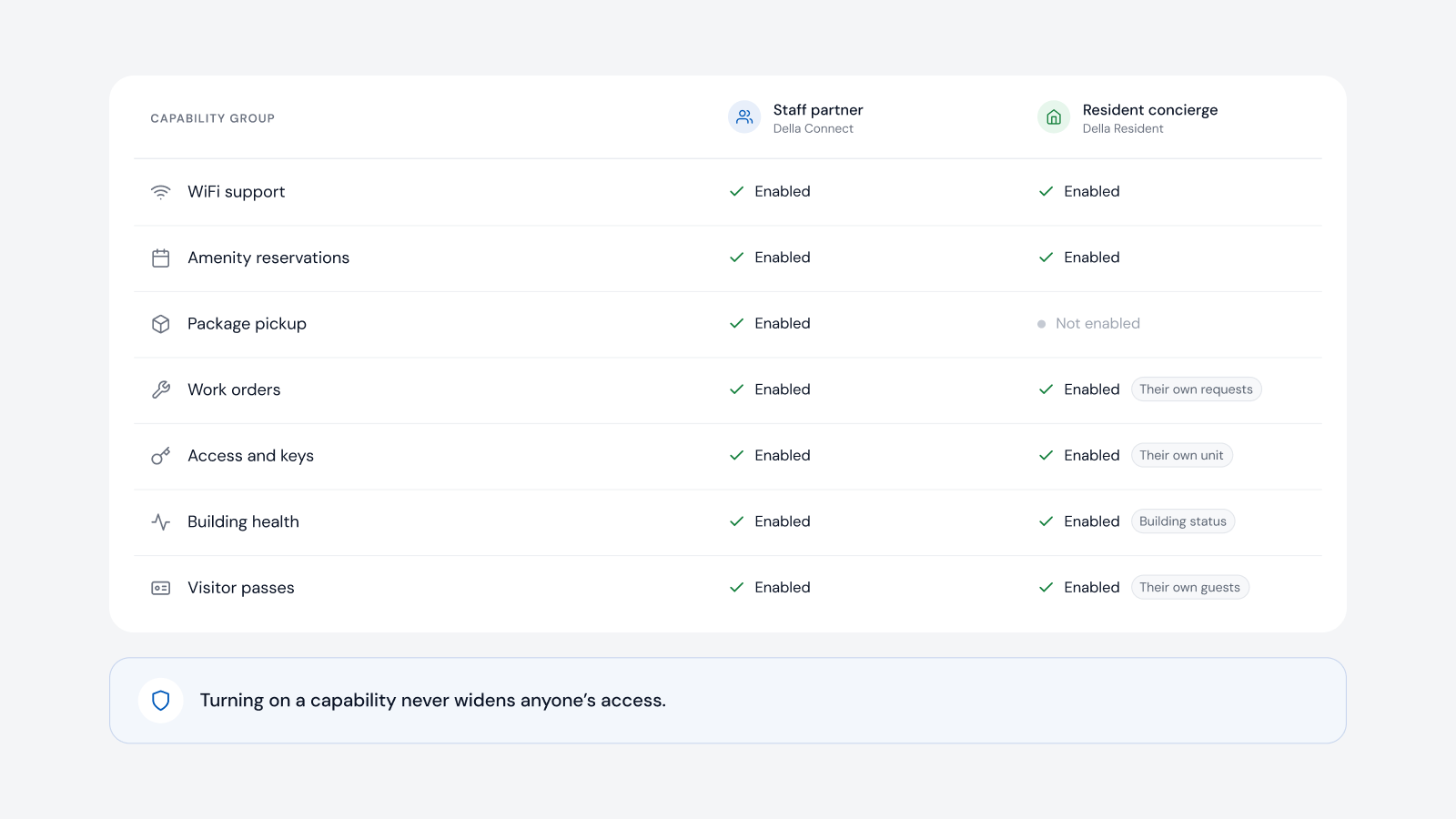
On top of permissions, the property chooses capabilities for each agent, for example work orders, amenity reservations, WiFi support, packages, access and keys, building health and visitor passes. A resident concierge might handle bookings and requests while package pickup stays with staff. Turning on a capability never widens anyone's access. It only lets the agent help within permissions that already exist.
Where a change needs review, the agent should show what it plans to do before it happens and report the real result from each system afterward. That is how teams keep control without slowing down.
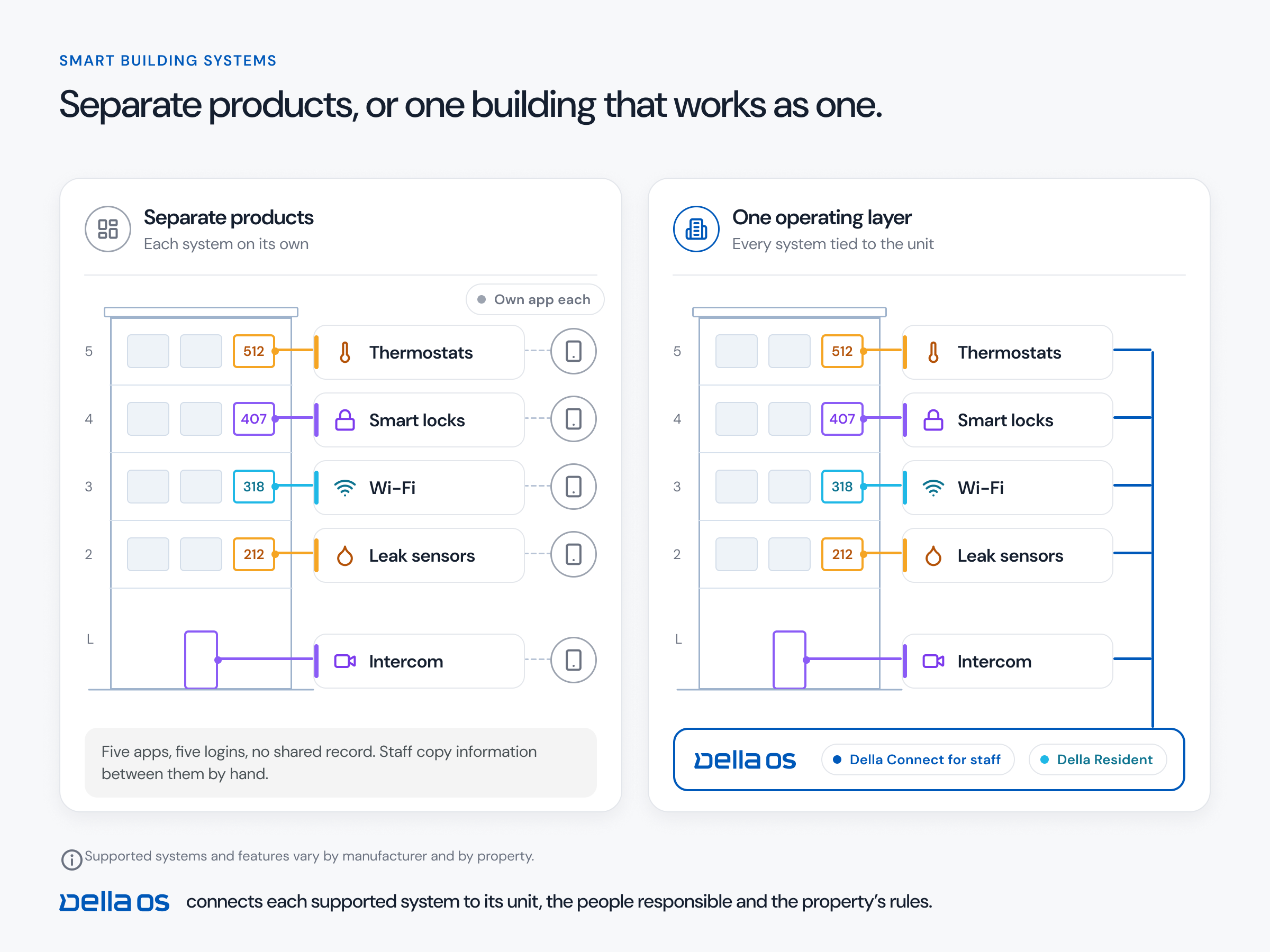
Della AI runs inside Della OS, where identities, roles, properties and connected systems already live. The property chooses the capabilities for the staff partner in Della Connect and the resident concierge in Della Resident, documents follow the audience you set, and Della always works within the permissions of the person asking.
It shouldn't. Della AI works within the same permissions as the person using it, so it never sees or does more than they could.
Yes. Each document is shared with the audience you choose, such as residents and staff, residents only or staff only.
It lets the agent help with that kind of work for its users, within their existing permissions. It never grants new access.
Read about AI agent permissions or book a walkthrough.
Questions
Keep reading
Della OS walkthrough
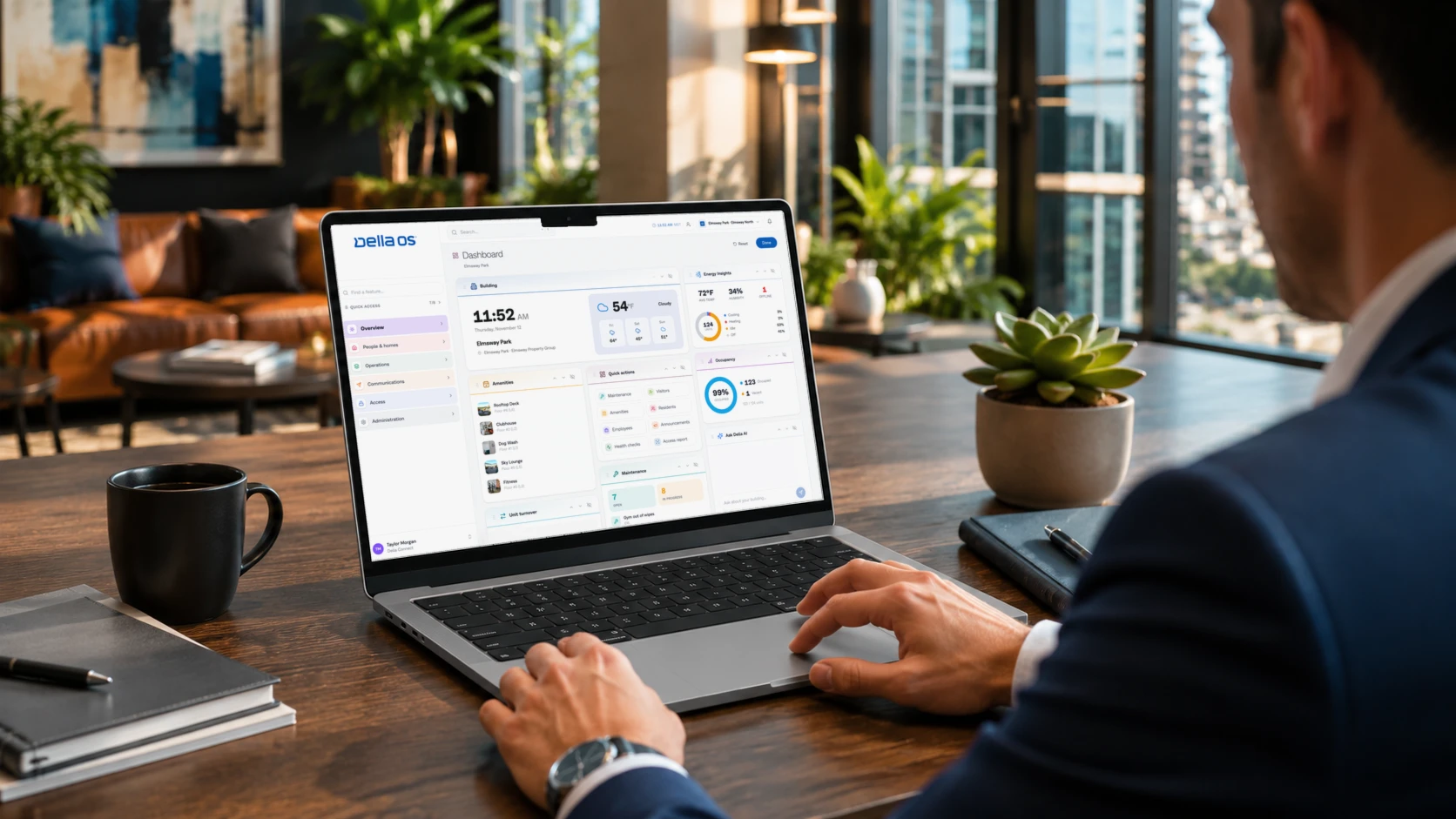
Book a walkthrough and we'll show you how Della OS would run one of your properties, with your PMS and the hardware you already have.
Your PMS runs the business.Della runs the building.
Across every system and every property.

Solutions
Digital SignageOccupancy SyncPerks and ServicesSmart ApartmentsStudent HousingCondominiumsIntegrationsResident app