The short answer: a video intercom connected to your property management system (PMS) keeps its directory current on its own. Residents are added when a lease starts and removed at move out, so visitors reach the right person and former residents don't stay listed. Look for video calls that ring in the resident app, guest and delivery access, settings for each person in the household, a way to keep the intercom you already have, and one place to manage entry across buildings.
Why intercom directories go stale
On most properties the intercom directory is edited by hand. New residents wait to be added, former residents stay listed for months, household members are missing and nobody is sure who should receive calls for a unit. Visitors get frustrated, packages wait at the door and the site team fields calls that the building should have handled.
What a connected video intercom does
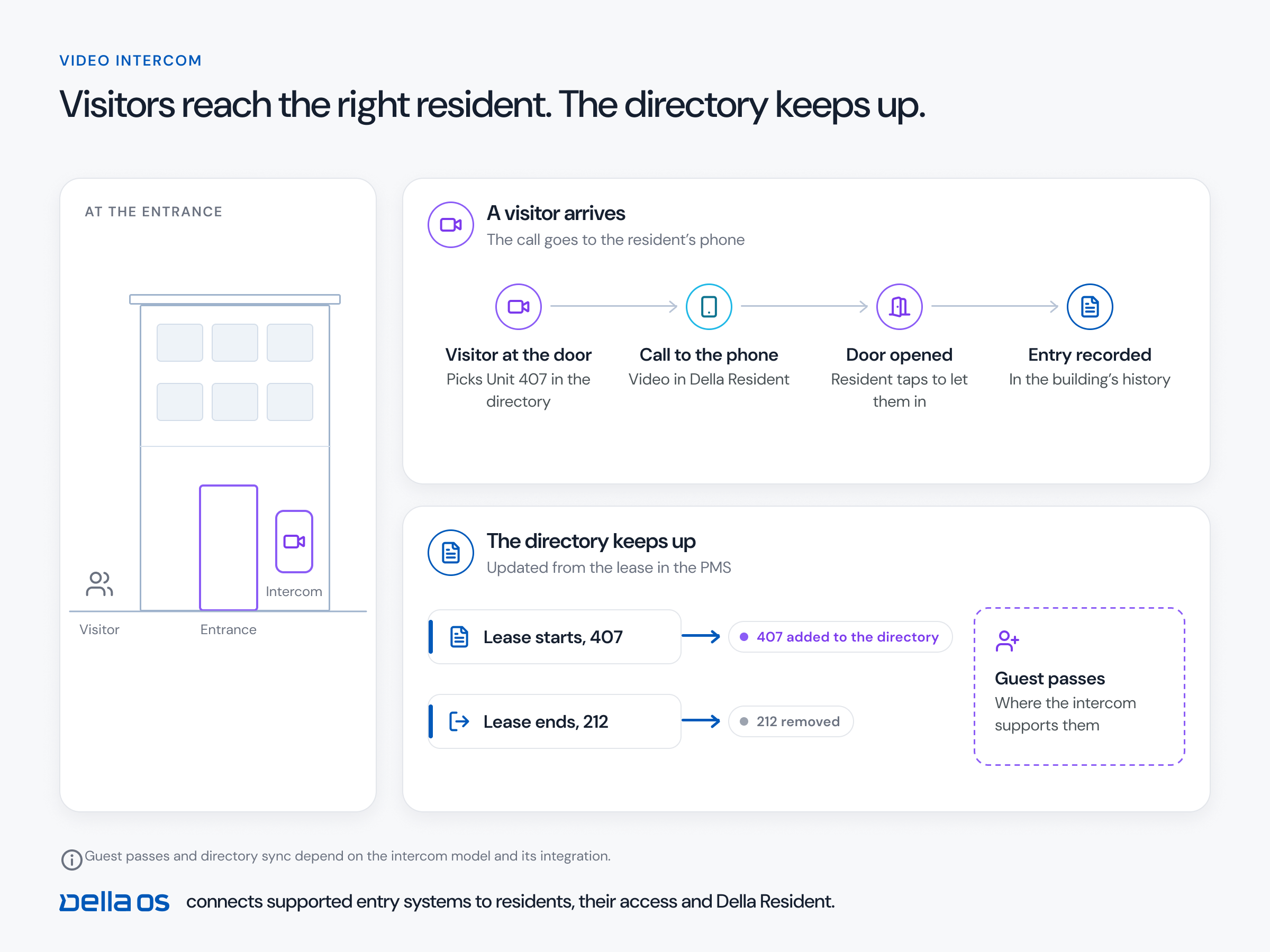
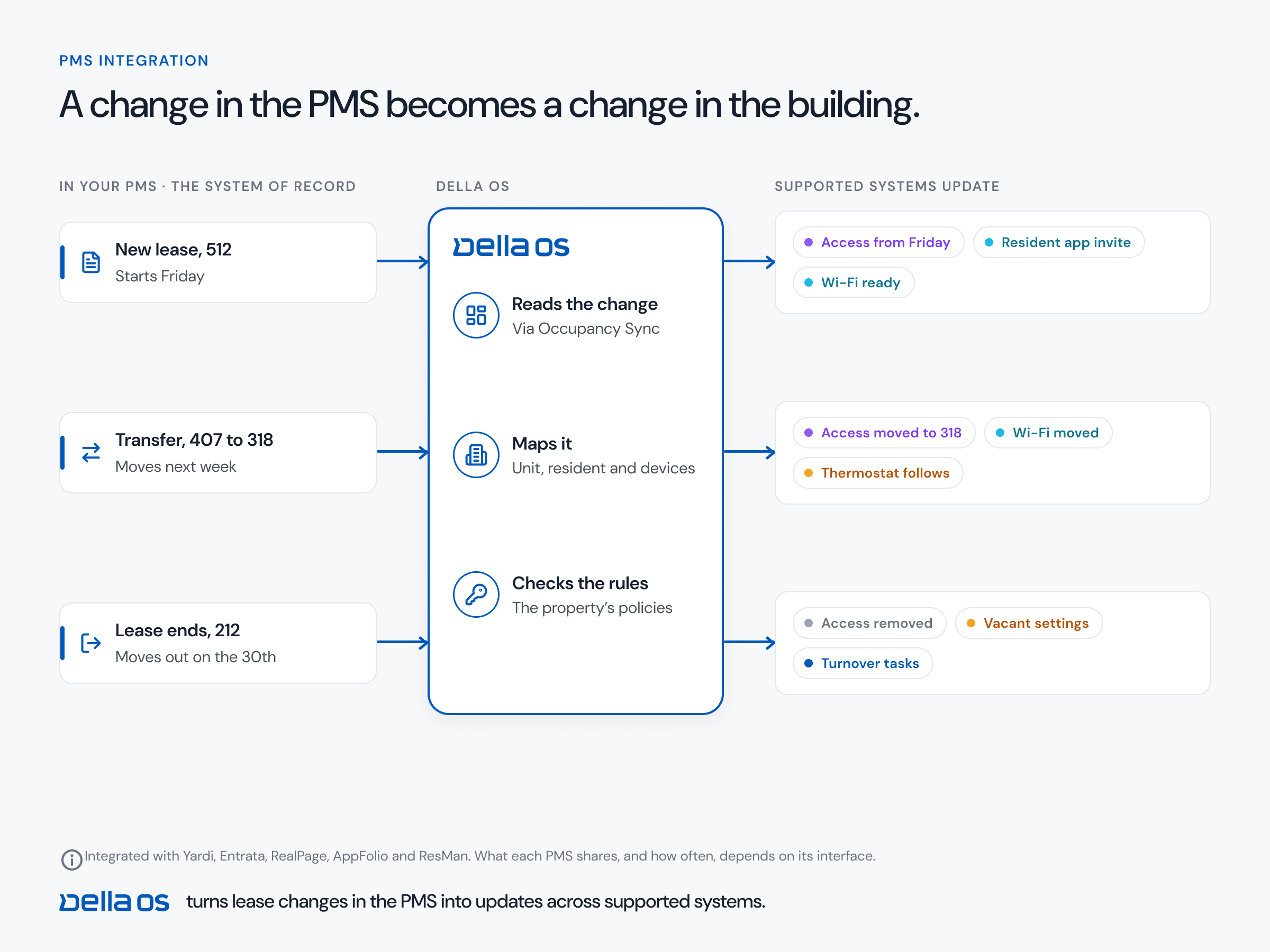
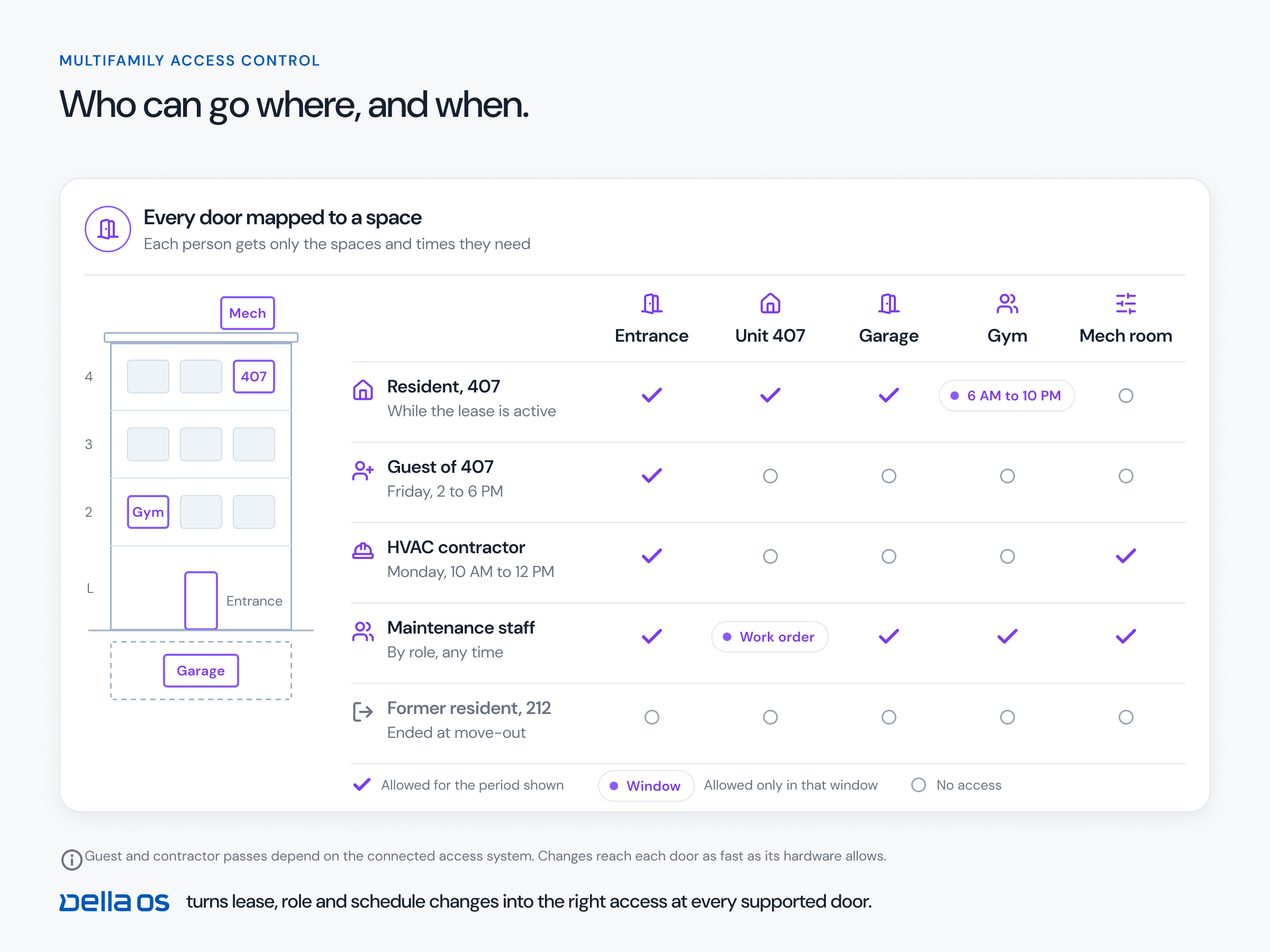
- Builds the directory from the lease. Residents appear when their lease starts and disappear at move out, with no extra data entry.
- Calls the resident wherever they are. Residents see and hear the visitor on their phone or an indoor unit and open the door remotely.
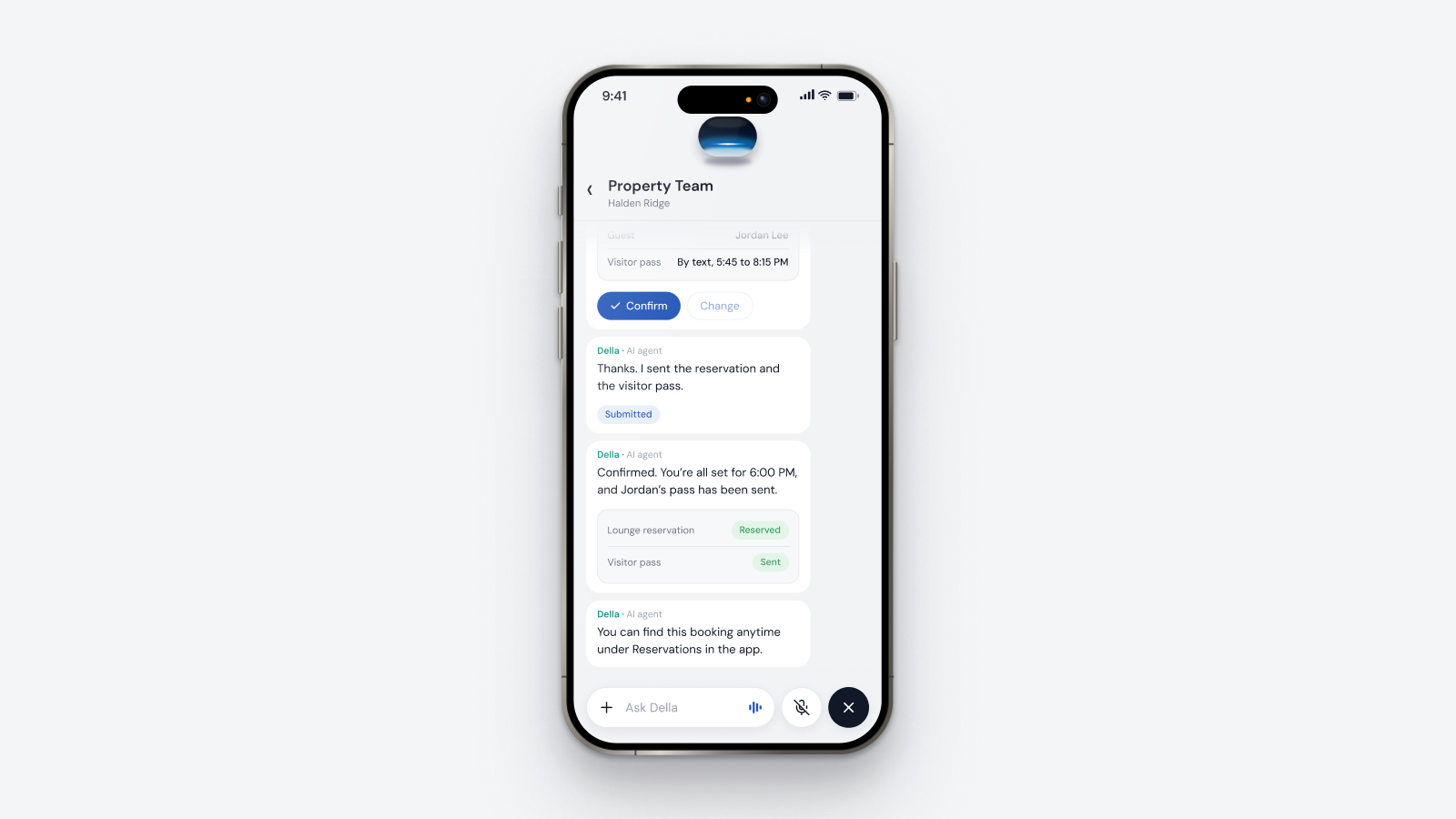
- Handles guests and deliveries. Residents can let guests in within the property's rules.
- Follows household settings. Who is listed, who receives calls and when.
- Works without a front desk. A remote concierge or a team covering several buildings can keep entry running.
The one app test
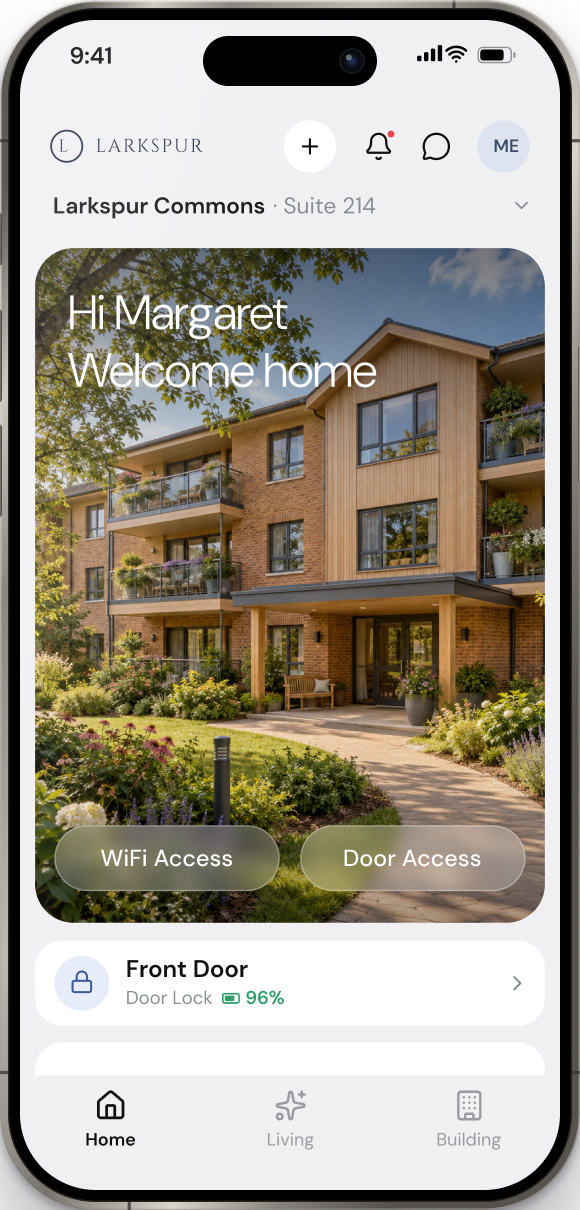
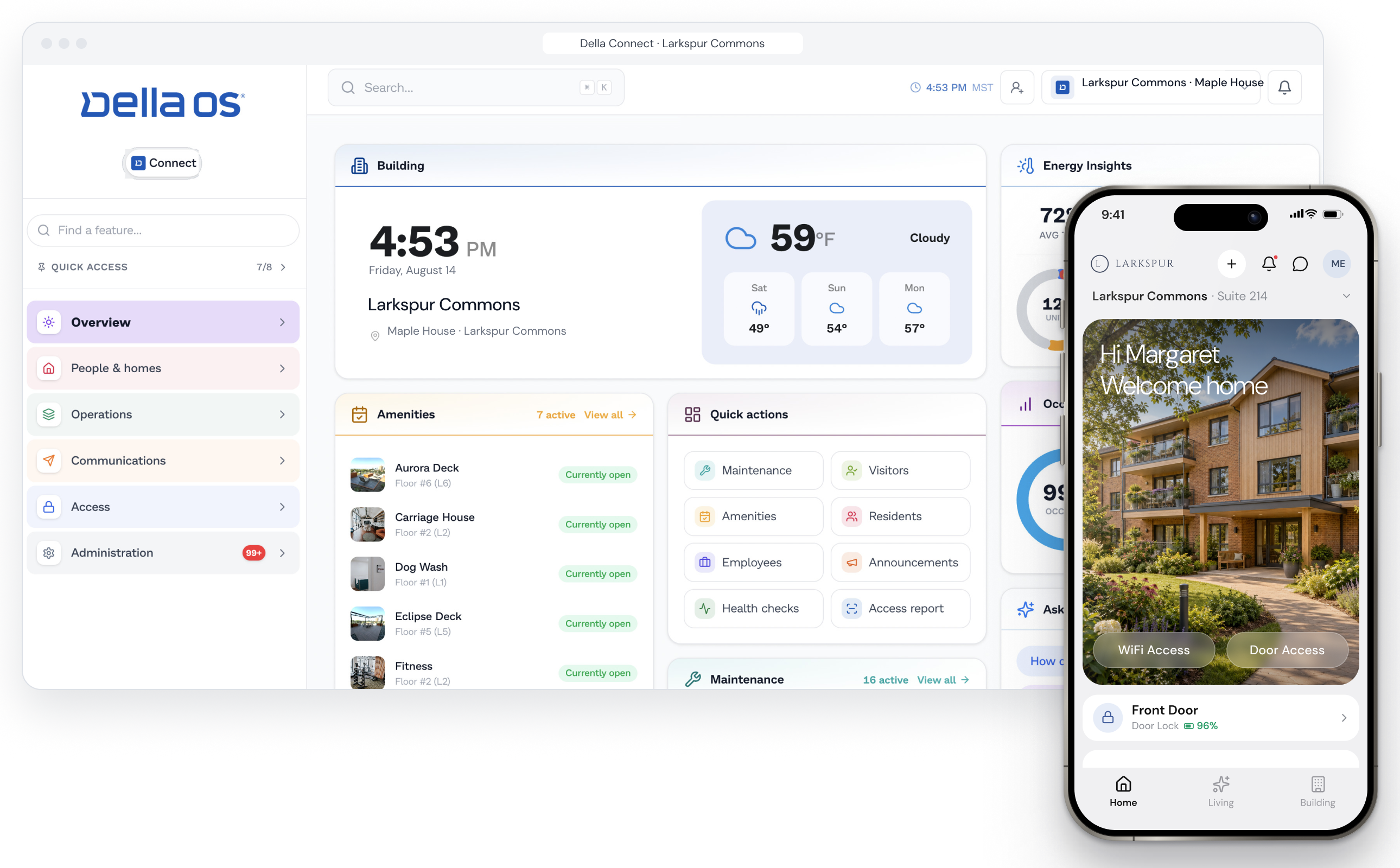
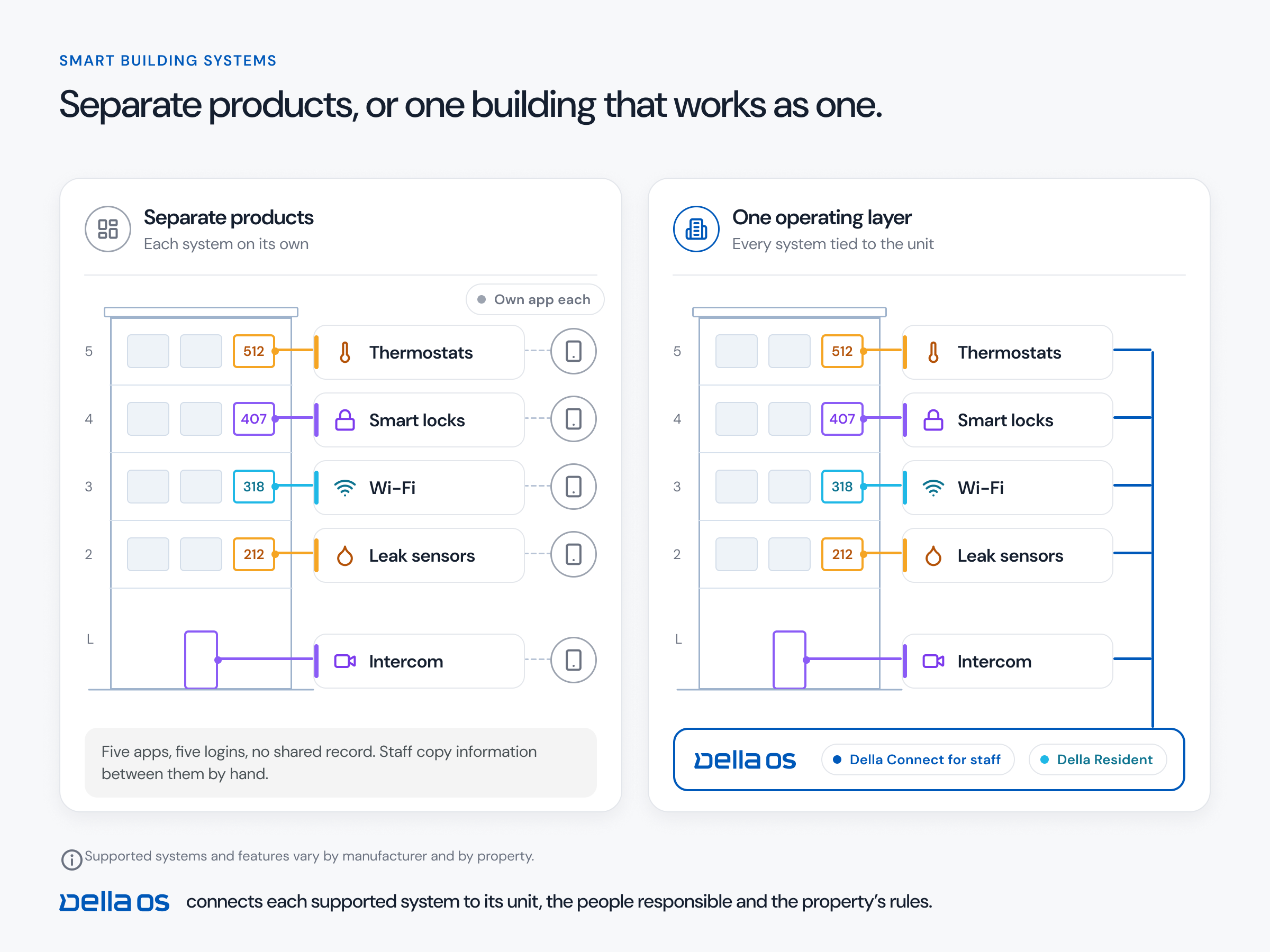
When a visitor calls, where does it ring? If the resident has to open a separate intercom app, or the call lands in an embedded third-party screen inside another app, the building isn't really connected. The call, the door and the guest pass should all be in the same app the resident uses for everything else in the building.
Household settings most intercoms can't do
An intercom directory usually lists names and nothing more. Real households need more control. The primary leaseholder may not want their children to appear in the directory at all. Or they may want a child under 16 to receive calls from the entry phone, but not after 10 PM. These settings belong to the household, not to the intercom hardware, so they should live in the platform that knows the household and work with whichever intercom the building has.
Questions to ask before you buy
- Does the directory update automatically from our PMS, and which PMS platforms are supported?
- What happens at a transfer, when a resident moves to another unit?
- Do calls, entry and guests live in the same app residents use for everything else?
- Can the household control who is listed, who receives calls and at what times?
- Can we keep the intercoms we already have?
- Can one team manage entry across several buildings?
- Does entry keep working if the internet drops?
Keep or replace your current intercom?
Often, keep it. Many supported intercoms can be connected as they are, and keeping one that works is usually the most affordable path. A certified integration partner checks the current hardware before recommending any change.
How to connect your intercom to the lease, step by step
- Check the hardware. Confirm the intercom model and how it's networked.
- Connect the PMS. Let lease events add, move and remove residents.
- Clean up the directory once. Remove former residents and confirm who should receive calls for each unit.
- Set household and building rules. Who is listed, call times, who receives calls and how guests get in.
- Tell residents what changed. Show them how to answer calls, set household preferences and let guests in.
- Review entry activity alongside the rest of the building's access.
Where Della OS fits
Della OS is the smart building operating system for multifamily and residential properties, from apartments and student housing to senior living and condominiums. With Della OS, the intercom directory is updated by the lease and by the residents enrolled in Della, using lease events from Yardi, Entrata, RealPage, AppFolio or ResMan. There's no data entry beyond what already happens when a resident is onboarded, and residents are removed from the directory when they move out. Calls ring in Della Resident, where residents also open doors and create guest passes, so entry passes the one app test.
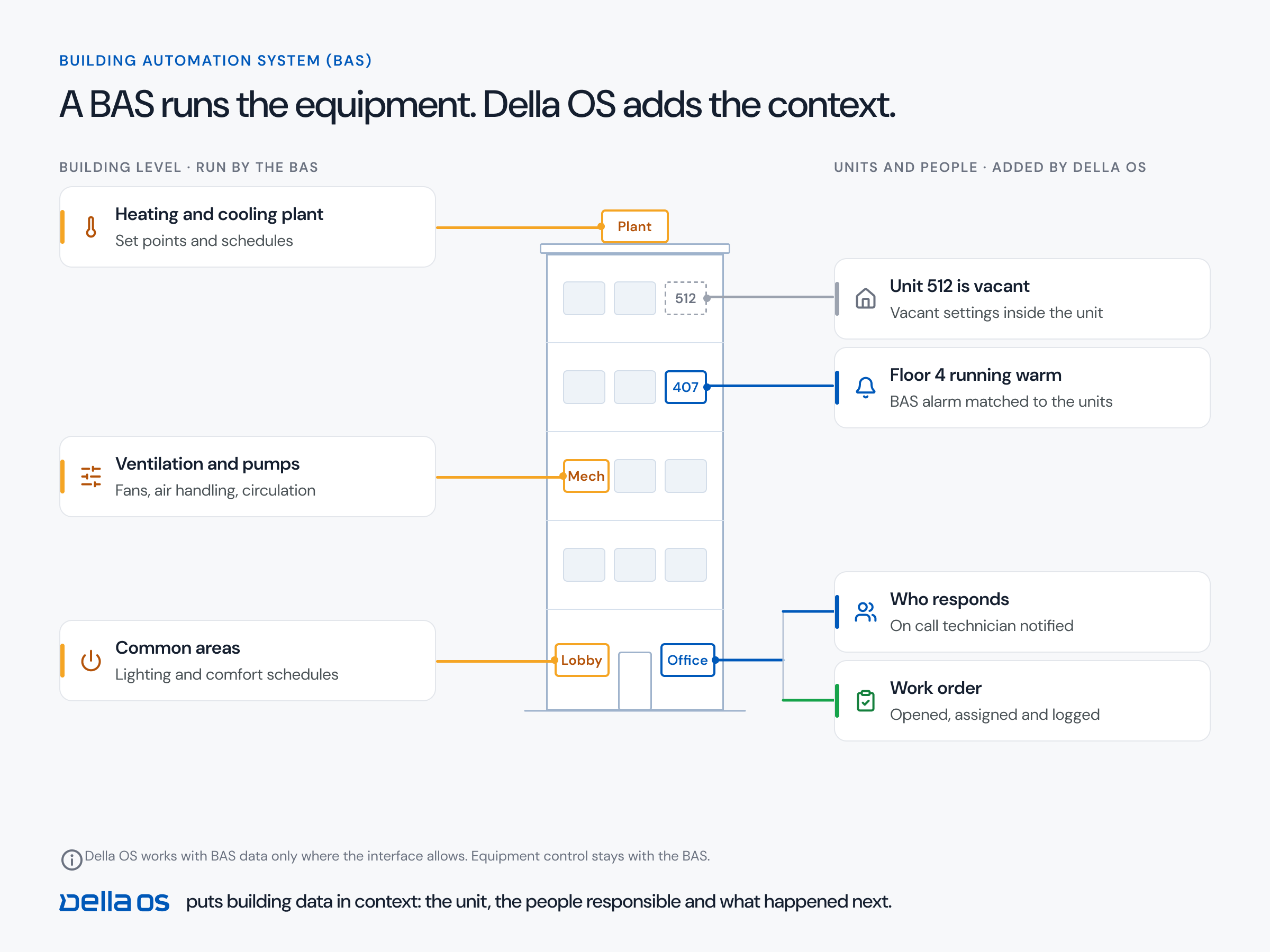
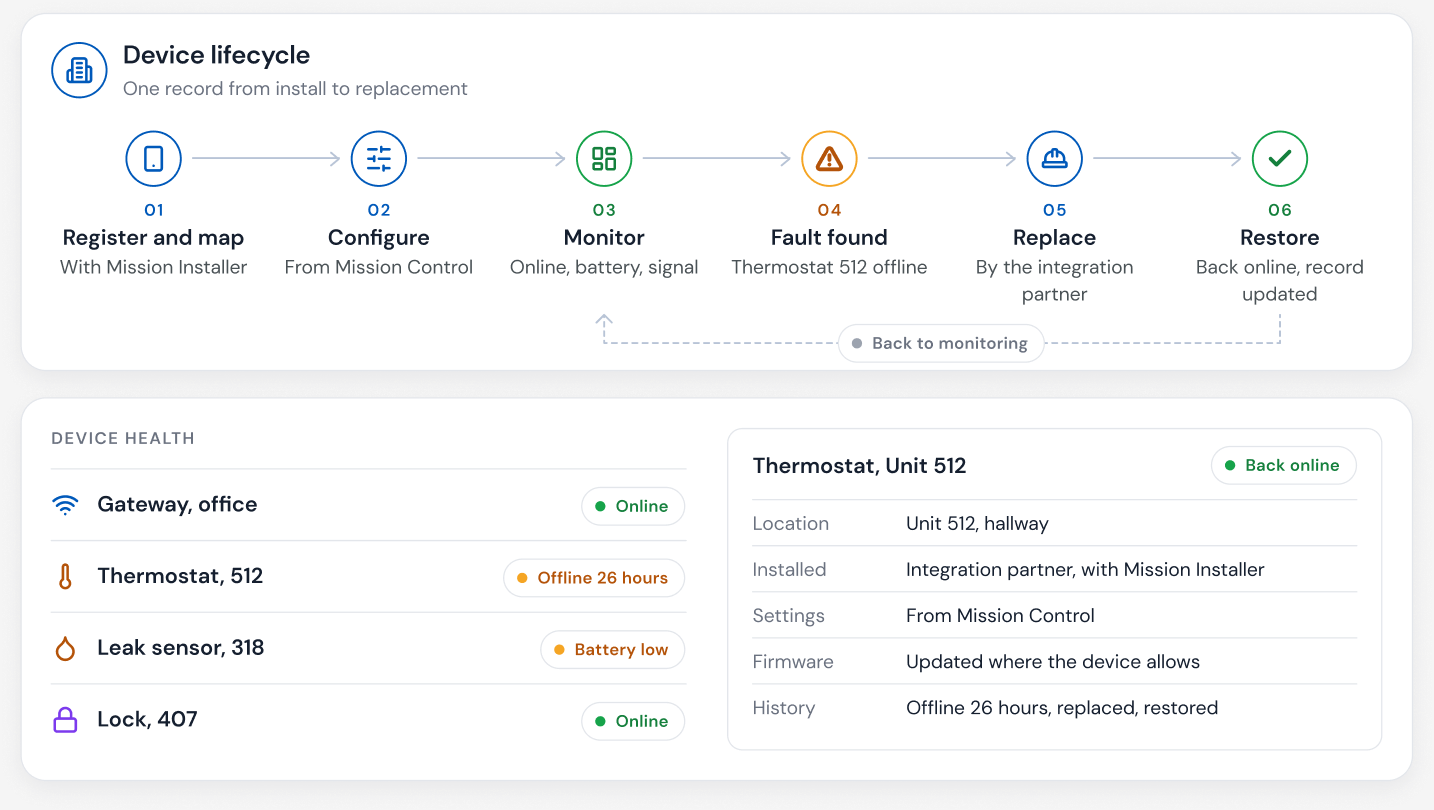
Della OS expands what an intercom can do. Household settings live on each resident's profile in Della, not in the intercom. The primary leaseholder can keep a child out of the directory entirely, or let a child under 16 receive entry phone calls but not after 10 PM. Because these settings sit in Della rather than in the intercom itself, they work with whichever supported intercom the building has. Della OS also automatically monitors every connected device, so an intercom that goes offline shows up on the dashboard, often before a visitor or resident complains. Because the directory and its rules are managed centrally, a remote concierge or a team responsible for several buildings can keep entry running without a front desk. Supported intercoms include ButterflyMX, Mircom and LiftMaster; the full list is in the compatibility guide.
Frequently asked questions
Can a video intercom connect to Yardi, Entrata or RealPage?
Through Della OS, yes. Supported intercoms take their directory from lease events in Yardi, Entrata, RealPage, AppFolio or ResMan, so residents are added and removed automatically.
Do we need to replace our intercom?
Often not. Della OS connects with supported intercom and entry systems, and your integration partner checks the current hardware before recommending any change.
How do residents answer the intercom?
In the Della Resident app, or on an indoor unit where the building has one. They see and hear the visitor and can open the door remotely.
Can parents keep their children out of the directory, or limit when they get calls?
Yes. In Della, the primary leaseholder can hide a household member from the directory, or let a child under 16 receive entry phone calls with no calls after a set time, such as 10 PM. These settings live in Della, not in the intercom, so they work with any supported intercom.
What happens to the directory when a resident moves out?
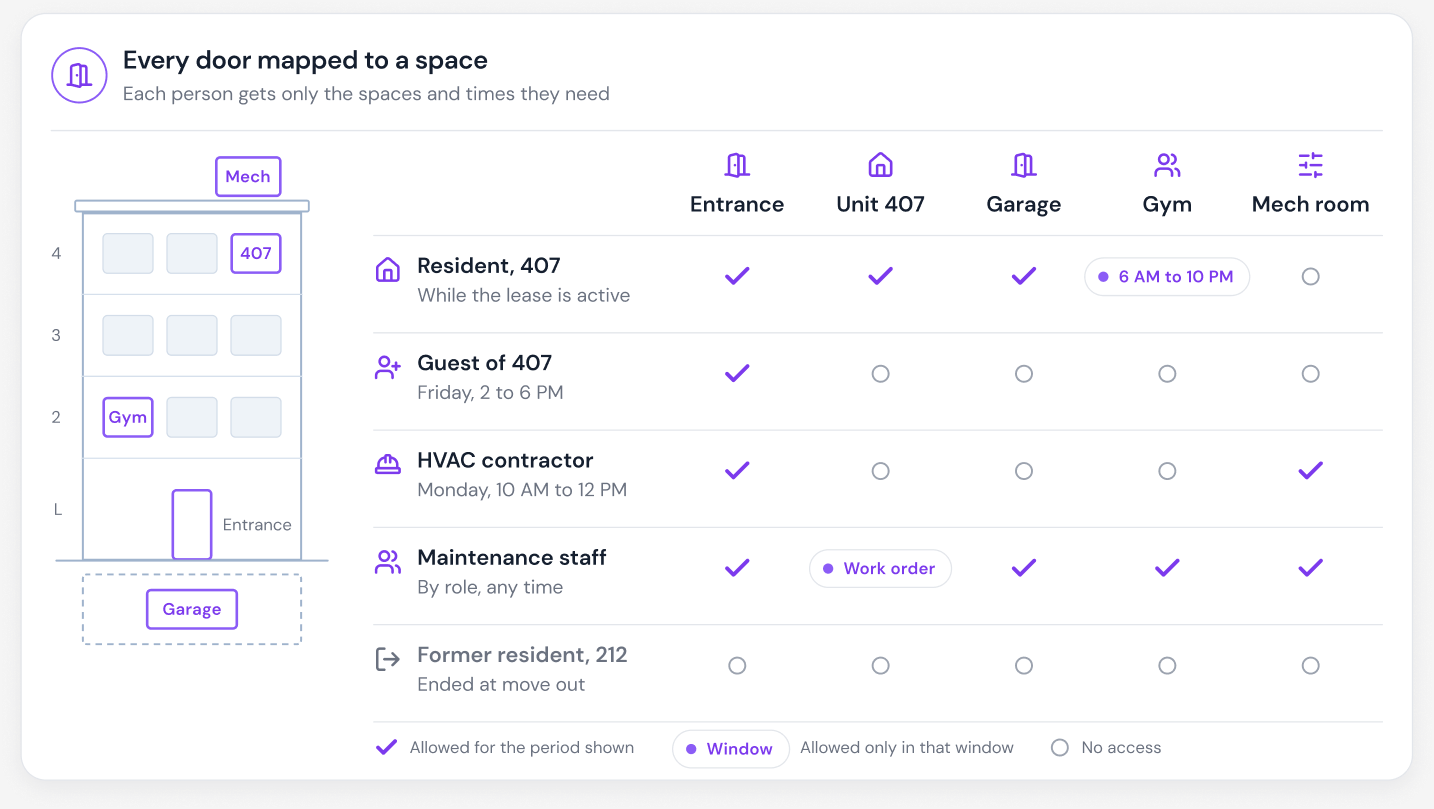
They're removed automatically when the lease ends in the PMS, along with their other building access.
Can one team run entry for several buildings?
Yes. Because the directory and its rules are managed centrally, a remote concierge or a shared team can keep entry running without a front desk.
Read about video intercoms, the move in, transfer and move out checklist and how to connect your PMS to building devices, or book a walkthrough.