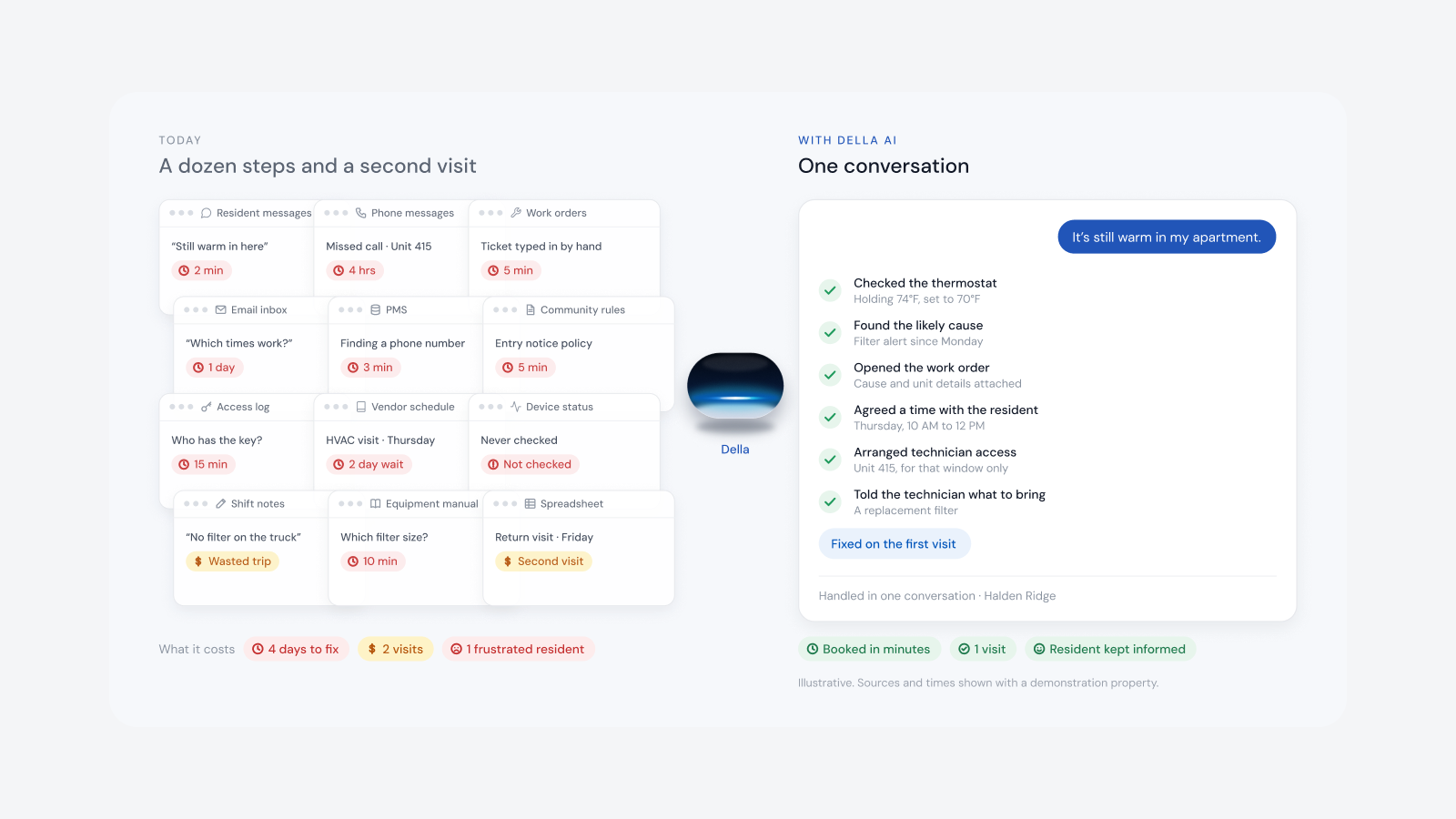
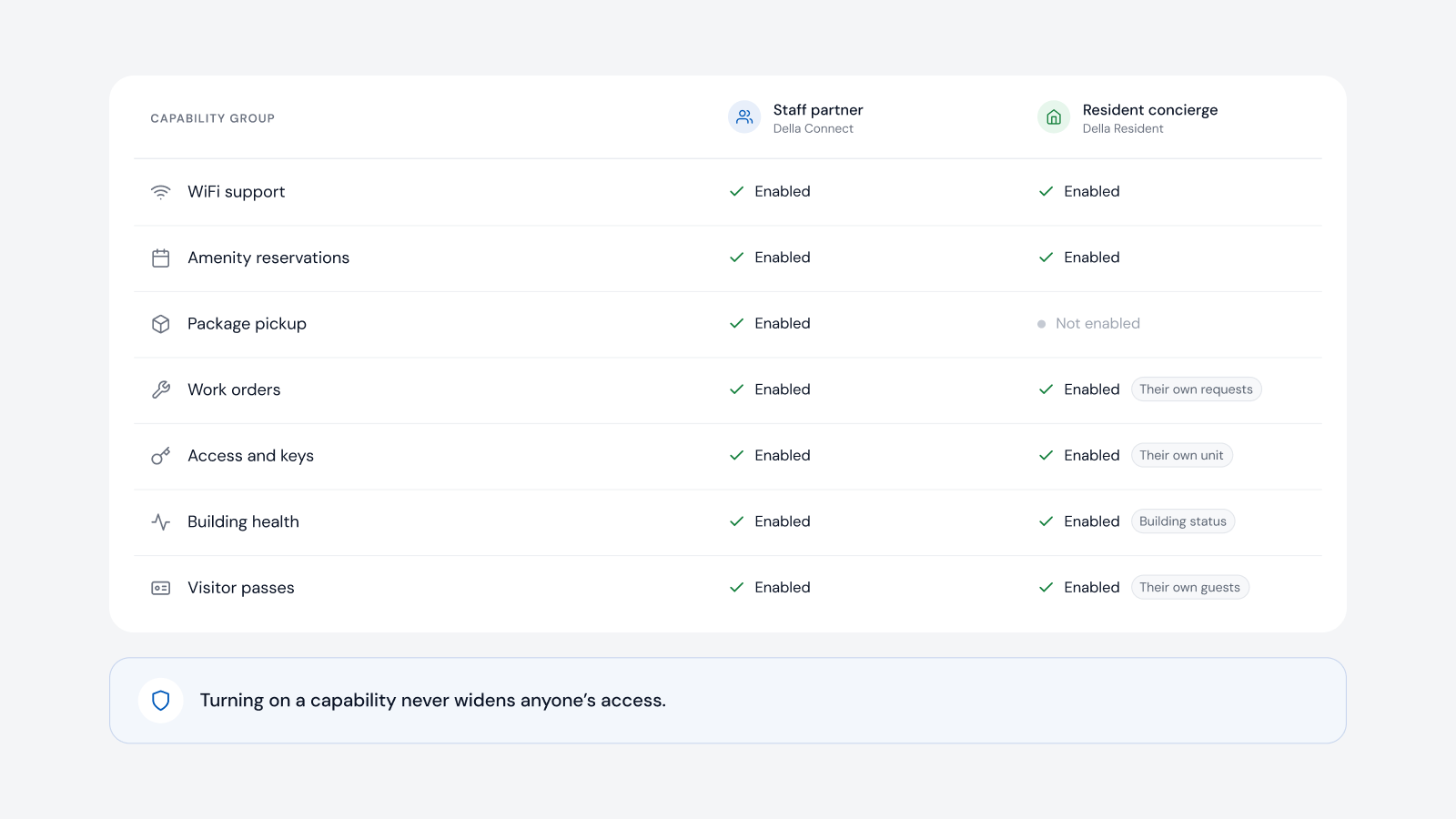
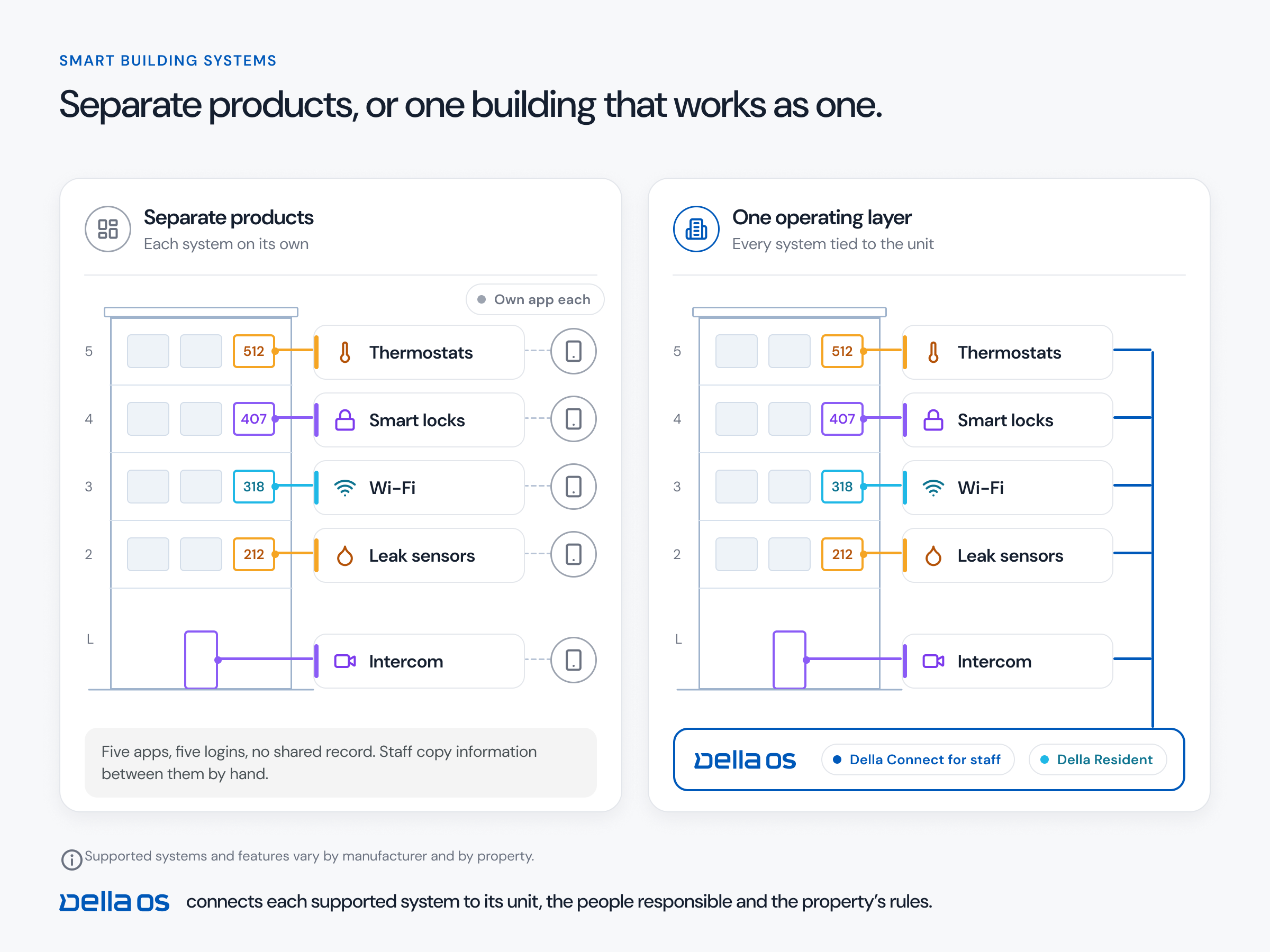
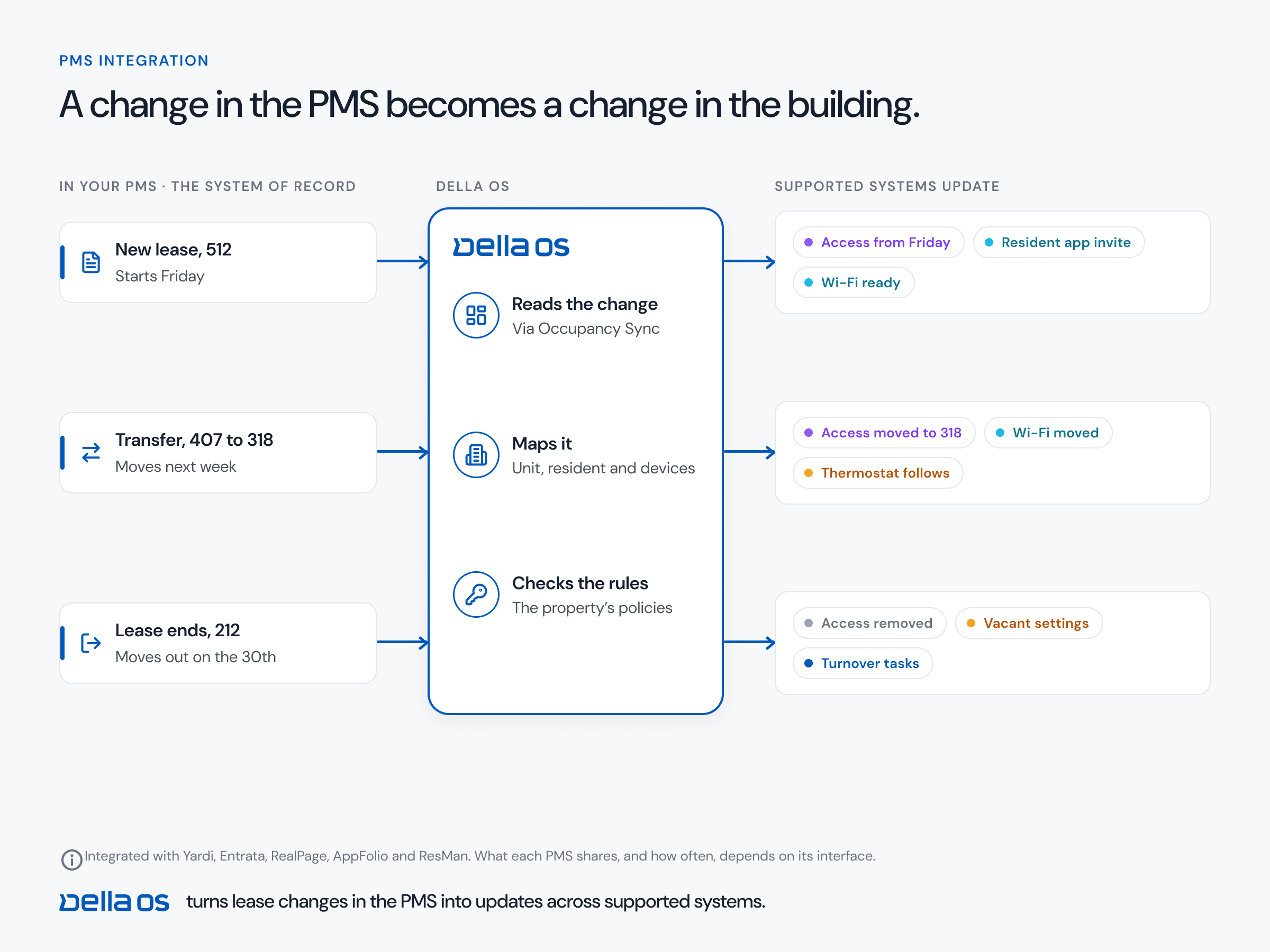
The short answer: Della OS works with five property management systems (Yardi, Entrata, RealPage, AppFolio and ResMan) and more than 40 building systems. That includes Salto, dormakaba, Yale, ASSA ABLOY, Kwikset and Master Lock smart locks; PDK, ICT, Mircom, AccessGrid and myQ access control; and ButterflyMX, Mircom and LiftMaster intercoms. Compatibility is confirmed model by model before installation, and equipment is replaced only where it can't be supported.
The live list is always on the Partners and Integrations page.
Several of these companies describe the integration on their own sites. Universal Electronics announced a joint solution pairing its TIDE Touch thermostat with Della OS on September 15, 2026, for portfolio wide HVAC automation. Eagle Eye Networks' Della partner page explains how a camera feed and an access reader connected to Della work together. Della is listed in the RUCKUS Networks Technical Alliance.
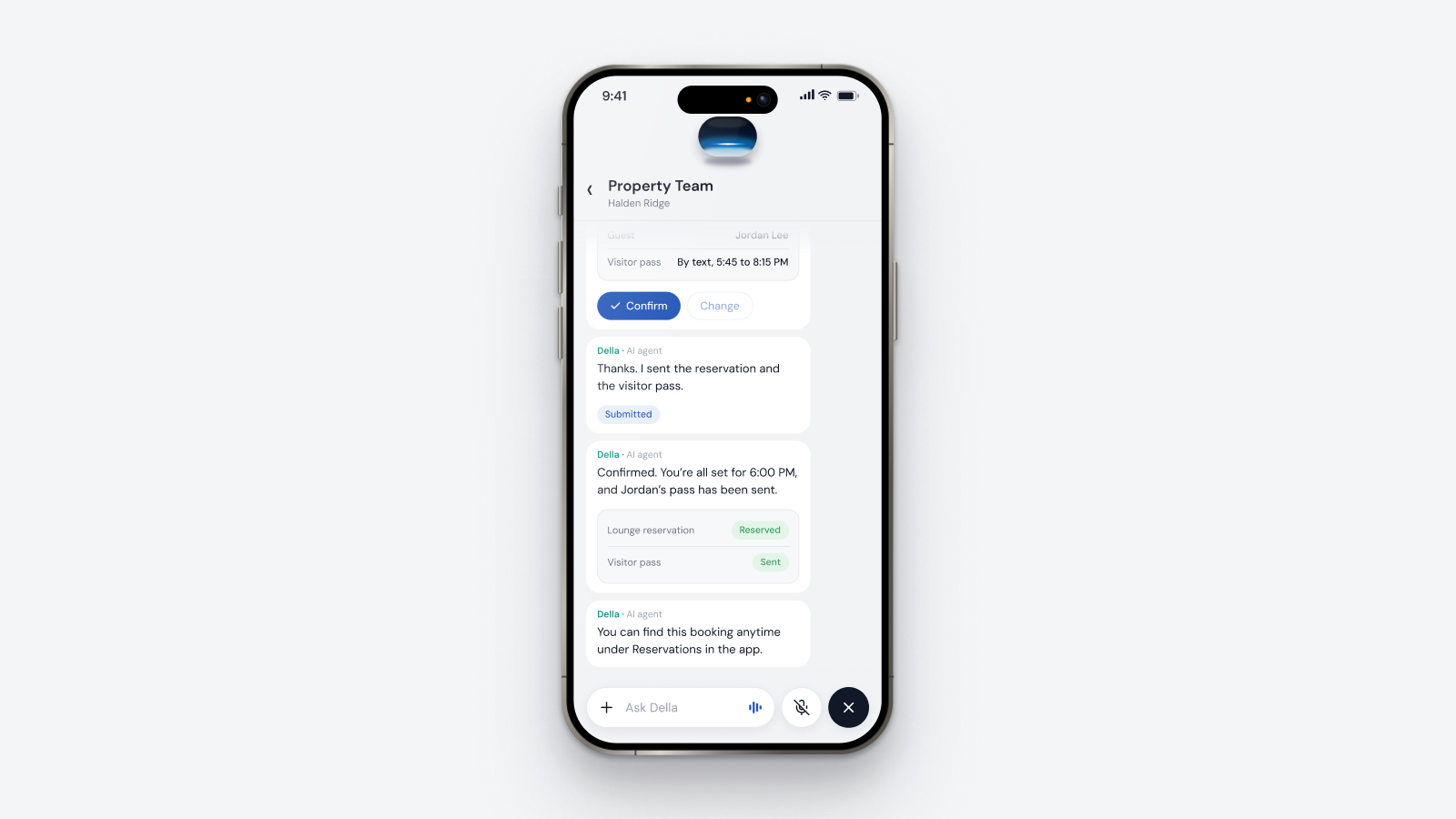
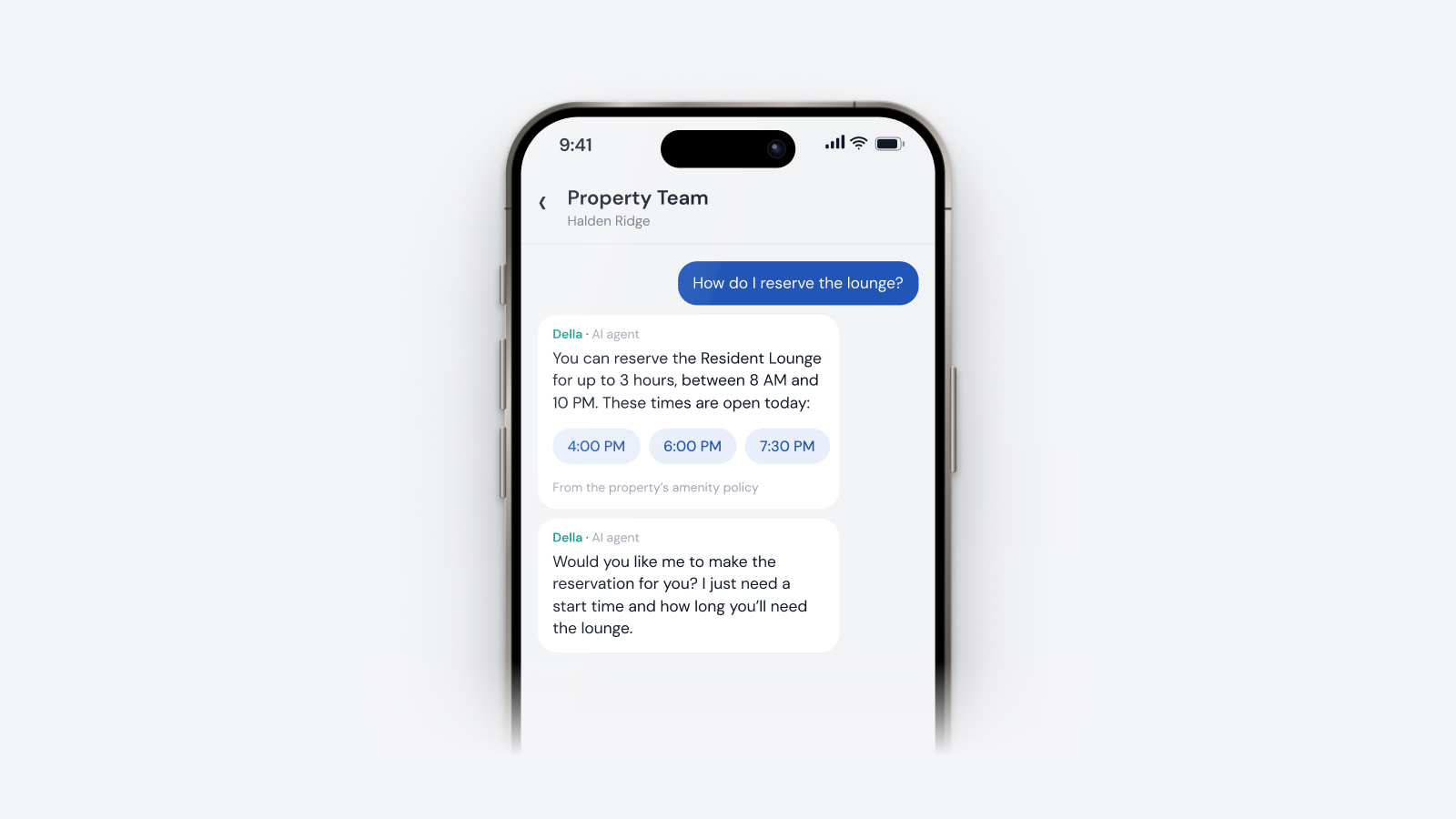
At Regius Square in Salt Lake City, Della OS runs dormakaba smart locks, Interel thermostats, PDK access control and ButterflyMX intercoms as one system. When a resident books an amenity, their access to it updates automatically, and the team manages everything from one dashboard.
Ask. New integrations are added regularly, and once a category is connected, the next brand in it usually takes far less work. Your integrator will tell you, model by model, what connects today, what is on the roadmap and what would need replacing.
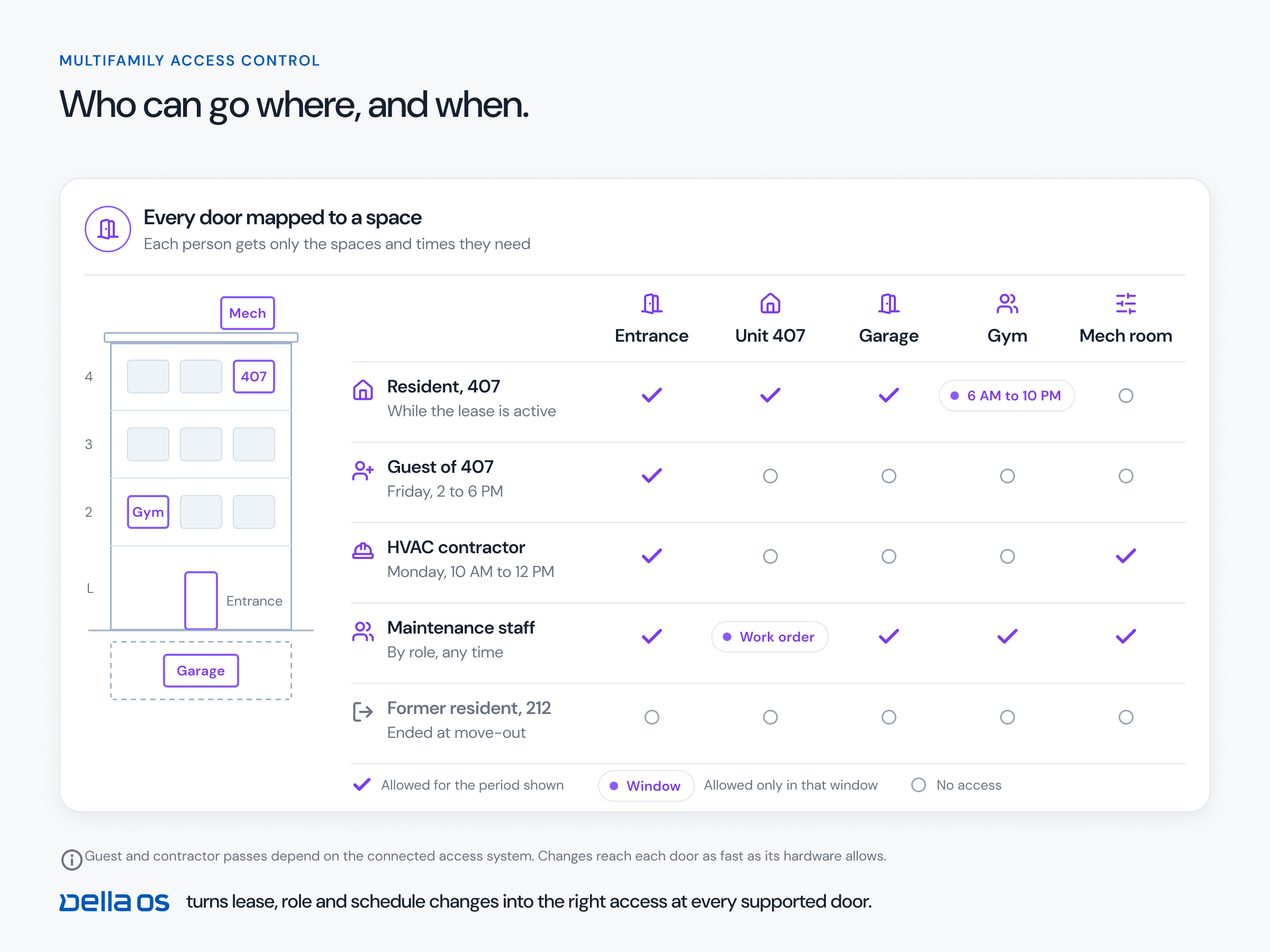
Most portfolios have different lock, access and intercom brands at different properties, often after acquisitions. Della OS treats a door as a door, whichever brand opens it, so the same move-in, transfer and move-out workflow runs at every property. Different buildings, one operating standard. More in smart building software that works with the hardware you already own.
Yes. Salto is supported for smart locks and access control.
Yes. All four are supported smart lock brands.
Schlage is on the roadmap and in development. It is not live yet.
PDK, Salto, ICT, Mircom, AccessGrid and myQ.
ButterflyMX, Mircom and LiftMaster.
Yardi, Entrata, RealPage, AppFolio and ResMan.
Usually not. About 60% of Della OS capabilities need no new hardware, and supported equipment is connected rather than replaced.
Book a walkthrough to check the equipment at your own properties.
Questions
Keep reading
Della OS walkthrough
Book a walkthrough and we'll show you how Della OS would run one of your properties, with your PMS and the hardware you already have.
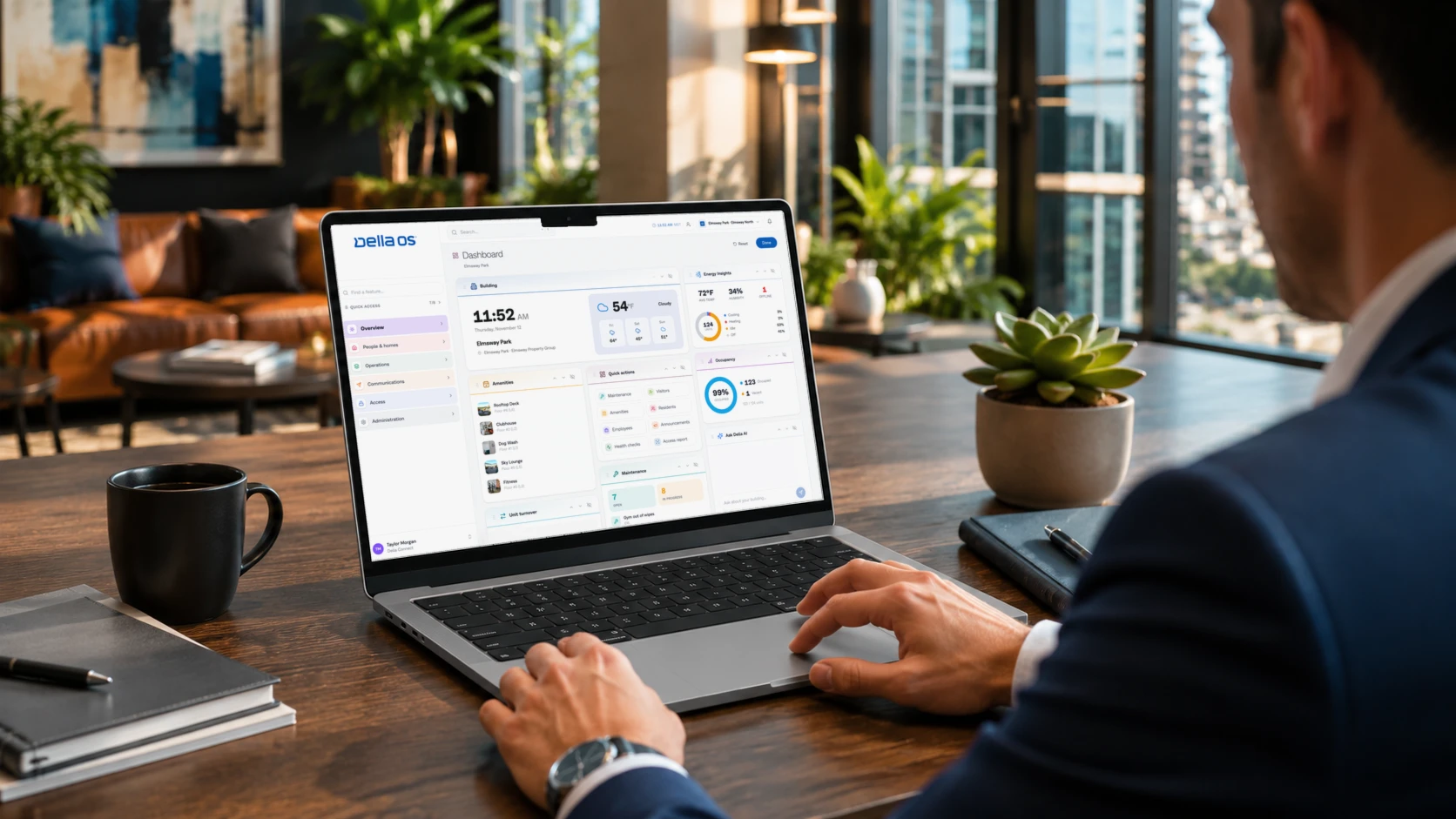
Your PMS runs the business.Della runs the building.
Across every system and every property.

Solutions
Digital SignageOccupancy SyncPerks and ServicesSmart ApartmentsStudent HousingCondominiumsIntegrationsResident app