The short answer: changing property management systems (PMS) is hard enough at head office, where accounting, leasing and reporting all run on it. It gets much harder when the buildings depend on the PMS too. Put an operating layer between the PMS and the building, and the PMS goes back to running the business while the layer runs the building. Then you can own buildings on different PMS platforms, consolidate when it suits you, or switch PMS company wide, and the buildings, residents and site teams carry on as normal.
Why switching PMS is already hard
A PMS sits at the center of head office. Leases, rent, accounting, reporting and the way teams are trained all run through it. Some lock in is normal and unavoidable: moving that data and retraining people takes real work.
What makes it worse: buildings tied to the PMS
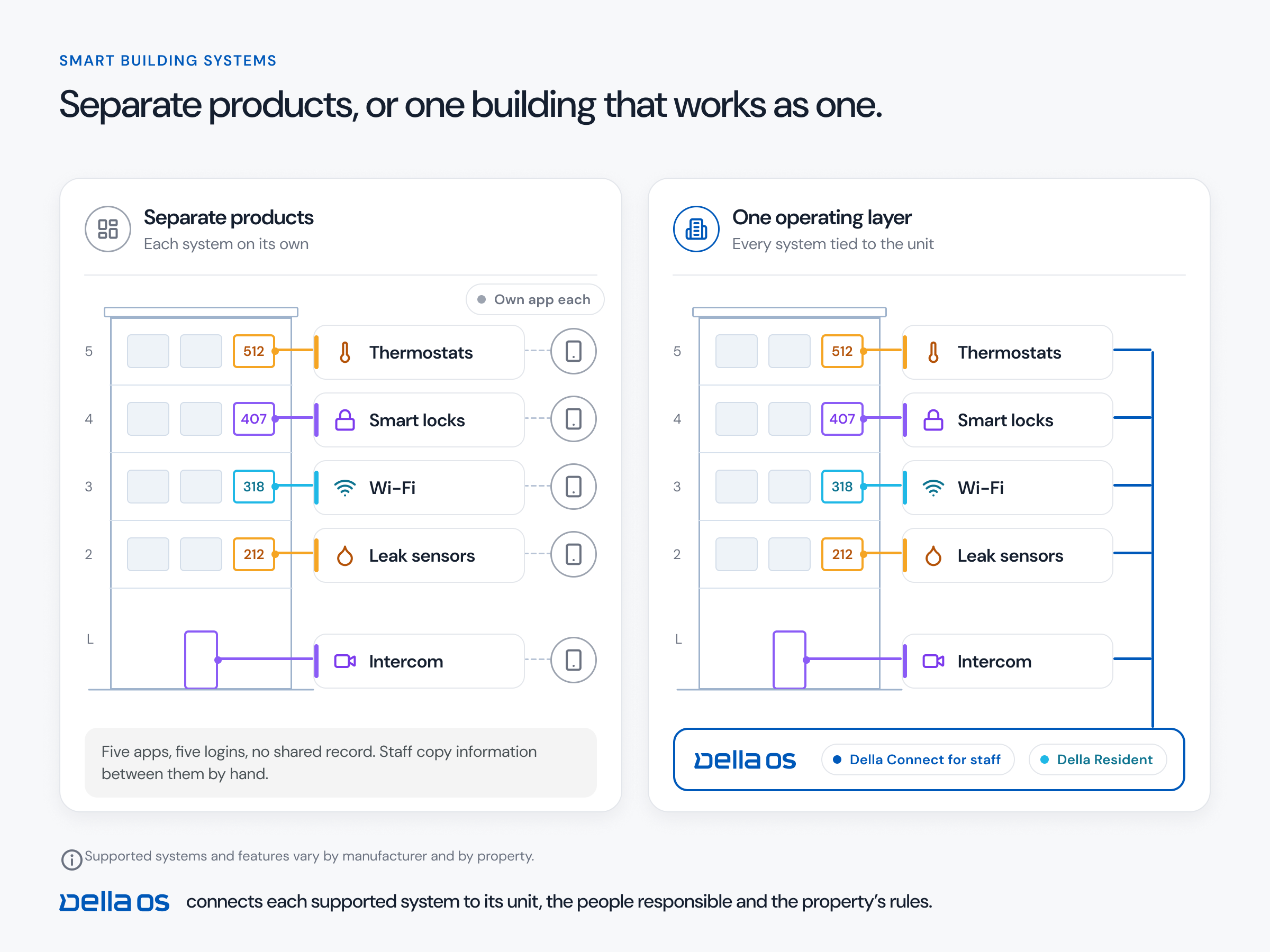
Most PMS platforms don't connect to building hardware at all, so buildings get tied together by hand. Staff copy each new resident from the PMS into the access system, the intercom, the Wi-Fi, the parking list and the resident app. Where a PMS does run a few hardware connections itself, a switch means those have to be redone too, and the new PMS may not support the same equipment. Either way, the building ends up depending on the PMS, so changing it reaches all the way to the front door.
Three moments where this matters
- Buying buildings on a different PMS. You run Yardi in 100 buildings and buy two that run ResMan. Instead of rebuilding everything at closing, you take them over on ResMan, run them to your standard from day one, and move them to Yardi when your team is ready.
- Consolidating onto one PMS. Five buildings run ResMan and others run Entrata, and you want one system. You move them one at a time, on your schedule, and each building keeps working through its switch.
- Switching PMS company wide. If you move the whole organization from one PMS to another, the change happens at head office, not in every building.
The fix: let the layer hold the building
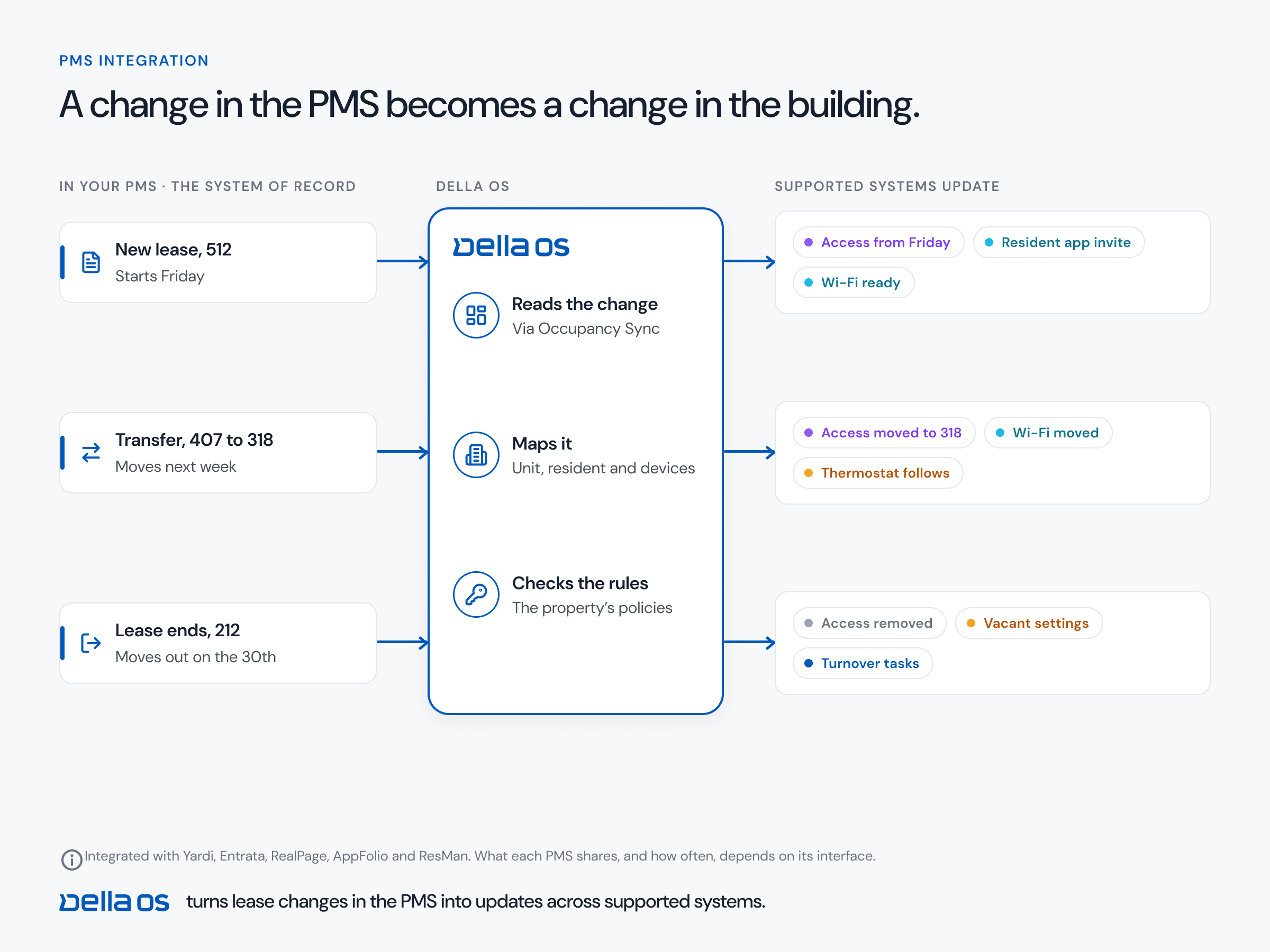
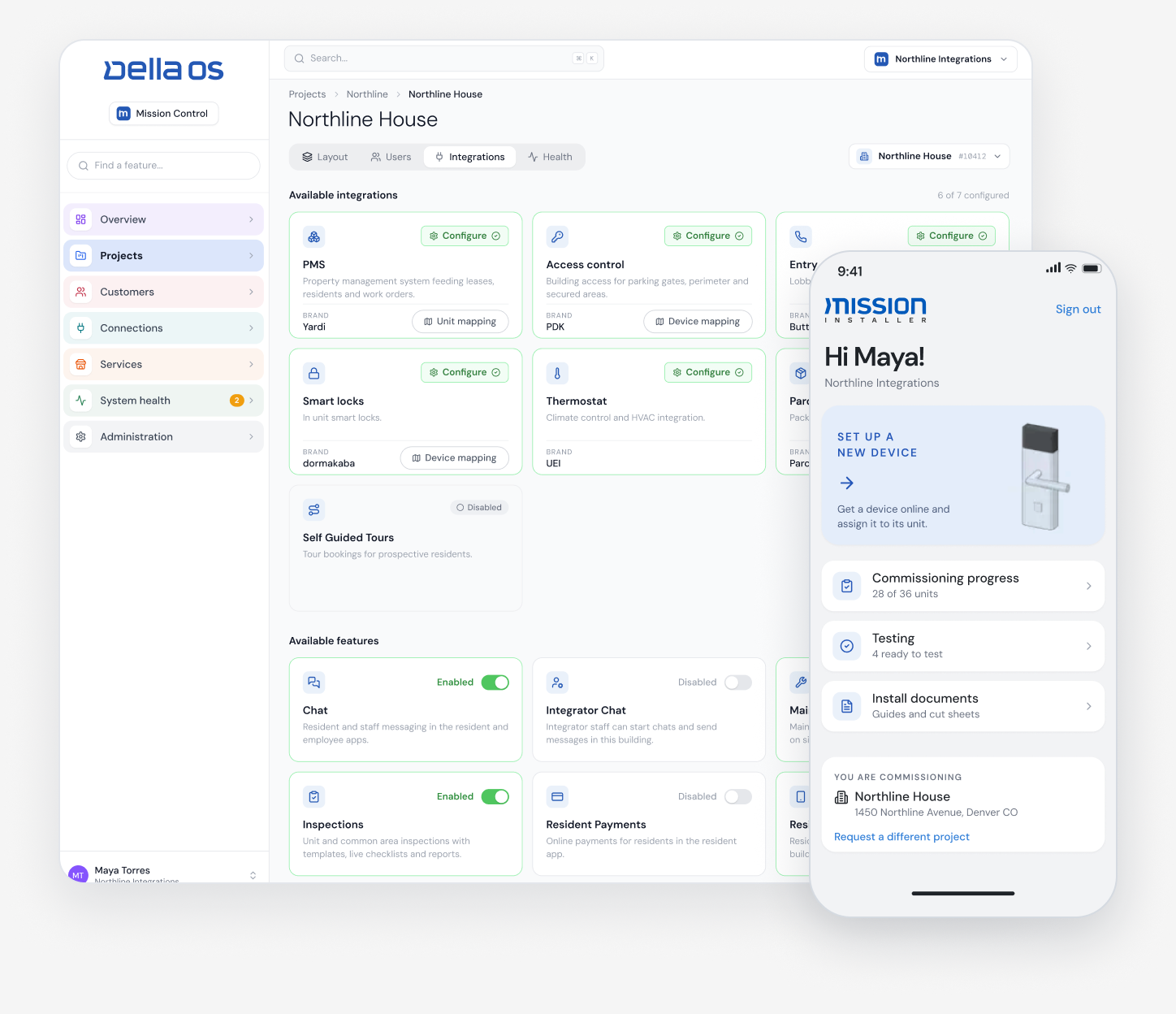
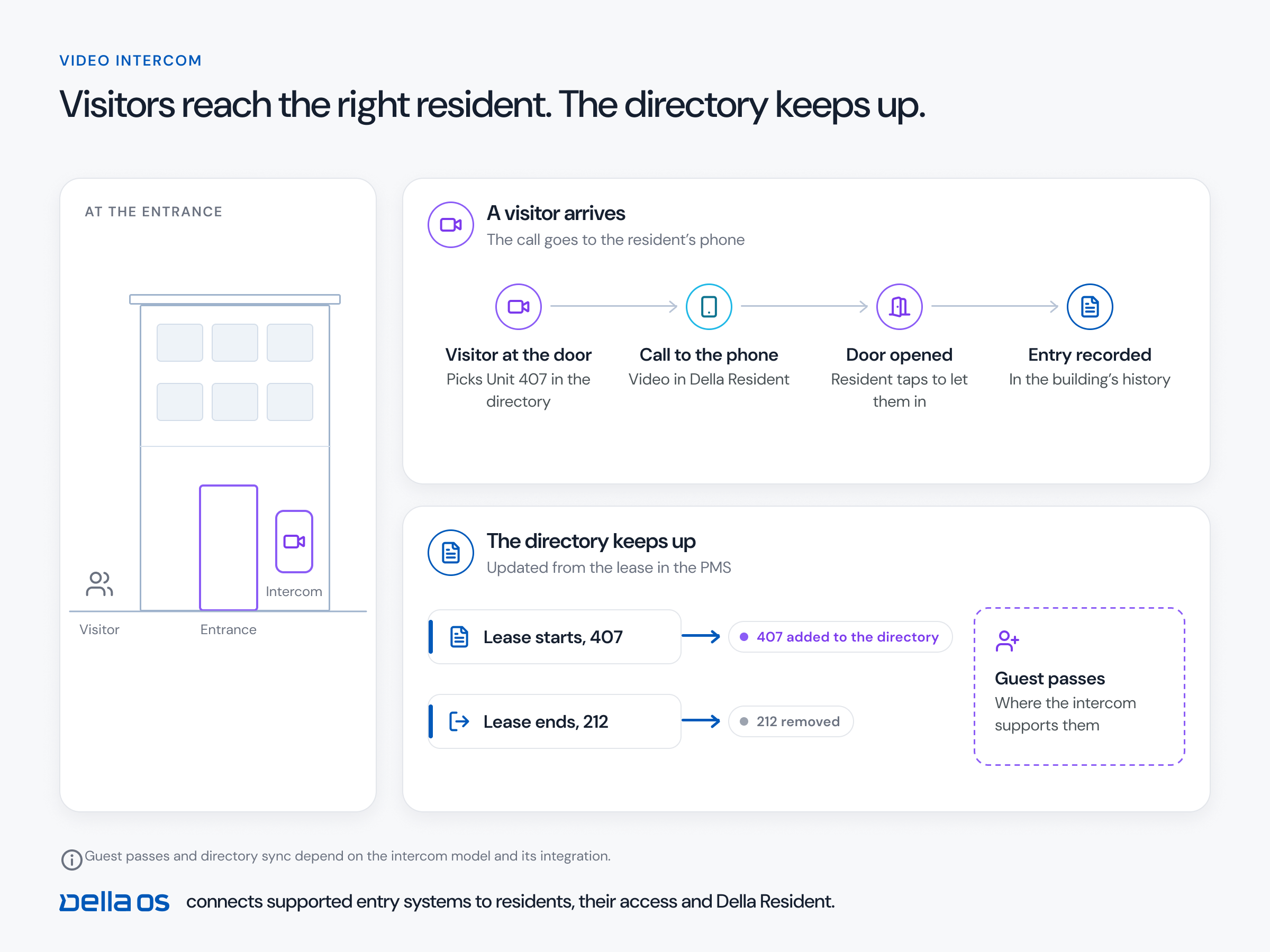
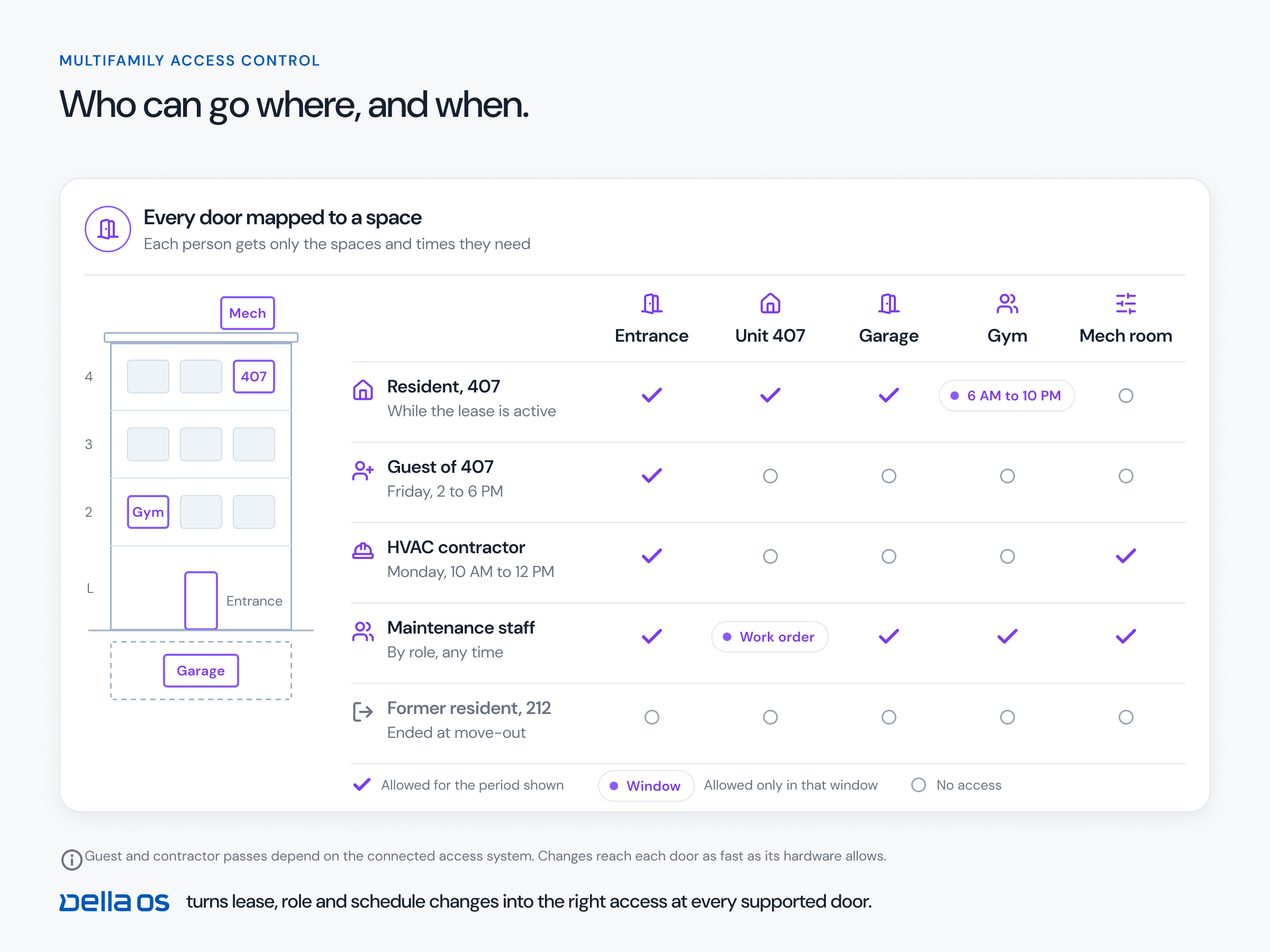
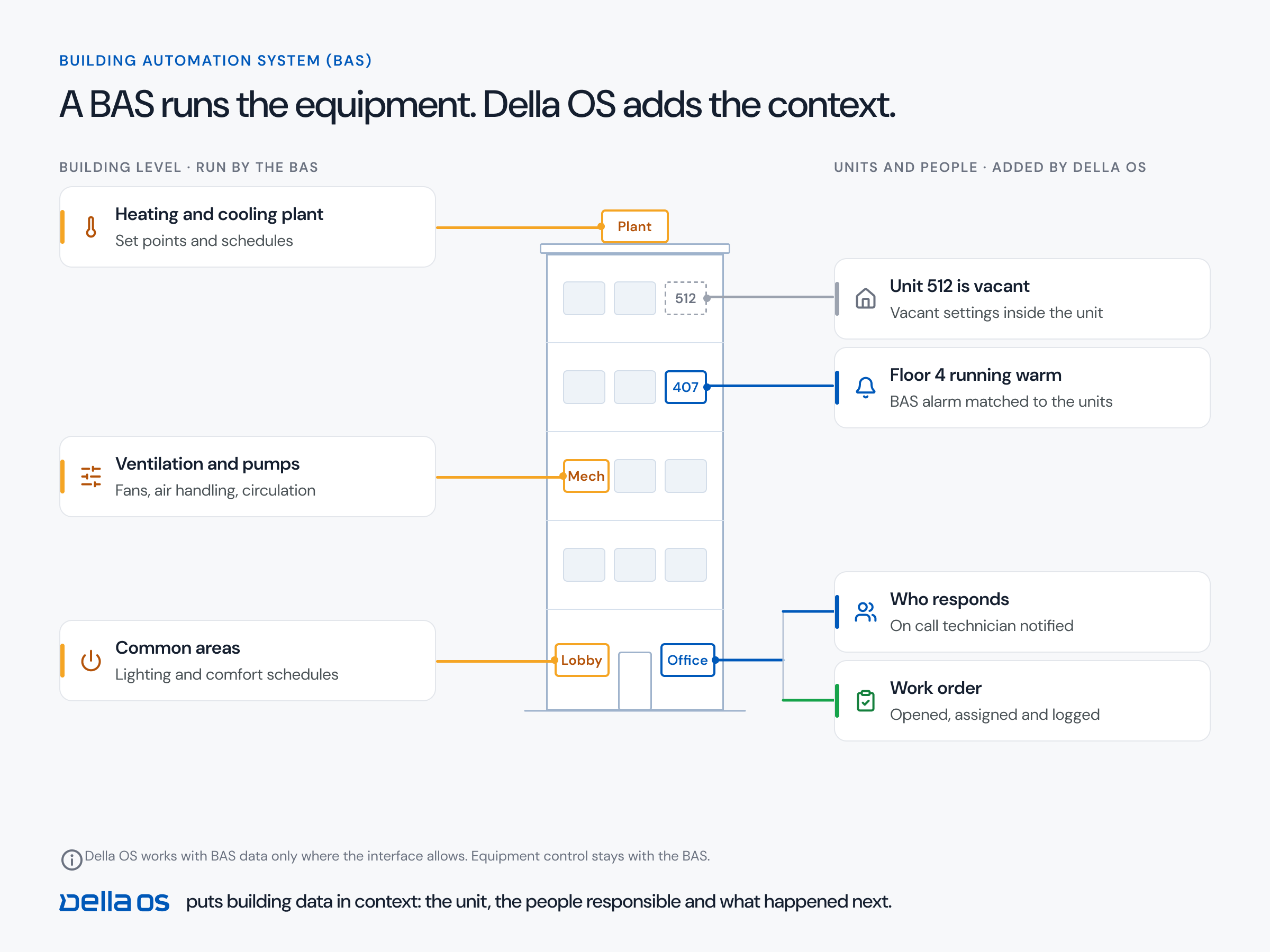
With an operating layer, the PMS only has to do one thing for the building: send lease events, such as a move in, a transfer or a move out. The layer holds everything else: the connections to locks, access control, intercoms, Wi-Fi and thermostats, the workflows, the rules and the resident app. When the PMS changes, you connect the new one to the layer and lease events start flowing from it. Residents keep the same app and keys, staff keep the same tools and the building never notices. The PMS choice becomes a head office decision again.
How to plan a PMS change, step by step
- Put the layer in first. Connect your buildings to an operating layer on the PMS they run today.
- Standardize the rules. Access, vendor windows, amenity rules and vacant unit settings, the same at every building, whatever its PMS.
- Plan the head office move. Data migration, accounting and training, on your own timeline.
- Switch building by building. Connect the new PMS to the layer for each building as it moves.
- Check with real events. A move in, a transfer and a move out on the new PMS before calling a building done.
Where Della OS fits
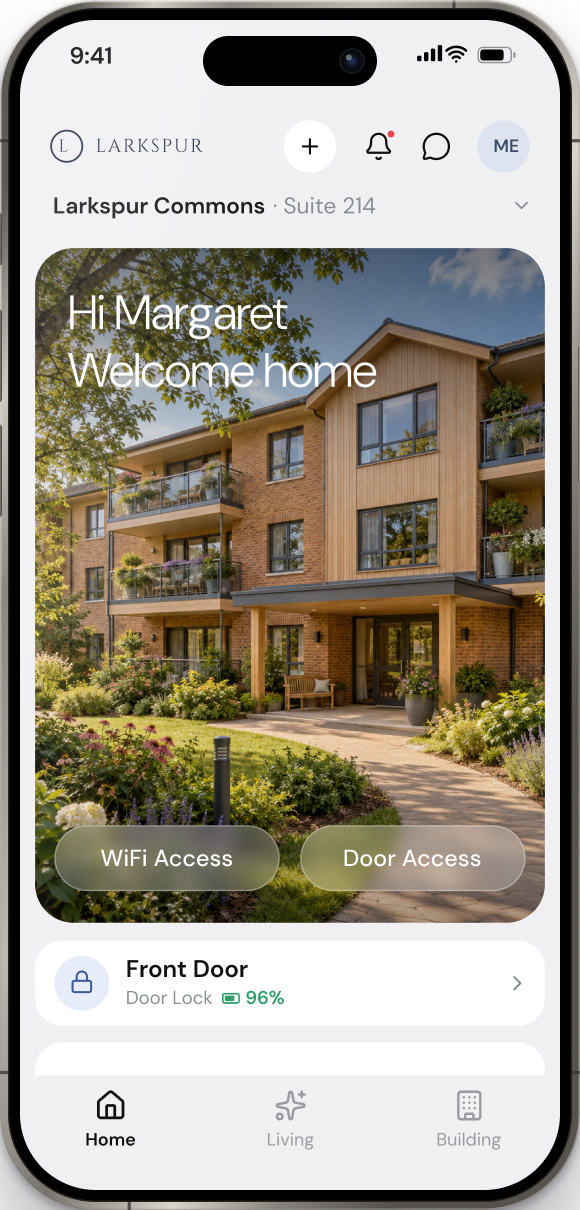
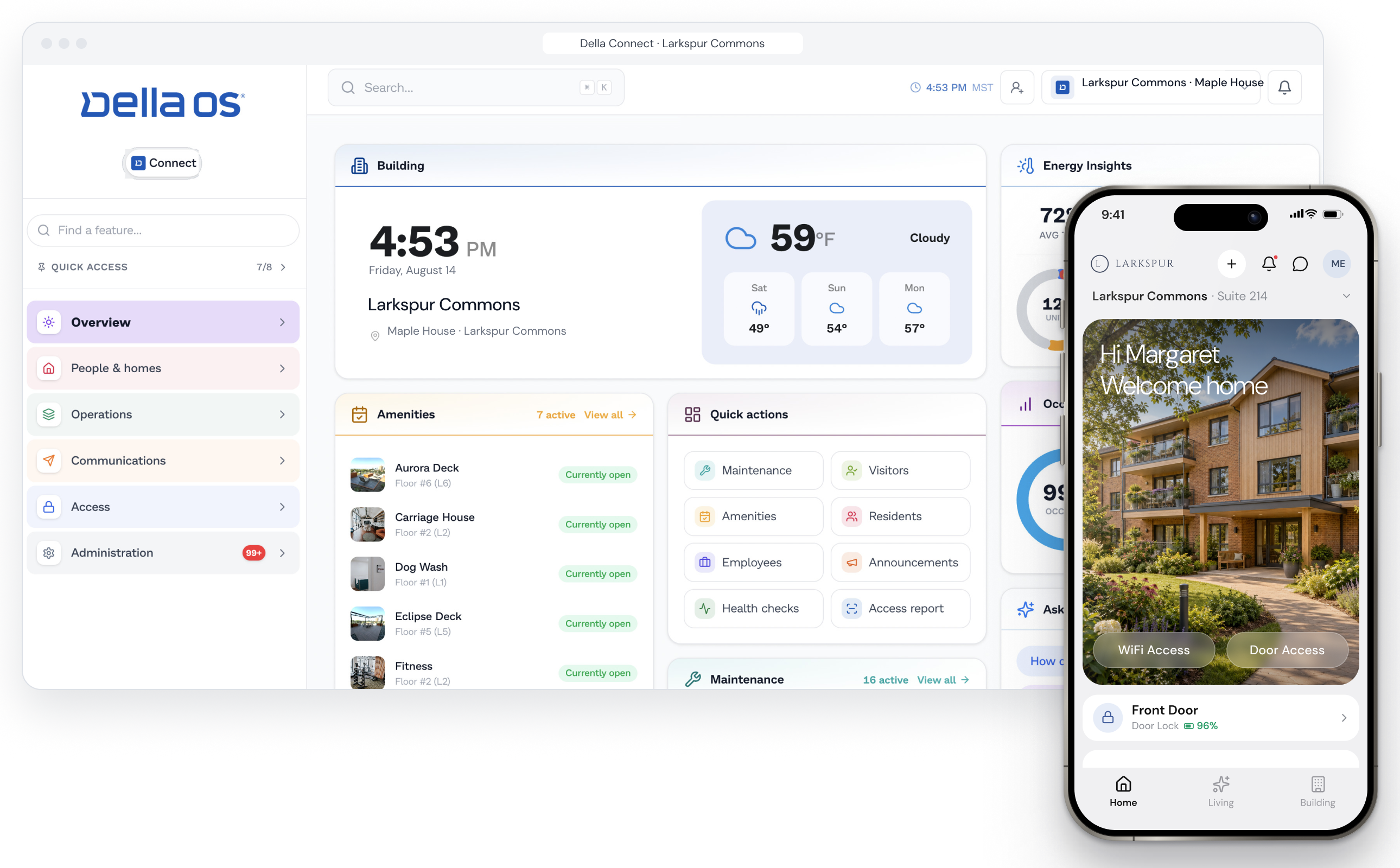
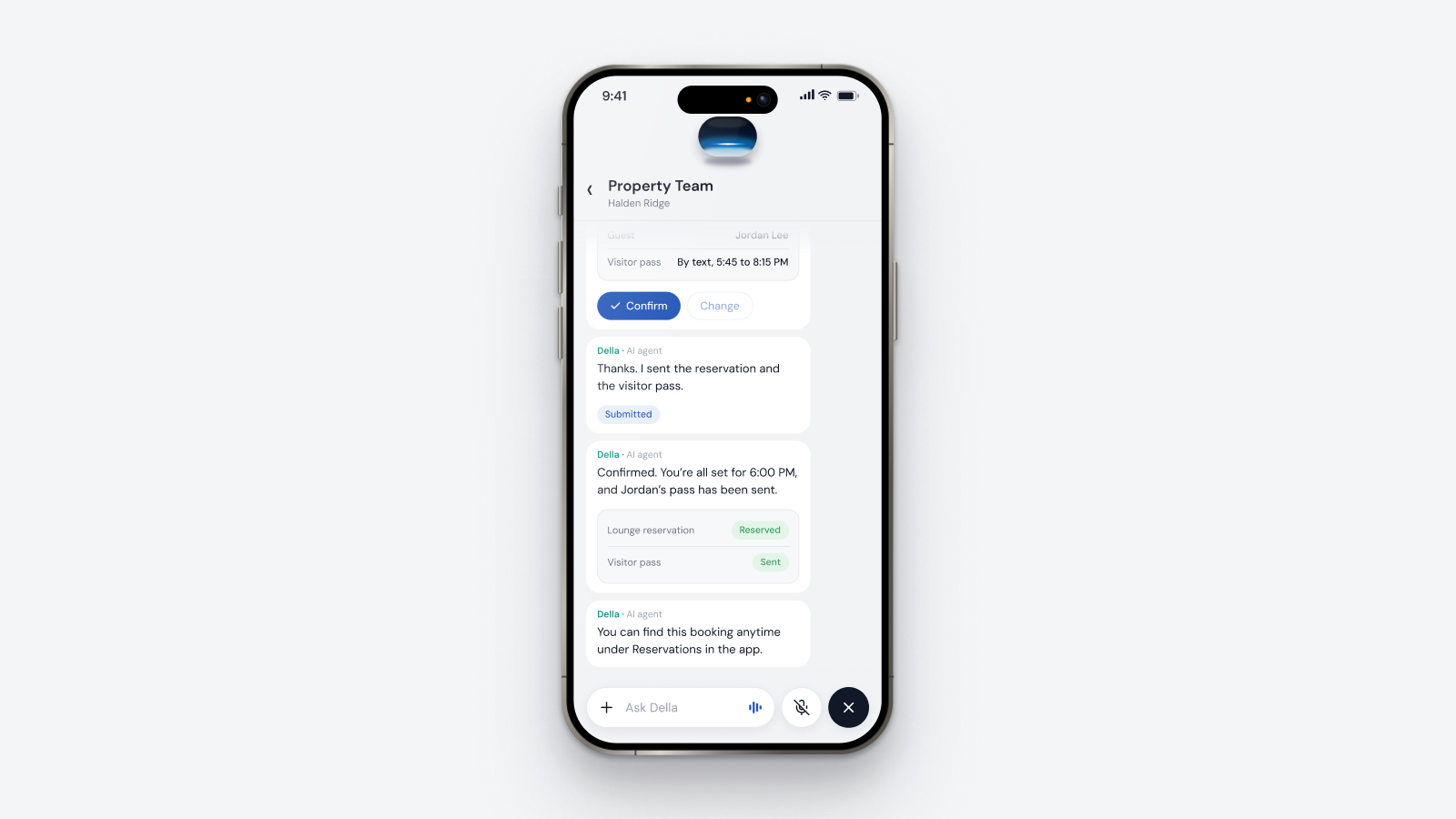
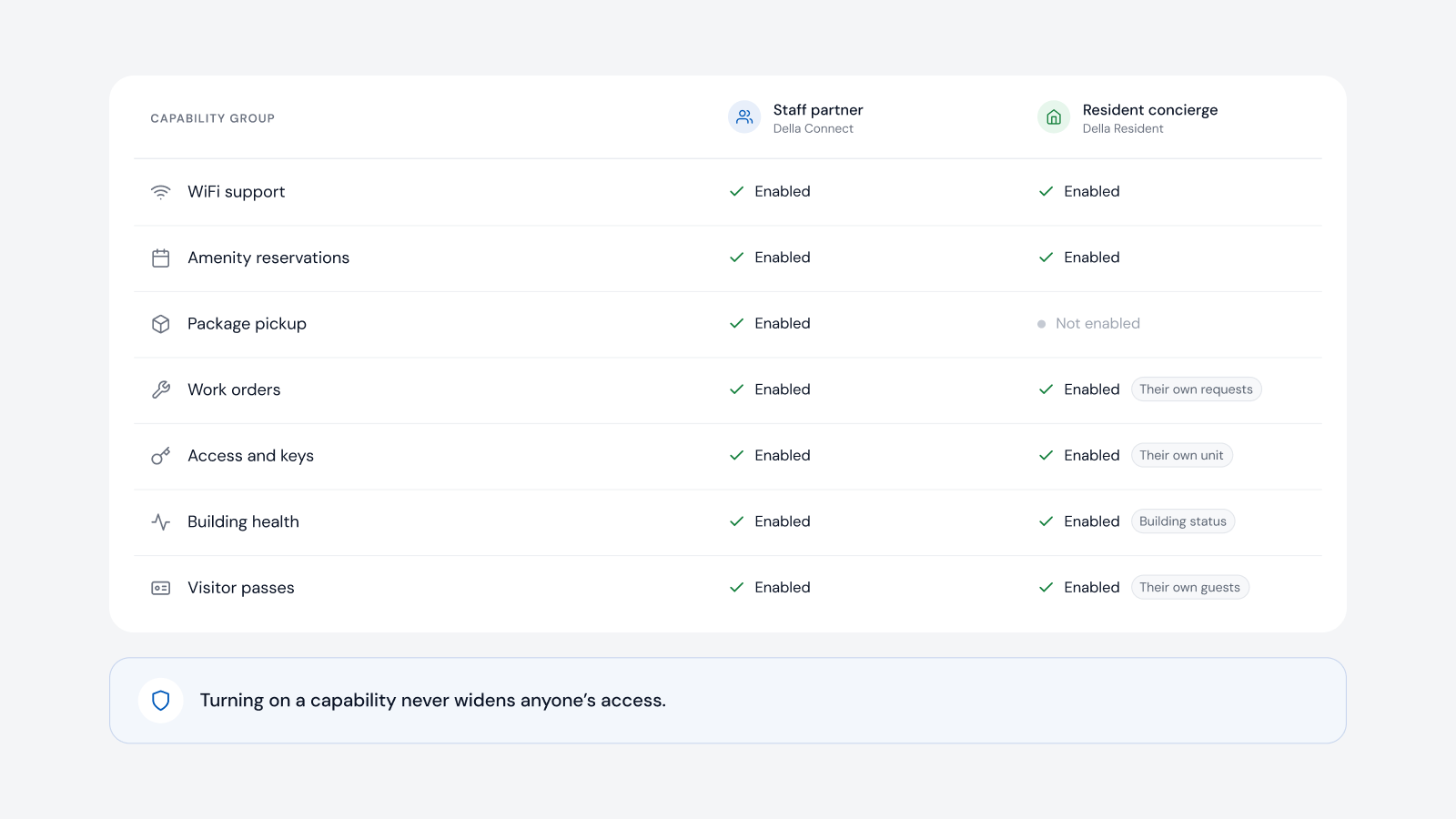
Della OS is the smart building operating system for multifamily and residential properties, from apartments and student housing to senior living and condominiums. Your PMS runs the business. Della runs the building. Della OS connects to Yardi, Entrata, RealPage, AppFolio and ResMan, with more PMS integrations coming in 2027, and runs the same rules at every building whichever PMS it uses. Occupancy Sync turns lease events into access, Wi-Fi and services, while Della holds the connections to more than 40 building systems listed in the compatibility guide. When a building moves to a new PMS, Della is connected to it and the building carries on. Residents keep Della Resident, staff keep Della Connect, and the work that changes stays at head office.
Frequently asked questions
Can one portfolio run buildings on different PMS platforms?
Yes. Della OS runs the same rules at every building, whether it uses Yardi, Entrata, RealPage, AppFolio or ResMan.
We're buying buildings on a different PMS. Do we have to switch them at closing?
No. With Della OS you can run them on their current PMS to your standard and switch when your team is ready.
Does Della migrate our PMS data?
No. Moving leases and accounting is a head office project. Della keeps the buildings running the same way while it happens.
What do residents notice when we change PMS?
With Della OS in place, nothing in the building changes: the same app, the same keys and the same services. Rent payments may move to the new PMS's portal.
Which PMS platforms does Della OS work with?
Yardi, Entrata, RealPage, AppFolio and ResMan, with more coming in 2027.
Read when the PMS or the owner changes, how to connect your PMS to building devices and what PMS integration means, or book a walkthrough.