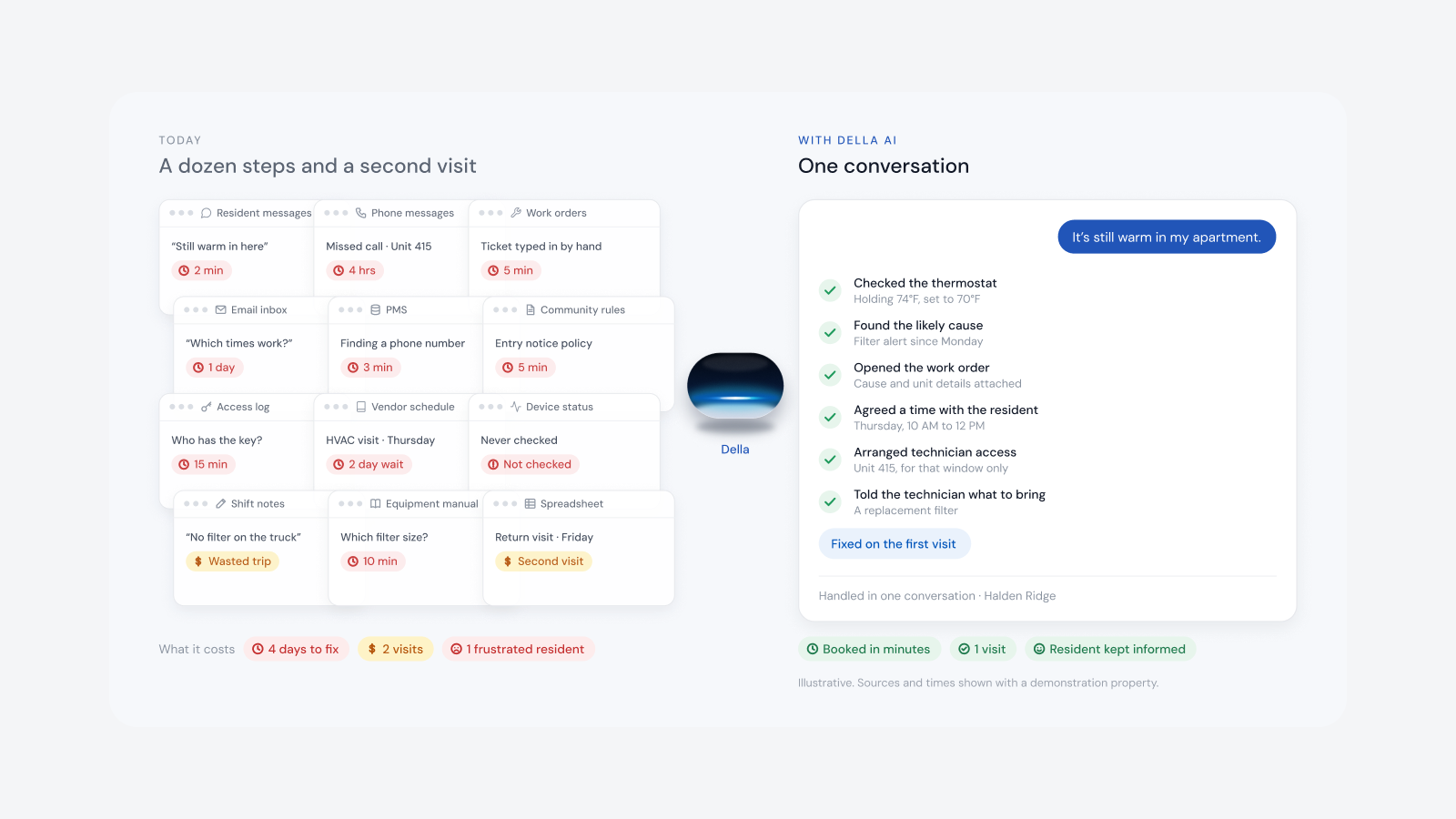
The short answer: a canned demo is perfectly rehearsed, so nothing can go wrong. That's exactly why it tells you so little. Bring your own scenarios and ask the vendor to run them live, ask them to build a version of your own building while you watch, and ask to see the real time detail of a single unit. A platform that can do that on a call is flexible enough to fit your properties. One that can only play its script probably isn't.
A canned demo versus a real one
- Canned: a prepared building, a fixed path through the screens and answers that stay on the slides.
- Real: your building, your scenarios, your questions, run live, with the chance for something to go wrong and the vendor showing how it's handled.
Ask them to build your building on the call
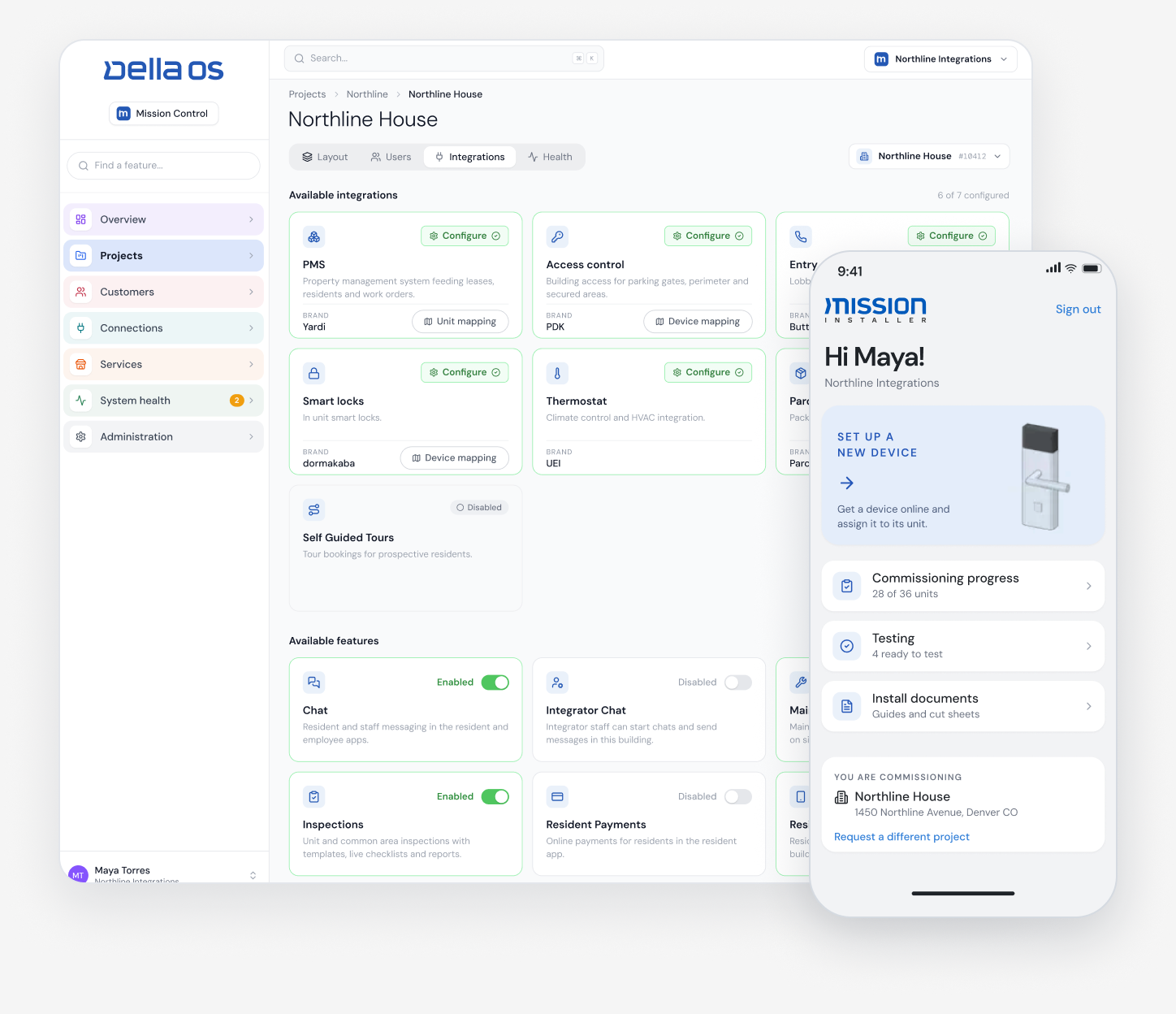
Give the vendor the basics of one of your properties: floors, unit count, doors, amenities and the brands of lock and thermostat you have. A flexible platform can set up a sandbox version of that building in minutes, while you're on the call, and let you try it for yourself. If the vendor needs weeks and a professional services project to show you your own building, that's what your rollout will look like too.
Ask to see one unit, in real time
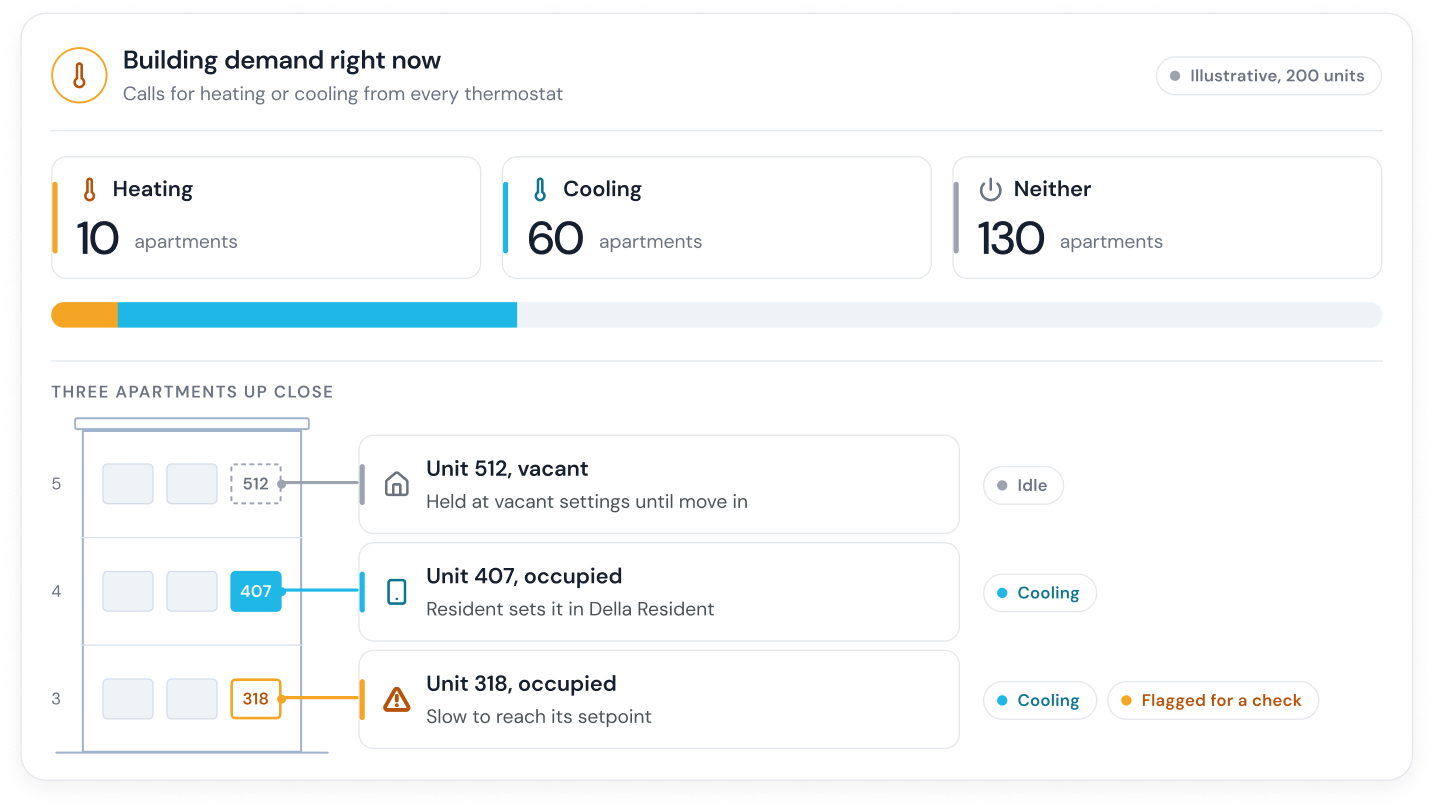
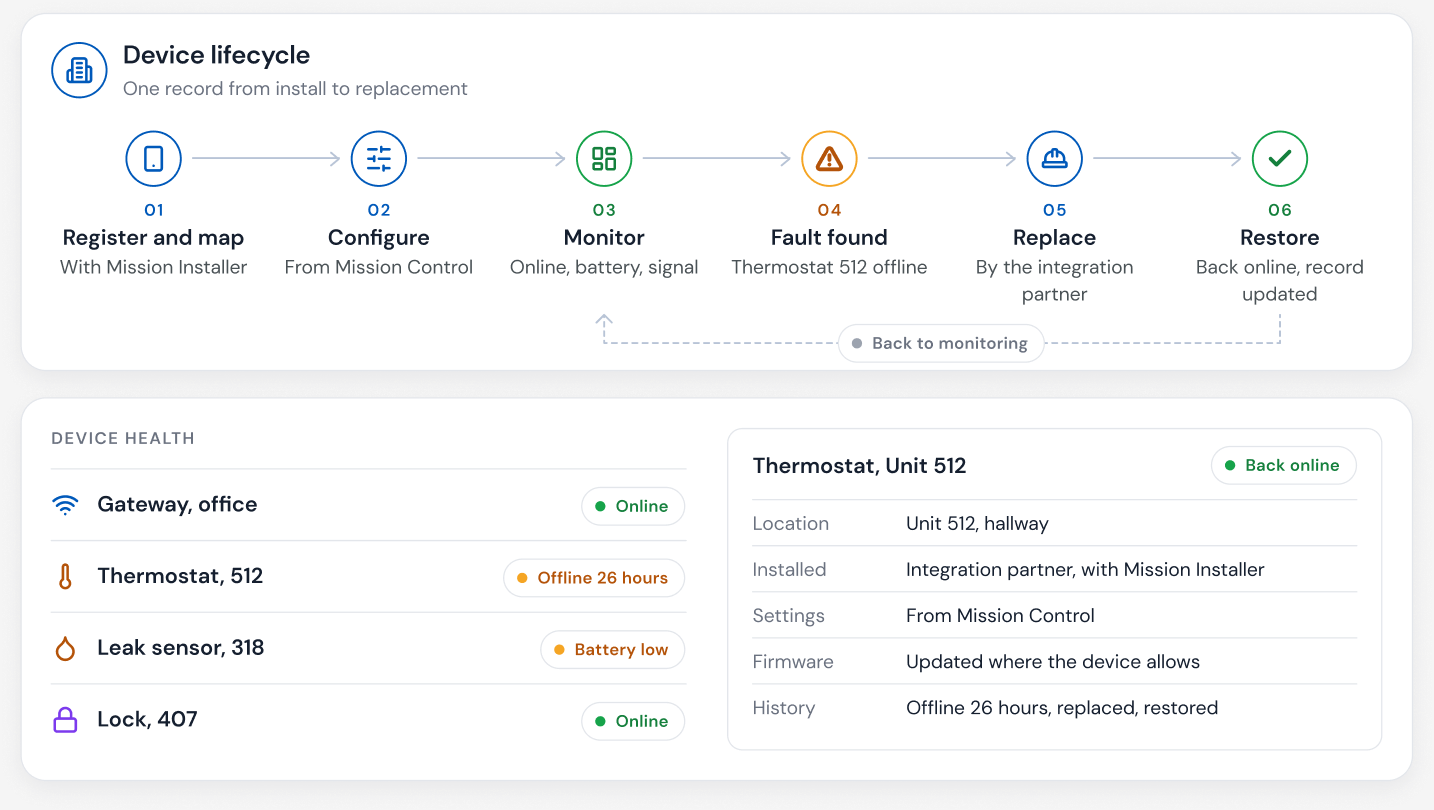
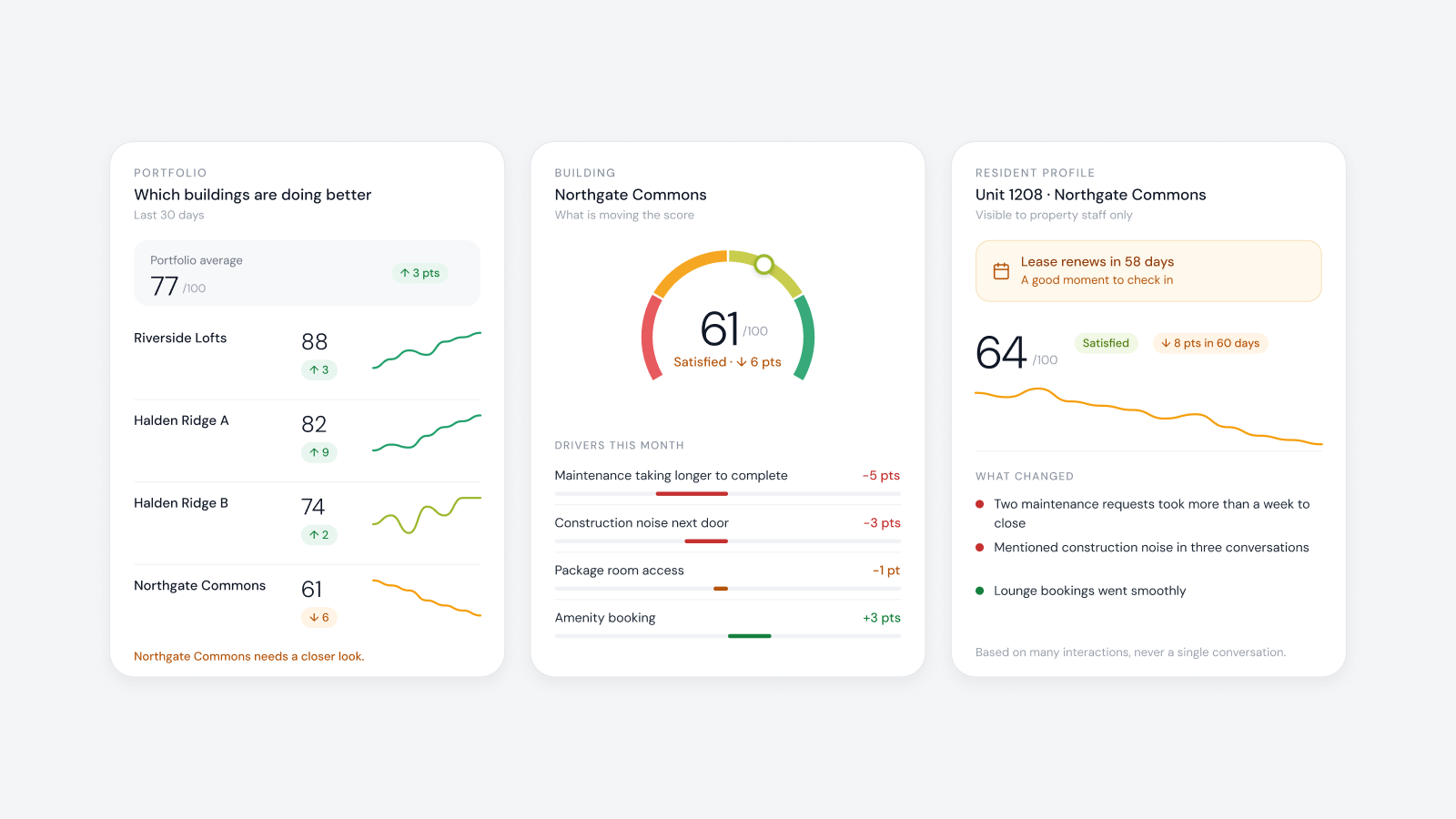
Ask the vendor to open a single unit, say Unit 1103, and show you everything about it right now: who lives there, which devices are in it and whether each is online, the current temperature against the set temperature, battery levels, recent access, open work orders and history. Seeing that live is what lets a team check a unit without sending someone to audit it in person. It's also the kind of insight most teams have never had, and it's hard to fake in a scripted demo.
Scenarios to ask for
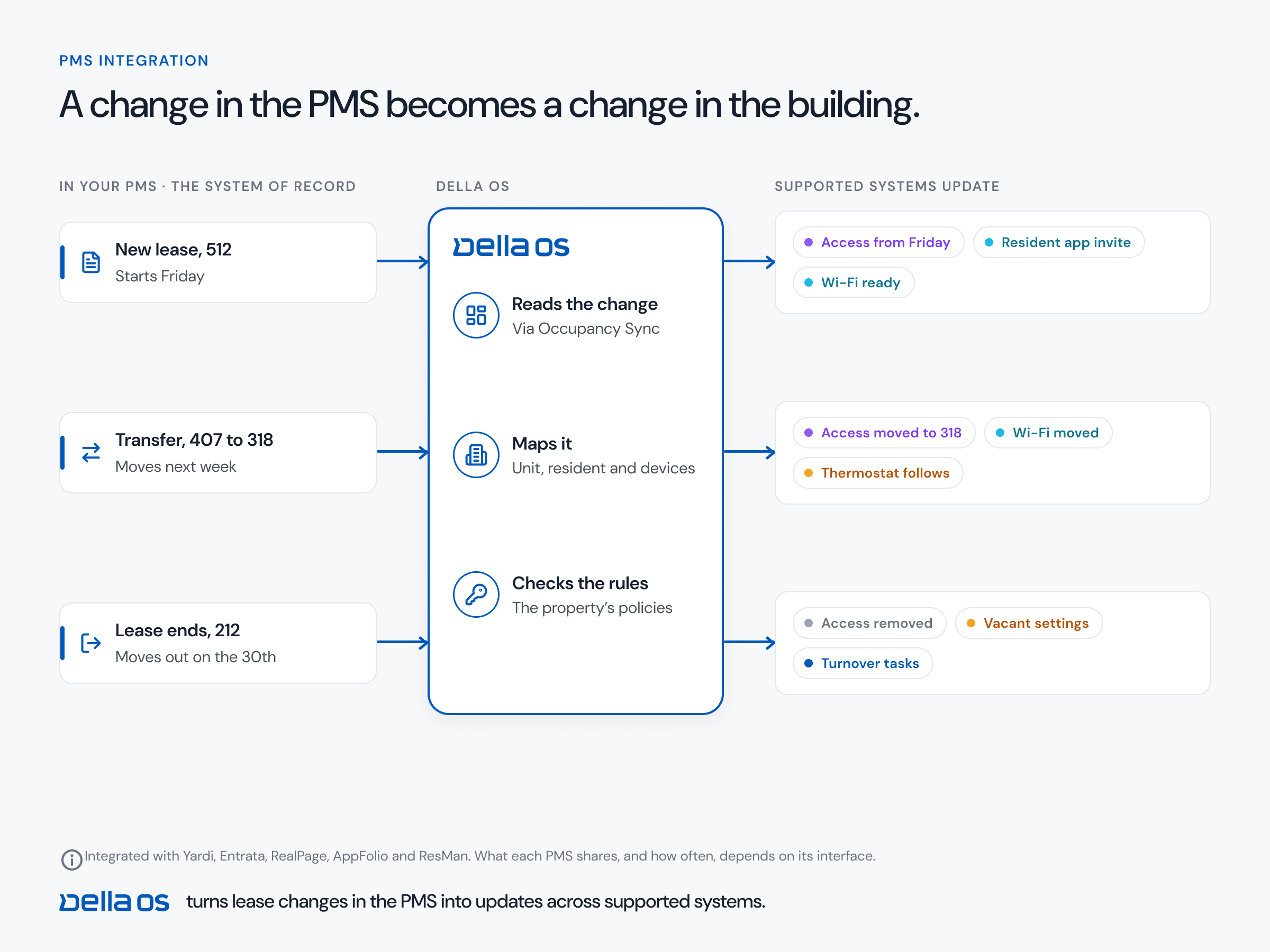
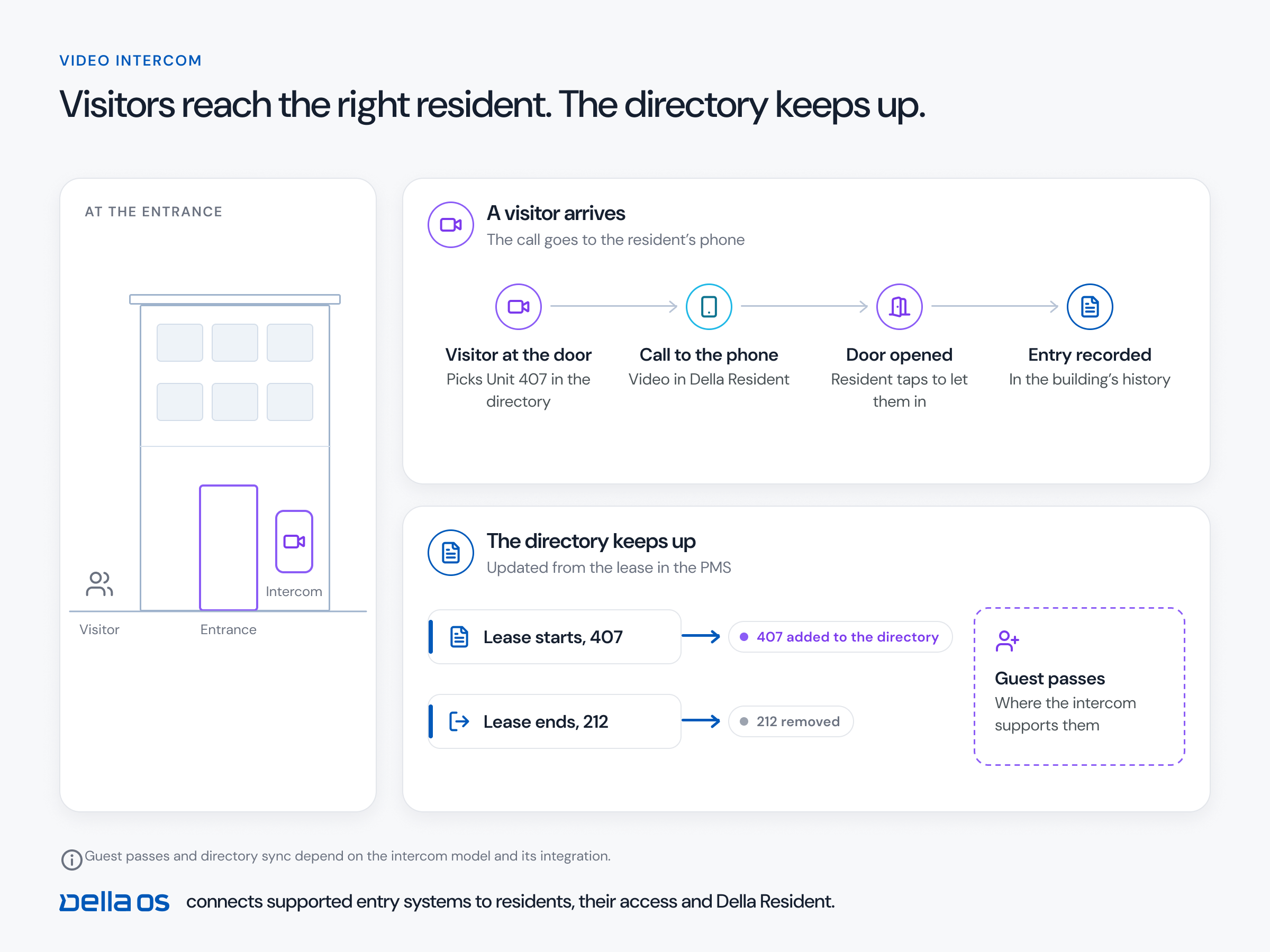
- Move in. A lease becomes active in your PMS for Unit 1103. Does the resident get an invitation, a key, Wi-Fi and services without anyone entering data?
- Transfer. The resident moves from Unit 1103 to Unit 1507. Does access, Wi-Fi and every service move together, on the right date?
- Move out. Does access end everywhere, and does the unit go to vacant settings and turnover?
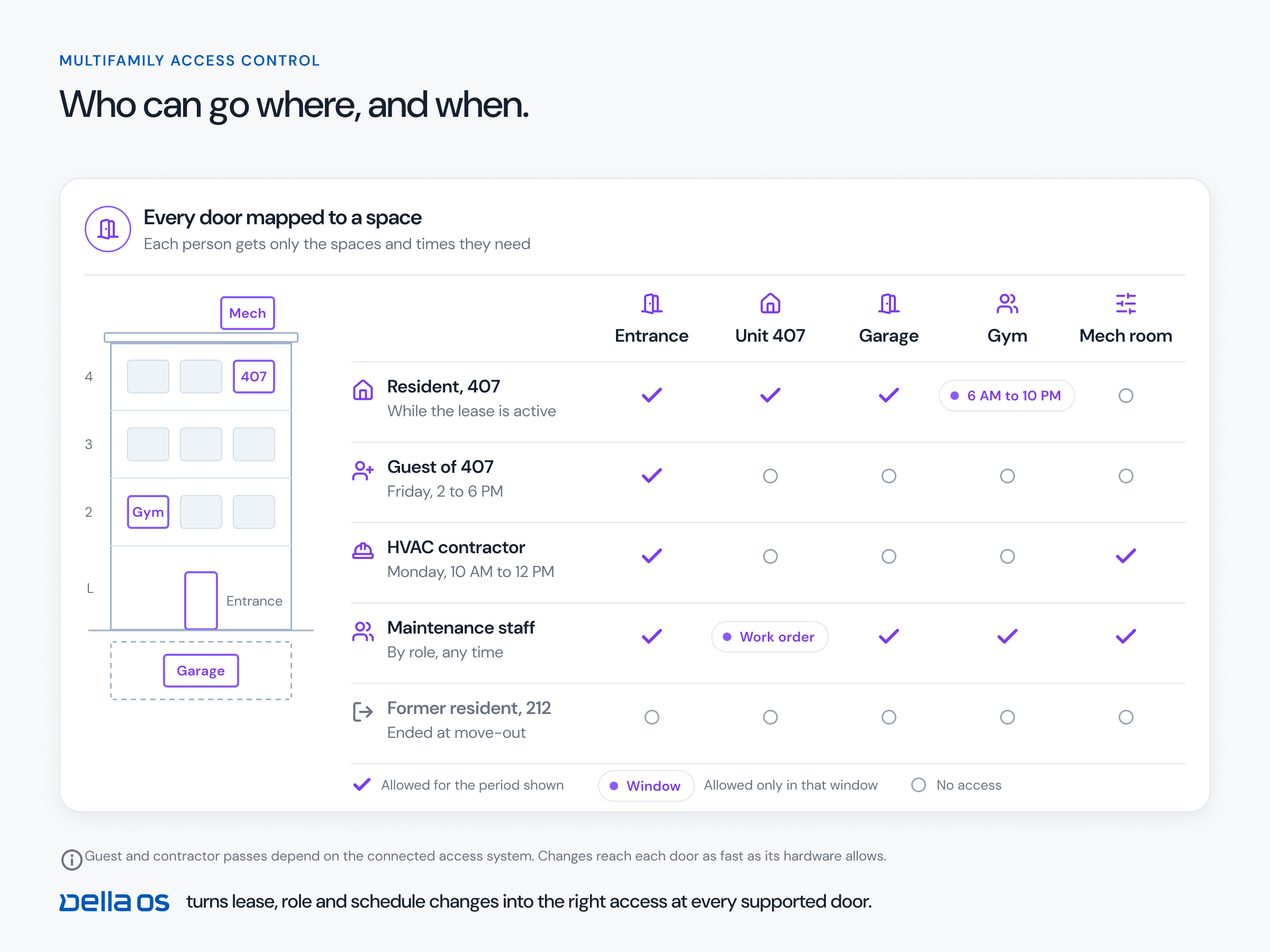
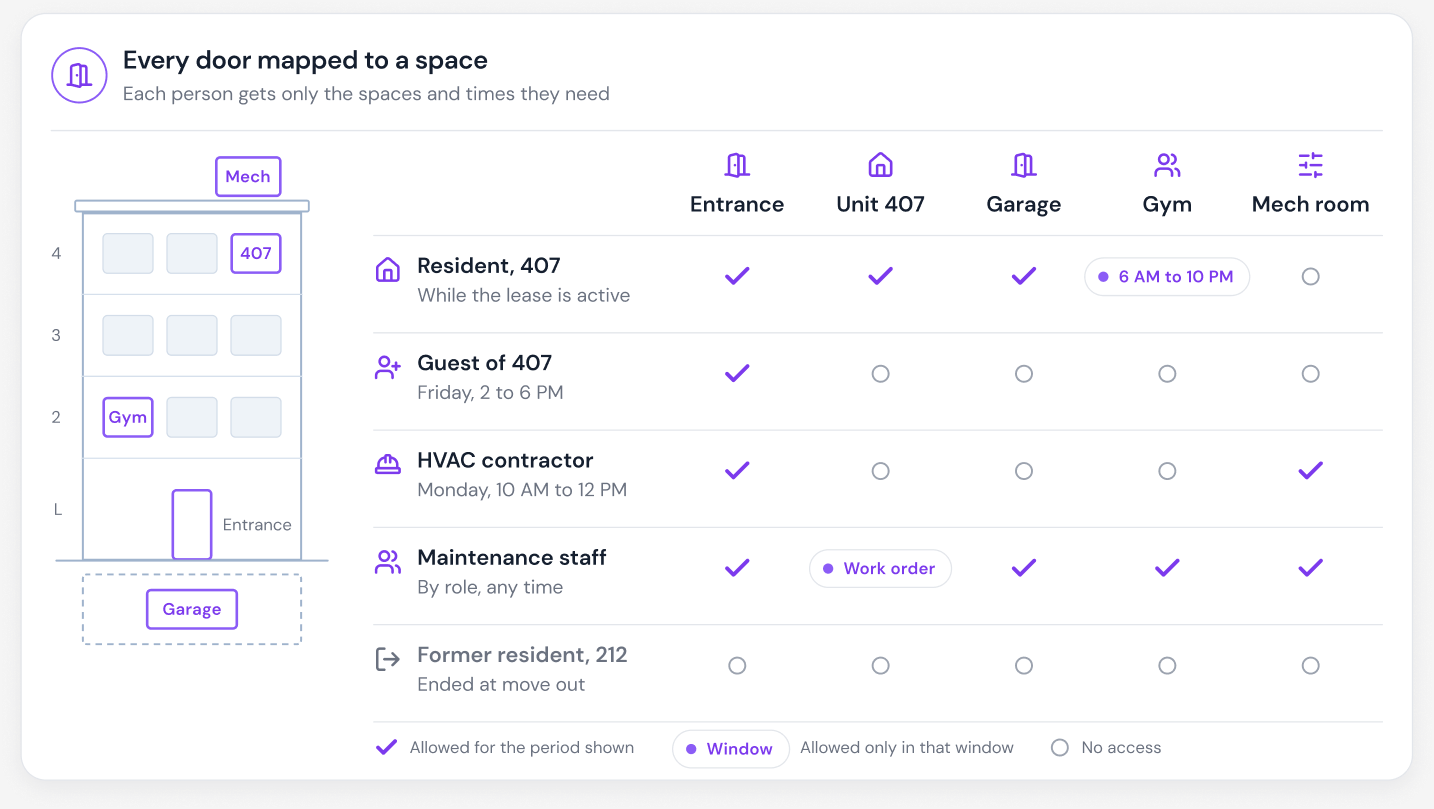
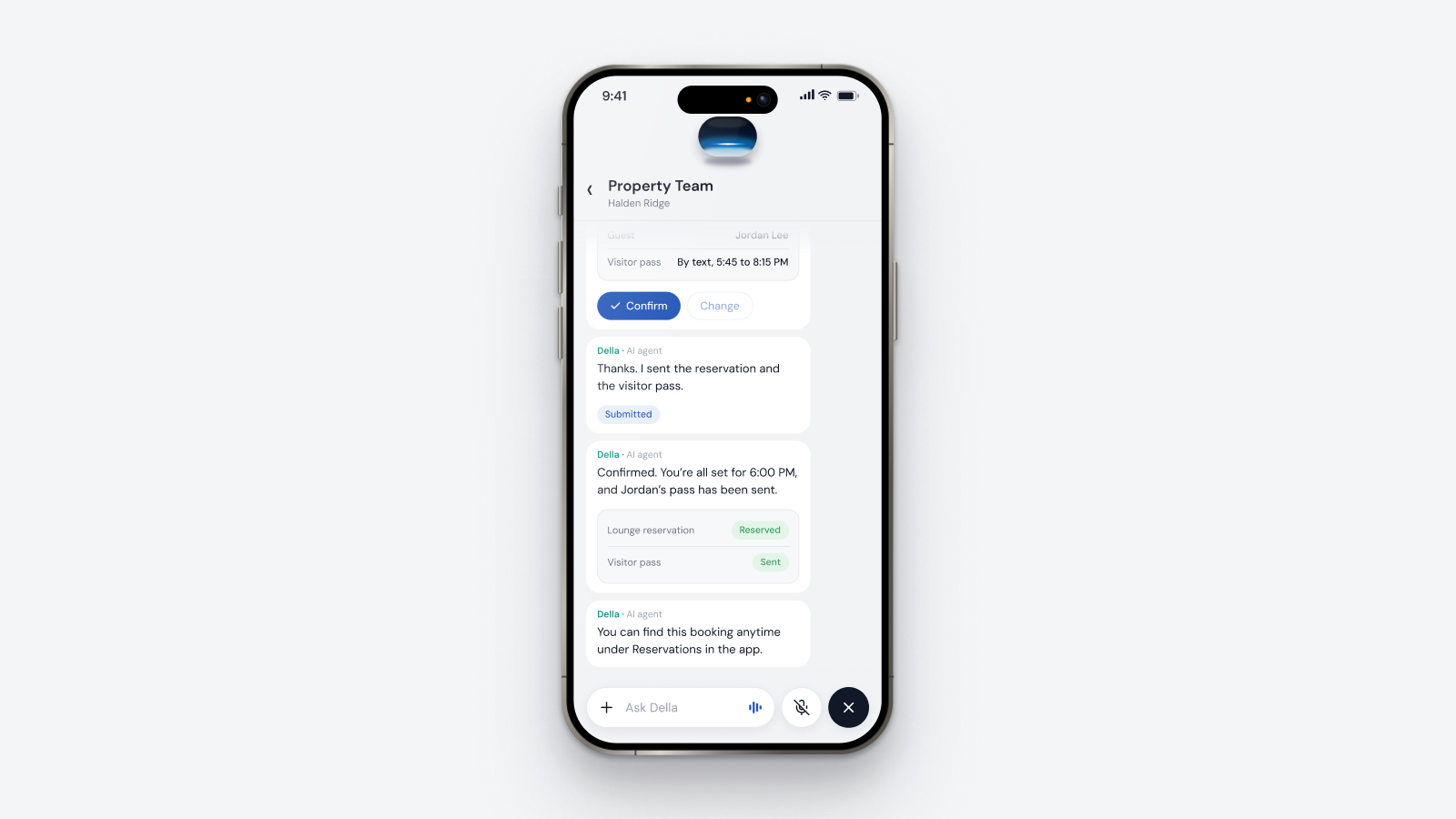
- Guest and delivery. Can a resident create a pass limited to the right doors and times?
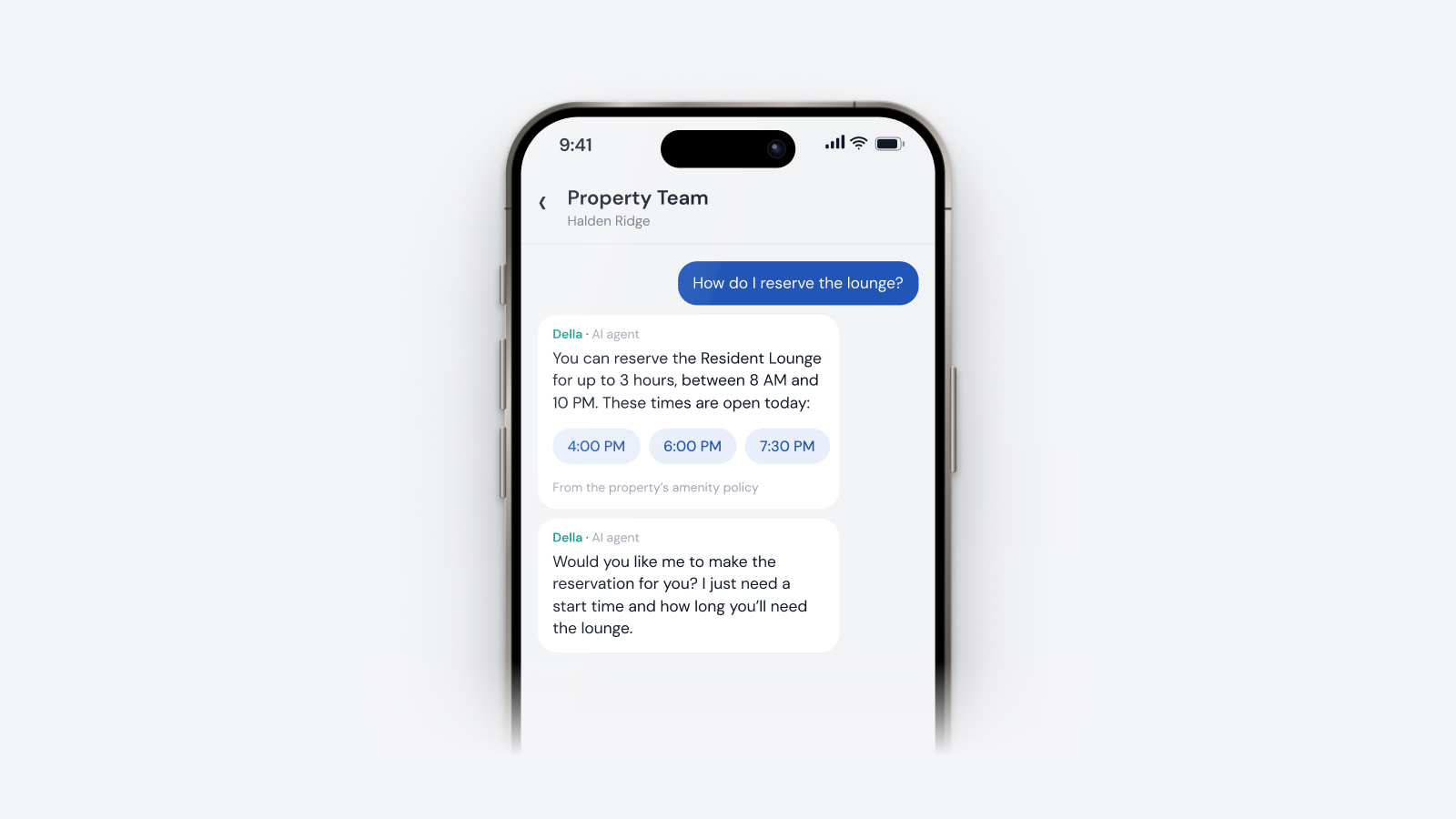
- Amenity booking. Does the door open only during the booking?
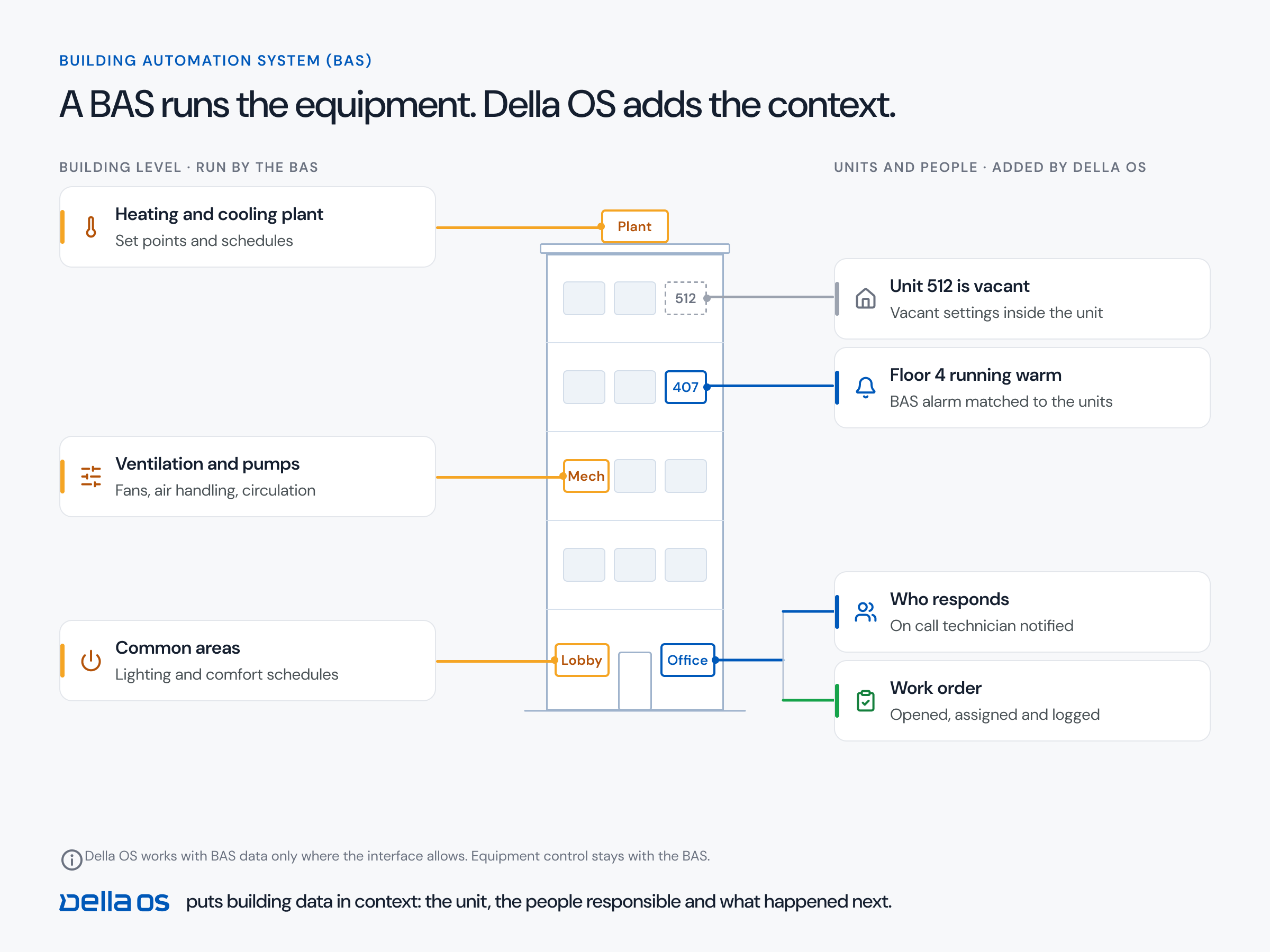
- A leak at night. Who is alerted, in what order, and what happens next?
- A device goes offline. How does the team find out, and what does the resident see?
- Mixed hardware. Two buildings with different lock brands running the same workflow.
Red flags
- The vendor can't change anything during the demo or step off the script.
- "That's on the roadmap" for the workflows you need now.
- A requirement to replace working hardware before anything else happens.
- Account and access changes that still need someone in a portal.
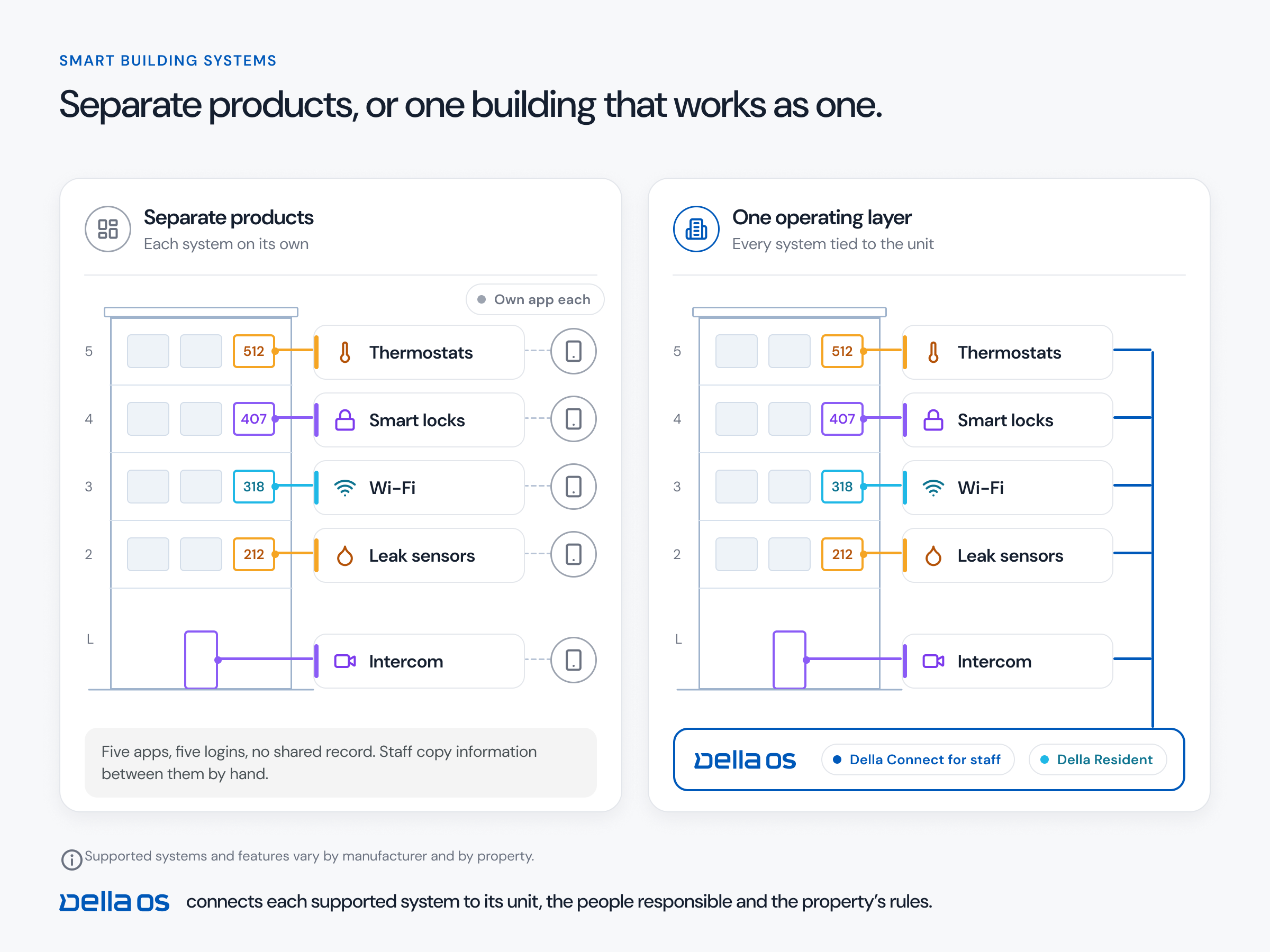
- A separate app or login for each system.
- No clear answer on who installs, who supports and how fast.
How to compare vendors
Score every vendor on the same scenarios, with the same people in the room. For each one note: did it run live, could they build your building, what needed a person, and what would it take at your properties. Ask for a written list of supported models for your hardware and the full cost for each building, including software, any hardware, installation and support.
How to read reviews and references
- Look for operators with a similar portfolio size, PMS and building type.
- Read for patterns: support, rollout experience and what happened after the first year.
- Ask references what still needs manual work and what they'd do differently.
Where Della OS fits
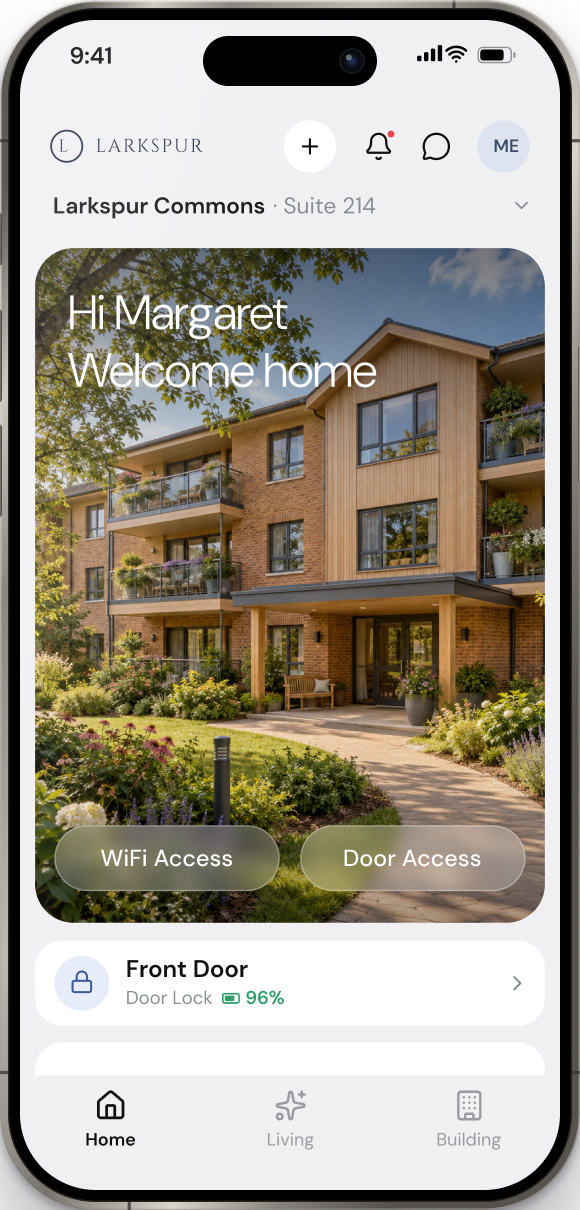
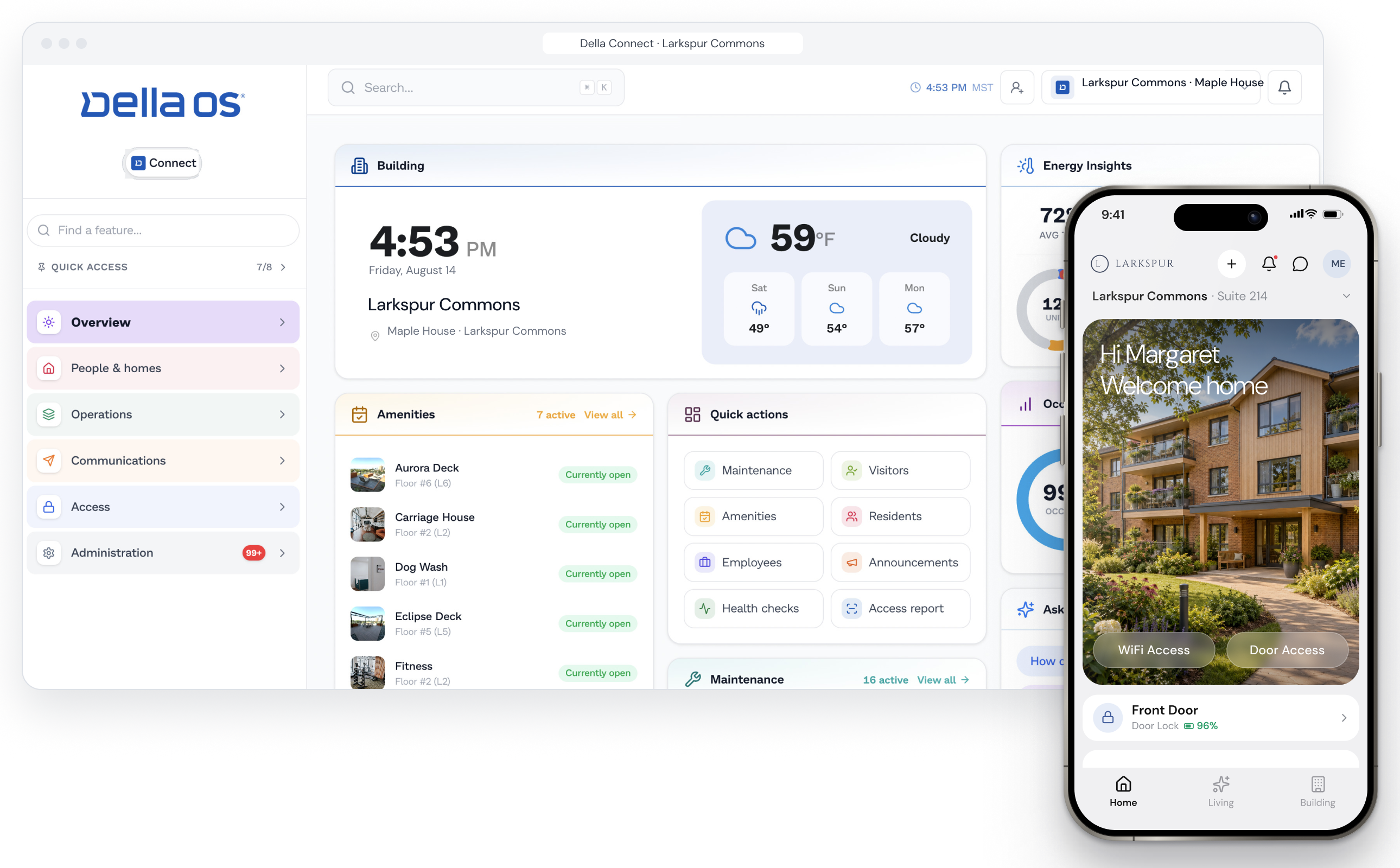
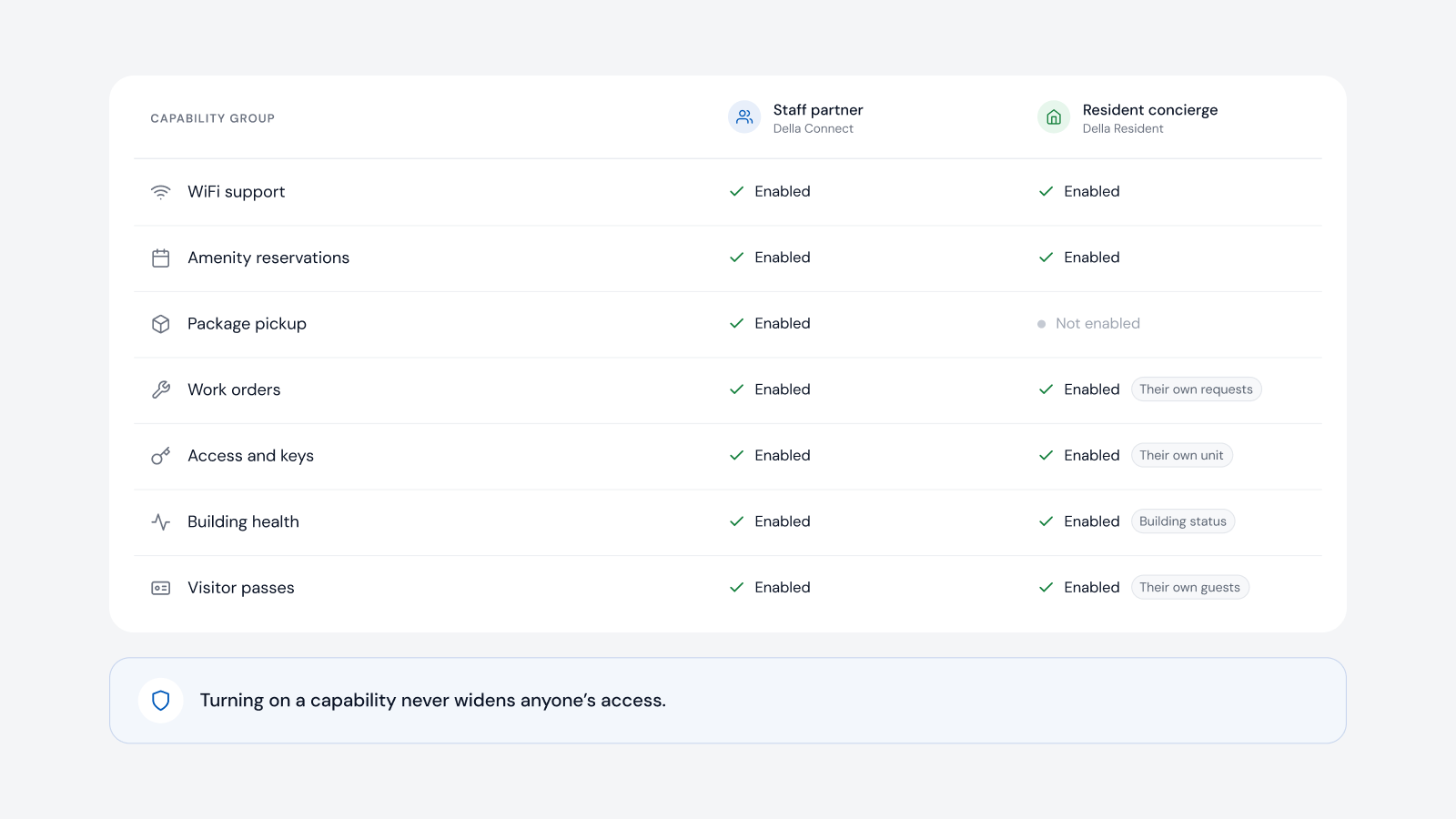
Della OS is the smart building operating system for multifamily and residential properties. Della walkthroughs aren't canned. Because buildings are designed in Mission Control from a guided interview rather than custom built, Della can set up a sandbox version of your building in a few minutes on the call, with your floors, units, doors and amenities, and let you try it for yourself. From there, we run your scenarios live: a lease event from Yardi, Entrata, RealPage, AppFolio or ResMan issuing access, Wi-Fi and services, a transfer, a move out, a guest pass and an amenity booking, in Della Connect for staff and Della Resident for residents. We'll open a single unit and show its devices, temperatures, access and history in real time, and tell you which of your hardware connects today using the compatibility guide.
Frequently asked questions
What should a smart building software demo include?
Your own scenarios run live, a version of your own building built during the call, and a real time look at a single unit, shown in both the staff and resident views.
Can a vendor really build my building during a demo?
A flexible platform can set up a sandbox of your building's basics in minutes. Della does this on walkthrough calls.
How do I compare smart building platforms?
Run the same scenarios with every vendor, score what ran live and what needed a person, and compare a written list of supported models for your hardware and the full cost per building.
What is the biggest red flag in a demo?
A vendor who can't step off the script. If they can't change anything on the call, your rollout is likely to be just as rigid.
Should we run a pilot?
Yes. Pick one property, set measurable goals and a baseline, and decide on the results.
Read how to choose a smart building platform, how Mission Control designs a building and how a rollout works, or book a walkthrough.