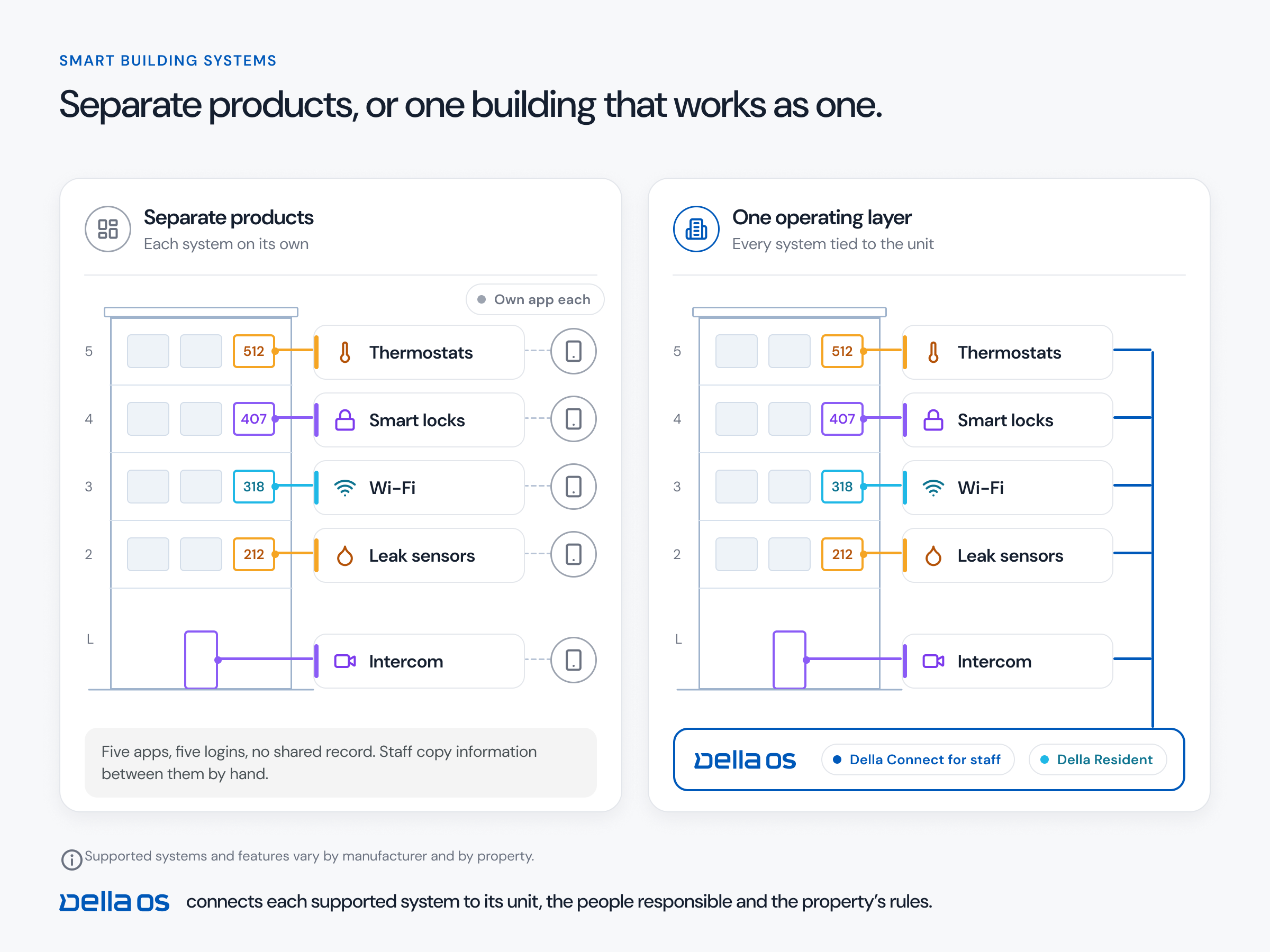
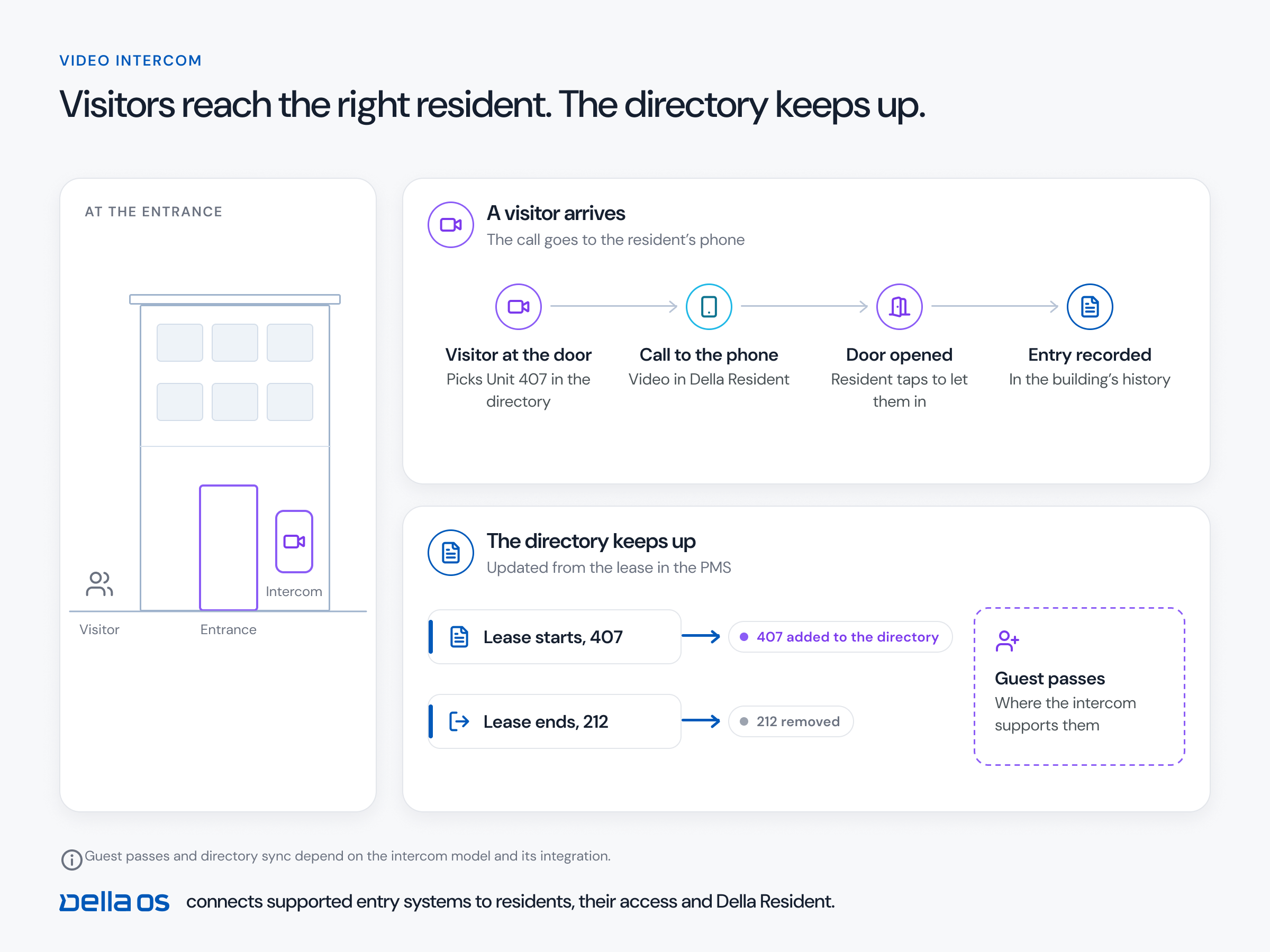
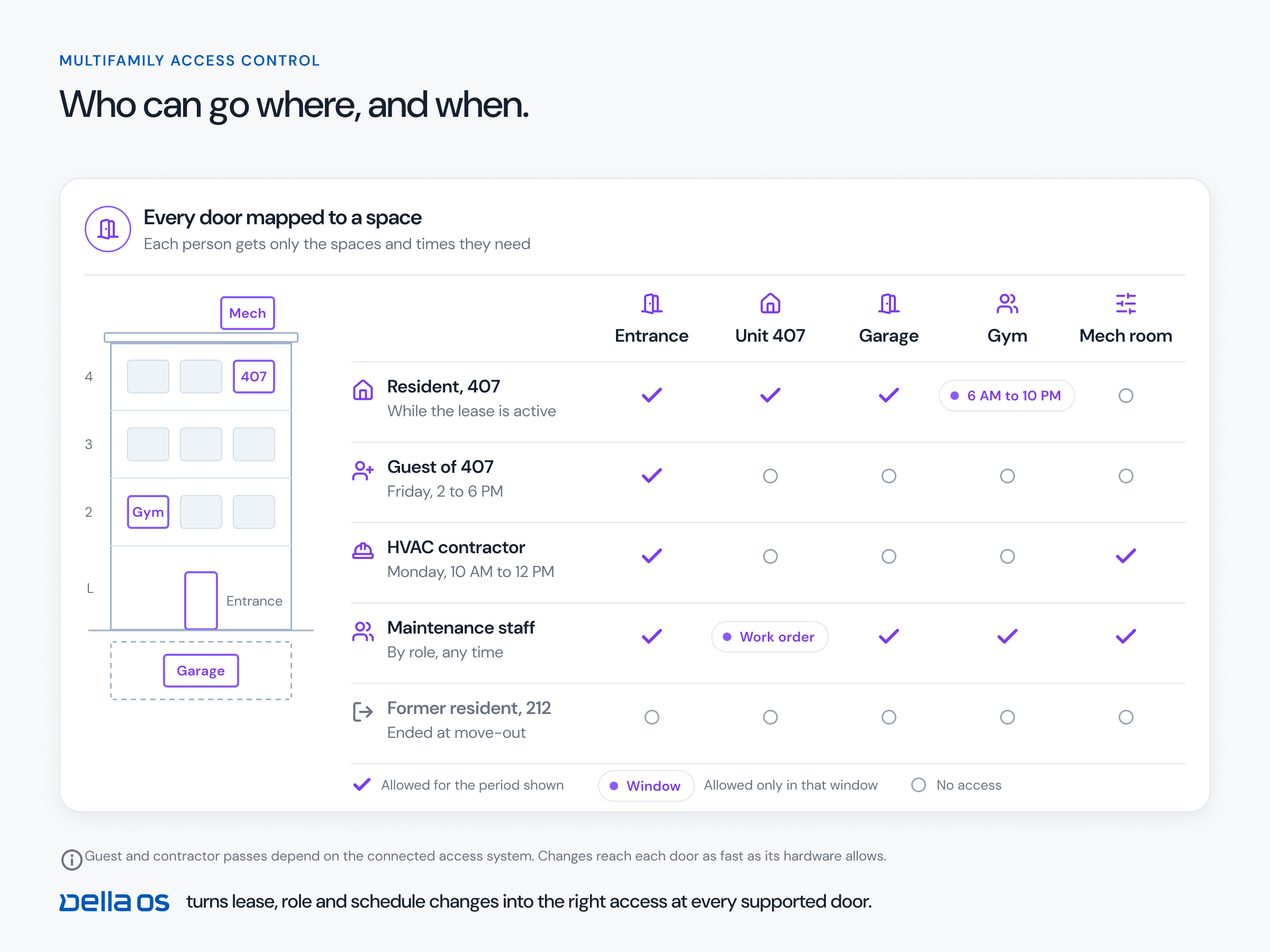
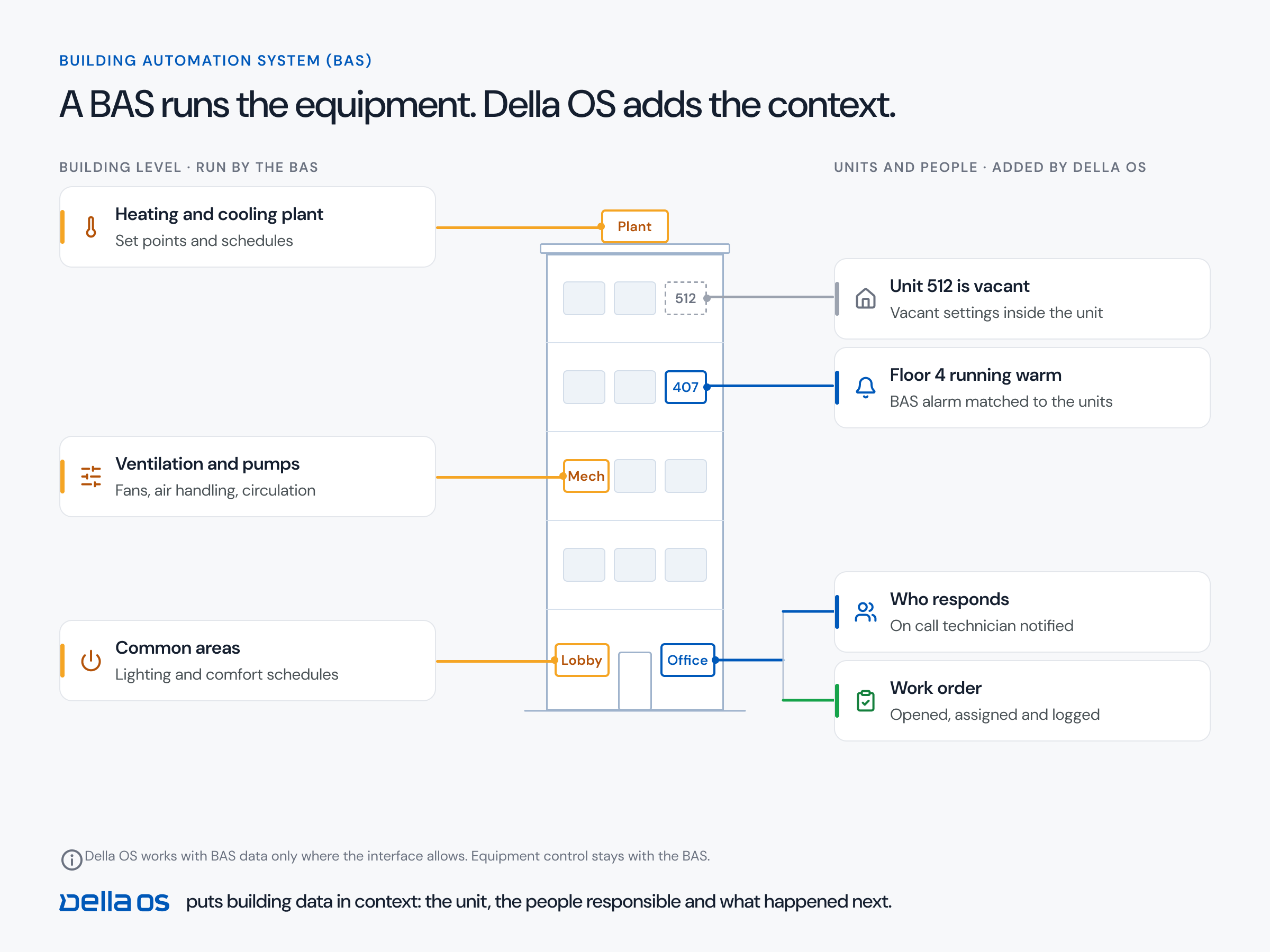
The short answer: mobile credentials turn a resident's phone into their key for the unit, the building entrances and the amenities their lease includes, with wallet keys where the hardware supports them. But the phone is only part of it. What matters most is who controls the lock and how flexibly it fits your workflows: keys that follow the lease, one time codes for self guided tours, timed access for vendors in vacant units, and the freedom to give each resident a phone key, a fob or a code without reprogramming anything. That comes from the operating layer above the lock, not from the lock itself.
Choosing a lock is only half the decision
Owners put real time into choosing a lock: the brand, the finish, the battery life, the price. They seldom think about who can control it, manage it and make it more flexible. A lock is only as useful as the workflows it can be part of. Ask what it will need to do, even if not on day one:
- Self guided tours. Accept a one time code so a prospect can tour a vacant unit on their own, for a set window.
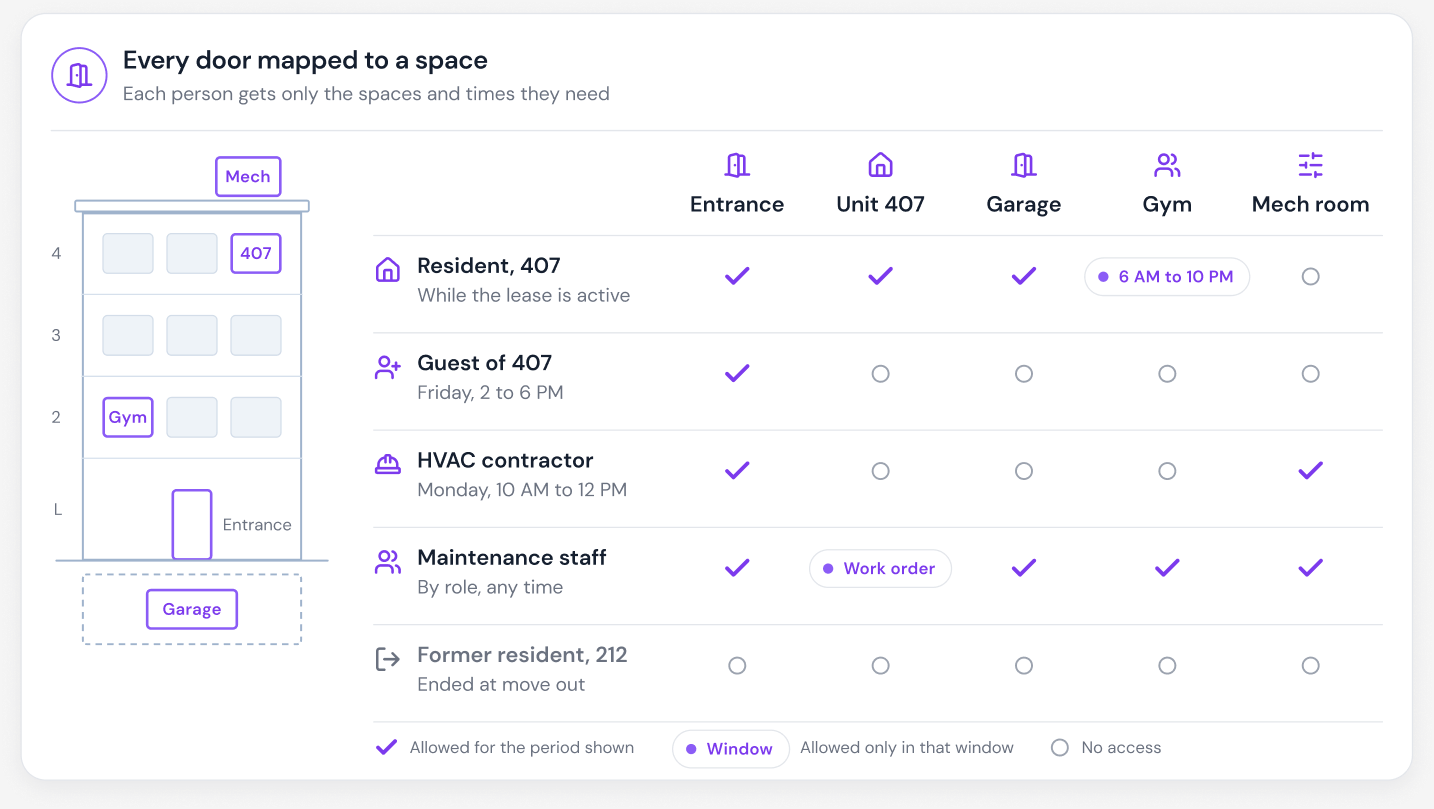
- Vacant unit work. Let the painter, the cleaner or a service vendor in on the right day and time, without handing out keys.
- Move in, transfer and move out. Issue, move and end access automatically when the lease changes.
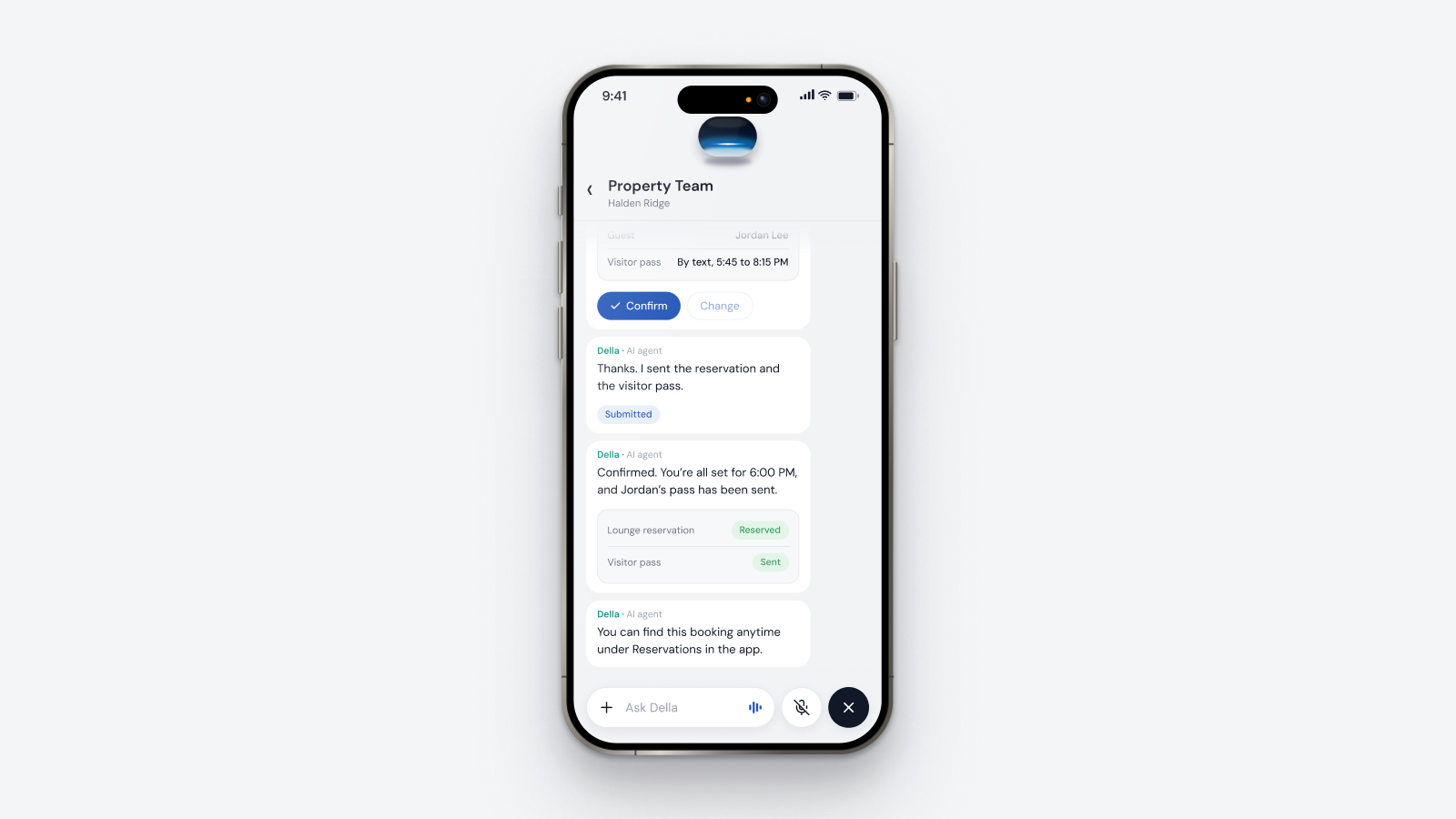
- Guests and deliveries. Passes limited to the right doors and times under the property's rules.
Those workflows don't live in the lock. They live in the system that controls it. Choose the lock and the layer together.
Phone, fob or code: the resident's choice
Residents differ. Some want a phone key or a wallet key, some prefer a fob, and some just want a code. The right setup lets the property offer any of those, per resident, and change it quickly, without reprogramming every lock or waiting on a software company to make the change. With an operating layer in the middle, a credential is just a setting on the resident's profile.
Online and offline locks
Online locks stay connected, so staff can see their status in real time and changes reach them right away. Offline locks store credentials on the lock and keep working without a network, and changes reach them the next time they sync. With a proper layer in the middle, two buildings side by side can run the same lock, one online and one offline, and work the same way: residents use the same app, the same rules apply and the same workflows run. The main difference is whether staff can see each lock's status in real time.
What to check before you choose
- Which of your locks and readers support phone keys, and which support wallet keys.
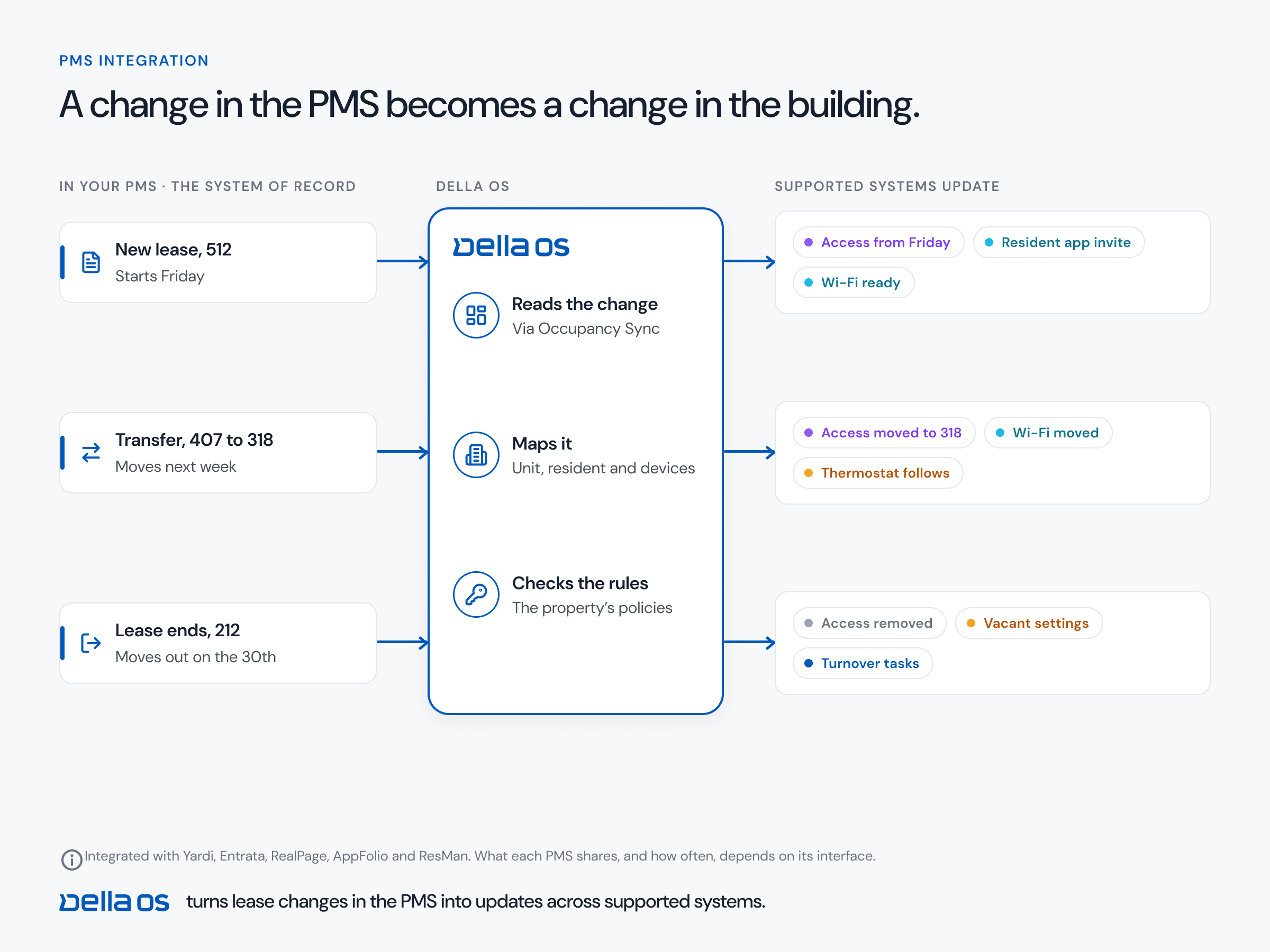
- Whether credentials are issued and removed from the lease in your property management system (PMS), or by hand.
- Whether the lock can handle one time tour codes and timed vendor access through your platform.
- Whether you can switch a resident between phone, fob and code without reprogramming.
- How access is recorded, and who can see the audit trail.
- Whether one app works across every lock brand in your portfolio.
How to roll out mobile credentials, step by step
- Inventory every door. Unit locks, entrances, amenities, garages and elevators, with brand and model.
- Confirm compatibility. Which doors support phone keys and which support wallet keys.
- Connect the PMS. So credentials follow lease events.
- Set the rules. Which doors each resident, guest, vendor and staff role can open, and when.
- Offer the choice. Phone, wallet key, fob or code, set per resident.
- Move residents over. Start with new move ins, then invite current residents.
Where Della OS fits
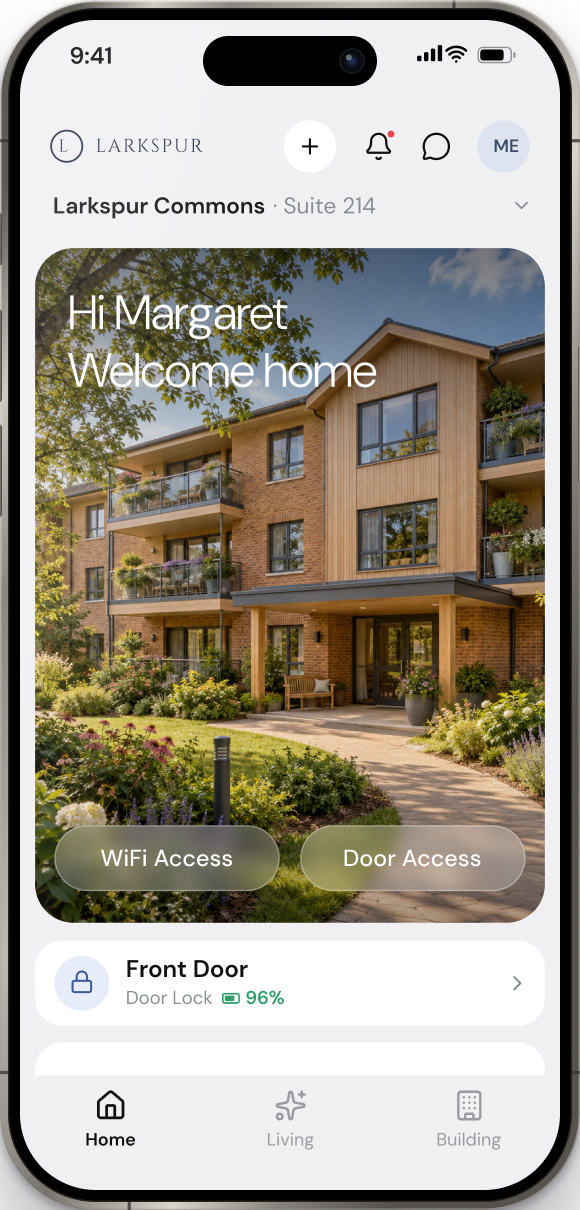
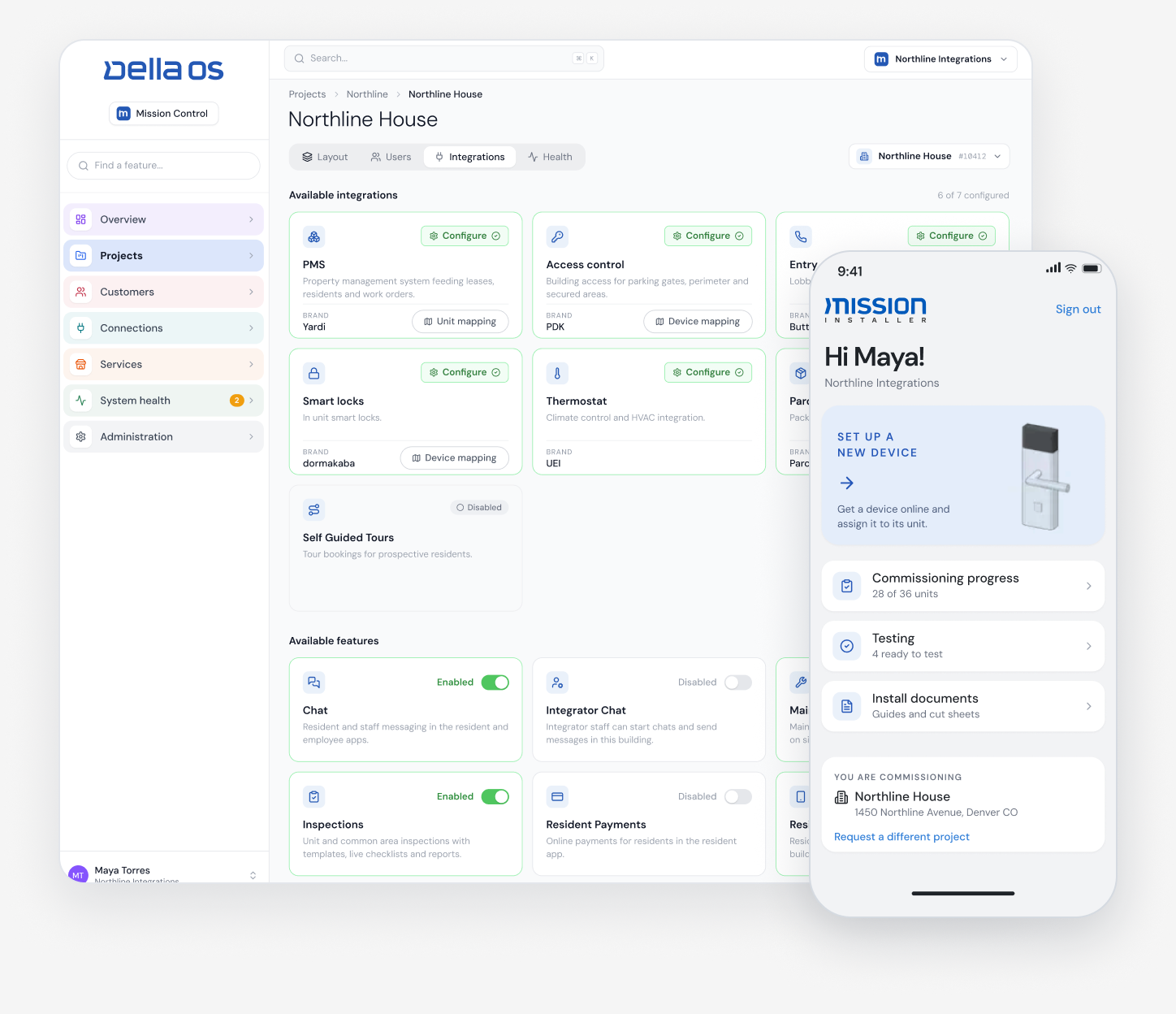
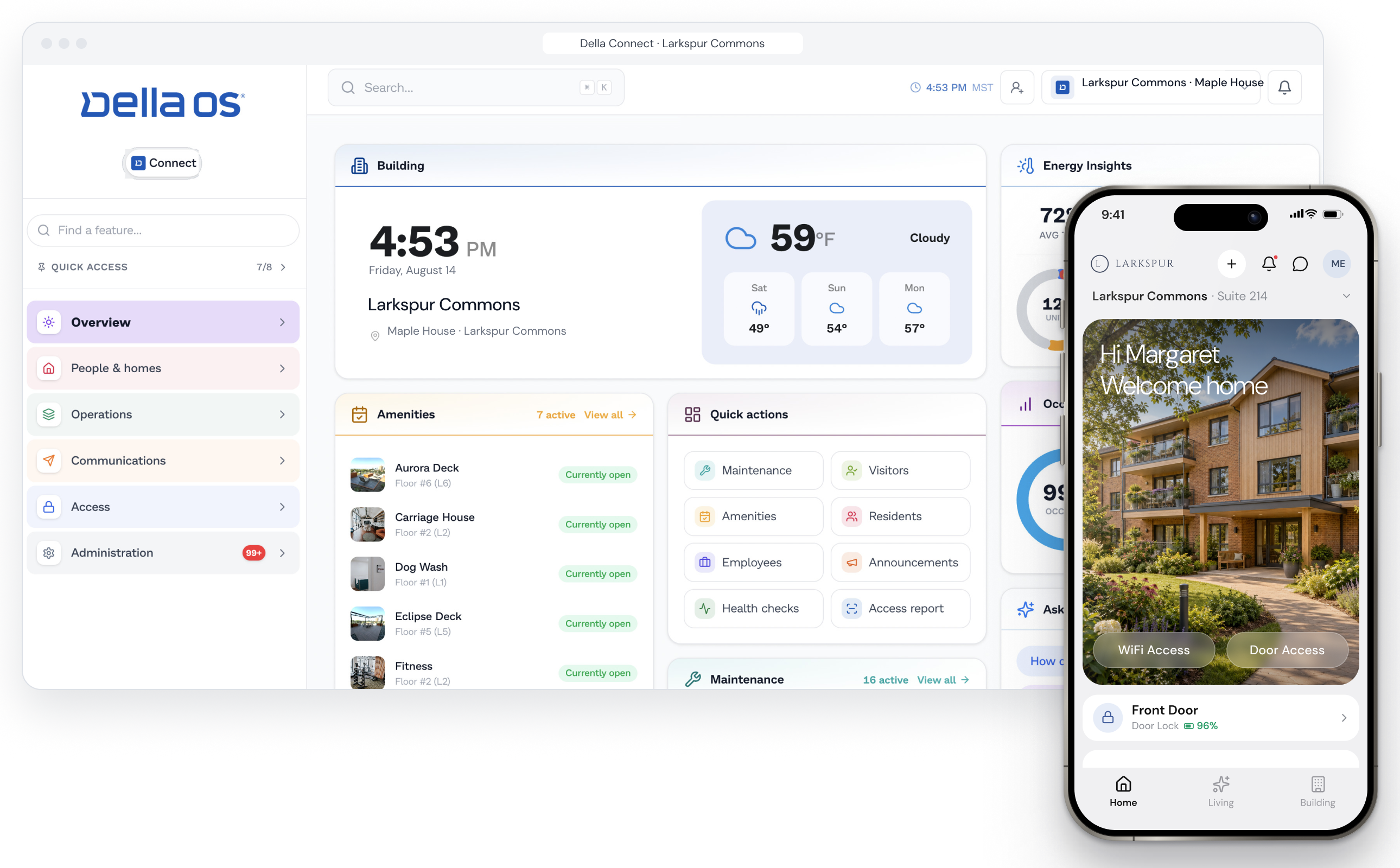
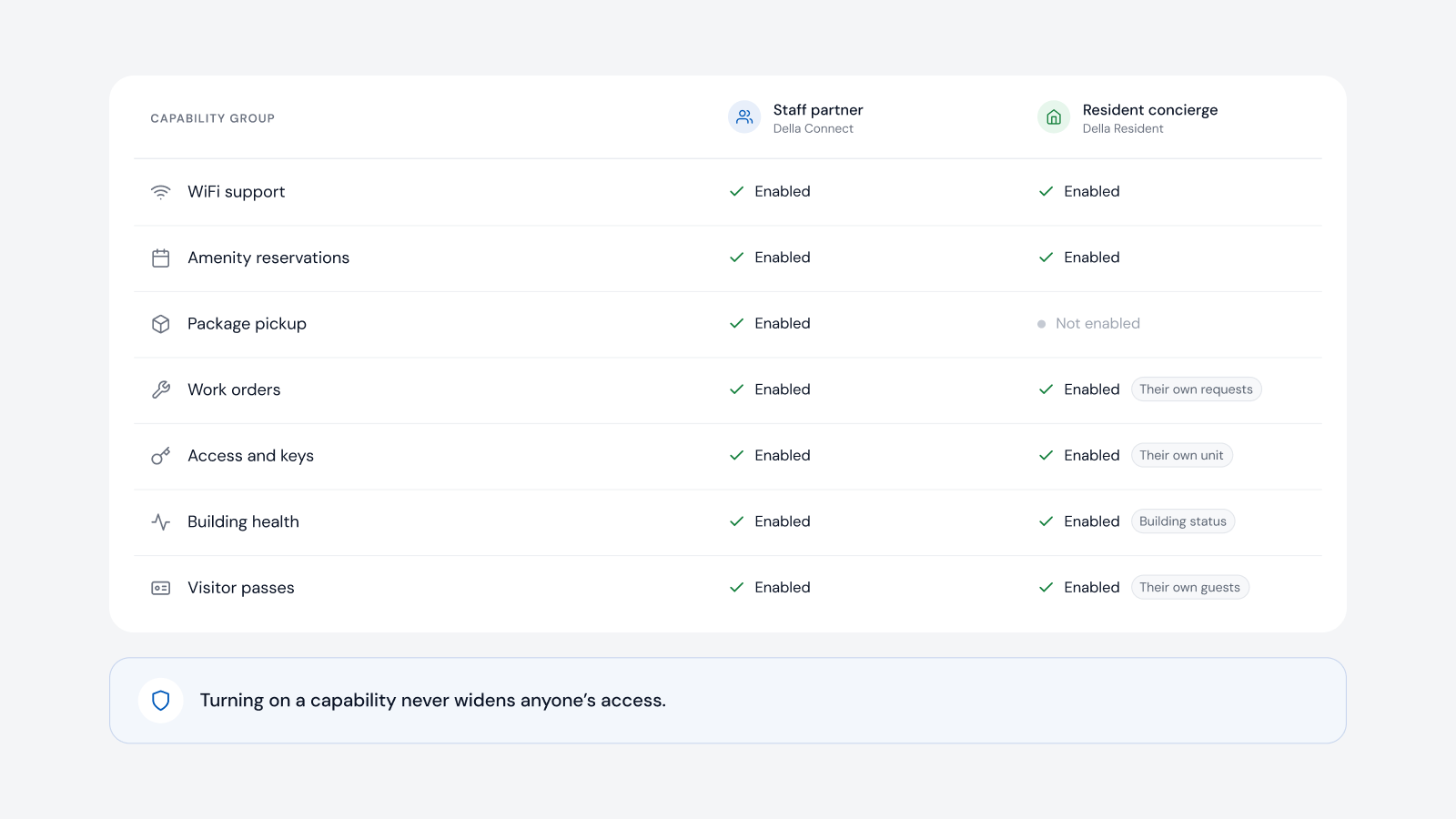
Della OS is the smart building operating system for multifamily and residential properties. Residents sign in to Della Resident once and get access to their unit and the building doors their lease allows, with wallet keys where the locks and readers support them, while residents who prefer a fob or a code can have one set in Della Connect. Because Della OS is connected to the PMS, credentials are issued when the lease starts and removed when it ends. The same platform handles one time codes for self guided tours and timed access for vendors in vacant units, across supported lock and access brands including Salto, dormakaba, Yale, ASSA ABLOY, Kwikset, PDK, Brivo, ICT and others in the compatibility guide. Online and offline locks run the same rules, and locks keep their own logic so doors keep working if a connection is unavailable.
Frequently asked questions
What are mobile credentials?
Digital keys on a resident's phone that open their unit and building doors over Bluetooth or NFC, or with a wallet key where the hardware supports it.
Can residents choose between a phone key, a fob and a code?
Yes, where the lock supports each option. With Della OS, the credential is set per resident and can be changed without reprogramming the lock.
Can smart locks handle self guided tours?
Yes, when the platform can issue one time codes for a set window. Della OS supports self guided tour access on compatible locks.
Do online and offline locks work differently?
With Della OS, they run the same rules and workflows. The main difference is that online locks show their status to staff in real time.
How do mobile credentials follow the lease?
When the platform is connected to the PMS. With Della OS, credentials are issued at the start of the lease, moved at a transfer and removed at move out.
Read what mobile credentials are, the multifamily access control buyer's guide and how to connect your PMS to smart locks, or book a walkthrough.